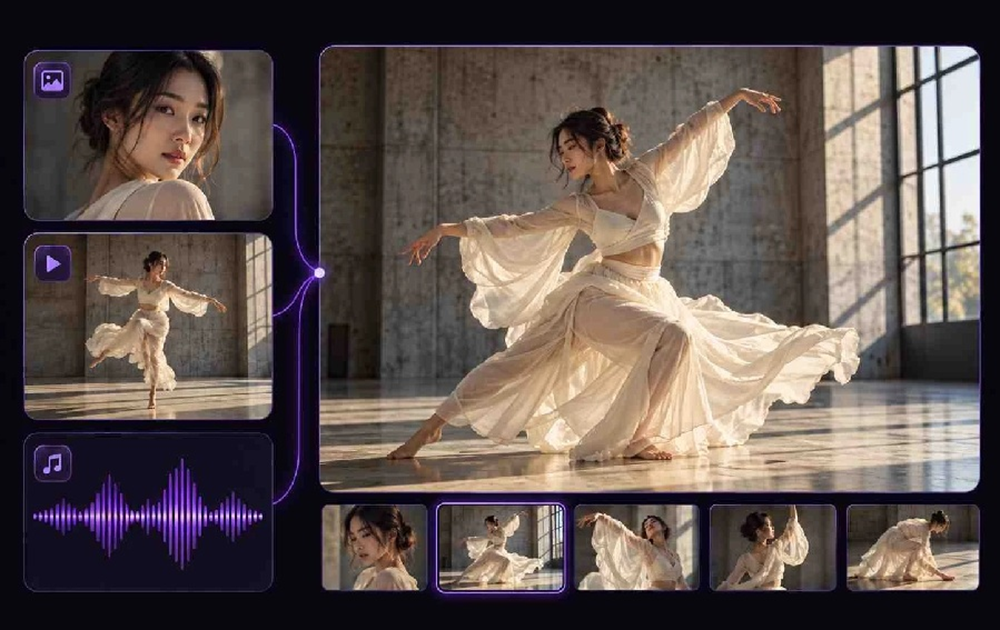
Creating high quality video content often feels like a full time job that requires expensive cameras and months of training. You might spend hours trying to edit a few seconds of footage only to find that the lighting or the movement looks wrong. The Seedance 2.0 AI Video Generator changes this by allowing you to create professional clips using simple text prompts or existing images. It removes the technical barriers that stop most people from sharing their ideas through video.
If you are starting with a blurry photo or a picture that needs a quick fix before you turn it into a video, you might want to use a free AI photo editor no sign-up tool first. Getting your base image right is a smart way to ensure the final video looks clean and professional. Once your image is ready, you can upload it to the AI video tool to bring it to life with realistic motion and cinematic effects.
Real World Scenario 1: Social Media Content Creation
Social media managers and influencers face the constant pressure of posting every single day. If you miss a day, the algorithm might stop showing your content to your followers. Creating a unique video every 24 hours is nearly impossible if you are doing everything manually. This is where AI video generation becomes a vital tool for staying relevant.
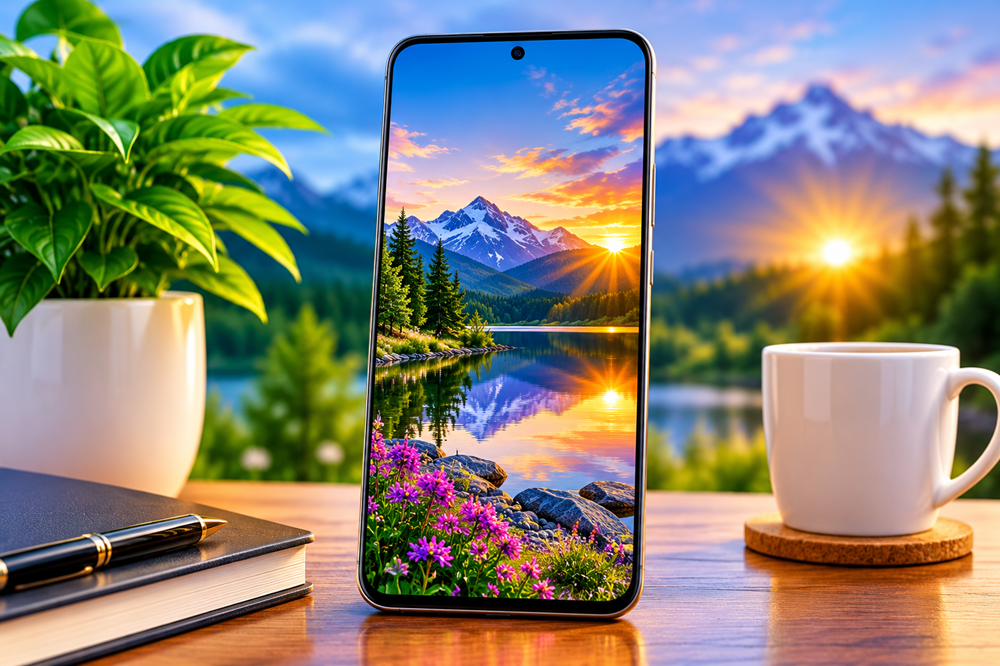
Imagine you are a travel blogger who wants to post a video of a sunset over a mountain range, but you are currently stuck at your desk. You can simply type a description of the scene into the software. You can specify the colors of the sky, the way the wind moves the trees, and the angle of the camera. Within a few minutes, you have a vertical video ready for TikTok or Instagram Reels.
This tool allows you to maintain a consistent posting schedule without needing to be on location every day. You can create a series of videos that follow a specific aesthetic by using similar prompts. This helps your feed look organized and professional, which is key to attracting new followers and keeping the ones you already have.
Real World Scenario 2: E-commerce Product Showcases
Small business owners often struggle with the cost of professional product photography and videography. Hiring a crew to film a thirty second ad can cost thousands of dollars. For a new brand, this budget just does not exist. Seedance 2.0 allows these business owners to create stunning product showcases using only a few still photos of their items.
A jewelry designer can take a clear photo of a ring and use the AI to create a video where the ring rotates slowly under soft lights. The AI understands how light should reflect off the metal and the gemstones. This creates a luxury feel that would normally require a macro lens and a controlled lighting setup. You can then use these clips for Facebook ads or website banners to grab the attention of shoppers.
Using AI for product videos also allows for quick testing. You can create five different versions of an ad with different backgrounds or lighting styles in less than an hour. By running these different versions, you can see which one gets the most clicks. This data driven approach helps small businesses grow faster without wasting money on expensive production that might not even work.
Real World Scenario 3: Educational and Tutorial Content
Teachers and online course creators often need to explain complex ideas that are hard to film in real life. If you are teaching a course about history or science, you might need visuals of ancient cities or microscopic cells. Finding stock footage for these specific topics is either very expensive or impossible because the footage simply does not exist.
With AI video generation, an educator can create a visual representation of a historical event just by describing it. If a teacher wants to show how a specific machine works, they can generate a video that highlights the internal parts moving in sync. This makes the lesson much more engaging for students who learn better through visual aids.
This technology also helps in creating corporate training videos. Instead of filming a live actor, a company can generate a professional looking presenter or a series of instructional scenes. It makes the information easier to digest and much cheaper to produce. You can update the videos quickly if the training material changes, which saves the company from having to re-shoot the entire series.
Benefits per Scenario
Each of these scenarios shows how AI video generation solves specific problems.
For social media users, the biggest benefit is the ability to produce content at scale. You no longer have to worry about running out of footage. The text to video feature allows you to turn any thought into a visual reality. This keeps your audience engaged and helps you grow your brand faster than your competitors who are still filming everything by hand.
For e-commerce sellers, the benefit is the professional look you get for a fraction of the cost. The image to video feature is particularly useful here because it ensures the product looks exactly like the real item. You get the benefits of a professional film studio without the high price tag. This leads to higher conversion rates and more sales for your store.
For educators, the benefit is the clarity of communication. Being able to visualize abstract concepts helps students understand the material better. The custom prompt feature allows you to be very specific about what you want to show. This ensures that the video is accurate and serves the educational purpose of the lesson.
Practical Workflow for Best Results
To get the most out of Seedance 2.0, you should follow a structured workflow. Starting with a clear plan will save you time and prevent you from generating videos that you cannot use.
First, you need to define your prompt. A good prompt is specific and descriptive. Instead of saying “a car driving,” you should say “a vintage red sports car driving along a coastal highway at sunset, cinematic lighting, 4k.” The more detail you provide, the better the AI can match your vision. Think about the mood, the lighting, and the camera movement you want to see.
Second, if you are using the image to video feature, make sure your starting image is high quality. Use a photo with clear subjects and good contrast. The AI uses the details in your photo to decide how things should move. If the photo is blurry, the video will likely look distorted. Taking a moment to edit your photo before uploading it can make a huge difference in the final result.
Third, adjust the settings for motion and duration. Most AI tools allow you to choose how much movement you want in the scene. For a calm landscape, you might want low motion. For an action scene, you would increase the motion setting. You should also decide on the aspect ratio. Use 9:16 for mobile apps like TikTok and 16:9 for YouTube or presentations.
Fourth, review the generated clip and make adjustments. Sometimes the AI might not get it right on the first try. You can tweak your prompt or change the seed number to get a different variation of the same idea. It is often helpful to generate three or four versions and pick the best one. Once you have the perfect clip, you can add music or voiceovers in your favorite editing software.
Conclusion
Seedance 2.0 is a powerful tool for anyone who needs to create video content quickly and affordably. It bridges the gap between having an idea and having a finished product. Whether you are trying to grow a social media following, sell a product, or teach a class, this AI video generator provides the features you need to succeed. By following a clear workflow and using descriptive prompts, you can produce professional videos that capture attention and deliver your message effectively. The future of content creation is here, and it is more accessible than ever before.