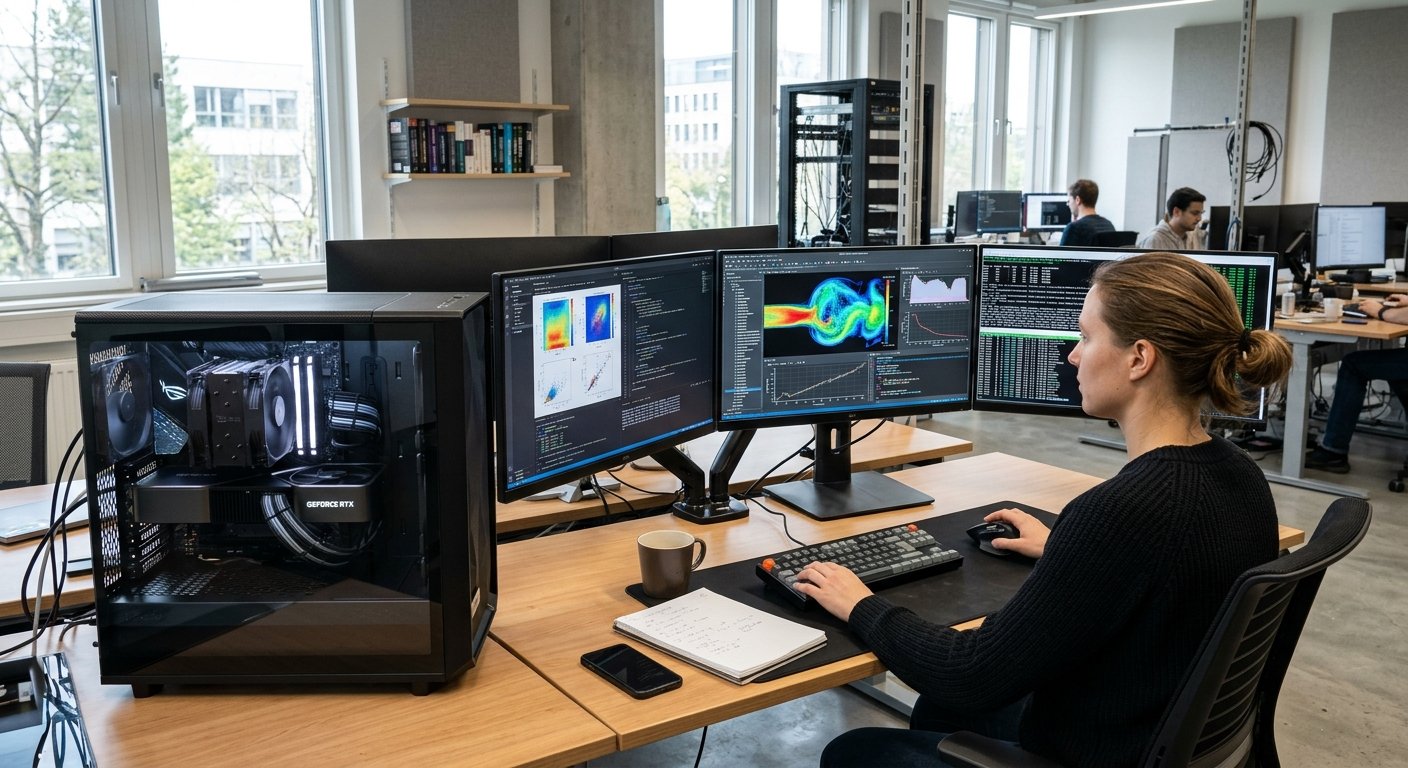
The learning curve of programming can be thrilling, as it empowers novices to develop apps, automate processes, address challenges, and realize their concepts into operational code. Programming however, is a process that involves making errors in programming, particularly in the early stages of programming. An entire program may fail to function correctly due to a small typing mistake, a misplaced symbol, a wrong variable or a misinterpreted instruction. These problems are normal and shouldn’t put off new programmers.
In fact, making and fixing errors is one of the most important aspects to improving as a programmer. Newbies who know about common programming mistakes will be able to spot a problem quicker and won’t repeat the same mistakes. Understanding the syntax errors, logical errors, misusing variables, infinite loops, poor input handling, using incorrect data types and misunderstanding functions will help new programmers build better coding practices and feel more confident in solving programming problems.
Understanding Programming Errors
A programming error is an error in a program that makes it behave in a way that is not intended. Errors can be observed in various parts of writing and executing a program. Errors can be found by the programming language or development environment at compile or run time, or can be hidden until run time, at which point the program may give incorrect results.
The distinction is significant because a successful program is not necessarily a correct program. Beginners often think that there is no error message so their program is correct, but a logical error can only be seen in specific circumstances. Programmers can avoid the “try this, it will fix it” approach to problem solving by knowing what types of errors exist, so that they can choose the correct approach to locating and correcting the error.
Syntax Errors
There are also syntax errors, which are among the common errors that beginners make since programming languages have specific instructions which must be written in a particular way. These rules may require the correct spelling of keywords, correct punctuation, matching brackets, quotation marks, indentation and the proper order of statements. A novice programmer using Python, for instance, could leave a colon after a statement that needs a colon, or may not close a quotation mark.
A lack of a semicolon or an improperly placed bracket in other programming languages can cause the program to not compile or run. On the other hand, syntax errors are typically easier to find than other kinds of errors since the programming environment usually indicates the approximate location of the error. When a beginner sees an error message, they should look at the whole message rather than rewriting a whole block of code, because the error message may contain information useful for figuring out what’s wrong.
How to Get Rid of Syntax Errors
The most effective way to solve a syntax error is to look at the line pointed to by the programming environment and then to look at the line above and/or below it. An error message will often point to the actual error, which may be right next to the line in question. For example, if the closing bracket is not there on one line, the interpreter may complain that the next line makes no sense as he doesn’t know how the previous instruction was closed.
Spelling, punctuation, brackets, quotation marks, indentation, and the structure of statements are important and should be carefully monitored by the beginner. The code can also be highlighted to show matching brackets in the modern code editors, and certain issues can be detected while coding. Do not make multiple changes in one shot, change one suspected error at a time and run the program again. This is a useful way to learn what problem was solved by a particular correction and fosters good programming practices.
Logical Errors
Logical errors do not involve syntax but may cause a program to run correctly but give incorrect output. Logical error is an error in the program which occurs when the instructions are not a correct representation of the solution the programmer was trying to write. The example below is a program that adds together the prices of multiple items, but instead uses subtraction.For instance, a program designed to calculate the total price of multiple items may use subtraction rather than addition, and a condition may be written so as to cause the program to take the wrong branch.
These errors can be especially difficult for beginners as there may be no error message to alert you that there is a mistake. The computer is just executing the instructions as written. In other words, programmers need to compare what they expect the program to do with what it actually does, and determine where their understanding of how the program works differs. Prior knowledge of the algorithm will help avoid logic errors when coding.
How to Correct Logical Errors
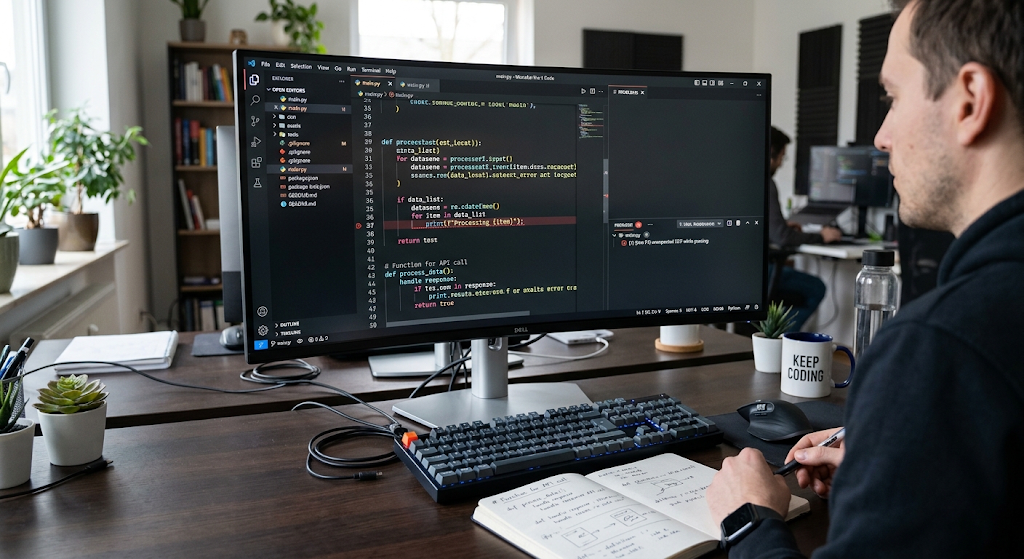
To correct a logical error the reasoning behind the program needs to be analyzed, not just the syntax. A good method is to develop a simple case in which the correct answer is known. The programmer can then proceed through the program one step at a time and determine at which step the behavior actually changes from the expected behavior. It may also be useful to write down expected values of important variables at various points to determine if there are incorrect calculations or conditions.
Programmers should not make multiple changes to multiple parts of the program at once, as this will make it hard to trace the multiple changes to the result. It is better to take a systematic approach: know what it is supposed to do, reproduce the problem, find the wrong step, make one change and then run the program again. The process is one that transforms debugging from a trial-and-error exercise into a methodical problem-solving process.
Incorrect Variable Usage
Variables are essential to programming, as they allow for the storage and manipulation of information. Beginners, however, often use the variable incorrectly by putting the wrong value in the variable, by using inconsistent names, by changing the value of a variable without realizing, or by trying to use a variable before they assign a suitable value to it. Another very common one is mixing up two variables with the same name, particularly in larger programs.
For instance, if you have a variable named total_price, but then use the variable name price_total, this may not have the same information. One way to minimize these issues for beginners is to select a good choice of variable names and then use a consistent naming style. It’s also crucial to realize that a variable can change its value during the execution of the program. Programs are easier to understand, test and debug if they can keep track of when and why values are changing.
Infinite Loops
While loops offer an efficient way to repeat instructions in a program, loops can be a big problem if they are terminated by a wrong condition. A loop that does not terminate because the loop condition is not met will create an infinite loop.A loop that does not terminate as the loop condition never becomes false or because the value to end the loop is never changed correctly will create an infinite loop. This is a common problem for people who are new to programming and want to use a while loop.
For instance, suppose the counter is to be incremented with each repetition of the loop, but the programmer does not remember to increment the counter; the loop can then execute infinitely. Programs may look “frozen” or may waste processing time, if they contain infinite loops. Programmers need to know three key factors before designing a loop: the initial condition, the condition that continues to make the loop run, and the condition that will make the loop terminate.
To Prevent and Correct Infinite Loops
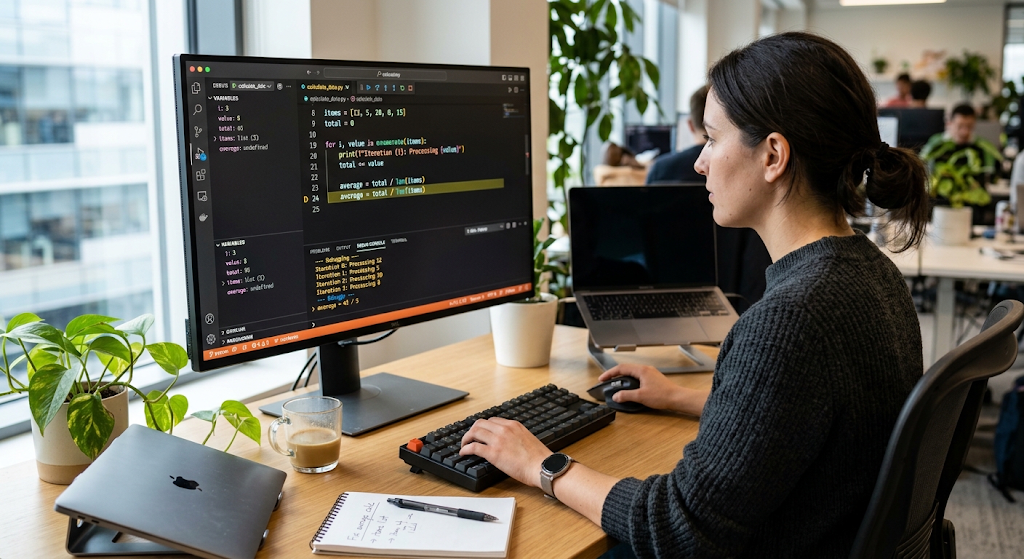
If it is suspected that there is an infinite loop, look at the condition and the variables that are used to control the loop. Inquire if the condition would ever be false, and if the relevant variable would change in each iteration. For a program to display the value of the variable on each iteration of the loop, a programmer can easily add output statements temporarily. This allows us to determine if the value is approaching the desired stopping value.
It’s also a good idea to use a debugger and set a breakpoint in the loop to look at the program at every pass of the loop. If a collection is supposed to be processed, then programmers should also check to see that the loop is moving from one item to the next properly. Many problems will be avoided if the conditions for starting and stopping the loop are clearly understood and specified before the code is written.
Poor Input Handling
Programs often depend on information provided by users, from a file, or from another program. Sometimes beginners think that they will always be given input in the form they expect, but when unexpected input is provided, the programs will fail. A program that is expecting a number could get text, and a program that is expecting a specific option could get something different. Good input-handling involves understanding that the data from outside the program will not necessarily be in the format the program expects.
Need to validate key inputs, give instructions, and deal with invalid inputs in an appropriate manner. A good application should respond clearly, and should provide the user with the chance to correct the information, if the information he enters is unexpected, rather than simply crashing. Validating input will make the program more reliable and user friendly.
Incorrect Data Types
Data types specify the type of data that a variable holds, such as integer, float, string, boolean or collections. One issue beginners may run into is that they might think their data types can be used interchangeably or compared directly without converting them. A number typed by someone could be stored as text if the programmer wanted to do a mathematical operation. In some programming languages, adding a literal number directly to an integer will cause an error when trying to add a string with a number.
Another issue is if a programmer accidentally changes data to the wrong type and discards vital data. Programmers can easily foresee the behaviour of the operations with the knowledge of data types. When dealing with input, calculations, comparisons or functions, the beginner needs to always think about what kind of value is being fed into the function and what kind is the next function expecting to get.
Misunderstanding Functions
Programmers can structure code into a block of statements which perform specific actions, using functions. Beginners are often confused about passing information to functions, the output of functions and how variables relate to functions. One of the most frequent errors that students make is that they mix up a function definition and a function call. Defining a function is where the instructions are stored and calling a function is where the instructions are executed.
It also can be easy to forget to include arguments, to include arguments in the wrong order, or to assume that a function changes the value of a variable outside of it. Another common misconception is related to return values. A function may perform some calculation but not display the result and a returned value may require to be assigned to a variable or to be passed to another operation. Understanding the role of parameters, arguments, return values, and scope of variables simplifies the function usage greatly.
The Correct Way to Use Functions
A beginner should first determine what kind of information a function is looking for and what it does and what it returns when called. You can answer these questions prior to use of the function by reading the documentation or looking at the definition. It is also a good idea for programmers to test functions using simple values to ensure that the outcome will be what they expect.
If a function returns an unexpected value, look at the arguments being fed into the function and then look at the instructions within the function. Divide large functions into smaller, more narrow functions, which can also aid in locating errors. The functions should make sense and be easy to describe. This simplifies the code to be easier to read, and aids the programmer in isolating problems rather than examining the whole application at once.
Debugging Techniques
The following are some of the fundamental techniques that a beginner should learn as a debugging technique.
The process of locating, identifying and fixing errors in a program is known as debugging. Don’t be fatalistic about debugging; think of it more as a part of programming, rather than a sign of being a bad programmer. Programmers have various handy debugging tools to assist them in systematically analyzing a problem. A simple method is to use print or output statements to print or output variable values at informative points in a program. One method is to use a debugger, a program that can stop program execution, print values of the variables, and step through the instructions. Breakpoints are set at points where the programmer may want the program to stop. It is also important to read the error messages, since these messages can be used to determine the type of problem and give information about where the problem occurred. These tools, along with thoughtful reasoning, are part of the effective debugger’s arsenal.
Reading and Understanding Error Messages
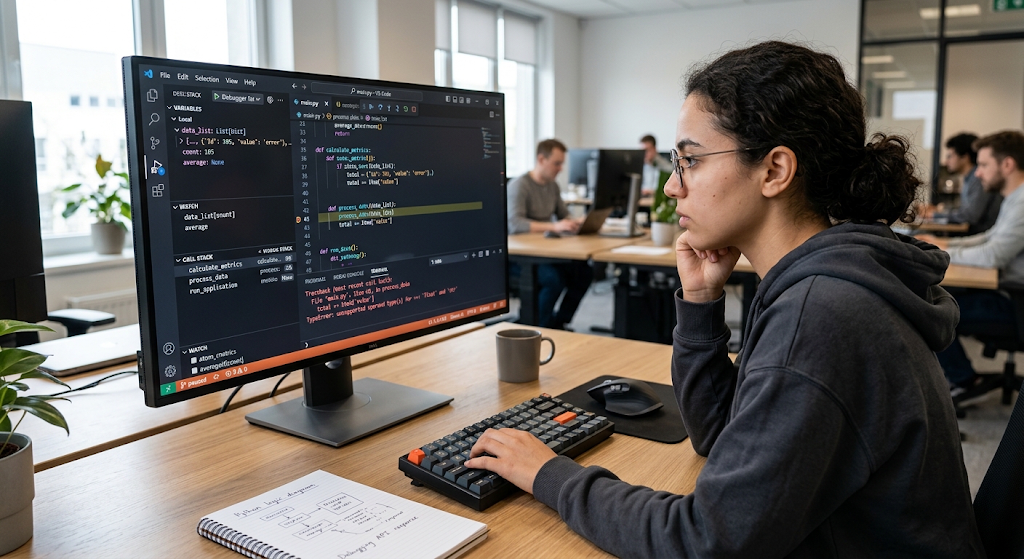
When you are new to it, error messages may be confusing, particularly if you have to deal with technical jargon that you don’t understand. These messages are valuable sources of information, however. A lot of error messages will provide you with the type of error, the location where the error was discovered, and sometimes a description of what went wrong. It is important for beginners to read the message slowly and carefully, not just the line that is highlighted.
It’s also helpful to know the top technical words in the message and their definitions. If the error message is not known, then programs can refer to trustworthy documentation or educational material to interpret the error message. It is not just about getting the message to go away. A programmer should be able to explain why the error has occurred and why the error correction addressed the problem. This method helps to develop understanding that will be useful for other similar problems in the future.
Code Tracing
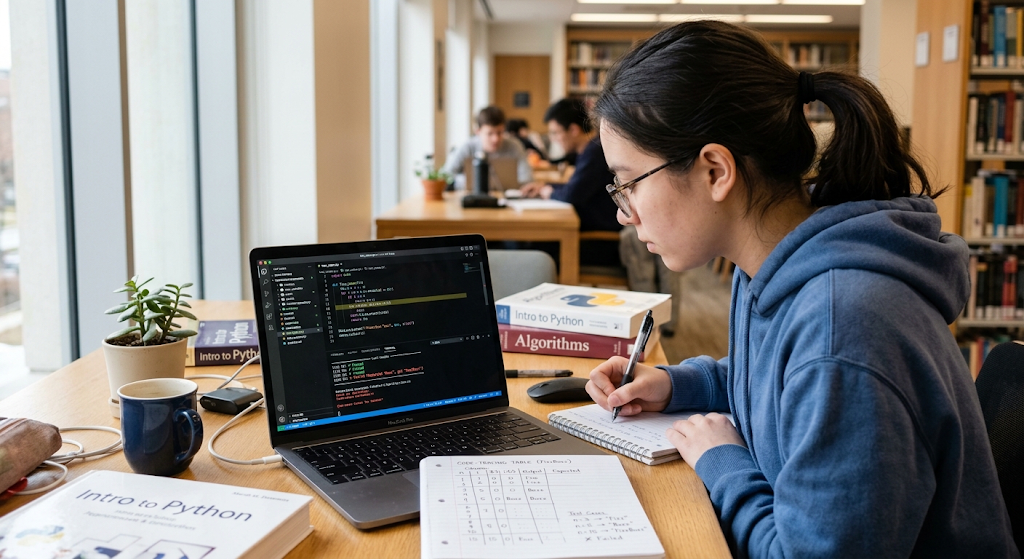
Another technique that aids in the detection of programming errors is code tracing. This is a process of tracking the execution of a program without directly using the program’s debugging facilities, or with the aid of a debugging tool, and observing the value of certain program variables and conditions. Newcomers can have a basic table that includes a variable, the values for that variable, and the current execution stage. For instance, if a loop is being traced, each time the counter changes value the programmer can note the value of the counter, and whether the loop condition is met or not.
While following a conditional statement, it is known by the programmer whether the condition is being tested or what branch to follow. The code tracing is particularly helpful with logical errors, as it allows one to see where the program is behaving unlike what the programmer intended. The reasoning skills acquired in tracing are valuable and grow increasingly so in more sophisticated programs, and tracing is a time-consuming process.
Testing Strategies
When programming, the programmer can test his/her program to determine if it is operating correctly in various scenarios. Beginners should not test the simplest/easiest input. Normal, unusual cases, boundary values, and invalid input (where applicable) should all be included in a good testing strategy. For instance, if a program is supposed to accept numbers ranging from one to one hundred, testing one, one hundred, zero, and some number greater than one hundred can alert one to any problems that a normal test might not find.
It is also a good idea for programmers to experiment with various branches of the conditional statements and various conditions of loops and functions. As a project gets larger, it can be easier to perform repetitive checking tasks using automated tests. Testing should be done during development; not just at the end of it. It is easier to find a small problem in the early stages of the program than at a later time when other parts of the program rely on the problem code.
A Systematic Problem Solving Method
If it doesn’t work, novices tend to make individual modifications to random lines until something seems to work. This can pose more issues and it’s challenging to decipher the root cause. A systematic method is more reliable. The first step is to understand exactly what the program is meant to accomplish. Then, duplicate the problem to ensure the behavior is repeated repeatedly. Next, collect data by reading error messages, viewing values of variables, stepping through the code and verifying inputs.
Then make a particular guess as to the cause of the problem. Run the program again, with the smallest reasonable change of the input that tests the hypothesis. If it doesn’t go away, think again about the evidence and formulate another hypothesis. Lastly, run the corrected program on a few different cases to see that the solution is correct for other cases besides the original case. This approach involves making decisions based on evidence and reasoning to solve problems: a skill that is taught to the programmer.
How Beginners Can Minimize Coding Mistakes
While it is impossible to avoid making mistakes, it is possible to minimize the number of mistakes by programming well from the start. It is much easier to write small pieces of code and test them often, than to write a big program, and test everything at once. It’s also helpful to have descriptive variable names, consistent formatting, helpful comments and well organized functions that make errors more apparent. Documentation is important for every beginner to learn programming languages and libraries; there are many rules and features.
Another level of security is offered by version control, which tracks changes and ensures that programmers can go back to a previous version if necessary. Most of all, beginning students need to be at ease with the idea of asking why something didn’t work. In place of an error being a problem, they can see it as a clue to the way the program works and a means by which they can alter their understanding.
Conclusion
While programming errors are inevitable in learning to program, it is easier to handle when beginners understand the cause of such errors and have a systematic approach to solving them. Syntax errors typically involve a rule-breaking in the language; and logical errors are those in which the logic of the program does not produce the desired output. Programs can also behave unexpectedly due to incorrect use of variables, infinite loops, poor input handling, using inappropriate data types, and misunderstandings about functions.
The knowledge of how to read error messages, trace code, experiment with various inputs, examine values of variables, and use systematic debugging methods can significantly enhance the programmer’s efficiency at locating problems. The key to programming is to know that it is possible to make mistakes, but only the successful programmer does not. They are people who learn how to examine errors, to grasp their source, make repairs with care, and consequently, to compose better programs in the future.