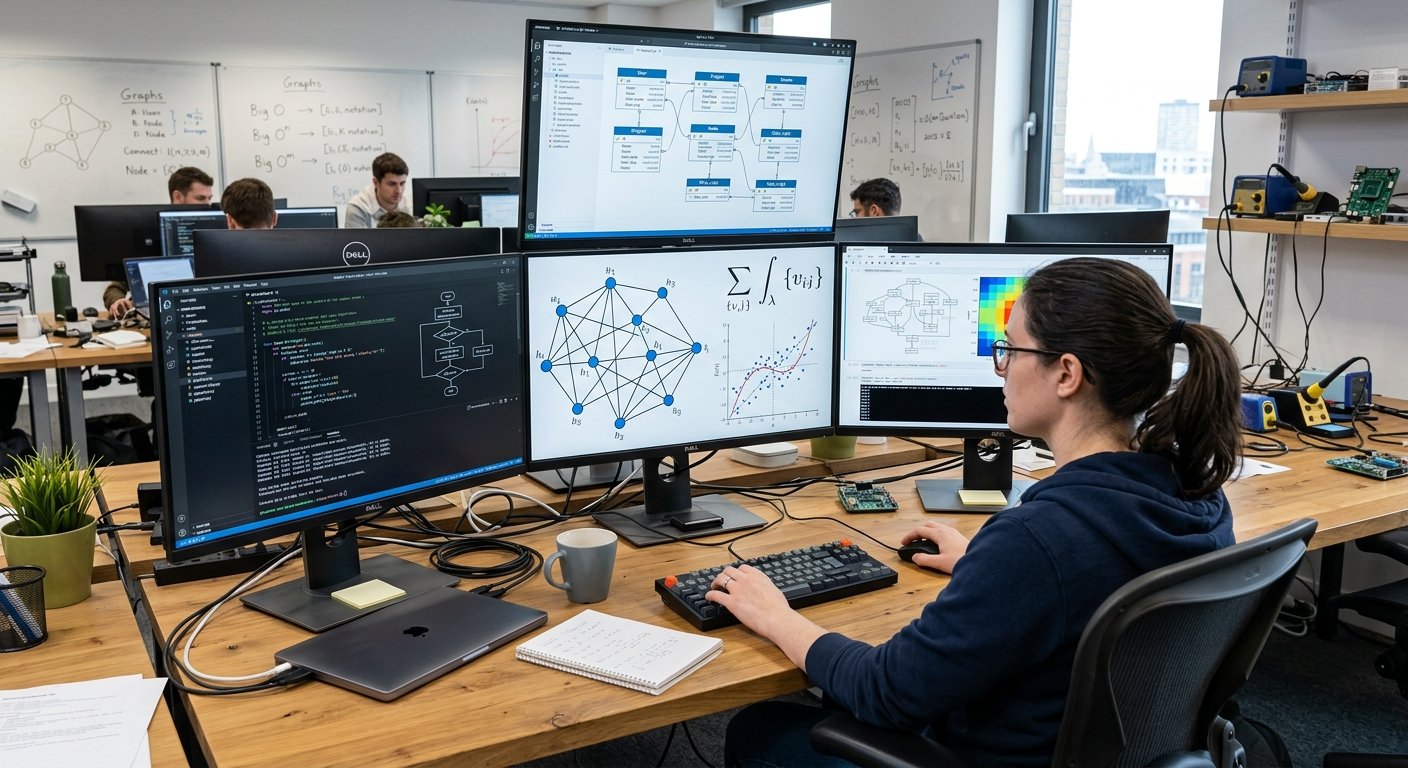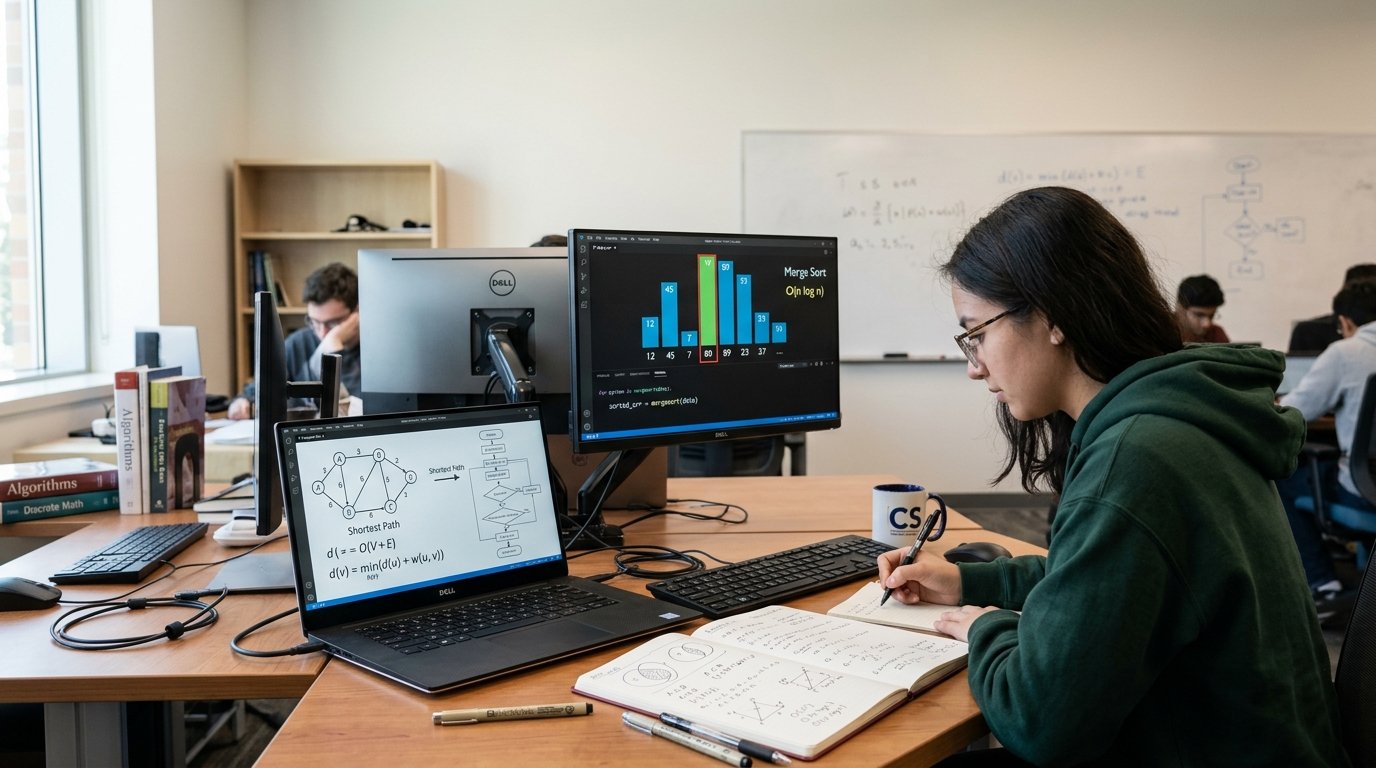
Programming a computer is one of the most useful skills to acquire and use because you can make ideas into functional digital products. Rather than learning programming concepts like variables, functions, loops, and conditional statements, students may learn how to use these concepts to develop projects to address daily problems. The simplest logic can be taught using a calculator, and a to-do list can be used to help with data storage and interaction with the user. Once you become better at your craft, you can progress to websites, mobile apps, automation, games, dashboards, business systems, and application programming interfaces (APIs). Every project allows you to practice problem-solving skills and develops a product that can demonstrate your skills to teachers, employers, clients, or others developing projects.
With the integration of databases, web technologies, cloud services, AI and external APIs, the scope opens up significantly. A beginner doesn’t need to begin with creating a complicated commercial application. A better idea is to start small and work up into larger projects as you learn more. The emphasis of this project-based approach is to link programming theory with practical outcome. It also provides you with a portfolio of work to present that shows you can do something instead of just saying that you’ve taken programming classes. From software developer to web developer, data analyst, automation specialist or technology entrepreneur, there are ways to gain experience from learning programming.Practical projects can help you take your first steps from learning programming to using it in your work, regardless of your job title.
Projects that can be Built with Computer Programming
Construction is vital because programming is a much easier concept to grasp when programming to solve real life problems. While learning about variables may help you understand how information is stored, building a calculator helps you to understand the importance of variables. The concept of loops can be difficult to grasp until you use one to perform tasks in a list or to display records. Projects also help you understand how various concepts of programming are interrelated. Typically, a real application will have more than one feature, thus you will need to incorporate the use of variables, functions, conditions, loops, data structures, error handling, and user interfaces all within the same project. These requirements are designed to help novice learners to start thinking logically and learn how to divide a big problem into smaller and manageable ones.
Projects also demonstrate measurable progress. Once a project is complete, you can examine the project they created, look for problems, and enhance the application. For instance, a simple calculator can eventually become capable of doing more mathematical operations, process invalid values, store calculation history, and have a more refined user interface. This technique can be used for nearly all projects. An application that is an introduction can be developed into an intermediate project by adding more functionality to it, and an intermediate may be a more sophisticated portfolio piece by improving the design, security, testing, and integration. This incremental approach to programming practice allows it to be more meaningful since each additional feature adds a unique technical problem.
Beginner Programming Project Ideas
1. Build a Calculator
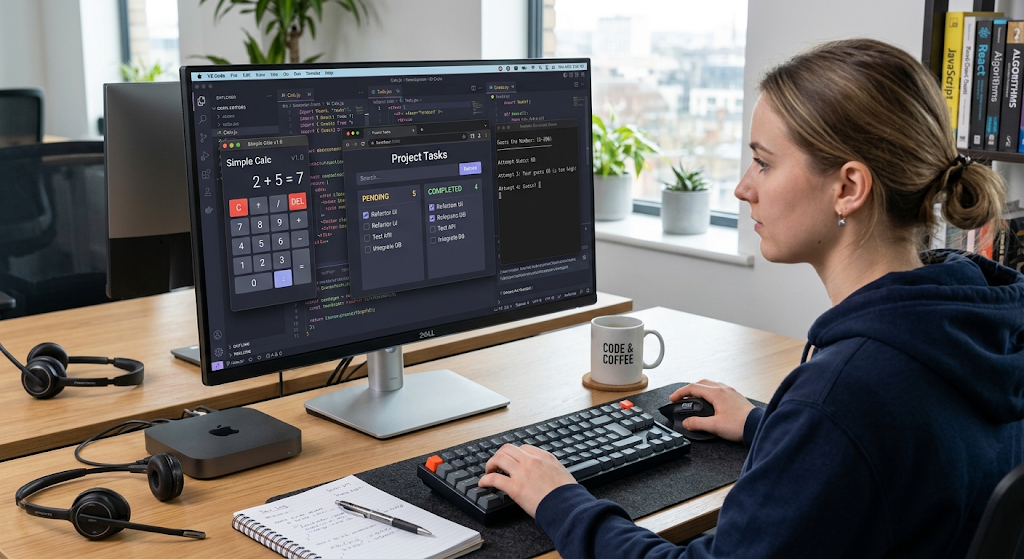
One of the best places to start programming is to write a calculator, as it teaches a number of basic programming principles without a tremendous amount of code. Using a basic calculator, the user can input two numbers and choose an operation to be performed on them, e.g., addition, subtraction, multiplication, or division. It can only be built using variables for storing values, conditional statements to decide which operation should be executed and functions to arrange the calculation.
It’s also possible to add input validation so that the program can react to user input if it’s not a number or if the user tries something that isn’t supported. Extending the project with a graphical calculator will involve the use of buttons, a display area, keyboard support, and also a record of earlier calculations.
2. To-Do List as well.
Another useful project is a “to-do” list as it will help beginners to learn how applications handle a set of information. The basic version can be used to add tasks, see tasks and mark tasks as done and delete tasks. After basic functionality is complete, you can enhance this by adding categories, deadlines, priorities, search, filtering, and persistent storage.
The ability to save tasks in a file or a database also adds another crucial programming concept – how to preserve information once the application has been closed. A to-do application can thus be developed into a full-fledged application, graphical or web-based. It is also a good project to use as an example of how the user’s actions impact stored data.
3. Create and play a Number Guessing Game
A number guessing game is a simple way to practice programming logic, as well as create something interactive. The program can randomly number and prompt the player to guess the number. Once the player has made a guess, the program can communicate to the player if the guess was too high or too low, and repeat the guess until the correct answer is reached.
Changing to allow for a number of attempts, varying levels of difficulty, scoring, a timer, or a leaderboard can make the project more challenging. This is a project to practice variables, loops, conditions, random number generation and user input for beginners. Most importantly, it shows that a program can be used to experience as well as to process information.
Intermediate Programming Project Ideas

4. Create a Personal Website
It’s a great project to understand how programming and web technologies can be combined and work together on a personal website. A simple site may consist of an introduction, skills, education, projects, contact section and links to relevant profiles. The content can be organized using HTML, the appearance can be controlled by CSS and interactive features can be added in JavaScript.
A static portfolio is good for beginners, and then add navigation menus, forms, animations, theme switching, image galleries or dynamic project sections. Constructing a website isn’t just about coding; it is additionally about organization, testing pages on other browsers, creating the site responsive, and considering how users interact with digital interfaces. An “all finished” portfolio web page can then be a component of the programmer’s own portfolio.
5. Create Mobile Applications
Another avenue to do the same is to develop mobile applications that users can access on their mobile devices. There are quite a few applications available that are relatively specific, like a note taker, study planner, expense tracker, recipe organizer, weather application, or a habit tracker. As skills are gained, use a database, authentication, notification, location, and online application connections.
Beginners can also use the information about mobile applications to gain a more comprehensive insight into the software development process of mobile software. The fact that a mobile project requires you to design an application that must function well on a smaller screen, and be intuitive to touch-friendly interaction, makes it an excellent choice for practicing user-interface design.
6. Create an Automation Tool
Tasks can be automated in programming that would otherwise be done manually, saving time. A novice may develop a program to organize files into folders, rename sets of files, make reports from a spreadsheet, convert files from one format to another, or process a set of text files. Automation projects help programmers to consider the workflow – what information must be inputted into the system, what steps should be taken, and what should be the output from the system.
For more advanced automation, multiple services can be connected, or automation can be scheduled. Projects created with these operations should contain safeguards so that the program does not accidentally modify or delete the wrong files. It is therefore important to test with sample data as part of the development process.
More Challenging Programming Projects
7. Create a Data Dashboard
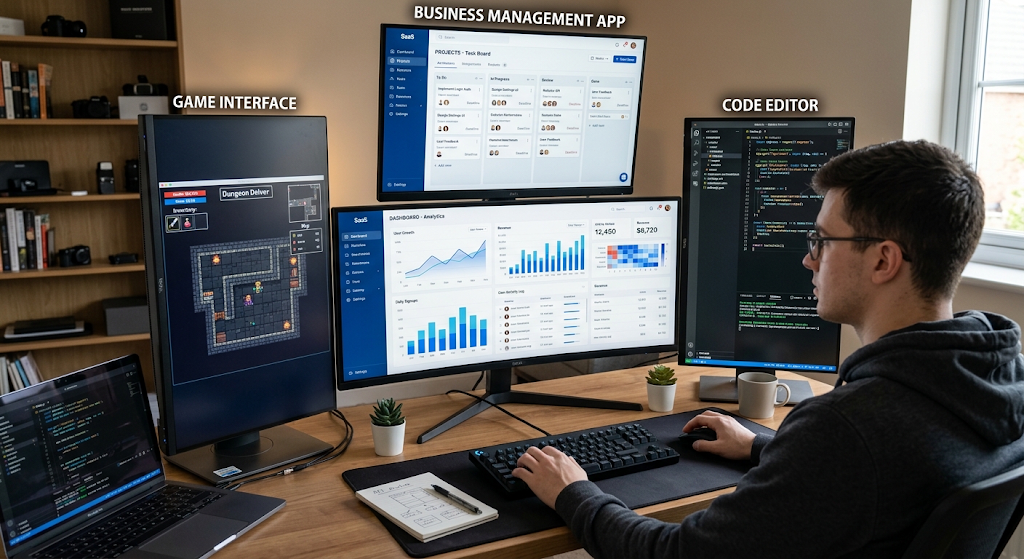
One could show how programming is applied to make data accessible to people through a data dashboard.The use of programming in such a way to make data accessible for people could be displayed using a data dashboard. For instance, a student could develop a dashboard to track the performance of their school, a business could track sales data, or an individual project could track expenses over time. Data can be loaded from a file or a database, statistics calculated, and the results presented in tables, charts, filters and summaries.
The development of a dashboard is about more than just designing a pretty face. The programmer also needs to know the structure of data stored in the computer and ensure that calculations are correct. The dashboard can be enhanced as the project progresses, with additional features like filtering, sorting, search, data updates and user accounts.
8. Create a Game
The game development lets the programmer integrate logic, design, math, graphics, sound, and interaction. Newcomers can begin by playing a 2D game like a platform game, puzzles, a racing game, a maze or arcade game. A simple game might need a character, movement, collision detection, scoring, levels and game over. More complex projects can include more than one character, inventories, artificial intelligence, save functionalities, multiplayer options, and more and more complex game worlds.
Game development is helpful because it requires programmers to deal with a lot of systems simultaneously. It also allows experimenting: when one rule or feature is changed, it can create an entirely new experience, which affords a practical means for the developer to test out ideas and develop their problem-solving abilities.
9. Create a Business Application.
Programming applications illustrate how programming can be used to aid in actual business processes. An app for a beginner or intermediate developer might be an inventory management system, appointment scheduler, invoice generator, customer management system, employee task tracker or a small point-of-sale app. These projects are used to teach the concepts around databases, user accounts, permissions, reports, search, data validation and record management.
For instance, a user might be able to add products, update quantities, search for products and create a report of the available stock. More advanced would include multiple users, auto notifications, sales tracking, dashboard statistics, etc. Projects such as this make programmers aware that software development can sometimes be a way to improve a workflow, and to manage information efficiently.
Advanced Project Ideas
10. Create an API
An API, or application programming interface, is a means by which different software systems communicate. Creating an API is a valuable advanced project as it helps programmers to understand how applications can share structured data. If you are a beginner working with a database you can make an API for a book collection, school management system, recipe database, or a task management app. The API might have an endpoint for creating records, reading records, updating records, and deleting records.
Then, developers can integrate the API into their website, mobile app or other software. When developing a reliable API, you also have to include concepts like authentication, permissions, error handling, data validation and documentation, along with security. This is especially important for today’s software development as many software applications rely on services interacting over networks.
11. Learn how to build a Full-Stack Application
Full stack application is a combination of multiple parts of software development in a single application. In a typical application, there may be a front-end user interface, a back-end application that processes requests and a database to store information. For instance, you can develop a study platform that users register on, establish study plans, monitor completed lessons, and look at progress statistics.
The project may also contain an authentication, database operations, search, notifications, and an administration part. It’s much harder to create a full application, like a calculator, than it is to make a simple calculator, because all of the parts need to communicate properly. It helps developers develop a holistic approach to thinking about the entire system, rather than just one aspect.
12. Construct an AI-driven Application.
After grasping the basics of programming and interacting with APIs, you can play with apps that rely on AI services. A student might create an application, such as a summarizer or organizer of notes, a question responder of information in a set of documents or a categorizer of text. The key takeaway here is not just the integration of an AI capability, but how software communicates with an AI service, gets a response back, and communicates that AI response to the user.
However, there are other concerns, like incorrect output, privacy, security, and proper management of the user information, that should also be taken into consideration by the developers. AI-driven projects can thus present technical challenges and also essential issues regarding the incorporation of intelligent systems in real-world software.
Advanced Projects: How to get from simple to advanced projects.
The best project route is often a gradual one, rather than trying to use the most complex application straight out of the box. Try out simple projects where you can practice individual programming concepts, and later on make a bigger project that requires the application of these concepts. For instance, a calculator could be used to learn functions and conditions, and a to-do list could be used to learn about collections and storing data. The first step in web development is a personal website, and the next step is a data dashboard, which extends that to include data processing and visualization. It is possible, then, to integrate databases, APIs, authentication and front end interfaces into a complete application. As this occurs, it will be easier to know what you understand, and what to practice further — and it also means that you won’t be overwhelmed by large projects before you get the skills.
An alternate strategy to constantly developing new projects is to make improvements to an already existing project. Once the simplest application is finished, ask what additional features would be helpful. Priorities and deadlines might be added to a to-do list. There could be more levels available to add to a game. A calculator could accumulate calculation history. Filters and automatic updating could be added to a dashboard. For each improvement, you will be asked to write more code and have the chance to refactor some of the code you wrote earlier. It’s also possible to record what you learned, what you chose to do, and problem-solving you did. This documentation can make a project more valuable as part of a portfolio, as it not only shows the product of your work, but also the process of developing it.

Importance of Developing a Portfolio through Programming Projects
Programming portfolios ought to demonstrate a variety of skills, not a ton of unfinished projects. A selection of well done applications can show more skill than a large number of exercises. You may want to have projects of varying complexity: a simpler project to show the basics of programming, a web-based project to show front-end skills, a data-based project to show data processing, and a larger project that shows databases and APIs. Projects should have a clear purpose, presented with a short problem explanation, technologies applied, main features, and lessons learned in development. In many cases, screenshots or demonstrations will be enough to let people know what the application does, without having to review all of the code.
It’s also useful to continually refine the projects once they’re finished. Check for unnecessary repetition, enhance the error handling, correct bugs, and make the interface more user friendly. When publishing projects online, include “how to” steps detailing how someone can run or test the project. Portfolios are more compelling if they are functional, organized, and easily understood. Don’t worry beginners, that every project will be flawless. The goal of a portfolio is to showcase development and application. Simple, complete, tested, documented, and improved projects can be good evidence of learning.
Selecting your Next Programming Project.
Start with a problem or interest that you are interested in exploring when selecting a project. This can help keep you focused if the project gets challenging. It is also better to select a project a little higher than your proficiency level, but not too high that you do not understand the requirements. Divide the project into smaller features and do one at a time. For instance, an expense tracker might keep track of transactions first, then add them up, then create expense categories, and then generate charts. This bottom-up method breaks down a big goal into a series of programming tasks that can be tested in isolation. It also provides you with frequent proof of progress, which can help you stay on track with long projects.
Prior to beginning, determine the programming concepts and technologies that you will require. It might be necessary to adopt a new language, framework, database solution, library, or API, but don’t attempt to pick up multiple at the same time. Pay attention to the project; investigate each new idea as it arises. If an error occurs, pay close attention to the error message, narrow down the issue and experiment with potential solutions, while avoiding sweeping through multiple aspects of the program. These habits are significant because it is important to be able to write programs that will be debugged and continually learned. It’s as essential to know how to solve a problem as it is to know programming syntax.
Conclusion
Programming can be used to create much more than just a few examples in a classroom. A beginner can begin with a calculator, a guessing game or a to-do list and then move on to websites, mobile applications, automation tools, data dashboards, games, business systems, APIs, and full stack applications. Each project presents real-world problems to be solved that bring the concepts of programming into practice. It’s important to make things a little harder over time, challenge yourself with projects, and develop an application of the same, but better, rather than constantly throwing out new ideas.
The ideal project for you will be based on your abilities, passions, and objectives. For basic programming: begin with a small program that can be developed and tested. After basic concepts, add databases, interfaces, APIs and external services. As you get better, integrate several technologies into more complex and meaningful applications. Each project is completed, and then you get another chance to practice, troubleshoot, document, and show what you can do. Through regular project based work, programming can change from an area of study into an area of practice which can be applied to real and meaningful digital solutions.