Introduction
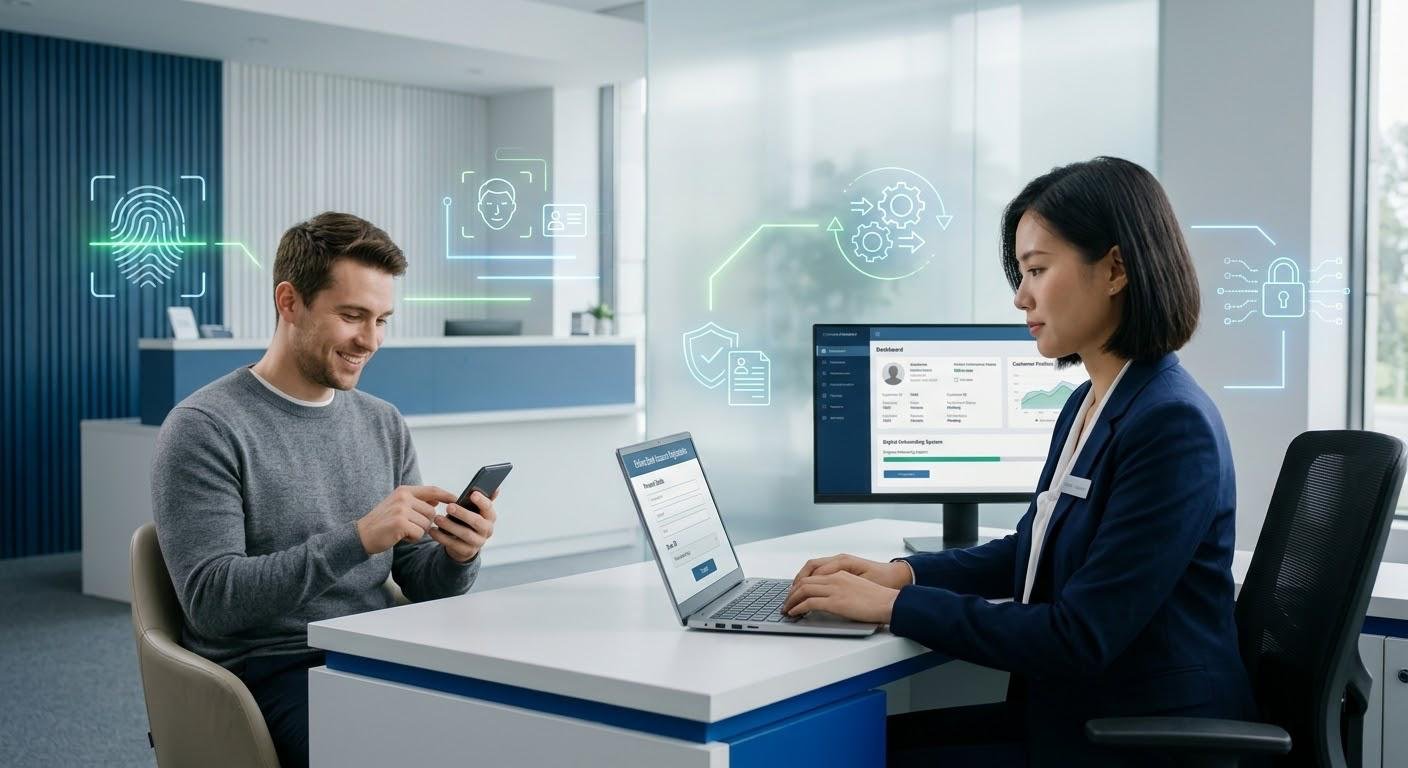
Security is no longer an issue just for big businesses and tech companies. As more small businesses, freelancers, entrepreneurs and remote workers are the moving targets for cybercriminals, they are particularly prone to having valuable information handled without the same level of security as larger companies. Just one successful transaction through a compromised account, one stolen password, one piece of malware and/or one exposed record of a customer can result in financial losses, reputational damage, and loss of customer confidence.
With the ongoing shift to cloud systems, online payments, digital communication tools, and remote work systems, it’s more critical than ever to implement robust cybersecurity measures. Securing a digital environment is not simply a matter of installing anti-virus software; it is a combination of technology practices, sensitive information protection, employee education and security policies.
1. Conduct Regular Employee Cybersecurity Training
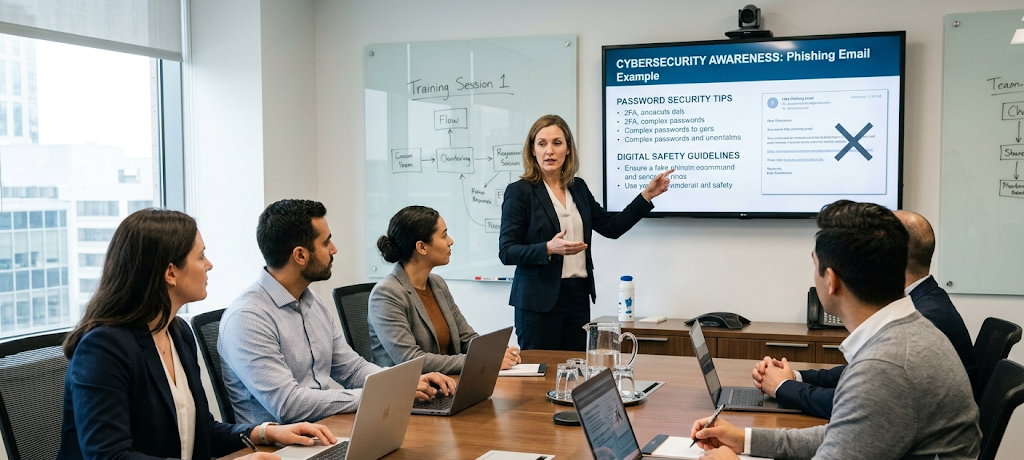
Providing periodic security awareness training to employees is one of the best cybersecurity tactics for small businesses. It’s an aspect of cyber attacks that many people overlook: human error, including clicking on malicious links, opening infected attachments, giving passwords to attackers looking to mimic trusted contacts, or clicking links in emails with bogus subject lines. Data breaches can happen to any business, including those with cutting-edge security solutions, if their staff members are not aware of typical challenges and their reactions to them.
Workers should be taught to recognize phishing e-mail, set up strong passwords, use company devices safely, know what to look for in social engineering attempts, and report suspicious activity promptly. Cybersecurity is an evolving threat, and small business owners should not simply treat it as a one-off event. Clarification is particularly important for remote employees as they typically work on personal devices, home networks and public places where security threats can be greater.
2. Periodically Change Passwords and Use Multi-Factor Authentication
Strong password management is a fundamental security measure, as passwords continue to be one of the top ways for hackers to access your accounts. In small businesses, it is best to ask your staff to set their own passwords for work-related accounts and not use the same password on other sites. A good password policy should favour longer passwords, using a variety of characters and avoiding information that might be easy to guess, like names, birthdays and phrases. Another suggestion is to implement password managers for businesses to securely store and manage multiple logins for employees.
Multi-factor authentication (MFA), which asks the user to confirm their identity with a secondary method (e.g. an authentication app or security code), is an added layer of security. Even if a password is stolen, MFA can stop unauthorized users from getting access to vital accounts. It is particularly vital for remote work to enable MFA on email or cloud storage platforms, financial services, and business applications, as remote access provides attackers with more opportunities.
3. Regularly Back Up Important Business Data
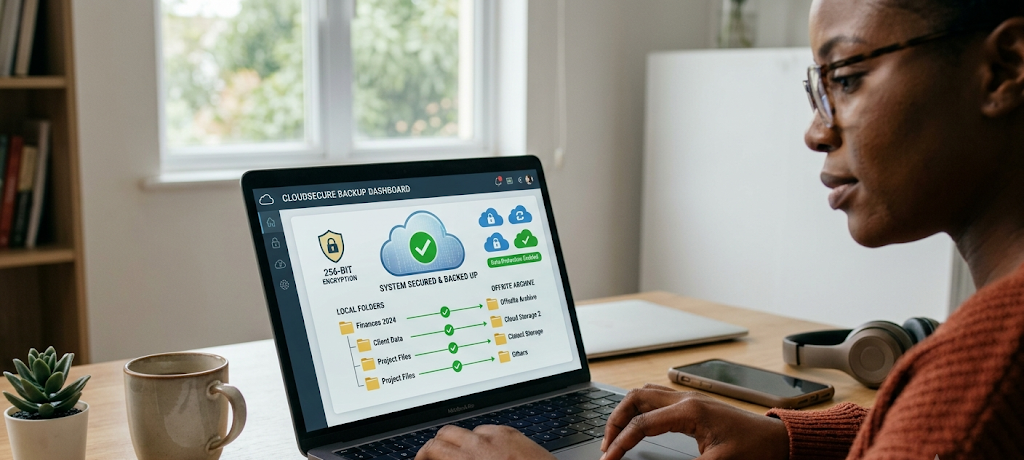
Ransomware, accidental deletion, hardware failures, and other unforeseen events can all be prevented by making regular data backups. Small business owners need to develop a dependable backup plan so that valuable files, customer data, financial records, project documentation and operational data are safeguarded. Backups should be made at a regular interval and stored away from the system in case any one can attack the original files in addition to backing up files.
Cloud backup, external storage, and dedicated backup solutions can all help safeguard business data. Creating backups is not enough, however, and it’s important for businesses to routinely check if their backups can be recovered in the event of a need. If you’re not able to recover in the event of an emergency, it is NOT a backup. Whether working off-site, remote employees must also back up critical work files on their personal devices as per company protocol to avoid losing data.
4. Backup the Configuration of Sensitive Business Files and Information
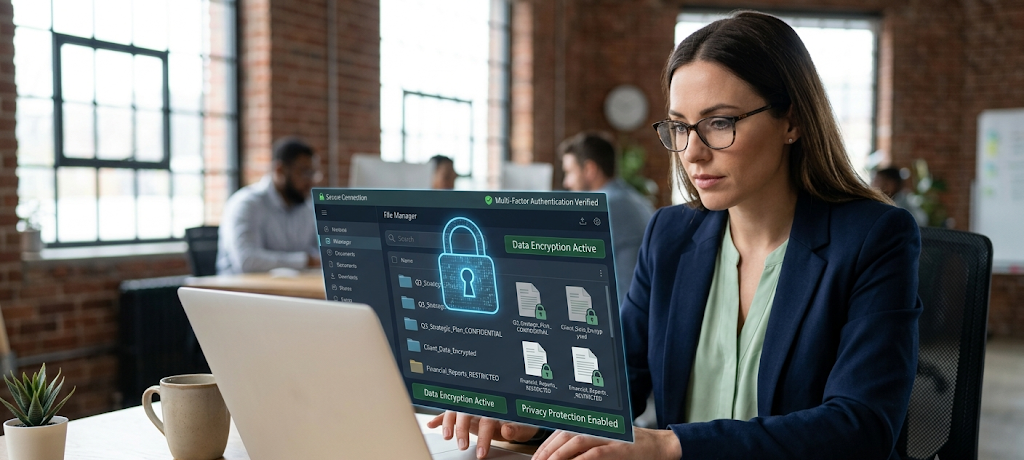
Encryption is one of the key security measures which makes sure that confidential data is protected from unauthorized people by transforming it into a format which they cannot easily understand. Every business has to deal with lots of information that is sensitive, such as consumer information, payment records, personnel documents, contracts and private communications. In the event of a security incident, these files are protected, which helps to minimize the potential effects of an incident, and therefore promotes responsible data protection practices.
Encryption is important for the small business owner and remote workers to know when it comes to keeping or delivering confidential details. Encryption can be supported by tools that make it difficult to get access to the files if a device is lost or stolen, or compromised. Users can find more information about the methods of protected files, if they need to know how to encrypting sensitive files. Encryption should be used alongside other safety measures, for instance, solid passwords and access controls, to establish more powerful security for valuable business information.
5. Limit User Access Rights According to Job Responsibilities
The danger for small businesses is to grant employees access that is more than they really need. Although convenient, too many permissions can create a security threat since the compromised account can give access to more information than is desired. The better way is to take the approach of “least privilege,” which entails that employees do not have access to files, systems, or applications that they do not need for their specific tasks. A freelance designer may not require financial data, for instance, or an accounting employee may not require access to all customer databases.
Restricting access privileges minimizes the harm that can be done with the use of stolen credentials or accidental errors by employees. However, business owners should regularly check users’ access and revoke access when employees are no longer working there and adjust account settings when the role of employees changes. Particularly, remote teams must take care as workers might log in using various devices and from different locations, making robust access control management critical to a secure environment.
6. Secure Remote Work Devices and Networks
The flexibility and convenience of remote work come with cybersecurity challenges. Staff participating in work from home, co-working spaces or in public spaces might have access to less secure networks than those they are used to in an office. Small business owners should have a clear policy on keeping work devices secure, such as keeping devices’ operating systems up to date, installing security software, using locks, and not downloading dangerous things. If employees need to access sensitive company information over an unsecured public network, they should ensure there are adequate security measures.
Home WiFi networks need to have strong passwords and security settings which can be changed regularly to minimize access by others. Further guidance should be offered to businesses on separating personal and professional use of devices, particularly if personal computers are used for work. Protecting devices is a joint business owner/employee responsibility to ensure a secure remote work environment.
7. Keep Software and Security Systems Updated
Unpatched software leaves room for cyber criminals to exploit, as hackers are likely to exploit vulnerabilities they know exist in older software. Small businesses should have a habit of installing software updates, security patches and system upgrades on all devices and applications. The updates frequently contain vital fixes that guard against newly found vulnerabilities. With a single unprotected device on a business system, remote workers should not delay updates.
It is important to also regularly assess the security tools that a business uses such as anti-virus software, firewalls, and monitoring systems to make sure that they continue to meet the current needs of the business. Temporary convenience or cost savings may be obtained by using outdated technology, but it can ultimately cost much more in the event of a security incident. Proactive updates result in better protection and lower risk of attackers taking advantage of avoidable vulnerabilities.
8. Use Secure Collaboration and Videoconferencing Tools
While video conferencing and collaboration tools have become a necessity for remote teams, they can also pose security threats when set up incorrectly. Ensure online meetings are protected through password protection, limiting participants, locking screen sharing, and not posting links to meetings online. Employees should become aware of ways to recognize suspicious emails and not participate in any unknown meetings which may try to obtain information. Organizations also need to audit their communication platforms for privacy settings and make sure that only authorized users can access shared files, conversations, and their company resources.
Tools used by remote employees are often essential for carrying out meetings, sharing files and collaborating with team members, so it is important to use them securely to safeguard business information and discussions. Re-checking account permissions and revoking inactive accounts periodically can also help minimise risks from online collaboration systems.

9. Develop Incident Response Plan
No business can be risk-free even if it has the best cybersecurity measures. A response plan offers small businesses a quick and effective way to respond to security issues. Employees should be aware of what to do if they see suspicious activity, a compromise of their account, if a device is lost, or if they discover someone else has accessed their device, and these situations should be explained in a response plan. There should be steps defined in the plan to report the incident, identify impacted systems, secure accounts, restore data, and communicate with customers as needed.
In the absence of a plan, companies can spend precious time figuring out what to do in times of crisis. It is important for small businesses to periodically review and revise response plans to accommodate technology and operational changes. Discussing or practicing a possible scenario can help employees to understand their responsibilities and help to avoid confusion in the event of an actual security incident.
10. Perform Basic Data Protection and Privacy Practices
Data protection is as much a cyber security obligation as it is an expectation of data protection; it’s also an element of maintaining trust with customers and/or businesses. Small business owners should be aware of the type of data that is being collected, where it is stored, who is able to access it, and how long it should be kept. Only gathering the necessary information diminishes the amount of information that may be leaked in the event of a breach.
Companies should also establish explicit privacy policies, securely remove any irrelevant records, and ensure that third parties providing services with company data adhere to a suitable level of security. In the case of remote employees handling documents, communicating with clients and storing information away from the office, remote workers should adhere to the company privacy rules. Responsible Data Management is a sign of professionalism and contributes to better customer and partner relationships.
Conclusion
Cybersecurity is an ongoing effort, and everyone involved in a business needs to pay attention, plan and cooperate. While some large security budgets may not be available to small businesses or remote workers, good security measures can greatly minimize risks. A solid base for digital safety is formed by employee training, using strong passwords, regular backups, encryption, restricted access rights, working remotely responsibly, software updates, protected communication tools, incident planning and responsible data management habits.
In today’s fast-changing cyber landscape, a business with a proactive attitude towards cybersecurity can better safeguard their data, foster customer trust, and remain resilient to the challenges of an evolving digital environment.