We are not dealing with time issues; we deal with issues related to “too many small jobs.” Meeting minutes should be taken, the calendar should be corrected, and the same information is transferred from one program to another. Proper AI productivity tools will help you out with that.
Quick Answer: Which AI Productivity Tools Are Worth Using in 2026?
Get a quick answer of what to buy with the top three picks. These three are a quick guide for creative work, meetings, and automation.
| Top Pick | Best For |
| Magic Hour | AI video and creative content |
| Granola | Turning meetings into notes |
| Zapier | Automating work across apps |
If your main problem is planning your day, Motion and Reclaim AI are the better fit. Both are covered below.
AI Productivity Is Moving From Assistance to Task Execution
Not too long ago, AI was only good at helping you write something or summarise information. Today, however, it can be doing complete tasks for you. From AI analytics to everyday automation, apps can be booking your focus hours, making notes from meetings, and transferring data from one app to another without your involvement.
This is how AI copilot differs from AI agent. Copilot proposes something, and you do it. An agent does it, and you just confirm. In terms of your regular knowledge work, this implies less workflow automation to code yourself and less tab hopping.
This is why integration is more important than functionality. An intelligent app isolated from others is yet another source of information for you. An app integrated with your calendar, email and chat software is a true time saver.
What Should You Look for in an AI Productivity Tool
Everything starts with the definition of the problem that it solves. When you cannot define what it substitutes, it means you have to omit it. Think of integration and automation possibilities; the higher the integration it has with other applications, the higher the probability of acceptance will be. Analyse the quality of the results, since every mistake equals lost time for you. Pick a technology that will be easy to adopt, so it won’t be abandoned after two weeks. Think of collaboration and privacy settings. And finally, think of free versions and pricing, and whether it saves your time.
Top 5 AI Productivity Tools in The Current Year: At a Glance
| Tool | Rating | Best For | Key Features | Starting Price | Free Plan/Trial |
| Magic Hour | Few verified reviews yet | AI video and image content | Lip sync, image-to-video, face swap | $10/month (Creator) | Free plan |
| Granola | 4.7/5 (G2) | Meeting notes | Bot-free capture, AI-enhanced notes | $14/user/month | Free plan |
| Motion | 4.3/5 (Capterra) | AI task planning | Auto-scheduling, projects, AI chat | $29/month (annual) | 7-day trial |
| Reclaim AI | 4.8/5 | Protecting focus time | Smart calendar, habits, task sync | $8/user/month (annual) | Free plan |
| Zapier | 4.5/5 (G2), 4.7/5 (Capterra) | Cross-app automation | Multi-step Zaps, AI fields, MCP | $19.99/month (annual) | Free plan |
1. Magic Hour: Best for AI-Powered Video Productivity

Magic Hour is an AI-powered video, image, and audio generation studio which is an online platform. The software is useful in creating a final product from an image, video or a script in order to save time on lengthy editing processes by a small team.
This platform is suitable for people who frequently publish and market because there are many options available which may be useful in content creation. For example, there is a lip sync option which can sync any audio file to the lip movement.
Key features:
- Lip sync and talking photos
- Image-to-video
- AI headshots
- Face swap
- API access on higher plans
Pros
- Many tools in one place
- Useful free plan
- Fast results for social content
- Fair entry price
Cons
- Credit-based, so heavy use adds up
- Less control than specialist video editors
- Does not make full narrated marketing videos
- Fewer public reviews than older tools
Pricing:
- Creator: ₹1,134/month (billed yearly)
- Pro: ₹2,432/month (billed yearly)
- Business: ₹5,720/month (billed yearly)
2. Granola: Best for Turning Meetings Into Usable Information
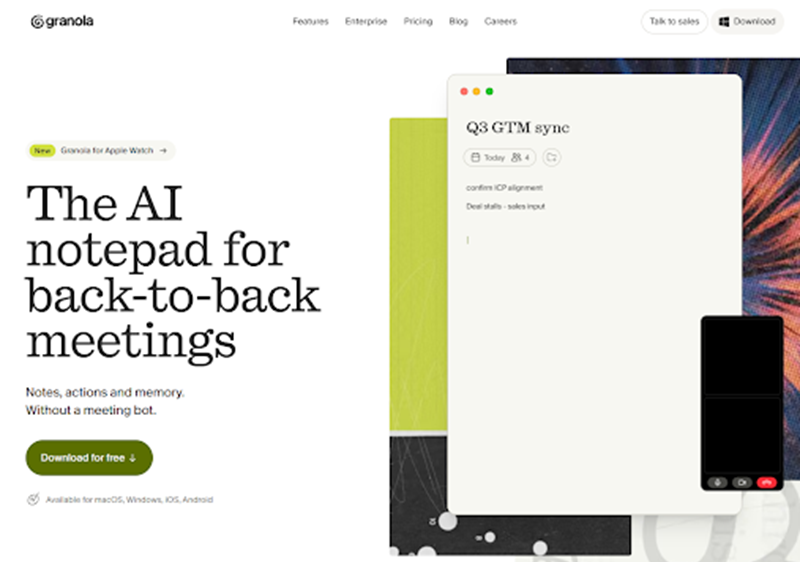
Rating: 4.7/5 on G2
Granola is an AI-powered note-taking tool designed for individuals who participate in consecutive phone calls. The user takes some messy notes while in the discussion and Granola listens quietly and makes notes that are coherent.
Whilst other apps have a bot attend the meeting notes in your place, Granola doesn’t. The perfect solution for managers, founders & salespeople.
Key features:
- Bot-free audio capture
- AI-enhanced notes
- AI chat across meetings
- Shared folders
- Custom note templates
Pros
- No visible bot in calls
- Familiar notepad style
- Unlimited meetings on the free plan
- Easy to learn
Cons
- Free plan shows only the last 30 days
- Integrations need the Business plan
- Mainly focused on meetings
- AI training is on by default below Enterprise
Pricing:
- Basic: $0/user/month
- Business: $14/user/month
- Enterprise: $35/user/month
3. Motion: Best for AI-Powered Task Planning
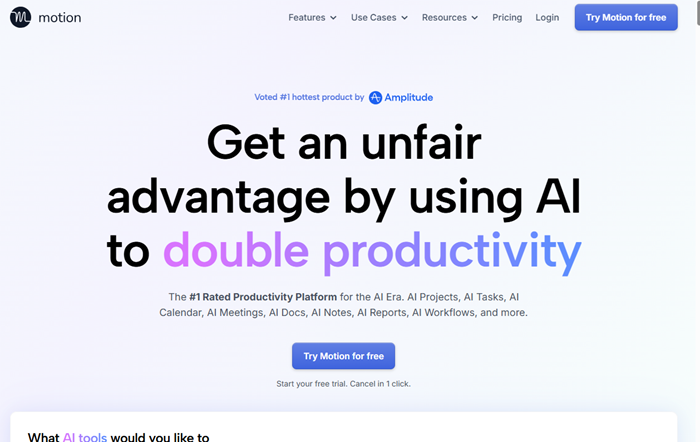
Rating: 4.3/5 on Capterra
Motion puts all of your tasks, projects, and calendar in one place. The AI creates a schedule and reorganises your tasks according to priority.
The product will be most useful for busy professionals who get overwhelmed with tasks. As an AI task management tool, it will save you from making weekly plans each morning. However, Motion requires you to switch your current task manager, which takes some time.
Key features:
- Automatic task scheduling
- Projects and tasks in one place
- AI chat
- Meeting notes
- Built-in docs
Pros
- Plans your day for you
- Replaces several apps
- Reshuffles tasks automatically
- Works on web, desktop, and mobile
Cons
- No permanent free plan
- Higher price than most rivals
- Takes time to set up
- AI credits can run out
Pricing:
- Pro AI: $19/seat/month
- Business AI: $29/seat/month
4. Reclaim AI: Best for Protecting Time for Important Work
Rating: 4.8/5
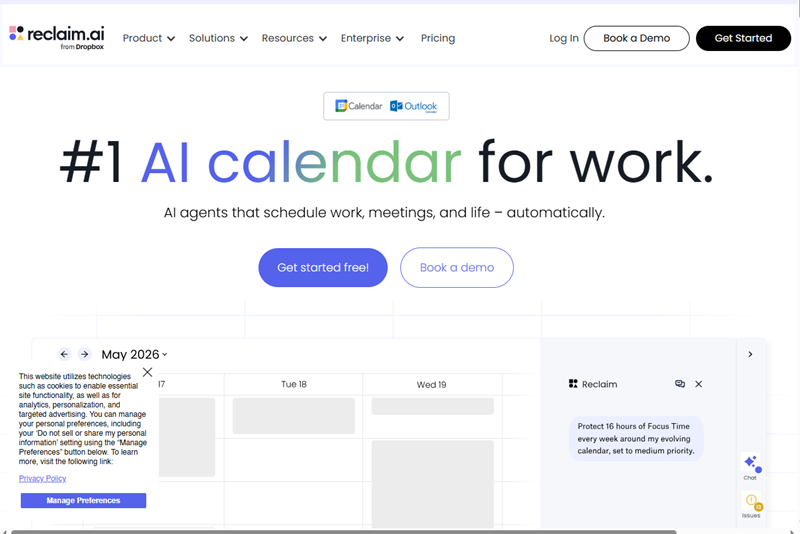
Reclaim AI runs on Google Calendar and Outlook. It will figure out a place for your tasks, routines, and break times, and protect that time from further meeting requests.
It’s a very easy way to experiment with AI scheduling technology without altering your workflow at all. Companies appreciate its ability to keep focus time protected and minimise negotiation of meeting scheduling.
Key features:
- Smart task scheduling
- Habit blocks
- Focus time protection
- Scheduling links
- Task app sync
Pros
- Works with your current calendar
- Free plan available
- Easy to set up
- Great for focus time
Cons
- Limited planning range on the free plan
- Not a full project tool
- Takes some trust in the automation
- Free plan has no task app integrations
Pricing:
- Lite: $0/user/month
- Starter: $10/seat/month
- Business: $15/seat/month
5. Zapier: Best for Automating Repetitive Work Across Apps
Rating: 4.5/5 on G2 and 4.7/5 on Capterra
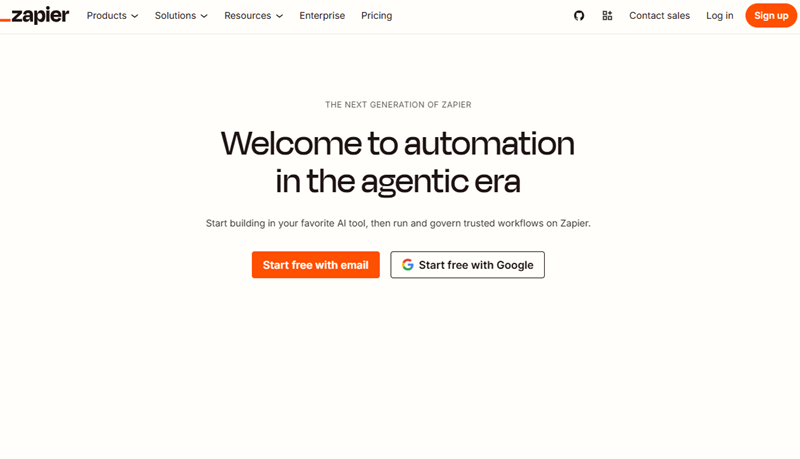
Zapier integrates a huge number of applications where work is done automatically. Once a form is submitted, it will add a record, send an email and create a task with no code.
Zapier is the best choice to workflow automation. It is very easy to create workflows for beginners and complex workflows for advanced users.
Key features:
- No-code editor
- Thousands of app connections
- Multi-step Zaps
- AI fields
- MCP access
Pros
- Huge app library
- Easy for non-technical users
- Free plan to test ideas
- Scales as you grow
Cons
- Free plan allows only two-step Zaps
- Costs rise with task volume
- Complex flows get hard to manage
- Tasks run out faster than expected
Pricing:
- Free: $0/month
- Professional: Starting at $19.99/month
- Team: Starting at $69/month
- Enterprise: Contact for pricing
AI Productivity Is More About Workflow Design Than Tool Count
More tools do not help with a chaotic day. The majority of people have enough apps already installed. They lack only one thing – a streamlined process of work. Begin by identifying repetitive actions and the places in the workflow where it gets blocked due to the use of multiple apps. Automate repetitive actions first, such as sending notifications and saving documents.
Fitness and sports businesses can apply the same idea with an industry-specific platform. A tool like Omnify handles recurring work such as class booking confirmations, session reminders, and membership renewals, which replaces a patchwork of general-purpose apps.
Make your existing systems talk to each other rather than installing another isolated app. Last, determine how much time you’ve actually saved by using a specific tool. Delete those that save you zero time at all.
Productivity Gains Depend on the Quality of Your Workflow
AI will only speed up an inefficient process, but will not make it more efficient. If you have an inefficiency in your processes, AI will not help you solve it. It will just magnify the error. Clear data and clear instructions minimise the chances for mistakes to happen, hence they need to be fixed first. Interconnected systems provide the AI with additional context, hence making its outcomes more successful.
For teams automating social-media reporting, Phyllo’s social data API can supply creator-authorized profiles, content and engagement metrics through one integration, reducing manual data collection.
It is necessary to note that an immediate monthly review will assist in identifying those processes which were not automated properly and thus need to be discontinued.
How to Measure Whether AI Is Actually Improving Productivity
Select a few fundamental figures to track before and after the deployment of AI. These can be, among others, the number of hours saved by each person, reduction of repetitive activities, faster response to meetings, quicker completion of tasks, and less occurrence of manual mistakes.
There is also the reduction of context switching, increased productivity, and savings due to automation. Check them regularly on a month-to-month basis, not just once. And if there is nothing changing after several weeks, then something must be changed in the process itself.
How to Build an AI Productivity Stack in The Current Year
First, you should identify the key problem that is encountered, for instance, notes, scheduling, or transferring information from one application to another. You need to implement only one solution to address the key problem. Connect the solution with your current applications and develop a workflow. Add human verification stages so that mistakes will be detected immediately. And track your process for two weeks.
Only then start expanding further as your first workflow becomes effective. This approach is cost-saving, educates the team, and determines what solution to keep.
Measuring productivity gains often means checking whether your content, reports, or landing pages are actually performing. If your workflow involves publishing or tracking web pages, a free toolkit can help. ToolForge offers 713 no-login tools – including SEO audits, position tracking, Core Web Vitals checks, and canonical URL verification – so you can diagnose issues without paying for another subscription. It’s a practical addition to any AI productivity stack, covering the technical checks your automation tools don’t handle.
FAQs About AI Productivity Tools
What are the best AI productivity tools in 2026?
Magic Hour, Granola, Motion, Reclaim AI, and Zapier are among the top choices. These software tools solve various problems like content, meetings, planning, scheduling, and automation.
Can AI productivity tools help in automating routine tasks?
Yes. Zapier helps in transferring data across apps, while Granola can take your meeting notes. Start with routine tasks and analyse them.
Which AI productivity tools help in managing time and scheduling?
Reclaim AI is the most suitable for protecting your focus time on your existing calendar. On the other hand, Motion is more ideal when it comes to managing tasks and projects within one application.
Can AI productivity tools integrate applications?
Yes. Zapier was designed for integrating applications, and Granola and Reclaim AI do the same on their paid subscriptions.
How do businesses measure productivity improvement due to the use of AI?
Hours saved, task completion times, error rate, and meeting follow ups should be tracked and compared to previous figures.
Conclusion
The most useful AI tools in 2026 will be those that assist you with your tasks rather than merely providing you with answers to your queries. Whatever the problem is be it note-taking, scheduling or process automation, there is an app for that. Choose one for your prominent issue, connect it to your other apps, and see how well it fits. Look at your metrics monthly and build on that initial process success.