Introduction
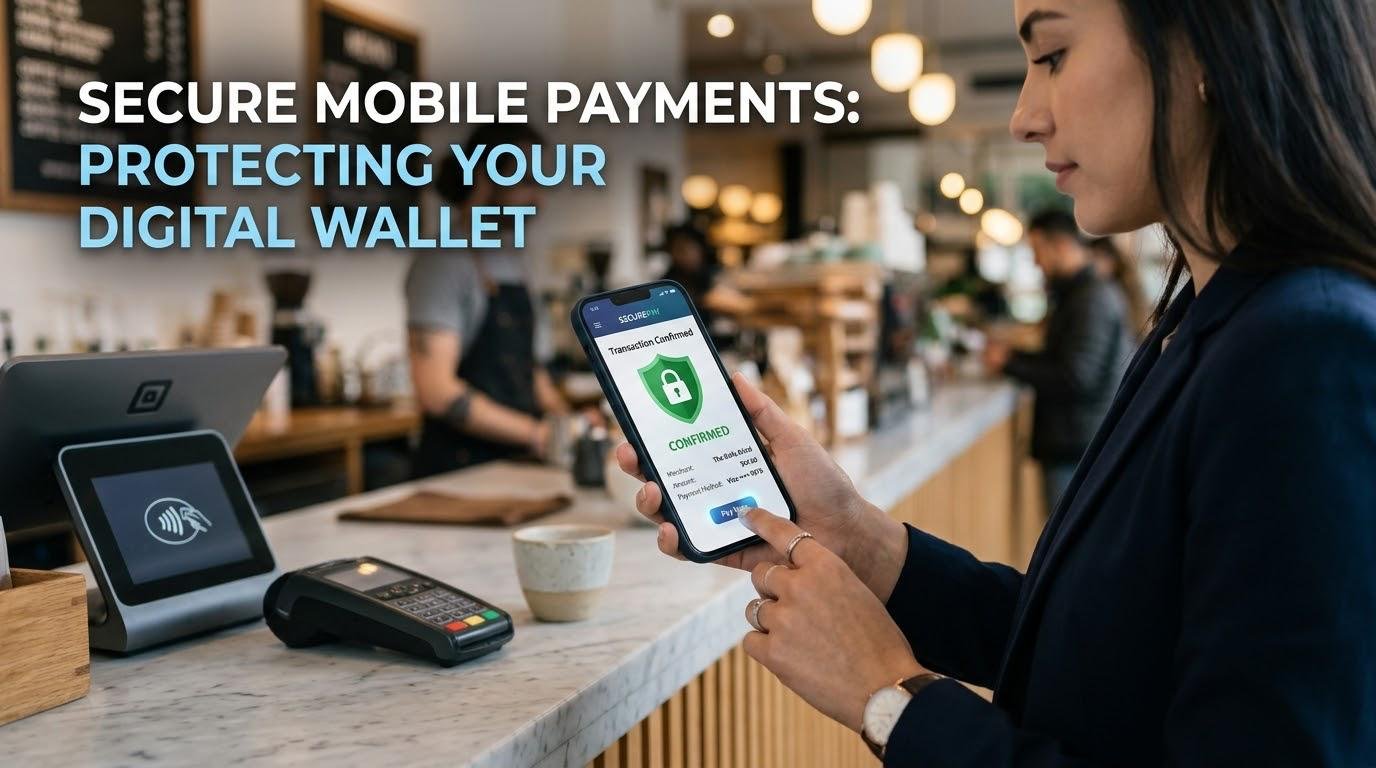
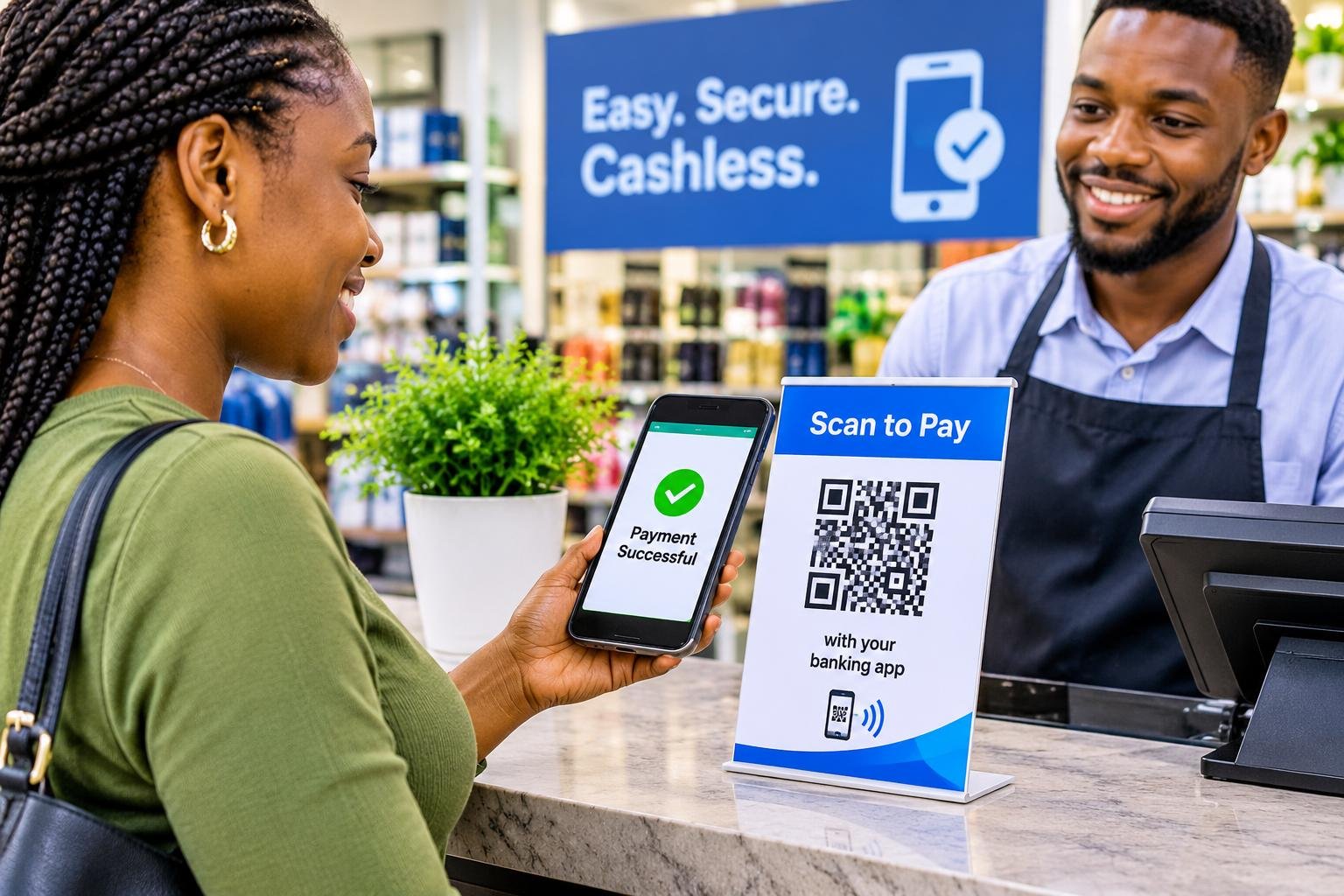
Mobile payment allow individuals and businesses to send and receive money, and make payments using mobile apps. However, whilst they are very convenient, quick and accessible there are many opportunities for cybercriminals to exploit weaknesses in digital payments. Consumers and small businesses need to understand the risks of digital payments and ensure that they know what threats they may face. They can help protect their money by being aware of how to keep things secure on their devices.
Mobile Payment Security
Mobile payment security is a range of security measures used to keep payments safe when using your smartphone, tablet or other devices. It helps to keep your account information, payment details, pin numbers and other sensitive information safe. Payment providers often use encryption and other verification, fraud detection and security features. However, it is also down to you to keep your information safe when making payments. Factors such as your password, device settings, app permissions and your ability to spot suspicious activity will play a part in keeping your payments safe. Whilst payment providers will all have measures in place to keep your information safe, you need to work with your financial institution, technology providers, businesses and yourself to identify any vulnerability and reduce any opportunities for fraud.
Common Security Threats
1. Phishing
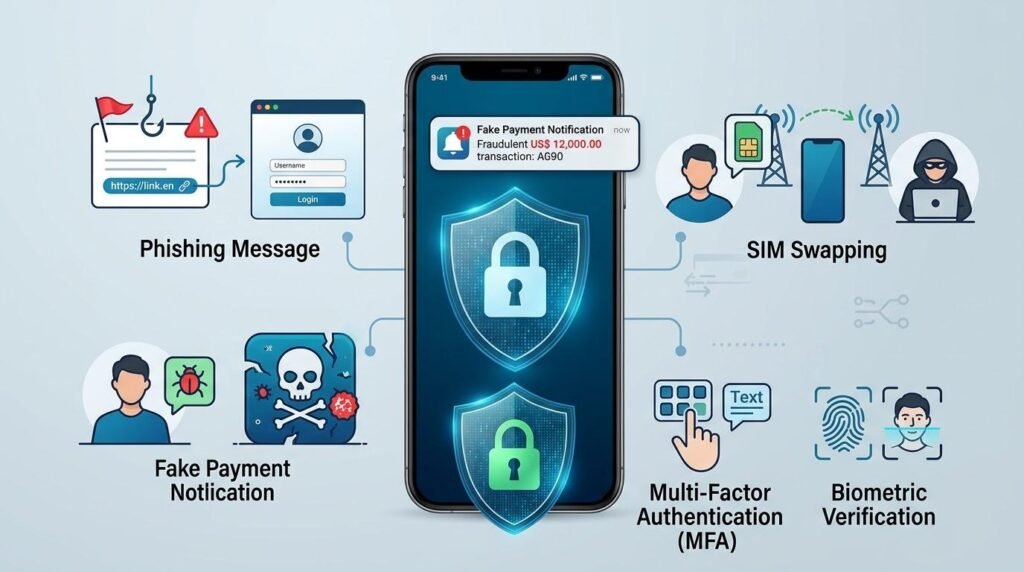
Phishing is one of the most common ways that criminals will try to obtain your financial information. You will receive fake emails, texts or messages via social media from what appears to be a legitimate bank, payment provider or business. These messages will often tell you that your account has been suspended, you need to verify a transaction or there is a security issue. You are encouraged to click the link and enter your sensitive information onto a fake website. Once criminals have obtained your password, card details or verification code they may be able to gain access to your account and make payments. Try not to click on any suspicious links, give out any confidential information or reply to any urgent requests.
2. Fake Payment Alerts
Another major threat is fake payment alerts. Many small businesses use mobile payments to receive payments from customers. Criminals will create fake payment alerts or show you altered screenshots to make you believe that you have received money into your account. Some fraudsters will also alter your banking messages or show you fake payment confirmations to pressure you into sending them goods or services. This shows why you should never rely on any screenshots, texts or verbal confirmations. Fake payment alerts are becoming a large risk to African businesses. Merchants should always double check their official banking apps or payment statements to ensure they have actually received payment.
3. SIM Swapping
SIM swapping is when criminals fraudulently move your mobile number to another SIM card. They may obtain your personal information by using social engineering, data breaches or other deceptive tactics. Once they have convinced your telecommunication provider they can gain access to your number. They will then receive any calls or messages sent to your number. This may include one off passwords used to verify your financial accounts. This can allow them to reset your passwords and bypass some verification. If you experience any unexpected issues with your mobile network, recovery messages or SIM changes you should take this seriously. You can help reduce your exposure by keeping your personal information secure, ensuring you have any SIM protections enabled and contacting your mobile network provider immediately if you believe your number has been compromised.
4. Malicious Apps
Malicious apps are programmes designed to steal information, track your activity or take control of your device. Some may look like real banking or payment apps. They may also be downloaded from suspicious websites, unofficial app stores or misleading adverts, once installed they may ask for unnecessary permissions to access your messages, contacts, files or other sensitive information. Criminals can also take advantage of outdated operating systems, weak passwords and unsecured devices. They may steal your identity by using the personal information they have obtained. Only download financial apps from trusted sources ensure you know who the developer is, check what permissions they are asking for and ensure you regularly update with any security updates. Try not to download any suspicious apps as this will greatly reduce your chances of being attacked.
Essential Security Measures
1. Multi Factor Authentication
Multi factor authentication is an added layer of security that asks for 2 or more verification steps to access your financial service or approve certain payments. This may involve something you know (password/PIN), something you have (registered device) or something you are (fingerprint). This makes it harder for criminals to access your account if they have obtained your password. Enable multi factor authentication on your banking apps, wallet and any related email accounts. Using an authenticator app or security key on your device may provide better security than SMS verification. However, never share your verification codes with anyone claiming to be from your bank or payment provider.
2. Biometric Verification
Biometric verification uses your unique physical features such as fingerprints to verify who you are. Many modern smartphones and financial apps have this feature. This means you can unlock your device or make payments without having to enter your password multiple times. This can make using your device easier whilst also providing an extra layer of security. However, this should not be seen as fully secure as the quality can vary depending on your device or app. Ensure you have your own biometric information registered, do not let anyone unauthorized access your device and have a secure back up PIN/password. It is also important to know what payments need extra verification.
3. Transaction Notifications
Transactions notifications can help you keep track of your payments and identify any suspicious payments. Many banks and digital payment providers will send you a text, email or in-app notification when you make a transaction, withdraw money, deposit money or make a purchase. This will allow you to quickly identify any unauthorized payments and contact your providers to avoid any further losses. Enable any notifications you can and regularly check your account. Small businesses can also benefit from having someone responsible for checking payments have been made. However, these should not be seen as proof that you have received payment. Criminals can mimic real notifications. Always double check any financial activity through your official payment app or statement.
4. Secure Your Device and Apps
Ensure your smartphone has the correct security settings to stop unauthorized people accessing your information. Enable auto lock, use strong passwords/passcodes and ensure you update your operating system and apps. Often updates will include security improvements. Be cautious when using public Wi-Fi. Avoid using banking apps or entering any financial information. Avoid downloading any apps from unknown sources and do not give unnecessary permissions to apps that do not need access to your sensitive information. If your device has encryption enabled this will provide extra security if your phone is lost or stolen. Enable any remote lock/wipe options.
5. Payment Tokenization
Payment tokenization is a security feature that replaces sensitive payment information such as your card number with a unique token. Compatible payment systems will use the token instead of repeating your card information. This helps to keep your sensitive financial information safe. For example digital wallets may use tokenization for contactless payments using compatible smartphones. Even if criminals obtain the token it may not be very useful outside of the payment. Use reputable digital wallets and payment providers who have the correct security features. However, this will not stop all fraud. Scams such as stolen login details, altered payment requests and compromised devices may still occur.
Steps to Take When Seeing Suspicious Transactions
Report any Fraud
If you see any suspicious activity such as unknown transactions, unexpected access or suspicious payment requests you should act quickly. Firstly, contact your bank/payment provider through their official app, website or customer service number. Request that any affected cards/accounts are blocked temporarily and ask if any disputed payments can be investigated or reversed. If your card information has been compromised you may want to request a replacement card. Change any compromised passwords, secure any related emails and remove any unknown devices/sessions. Gather any evidence such as transaction reference, time, messages and screenshots. If applicable report any suspected fraud to the appropriate authorities.
Keep Small Businesses Safe
Small businesses can often be at risk as they often use mobile payments to receive money. Ensure your employees know how to spot fake receipts, suspicious messages and unusual payment requests. Ensure you have clear processes in place for employees to confirm they have received money through official financial records before sending out any products/services. Limit access to payment accounts to authorized employees. Where possible use individual logins. Regularly reconcile your transactions to identify any discrepancies. Ensure you have up to date contact details for your financial institution so you can report any suspicious activity. This will help to reduce any avoidable losses and increase customer confidence.
Better Mobile Payment Habits
Stay Aware
As cyber criminals often develop new tactics to take advantage of new technologies and behaviours you should stay aware. Know what common scams are, understand how legitimate financial institutions will contact you and be suspicious of any unexpected requests for money or personal information. Regularly check your account statements, change your passwords, remove any unused apps and check devices connected to your account. This can help you identify any potential security issues. Avoid giving out any personal information. This can be used in targeted attacks. Talk to your family/business to help keep everyone safe. Encourage everyone involved in financial transactions to report any unusual activity.
Conclusion
Mobile payments can provide a convenient way to send money, buy items and manage your day-to-day finances. However, threats such as phishing, fake payment alerts, SIM swapping, malicious apps, identity theft and unauthorized access should not be ignored. You should ensure your financial information is kept secure by using strong verifications, biometric verification, transaction notifications, a secure device and technologies such as payment tokenization. Knowing how to spot suspicious transactions, double check payments and report suspected fraud immediately is also important. Whilst no payment platform will be 100% secure, using responsible digital habits and taking the correct security measures can greatly reduce your exposure. By staying informed and taking the correct security measures you can feel more confident using mobile payment services as a consumer or small business.
Get more well researched information about Mobile Payment Security here.