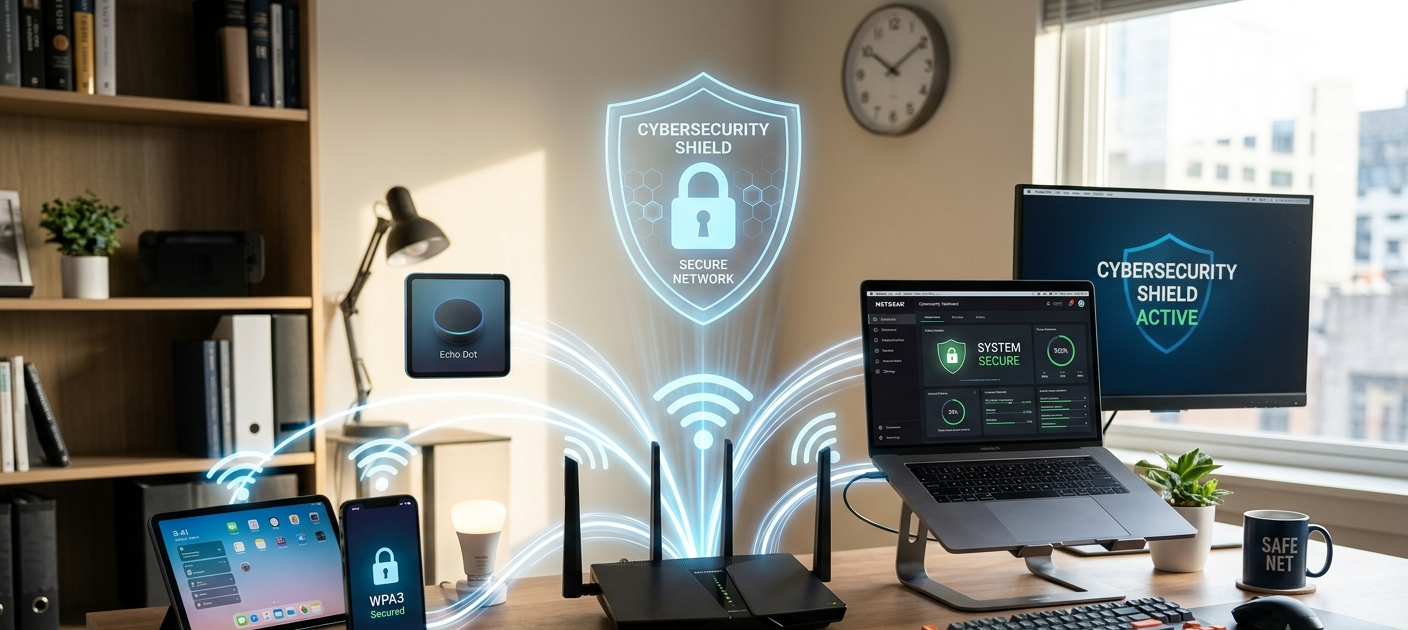
Introduction: Why Securing Your Wi-Fi Network Is More Important Than Ever
It’s more important than ever to secure your Wi-Fi network.Securing your Wi-Fi network is more critical than ever before. The Wi-Fi network is the bridge which links your devices, personal information, business files and online activities with the internet. If you have a network at home or own a small office, then you know how important it is that your router is secure. Unfortunately, many people set up their routers, plug their devices in, and proceed on with default settings without realizing that some of the overlooked settings can open opportunities for hackers.
Poorly secured WiFi networks are commonly targeted by cybercriminals as they can provide access to a network to steal sensitive information, infect devices connected to it with malware, or use it to carry out illegal activities. Securing your Wi-Fi network doesn’t need to be a complicated process, it just takes some key security measures to plug vulnerabilities. While many of these measures are beyond the control of ordinary users and small businesses, it is possible for them to take proactive steps to minimize and mitigate their exposure to cyberattacks, including changing passwords, strengthening encryption, installing software updates, and managing access to their network.
1. Change the Default Router Username and Password
The easy ways hackers can exploit Wi-Fi networks is through default login information for the router. Many routers are shipped with factory set usernames and passwords that are easily accessible and common knowledge on the internet when provided by ISPs or manufacturers. They can be used by the attackers to access the administration panel of the router, modify its network configuration, divert internet traffic or create new possibilities of entering the network. The first step after installing a router should be to change the default administrator username and password.
A good router password includes a mixture of letters, numbers and special characters, and is difficult to guess, long and unique. It should also not be the same as passwords used for your email, social media or banking service. If your business is using the router, it is just as crucial to control access to the router’s administrative credentials, since unauthorized changes might impact several staff members and jeopardize company information. Reviewing periodically the individuals who have access to the router configuration settings and changing the password if needed strengthens the control of the network.

2. Support Strong Wi-Fi Encryption, e.g. WPA3
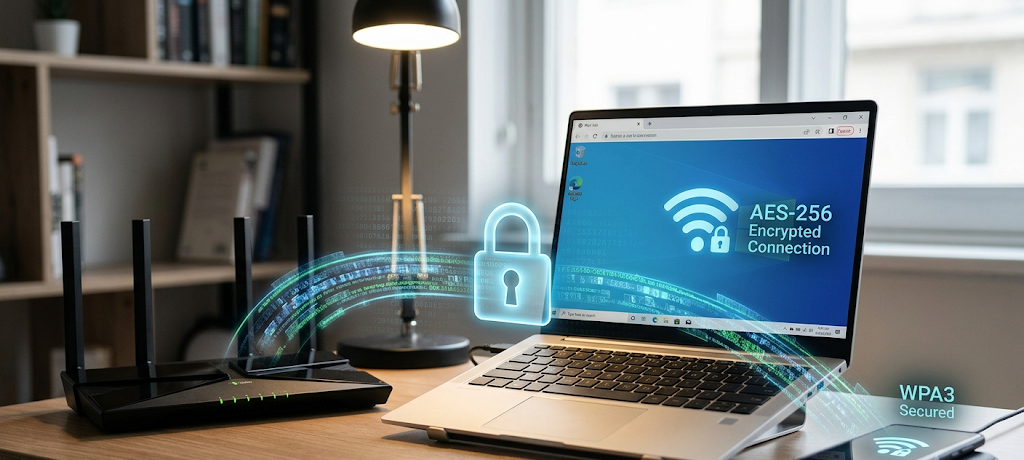
Encryption secures the data being transmitted between the devices and the router by scrambling the data into a secure format that is hard for attackers to decipher. Weaknesses with older encryption technologies like WEP and older versions of WPA that can be taken advantage of using modern hacking tools. Home and office communications need to be protected—stronger is definitely better. Another of the best security features for today is to enable WPA3 encryption, which offers more protection against password attacks and enhances wireless security over WPA2. WPA3 strengthens resistance to the attempts to guess Wi-Fi passwords and provides better encryption for connected devices.
The user is advised to verify if WPA3 is enabled and if it is, to enable it in the router settings. A mixed WPA2/WPA3 mode could be used for older devices that are not compatible with WPA3 to get some compatibility, but for overall security, it would be better to use WPA3. In offices, strong encryption is particularly crucial when employees are transferring sensitive data such as financial information, customer details, login credentials, and other confidential documents over the wireless network.
3. Update Your Router Firmware Regularly
While many people keep their computers and smart phones updated, they might not have thought about updating their routers as well. The internal software that governs the operation of the router – including security and network management features – is known as the router firmware. Firmware updates are issued regularly to mitigate vulnerabilities, enhance performance and to keep users safe from new threats. Routers that lack updated firmware are frequently vulnerable to hackers since they might have some security holes that let unauthorized users access the network without entering the password.
It may be necessary to visit the manufacturer’s site or the router’s administration panel to check for any available updates to ensure the router is secure. For those who don’t check their settings often, some routers now will update automatically, making it easier to maintain. Small businesses should have a plan to check their office router for updates, since a hacker can exploit any office router and impact every computer, printer, security camera, and smart device connected to it. An easy-to-follow security trait is to keep your firmware up to date, so the attackers can’t take advantage of any known vulnerabilities.
4. Create a Strong and Unique Wi-Fi Password
A poorly-constructed Wi-Fi password can make it easy for a hacker to breach a network. Simple passwords are often a user’s name, birthday, phone number, or a common word, because they are easier to remember. But such passwords can be easily broken with automated methods that try thousands of combinations. A good Wi-Fi password would consist of a mix of characters and be long enough that it’s difficult to guess. Do not use the same password for several accounts as if one account is compromised, it could give the hacker access to the other account’s Wi-Fi network.
The network password for offices is best shared with only trusted personnel, and companies are advised to change it if employees leave the company or if there is reason to believe that the password has been compromised. A password manager will let users make long passwords and keep them secure. Users are able to set up a robust wireless password, which is a valuable line of defense against strangers using wireless connections to access users’ networks.
5. Conceal Your Wi-Fi Network Name (SSID)
The Service Set Identifier (SSID) is the name that is displayed when users are looking to connect to a wireless network. Routers broadcast this name publicly by default so nearby devices can easily know about the network and connect to it. Occluding the SSID does not make a network a complete secret to an experienced hacker, but it does help to limit the exposure of the network and to diminish the ability of a casual user to simply see the network name. Some users may prefer to disable the SSID broadcasting to provide an extra layer of security, particularly in areas where there are numerous wireless networks.
Another benefit for businesses is that they can choose to obscure their network name, thus minimizing the information that’s exposed to the outside world. But the users should be aware of the step that it is not a substitute for effective encryption and passwords. A poorly secured network is vulnerable to attacks. Instead, SSID hiding should be used in conjunction with other security measures to build a multi-layered approach to security.
6. Create a Separate Guest Network
Giving external users, customers or temporary users access to your main wireless network is an unnecessary security risk. If they access the same network as your personal devices or business computers, their device could be a possible source of malware or another means for hackers to get in. A guest network is an option that enables guests to connect to the internet without compromising the sensitive equipment and files used in the office. There are many modern routers which will have the features of guest networks that can be turned on with admin settings.
Guests and visitors can access the internet using guest networks and small businesses can extend internet connectivity to customers while ensuring that internal systems are not compromised. If at all possible, access to a guest network should be limited to the internet only, and its password and security parameters should be set differently than those of the main network. This basic separation approach ensures that sensitive devices like storage servers, security cameras, payment systems and laptops don’t have to be unnecessarily exposed.

7. Turn Off Features That You Don’t Use
Routers typically have extra capabilities that are intended to make networking more convenient, but unused capabilities can sometimes increase the likelihood of security issues. If these functions, like remote administration, Universal Plug and Play (UPnP), or unnecessary sharing options are poorly set up or vulnerable, they can give an attacker other ways to infiltrate. Users can use remote administration to control their router remotely, but if the remote administration is left unprotected, the control panel of the router can be targeted by an attack over the internet.
UPnP can be used to facilitate automatic connection to the others, but there have been some security concerns with it. Users should check their router settings and turn off any features that are not being used. Particularly, businesses should be mindful of the fact that cluttering their network with unnecessary services can give them more avenues for attack. Another great cybersecurity rule is to minimize features that attackers can use, and the more unnecessary features you eliminate, the less they will have to work with.
8. Ensure IP Addressing and Network Protocols Are in Place
A firewall is a security barrier that filters network traffic to preclude unwanted events from entering or leaving a network. In most modern routers, there are built-in firewalls, which should be enabled and set up. Other security solutions, like network surveillance software can be used to detect unusual behavior, unfamiliar connected gadgets or unauthorized access. Monitoring is useful for small businesses because in addition to having multiple devices at the same time, they can’t keep a constant eye on them.
It’s important to check connected devices from time to time to see if there are any new phones, computers or smart devices that have been added to the network. Security monitoring should be considered as part of normal network maintenance and not just an afterthought if an attack has taken place. Small security issues can be stopped from escalating to incidents when caught in the early stages.
9. Secure Smart Devices Connected to Your Network
Today, smart devices like cameras, TVs, speakers, smart appliances, and security systems are ubiquitous in households and businesses. But, each connected device is an additional potential target for aggressors. Internet of Things (IoT) devices are often easily hacked, with weak default passwords, outdated software, or minimal security measures. Consumers should update default passwords on smart devices and only buy products from manufacturers that offer continuous security support.
Another benefit of separating smart devices from the main network is that they do not have direct contact with key computers and files, which decreases risks. In the case of smart security systems or connected devices, companies need to examine the device permissions and access. The devices on the WiFi network are all exposed to danger, as the weakest device could be a way to access more valuable info.

10. Regularly Review and Improve Your Wi-Fi Security Settings
Security on the Internet is an ongoing process, it’s not something you can set and forget. Users need to periodically check their network settings and make improvements as technology evolves or new cyber threats emerge. You should review your digital security habits and include these steps as a regular routine: Check connected devices, update the password as needed, update the router’s firmware, and review the router settings. Both home and business users should periodically review their router settings to ensure that they are secure, and businesses should consider conducting regular security scans to ensure that company data is protected.
It is also important that employees be given simple cyber security education to ensure they practice safe use of computers in the network. The secure Wi-Fi network must be maintained continuously as the attackers always find new ways to identify its weaknesses. As a continuous process and not a set-and-forget setup, Wi-Fi security can be strengthened to ensure a better protection of users, their devices, data, and online activities.
Conclusion: Building a Stronger Defense Against Wi-Fi Hackers
In conclusion, it is evident that every citizen in New Zealand should take the necessary measures to better protect themselves from the risks posed by Wi-Fi hacking.
One of the most crucial things that people and small businesses can do to keep their digital information safe is to secure a home or office Wi-Fi network. Common vulnerabilities that are used by hackers are: default passwords, outdated software, weak encryption, and unsecured devices. Luckily, these weaknesses can be mitigated with sensible security techniques that do not require a lot of technical expertise. Changing router credentials, utilizing strong encryption, software updates, concealment of unnecessary network data, establishment of guest networks, and surveillance of network devices are all methods to make the internet a safer place. With the increasing number of devices being connected to the internet, securing wireless networks will remain a key aspect of cyber security. These 10 steps should help users lower the risk of unauthorized access, and make the digital environment safer to use for personal and professional purposes.