Introduction
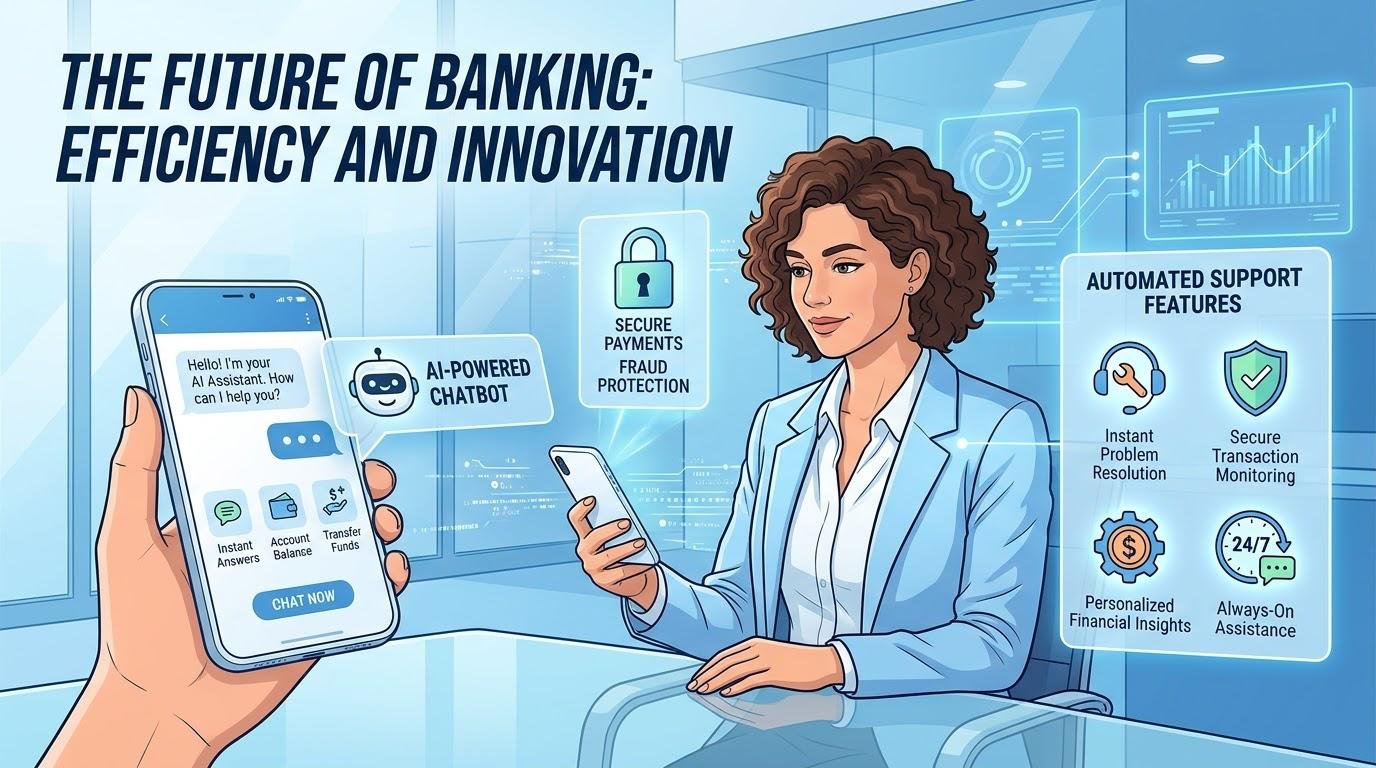
Mobile banking apps have revolutionized the way people and businesses bank, allowing them to access banking services from their mobile devices, such as smartphones and tablets. A mobile application enables customers to accomplish a range of financial transactions in just a few minutes, instead of having to visit a branch and check an account balance, transfer money or pay bills. These applications enable users to have secure and convenient access to their banks via digital systems and to the information and financial services they need. With the improvement of technology, features like artificial intelligence, instant notifications and biometric authentication are doing their part to enhance the mobile banking experience. Convenience, however, must not be sacrificed on the altar of security and financial applications can be a target for cybercriminals. By knowing the features, benefits, risks, and safety procedures of mobile banking, users can make informed decisions and confidently manage their money.
What are Mobile Banking Apps?
Mobile banking apps are bank and other financial institution software that enables customers to access and manage their bank accounts and other financial services via an internet-connected mobile devices. Once downloaded and registered with a financial institution, users can log in to access their accounts, check transactions and conduct transactions that the financial institution supports, for example, without going to the branch. These applications are able to communicate with the banking systems of the institution to get data and execute approved requests. Mobile banking can be offered by an existing bank with its banking application, or by a digital bank, which have mostly mobile banking platforms and limited physical branches. Features may vary from institution to institution and country to country, but the common goal of all applications is to ensure speediness and accessibility of financial services. Typically, users have to possess a compatible device, registered account, and Internet connection, however some functions like loading information previously may be available for a limited time without an internet connection.
The Key Features of Mobile Banking Apps
View both the Balance and History of Transactions.
One of the most common mobile banking functions is to check out balances in accounts. Customers will be able to check their available balance, view their past transactions and take a look at their deposits, withdrawals, transfers, and payments. Some applications show pending or available balances or separate between available and ledger balances, to give users a clear idea of how much cash they have. Transaction histories also allow for better discovery of unknown transactions, validation and monitoring of transactions. For instance, if a person gets paid on a monthly basis they can check their expenses throughout the month, rather than at the end of the month when they get a paper statement. Show customers the ability to download statements to help with budgeting, recordkeeping or financial planning in many apps. By checking the activity of your account regularly, you can ensure that you have a better understanding of your finances and can identify any suspicious activity that could lead to further losses.
Transfer Money and make Payments
Money transfers among accounts or to others are easy with mobile banking app. Users can transfer money between their personal accounts, send money to other users, conduct domestic transfers and/or use international payment services, depending on the institution. In Nigeria, applications that are supported will also provide a means of transferring to other banks via the existing electronic payment network. Bill payment options will enable customers to pay their electricity bills, top-up their airtime, settle their subscriptions or pay other approved service providers. Certain applications store the data of beneficiaries and periodic payments, thus saving time for further payments. However, users are advised to check the name of the recipient, their account number, how much to transfer and the fees available to confirm the transfer. There are times when transactions cannot be reversed, especially if the funds are sent to an unanticipated recipient.
Transaction Notifications and Alerts
Transaction notifications are used to alert the customer when there are activities which are associated with his account. The alerts can be sent via push notifications, SMS or e-mail depending on the bank settings and the user. These updates can include reports of deposits, withdrawal, card payments, transfers, failed transactions or strange account activity. It aids customers to track their cash without having to open the application repeatedly, with notifications. If, for example, a customer receives an alert following a card transaction, he or she will have a quick way to tell if the purchase was made by the customer. Some banks also enable the users to set spending limits and alerts when the account’s balance drops below a set amount. Users should ensure that their details are up-to-date and set up notifications as needed. Sensitive information should not be sent to another person simply because the message appears to be from a bank as it can be viewed on an unlocked screen or be intercepted.
Card Management and Savings Tools
Some mobile banking apps contain features for customers to temporarily or permanently block their eligible card, activate a new one, oversee online transactions, or adjust some spending restrictions. These functions can be useful in case of loss or any suspicious activity. But the exact controls that are available will be dependent upon the institution and the type of card. Another key advantage of savings tools is that they can help the users set up financial goals, create distinct savings sections or areas, send them automatic transfer or track the progress of the planned expenses. Many applications include spending categories and budgeting summaries which will indicate where the money is being spent. They can make it easier to be disciplined financially with these features as it makes it easier to see what is saved and what is spent. When using the savings facilities of their banking apps, customers should consult any fees, withdrawal limitations, interest rates and account requirements that may apply.
Examine the Customer’s Accounts and Determine the Balance
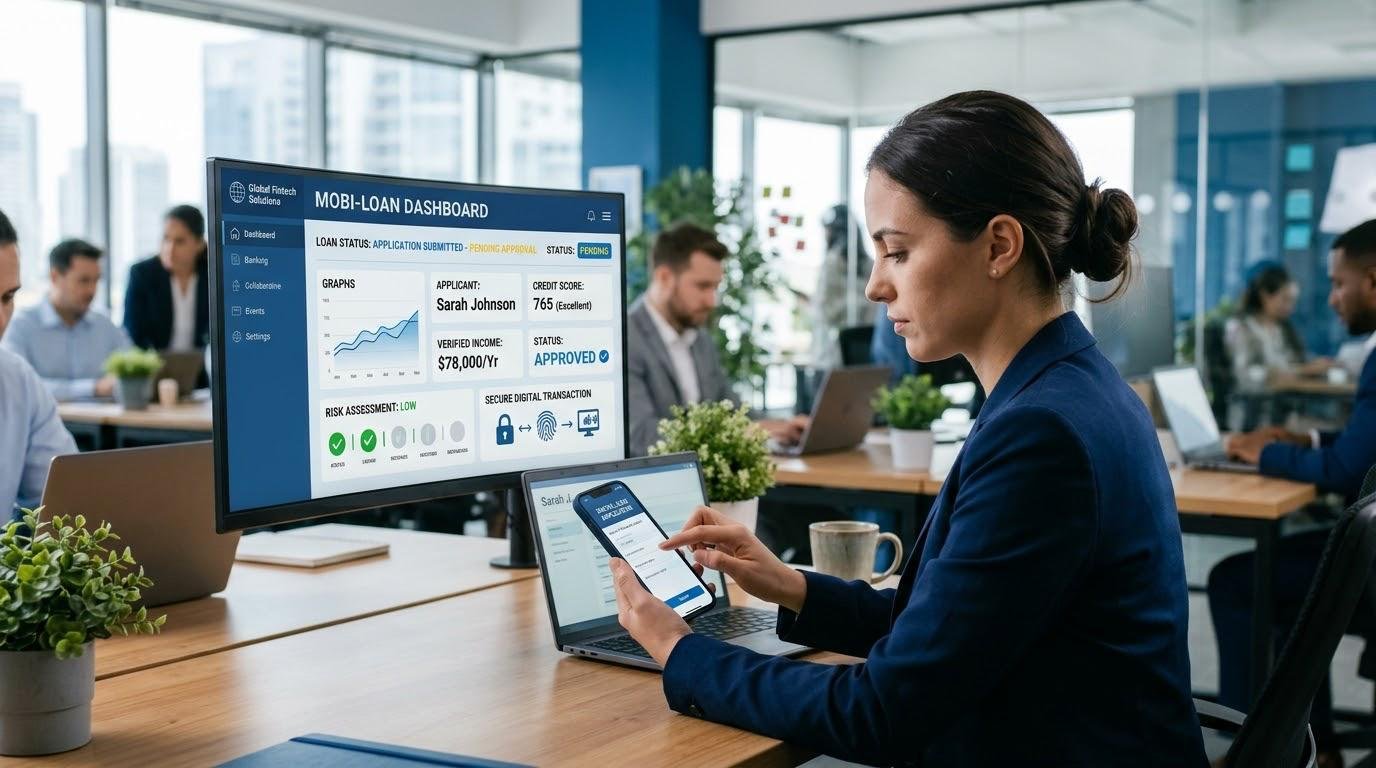
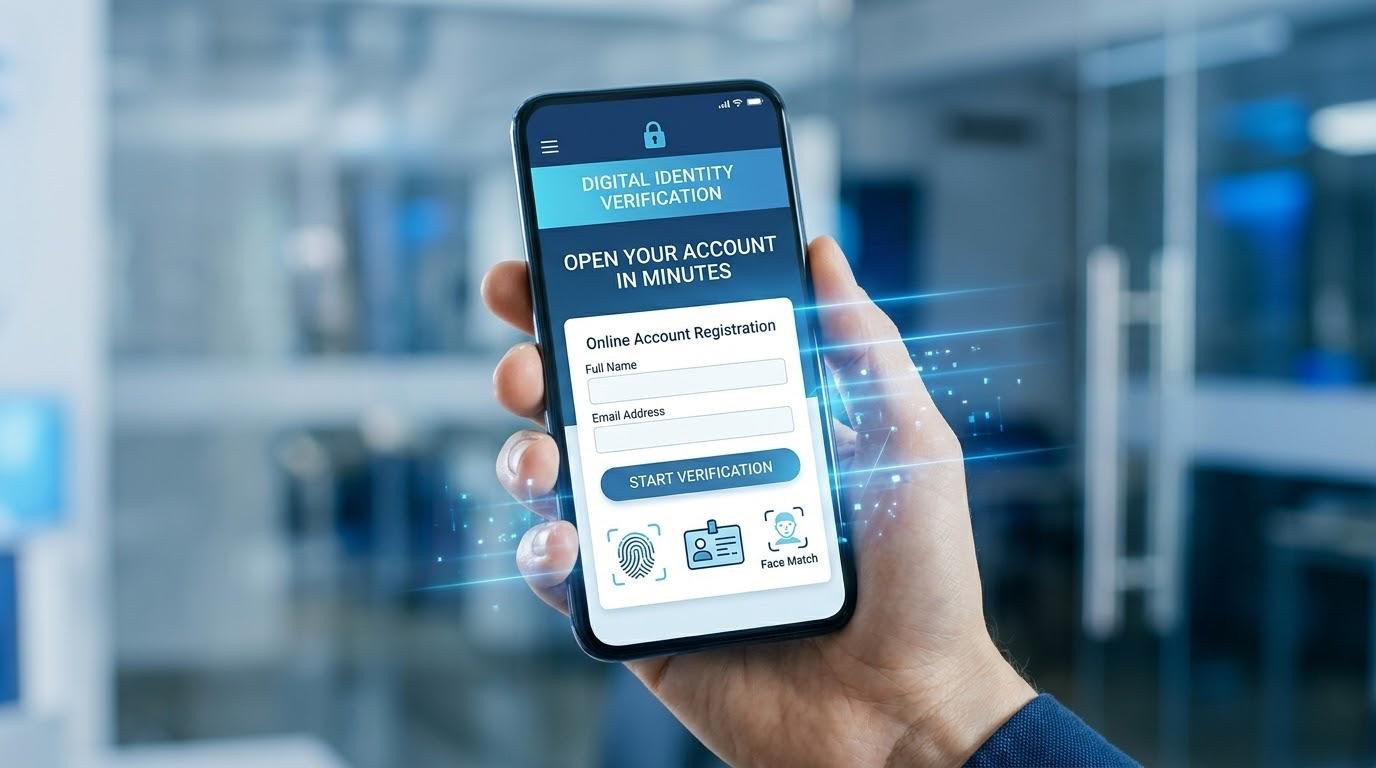
Mobile check deposit is a bank’s application that lets customers deposit checks (either front or back) via their mobile devices if supported, provided that the bank has determined they are eligible for check deposit. The app might ask for certain information and the quantity before it submits. The bank subsequently checks the deposit and the money becomes available based on the bank’s procedures. This feature is more prevalent in some banking markets and might not be available via Nigerian banking apps. Additional services may involve loan applications, standing orders, foreign exchange details, opening of accounts, customer service, financial statements and more. Artificial Intelligence can also be employed by some banks to tailor spending insights or to detect abnormal spending trends. While these extras can add value to a program, customers should be aware of the terms and conditions that would apply to them and of the time to process to make sure they know what they are entitled to and what they are not.
The Advantages of Mobile Banking Apps
Mobile banking is convenient because the customer can carry out the financial transactions supported by the banking system from his/her home, workplace or while traveling. This reduces the need to visit the branches and can save time in waiting in queues. It can also enhance accessibility for those who are not close to banking points, and the inability to travel. Digital transaction records help to track expenditure, verify payments and arrange financial documents with ease. Mobile banking can help small businesses make payments to suppliers, keep track of their balances, and manage their cash flows. Accessing financial services via mobile could also contribute to financial inclusion by making it more likely that more people will access formal financial services, where appropriate, when there is access to internet and appropriate banking infrastructure. But it is not always available, as some people are paying high data rates, have poor internet connectivity, may have incompatible devices or don’t have the digital literacy. The best use of mobile banking is where banks offer convenient technology and strong support and alternatives.
The Security Technologies that are Protecting Mobile Banking.
Biometric Login and Authentication
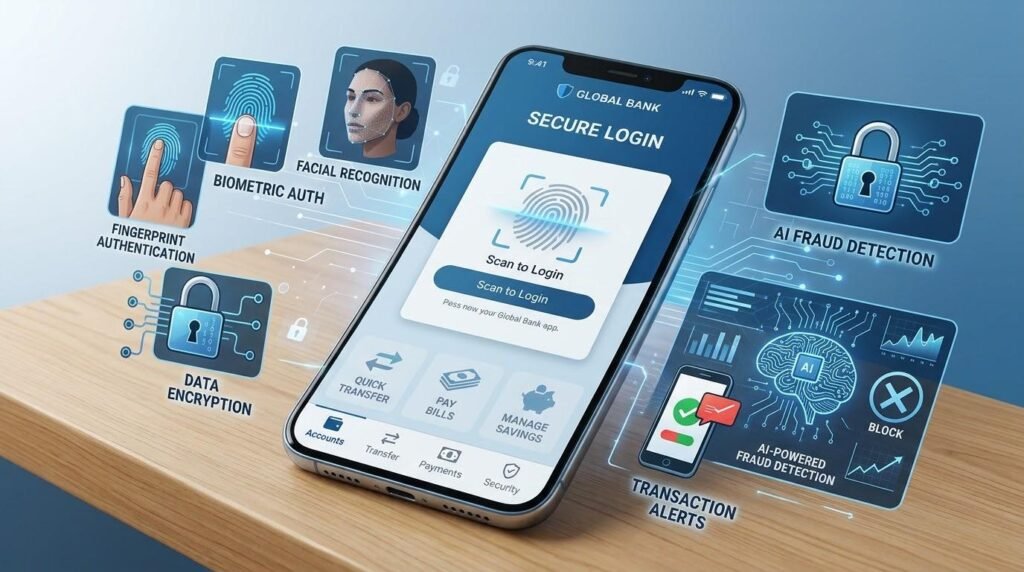
A typical method used with mobile banking apps is the use of passwords, personal identification numbers, one-time verification codes and more to verify the identity of the user. Biometric authentication is used to verify users using characteristics like fingerprint or facial recognition, where supported. Such a feature can prove more convenient for users to log in and help minimize the use of easily guessed passwords. Biometric features are not foolproof, however, and only effective when used on the device, its implementation, and with the security settings. Users need to use the highest possible form of authentication available through their bank, screenlock their devices and never provide verification codes or PINs for banking. Don’t assume the caller is a bank employee based on his knowledge of personal details. When someone asks for confidential information or presses the customer for quick action, checks of a legitimate security procedure should be made via official banking channels.
The Use of Encryption and Fraud Monitoring.
Encryption can help safeguard information by making it difficult for anyone to decipher the data without the cryptographic keys. Security protocols are employed to keep information safe between mobile apps and banks’ systems, and secure storage and device protection are applied to ensure sensitive data is safe. Fraud detection systems can be used by financial institutions to detect financial transactions that seem unusual or suspicious, or to determine when a user’s spending patterns have changed. These systems can lead to further verification or temporarily limit operations when potential fraud is detected. However, no technology can be 100% effective. Consumers should only download apps from official app stores or from links on the official websites of the Banks, install the updates as soon as possible, and refrain from using modified devices which provide less security. They should also check to ensure that they’re using the right banking app, not a decoy that asks for your credentials.
Mobile Banking Scams and Risks
Some of the risks that mobile banking customers might face are phishing messages, fraudulent calls, fake websites, malicious apps, and social engineering attacks. Phishing is a scam that prompts customers to provide their password, PIN or verification code from a known organization. Social engineering is a misuse of people, typically by inducing fear, urgency or a promise of a reward. A second is the ability to perform a SIM swap attack against a victim, where the fraudster hijacks a victim’s phone number to intercept some verification messages. Other factors that can make it easier to be exposed to security threats include public Wi-Fi networks, stolen devices, weak passwords, and outdated software. Sometimes, scammers trick the victims into downloading remote-access software or into approving transactions. It is important for customers to identify these tactics as they may not be able to stop them from willingly providing access to their accounts even if they are sophisticated banking security measures.
Security Measures for Mobile Banking
There are a few regular security measures that customers can follow to minimize risks. They should first download the official app of their bank and verify the authenticity of the app before entering in personal details. Second, they should have a strong, unique password when one is available, and use any additional factors of authentication available, and never provide their PINs or one-time codes. Thirdly, they need to update their banking app and device operating system frequently to ensure they get security enhancements. While these are not complete measures to achieve proper authentication and secure banking practices, avoiding financial transactions on public networks that are not trusted and disabling unnecessary Bluetooth connections can offer more protection. Users also need to set up transaction alerts for their accounts, check account activity regularly and report any suspicious transactions or device thefts to their bank as soon as possible via an independent verification method. If fraud is suspected, they should make the proper request for account/card restriction and adhere to the banks reporting procedures. Prompt measures may be necessary to minimize additional losses.
Selecting the Right Mobile Banking App
When you’re looking to find the right mobile banking app, you don’t just want to take into account its look, or the popularity it might have. The first question for a customer is to determine if the institution is licensed or regulated in their jurisdiction and if the application is from an official source. They should research the services offered, limits on transactions, fees for transfers, maintenance fees, savings features and customer support options. Some security features, and the reliability of the logon, notification controls, and freezing of a card may also be factors. While individual reviews may not be a concrete sign of security or reliability, reading the app store reviews of the past few years can show you any common technical issues. Users should think about compatibility on their device(s) and the usability of the app with their internet connection. They should also examine the institution’s privacy policy to learn how their information is being collected, used and protected before routinely using it.
Conclusion
Mobile banking apps have revolutionized the way people manage their finances day to day by taking their banking experience onto smartphones and tablets, giving them the ability to access their accounts, transfer funds, make bill payments, view transactions, control their cards, and save money all from the palm of their hands. The advantages are that they are able to provide quicker service, better financial visibility and may have access to banking facilities, but this will depend on the institution and their location. Along with these security measures like biometric authentication, encryption and fraud monitoring, users need to be vigilant about phishing and social engineering attacks. Customers can trust and rely on mobile banking if they choose a reliable app, set security measures, track their transactions, and safeguard sensitive data.
Get more well researched information about Mobile Banking Apps here.