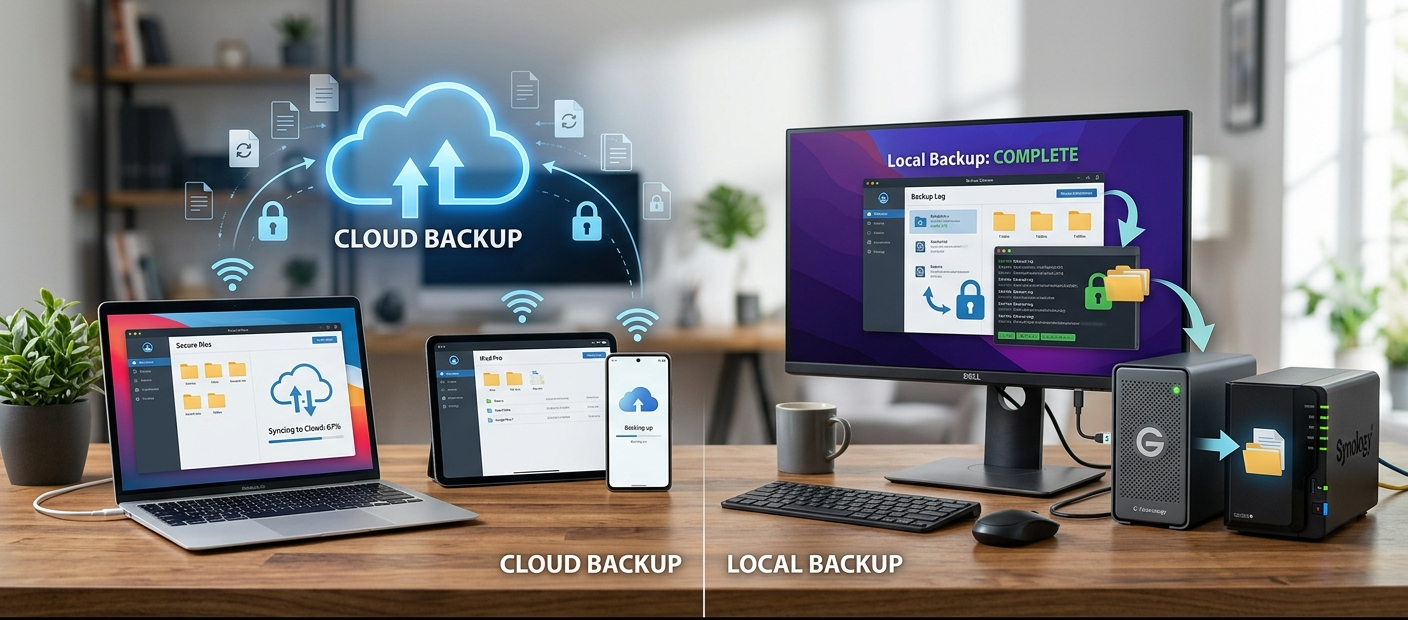
In this digital age, data is among one of the most valuable possessions of individuals, families and companies. Everything from photos to documents, financial records, work projects, customer information, and important files are produced and stored on computers, on smartphones, and on other devices. This problem is not negligible, though, as there are significant risks when all files are stored on a single device, including hardware failure, theft, unintended deletion, attacks by malware and natural disasters. That’s why backup solutions are essential to safeguarding critical data. There are two popular methods of backup: cloud backup and local backup. Cloud backup refers to storing files on remote servers controlled by a cloud provider, while local backup involves backing up data onto physical storage devices like external hard drives or Network Attached Storage (NAS) devices. Each option has its pros and cons, and the best choice depends on various factors, including budget, security needs, internet connection, and the speed required for data recovery.
When looking around for backup options, many will consider various cloud storage solutions which provide a convenient means to save, synchronize and retrieve files from nearly anywhere. Google Drive, OneDrive and Backblaze are all services which have gained popularity because they eliminate the need for people to operate physical storage devices. Local backups, however, are still useful as they give the user direct control of the data, and can be quicker to recover from than backups done over the internet, depending on the internet speed. It is important that users are aware of the strengths and weaknesses of both approaches so that they can make decisions to use the approach that best suits their context rather than assuming that one approach is always better.
Cloud Backup: What Is It?
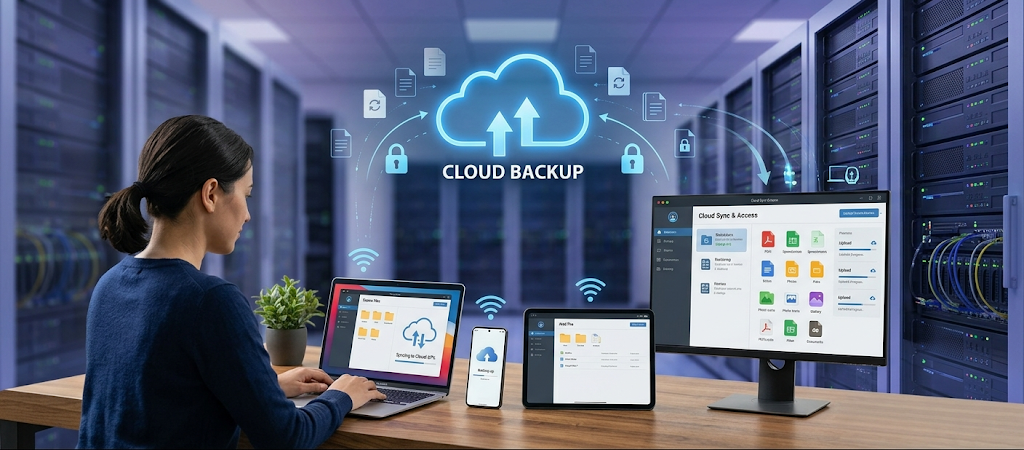
Cloud backup is one way to store copies of files on remote servers provided by a third party. Users connect their information via the internet to safe data centers, rather than storing all the data on an at-home or office device. These providers are accountable for ensuring the maintenance of the server hardware, storage space and security of the systems from many physical damage types. Popular cloud-based backups include Google Drive, Microsoft OneDrive, and Backblaze, each providing different features depending on users’ needs for simple file storage, automatic backups, collaboration features, or large-scale business protection.
Convenience is perhaps one of the primary benefits of cloud backup. External drives don’t need to be plugged in or copies manually made to remember since many cloud-based services can sync data automatically in the background. For instance, a student might save homework online and retrieve it from any laptop, tablet, or cell phone, and an enterprise can enable users to work together on documents from different places. Cloud backup also simplifies remote working as files are readily accessible when online. This convenience is particularly beneficial for companies with remote offices or people who need to switch between devices regularly.
The downside of cloud backup, however, is that it also has some drawbacks. Since files are kept on external servers, users will need to rely on the providers to safeguard its details. While a good company will have a robust cybersecurity strategy in place, no online service is impervious to data breaches, account compromise or service disruptions. Internet speed is also a key factor in cloud backup. Uploading large amounts of video, databases or business files can take a long time of time, particularly with slower connections. Also, long-term storage fees may escalate as many cloud storage providers have monthly or yearly subscription fees.
What Is Local Backup?
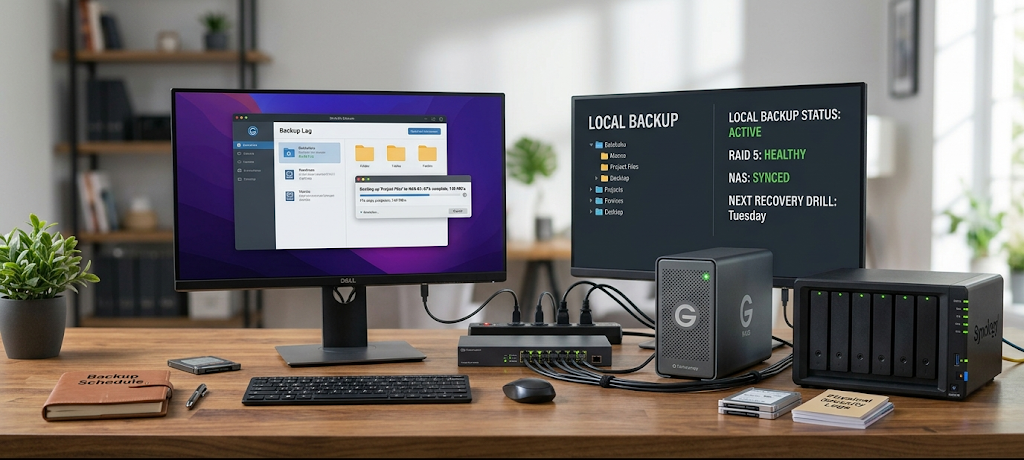
Local backup is the storage of backups on physical devices that are under the user’s direct control. Typically, external hard drives, USB storage devices, and Network Attached Storage (NAS) are used. Unlike cloud backup, local storage doesn’t need any internet connection to access files. The users get the hardware and install it on their computer or network; they then set their own backup times and security levels.
Local backup has one primary benefit: Control. Users have complete ownership of their storage devices and are not dependent on a third-party company. For example, a photographer might have many thousands of high-resolution images stored on external drives and access them quickly when necessary. NAS systems also allow businesses to have private storage spaces for their employees to share files, without allowing data to escape from outside the company’s control. Local backups also come in handy if the internet is down for extended periods as the files can be recovered during an internet outage.
Local backup is another key advantage of speed. Generally, it is easier and faster to restore a significant volume of data from an external hard drive or from a NAS than from the cloud. A business that has suffered a computer failure can recover terabytes of data in hours with local recovery, depending on how long it takes for the internet connection to recover, it can take a lot longer with cloud recovery. If you have to deal with large files regularly (like videos, software projects, or databases), using local backup might offer a significant performance improvement.
Despite the advantages, there are responsibilities associated with local backup. It is users’ responsibility to keep it up and running, to replace old drives, and to safeguard against thieves, damage and environmental issues. An external hard drive will not necessarily be protected if the computer is damaged in an accident, so it’s not a complete safeguard. Advanced features are provided by a NAS, but require technical expertise to use. If not backed up regularly and properly secured, local backups might be stale or at risk.
Cloud Backup vs. Local Backup: Looking at Key Issues
Cost Comparison
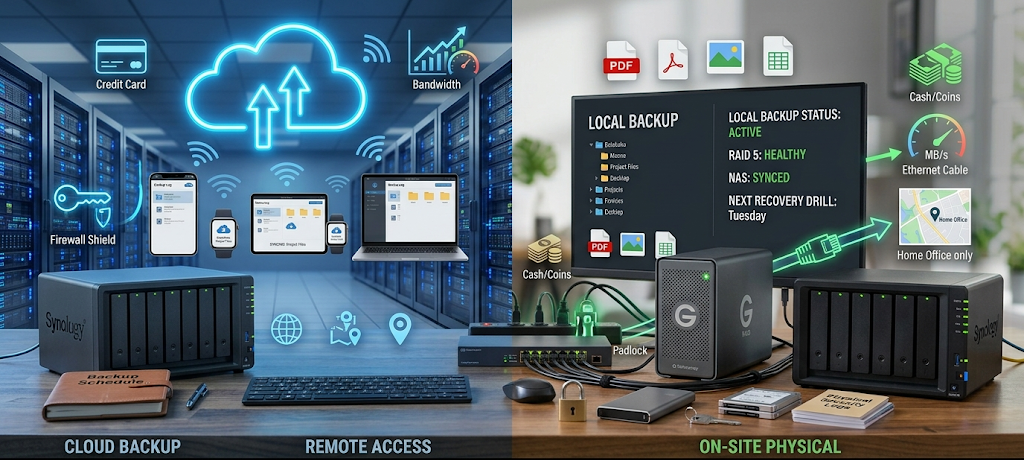
Cost is a primary issue in the choice between cloud and local backup. In the case of cloud services we see a model which is mostly of subscription which in turn may be paid monthly or yearly as per the storage that the user requires. This also puts to rest the need for a large initial outlay which in turn takes care of the purchase of expensive hardware at once. Also we see that Google Drive and OneDrive which are among others, present free storage which in turn has paid options for more capacity. For large data sets which is a personal computer’s case, Backblaze and the like may put out an unlimited backup which is very attractive to users.
The issue with cloud pricing is that it is a rolling cost. What may be an affordable subscription at time of sign up may in fact prove to be expensive over a period of a few years which is true for companies which have large data sets. If a business requires multiple accounts out of the platform or is using hundreds of gigabytes or terabytes of storage that is when you see the monthly costs add up. Also cloud storage providers may change their pricing structures which in turn will impact long term budgeting.
Local backup at time of purchase usually has a greater price tag which is put out upfront. An external hard drive may give you terabytes of storage for a single time fee, on the other hand NAS systems require you to spend more on drives and network equipment. Also once the hardware is bought in the end the running costs go down as there are no monthly storage fees. Over a few years local backup proves to be a cheaper option for those that require large storage.
Security and Privacy
Security is a big issue in the protection of important data. We see that cloud providers have put in place advanced security measures which include encryption, access controls, monitoring, and professional data centers. Firms like Google, Microsoft, and Backblaze have dedicated teams which they put forward to protect customer info and which also see to the maintenance of solid infrastructure. For many of our customers these security features we offer are better than what they would be able to come up with on their own.
Cloud based backup is an issue of which users are putting their info in the hands of another company. We see that poor password use, stolen login info, or hacked accounts may expose what is stored. It is recommended that users enable two factor auth and strong passwords for better protection. Also businesses should look at the security policies of the service they are to use before putting sensitive info in.
Local backup gives you more physical control as users choose where and what to store. A company may keep critical info within their own four walls and limit access to only which employees should have it. But security issues can arise if the user doesn’t run the system well. Lost external drives, stolen gear, or weak passwords for NAS may leave you very vulnerable. Local storage is not by default secure just because it is off the grid.
Accessibility and Convenience
Cloud based storage has a major benefit in terms of access. Online based files are very accessible from a variety of devices from anywhere. That’s why we see this as a great solution for students, remote workers, families, and businesses that require that flexibility in access to info. Also with automatic syncing these systems reduce the issue of manual backup which in the past people often forgot to do.
Local backup is of a limited access nature as users generally require physical access to the storage device or local network. While NAS systems do present remote access options they require setup and maintenance. For the user that is looking for an easy which requires little technical know how and which performs automatic backups, cloud services are the way to go.
Backup and Recovery Speed
Recovery time is a function of the amount of data which is restored and the connection speed which is available. For local backups we see that data transfers faster as it goes straight from a nearby storage device. This is very much the case in a business setting which may see loss of productivity and financial loss due to down time.
Cloud performance for recovery is a function of internet speed. We see that small files go back to users’ systems almost immediately, but large scale backups may take many hours or even days. Also some cloud services present physical recovery which is the delivery of storage devices with user data, however these options may also include extra charges.
What Is the Best Backup Solution for Home Users?
For the average home user the best strategy is to use a combination of cloud and local backup instead of one or the other. A student or a family may use the cloud for important documents, school projects, and personal photos which they can access from any device and at any time, and also have an external hard drive for large collections like movies and archives. This approach gives convenience of access while also reducing the risk of data loss which may happen if one backup fails.
Cloud backup does also see great use by people which prefer hands off protection which requires no technical skill. As for those that do not care for the management of storage devices which may come with a tech learning curve, we see services like Google Drive, OneDrive, or Backblaze as very approachable. At the same time it also is the case that users which have large media collections or are in areas with poor internet access may still go for local storage which in the long term is a more economical solution.
Which Backup Solution Is Best for Businesses?
In many cases what we see is that businesses require better backup solutions which in turn protect against a wide range of issues from operational outages to loss of customer confidence and financial hit. Also for many companies which are100% into a single backup solution we see that is a risk. We note that some firms use local NAS for quick recovery at the same time they maintain cloud based backups as a protection against physical disasters like fire or equipment failure.
Small business owners see benefit in cloud backup which removes the need for dedicated IT infrastructure. For large organizations with great data needs we see them using a mix of enterprise cloud solutions and local storage systems. What works best is determined by the company size, security needs, compliance issues and recovery goals.
The Best Approach: Using Cloud and Local Backups
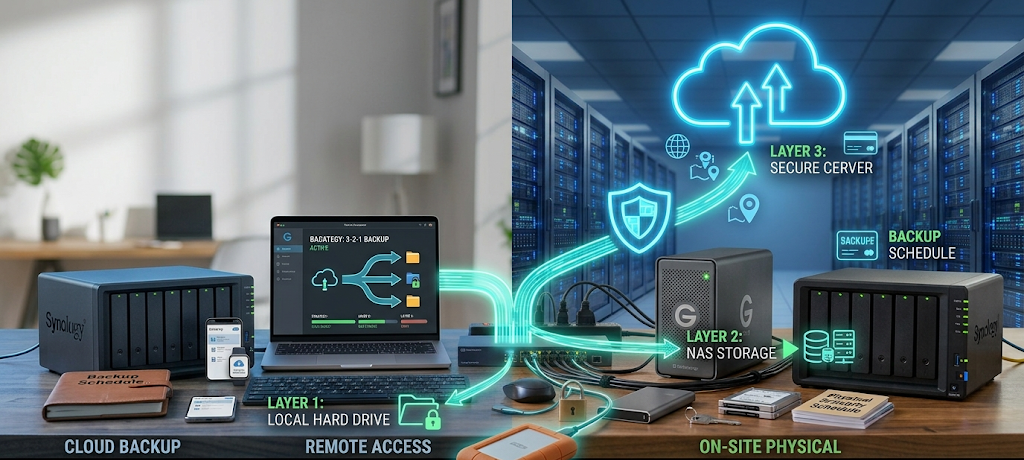
A very common approach is to use a combined backup strategy which at the same time has convenience, speed, security and cost in balance. Also there is the 3-2-1 backup rule which puts forward that you have three of your data sets, use two forms of storage for them, and put one of those in a different location. This may see a person put one copy on the computer, the second on a local external drive or NAS, and the third in the cloud.
Using a combination of methods which is what we do here which lessens our reliance on any one solution. If a local drive goes out, the cloud backup is there with an extra set of files. Should the cloud account go down, local storage is still a accessible source for your key files. We have a multi layer approach which in turn gives better protection for both home users and businesses.
Conclusion: Selecting the Right Backup Solution for Your Needs
Cloud backup and at home backup both have value in what they offer but don’t be used in all situations. Cloud solutions report great access to your info, automatic protection, and pro security features which makes them a great choice for those that want convenience and remote access. At home backups give you more control, faster restore times, and in the long term lower costs for those that manage large data sets.
The best choice is based on what you need, your budget, technical skill level, and the value of the info you’re protecting. Home users may go for an easy cloud based solution, but for businesses a mix of local and cloud protection may be required. We should look at cloud and local backup as complementary rather than competitive. A good backup plan which includes both is what will keep your important files safe, accessible and ready for recovery in case of an emergency.