Introduction
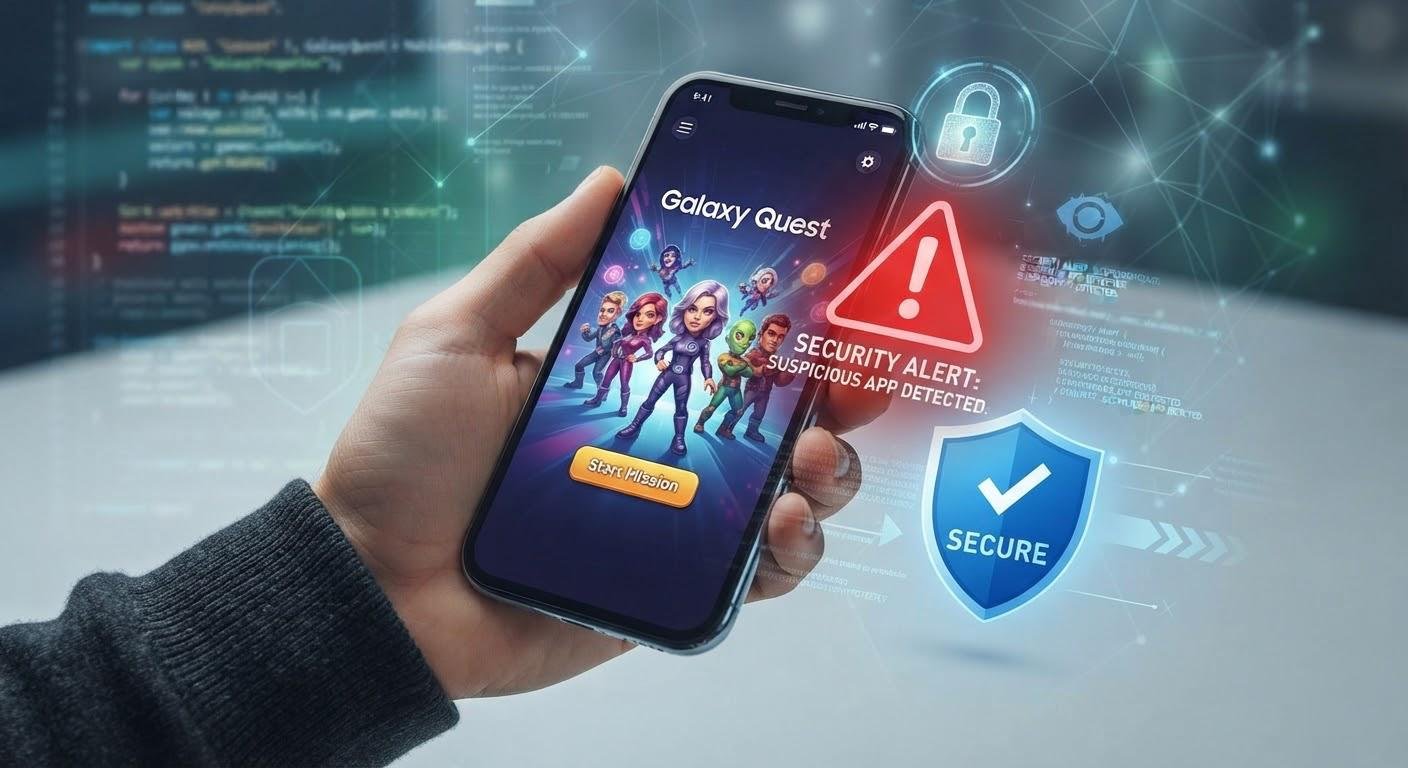
Certain apps may be fake within mobile gaming. This may trick users into downloading malicious software, or causing them to give away personal information, or pay money through untrusted sources. Certain fake apps may look very professional, using well known logos and realistic descriptions. Therefore if a user is unaware of how to spot a scam app, they may be putting their devices and personal information at risk. To avoid this, it is important to know how to identify suspicious apps, find legitimate places to download apps, and be aware of common scams.
Spotting Scams
1. Suspicious links
A common way people may be sent to fake mobile gaming apps is through suspicious links. These links may be found on various platforms including social media, messaging apps, online forums and unknown websites. They may suggest a special version of an app or offer exclusive access to it. However, clicking on these links can take you to pages designed to look like real app download sites, or automatically download unwanted files. Some links may appear to be from well-known services due to website names. To check if they are legitimate, ensure that you look at the full web address and check if it matches a well-known official site for the service. Be wary of shortened links given by unknown users, and do not assume that a link is legitimate just because it was posted in a popular place online.
2. Unofficial .APK files
APK files are a type of file used to install apps on android devices. However, if these files are downloaded from unknown/unverified sources, users may be at risk. Developers may have altered the file to include malicious software, steal personal information or cause unwanted actions. These files may also look exactly alike to genuine apps. It may be difficult to identify whether an app is legitimate by just looking at it. To reduce risk, try to download apps through well-known platforms. If downloading an .APK file, only download it if there is verifiable information that the official site provides a way to download it. If you are installing apps from unknown sources, understand what risks this poses for you, and ensure that this .APK file is really related to the service you want.
3. Misleading app description
A misleading app description may be an indicator that the game is fake. Often, fake app descriptions may be very exaggerated, or may lack clarity. The description may also lack information, such as what the app actually does, who owns it, and the requirements to run it. Some descriptions may contain spelling errors, mismatched branding, incomplete contact details, or unrealistic expectations. Carefully read through the description to determine if clear information is provided regarding what the app does and who operates it. Compare this information to what is provided on the official site for this service. Even if the app looks professional, it is still important to check the accuracy, consistency and transparency of information. Decide if the app is legitimate based on this information.
4. Unusual permissions
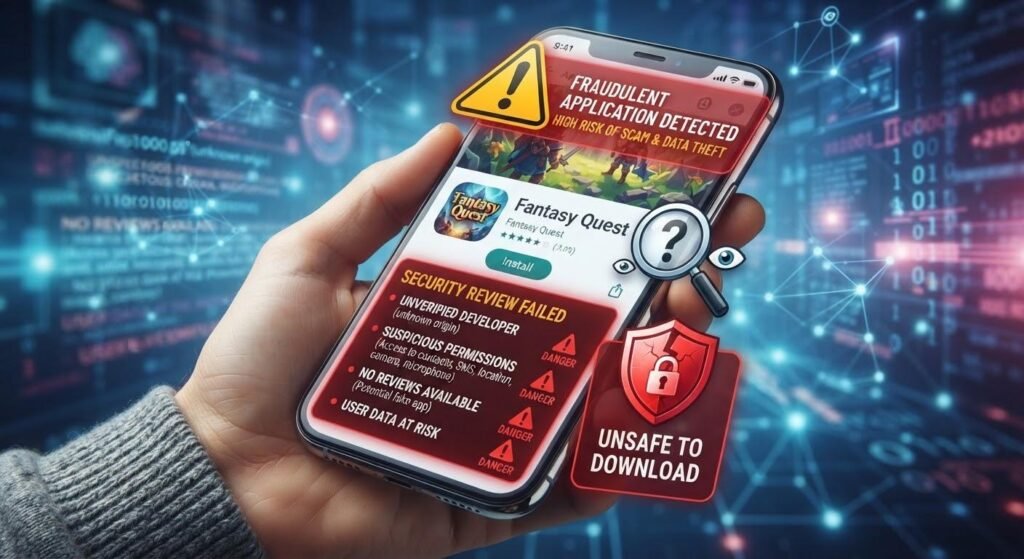
Permissions allow apps to be able to access certain parts of a mobile phone. However, fake apps may ask for access to information within the device that is not related to the purpose of the app. For example, a simple mobile game may ask for access to contact details, text messages, audio, images and location within your device. This should raise concerns for users, meaning they should look into the app further. Giving apps too much permission can result in personal data being collected without permission, and create security issues. On both android and iOS devices, settings allow users to manage app permissions. Only give apps reasonable permissions needed to function. If an app asks for information which seems unreasonable, reconsider giving them this access.
5. Imitation sites
Fake sites may imitate real sites by having similar branding, color scheme, layout of pages, sign up form and other features. These sites may slightly alter their web address to make it seem legitimate. However, some sites may even include copied images, fake positive feedback and realistic descriptions. When entering personal information, carefully check that the web address matches the official address of the service. Check that it has consistent branding, easy to get in contact with, clear private policy and easy to understand terms and conditions, having an HTTPS in the web address means that data being sent between the browser and the website is encrypted. However, this alone does not mean that the website is legitimate. Check other aspects, and do not solely rely on the padlock symbol on the website.
Checking Legitimacy of Mobile Gaming Platforms
1. Check if the site is legitimate
To avoid fake apps, it is important to check that the site is legitimate. Obtain web addresses from a reliable source, such as through reliable communication from the service, announcements and verified official pages. Avoid using links that have been given to you by unknown users, without supporting information. For example, if users are looking to play DM First game, they should be sure to check that the web address matches the official access address for the site. Check carefully that the domain is correct. Be careful of very similar addresses. If redirected to an unfamiliar page, be cautious. This means that users understand that it is important to check that they are going to the correct site from a verified source, to avoid being sent to fake sites.
2. Check the developer/publishers
Knowing who developed or published an app can be useful in determining if it is legitimate. Before installing an app, check who the developer is. Check if contact details, official website and other information is provided. Ensure that this company name matches with what is listed on the official site of this service. If the information provided for the company owner seems unclear, or incomplete contact information is provided, or the company name does not match the information on the official site, look into this further. Check whether the developer appears to be legitimate by looking at their online presence, and whether consistent information is provided across known sources. However, be aware that fake developers may copy information from legitimate businesses. Therefore do not solely rely on this information to decide if an app is genuine.
3. Check app reviews
It can be useful to view reviews for an app, to decide if it is suitable to download. However, do not be swayed purely by high ratings, as fake developers may generate fake reviews. View a range of recent reviews. Be wary of repeated complaints about strange payments, unexpected adverts, difficulty with account access, too many permissions or odd changes in app functionality. Additionally, if reviews seem repetitive, very similar or do not provide much helpful information, consider looking into them further. It is also important to consider bad reviews, as technical issues can occur in real apps. To get a balanced view of the app, look at information from multiple independent sources.
Avoiding Giving out Personal Information
1. Provide only necessary personal information
During the sign-up process, users may fall victim to online scams. Some fake apps may ask users to enter too much personal information, such as address, ID, bank information, or other sensitive information. Before entering information, be aware of what information is being asked for. Consider whether it is reasonable to enter this information for the service. Try to avoid providing unnecessary information, especially if the app owner or security measures have not been verified. If financial information is being requested during sign-up, understand why this information is being asked for. Never enter personal information simply because it has been requested. Being cautious when providing personal information can reduce the risk of identity theft, or people gaining unauthorized access to your account, and unauthorized access to personal information.
2. Create secure passwords and keep verification codes safe
Creating secure passwords within your account is very important. Ensure that your password is hard to guess, and do not use the same password for multiple accounts. Including upper and lower case letters, numbers and symbols can make your password more secure. If supported, using two factor authentications will add an extra security measure, requiring a second authentication step to access the account. Verification codes, one time passwords and password reset links should be kept private. Fraudsters may be pretending to be customer support/ administrators on the site, and may trick people into giving them this information. Never give confidential login information to people, just because they are requesting it as a legitimate security measure. Keeping passwords and verification codes private will reduce chances of account compromise.
3. Be cautious with payments
Some fake mobile gaming apps may trick users into giving out financial information, or make unauthorized payments. They may ask for card details on an unknown site, take users to a suspicious payment page, or give instructions to send money to an unverified account. Before making payments, make sure that you are on the correct payment process for the service you want. Understand what the financial arrangements are. Avoid entering banking details into unknown forms. Never give personal identification numbers or one time banking verification codes to someone else. Be aware of any unusual activity on your financial statements and notifications. Any mobile gaming apps mentioned in relation to financial payments are intended for people aged 18+, and may carry financial risk. Make sure to understand the possible consequences of any money involved.
Further tips to avoid mobile app scams
1. Keep devices and security software up to date
It is very important to keep mobile devices up to date in order to avoid malicious software. Updates are often made to improve security, fix issues, and allow the operating system to better detect malicious activity. Update your devices through the official device settings, rather than through unknown links or external sites. If available, consider using security features such as app scanning, device security and trusted mobile security apps. These can help to detect certain risks. However, they may not be able to detect all fake apps, and cannot guarantee that software downloaded is safe. Regularly check which apps you have on your device, and remove any unknown apps that you may no longer need. By keeping devices updated, and carefully downloading apps, users can increase security.
2. Be aware of common scams
Scammers often push users to act quickly without considering the information given. This may be done by creating urgent situations, sending frequent messages, asking users to urgently deal with account problems, or suggesting that suspicious links must be used during sign up. Some scammers may pose as customer support, and attempt to trick people into giving them passwords, verification codes and financial information. Other scammers may trick users into believing that they have a security issue by sending fake alerts. Be very cautious of any messages urging you to act quickly. If they involve financial information or account details, be very cautious. If you receive unexpected messages, do not follow the instructions. Instead, go to a verified site for this service, or get in contact with a verified support team. Taking your time to investigate unexpected requests can prevent you from giving away personal information.
3. What to do if you suspect you have downloaded a suspicious app
If you suspect that you have downloaded a suspicious app, take steps to minimize damages. Firstly, stop engaging with the app, and do not provide any further personal or financial information. Uninstall the app from your device settings. Check what permissions were given to the app. If you provided passwords to accounts, change them on the official sites/applications for those accounts. If you may have given out banking or payment information, contact your banking institution using verified methods. Report any suspicious transactions. Run a security scan on your device, and check for any unusual activity within your accounts. Reporting fake apps to the appropriate app stores/ consumer protection bodies can allow others to be aware of this issue, and assist in tackling similar threats.
Conclusion
Being able to spot fake mobile gaming apps requires knowledge, awareness and verification of information. In order to trick people, fake developers may copy branding, provide suspicious download links, have unofficial .APK files, misleading descriptions, excessive permissions and imitation sites. However, by checking information about the developers, carefully considering reviews, checking that the site is legitimate and keeping personal information safe, users can reduce the risks of falling for these scams. Additionally, creating secure passwords, keeping financial information safe, keeping devices updated and acting carefully in response to unexpected messages or requests can also be very helpful. Most importantly, just because apps have a professional design, or familiar names, does not mean they are legitimate. Making informed decisions when downloading/ signing up to mobile gaming apps can greatly improve privacy and security.
Get more well researched information about Fake mobile gaming apps here.