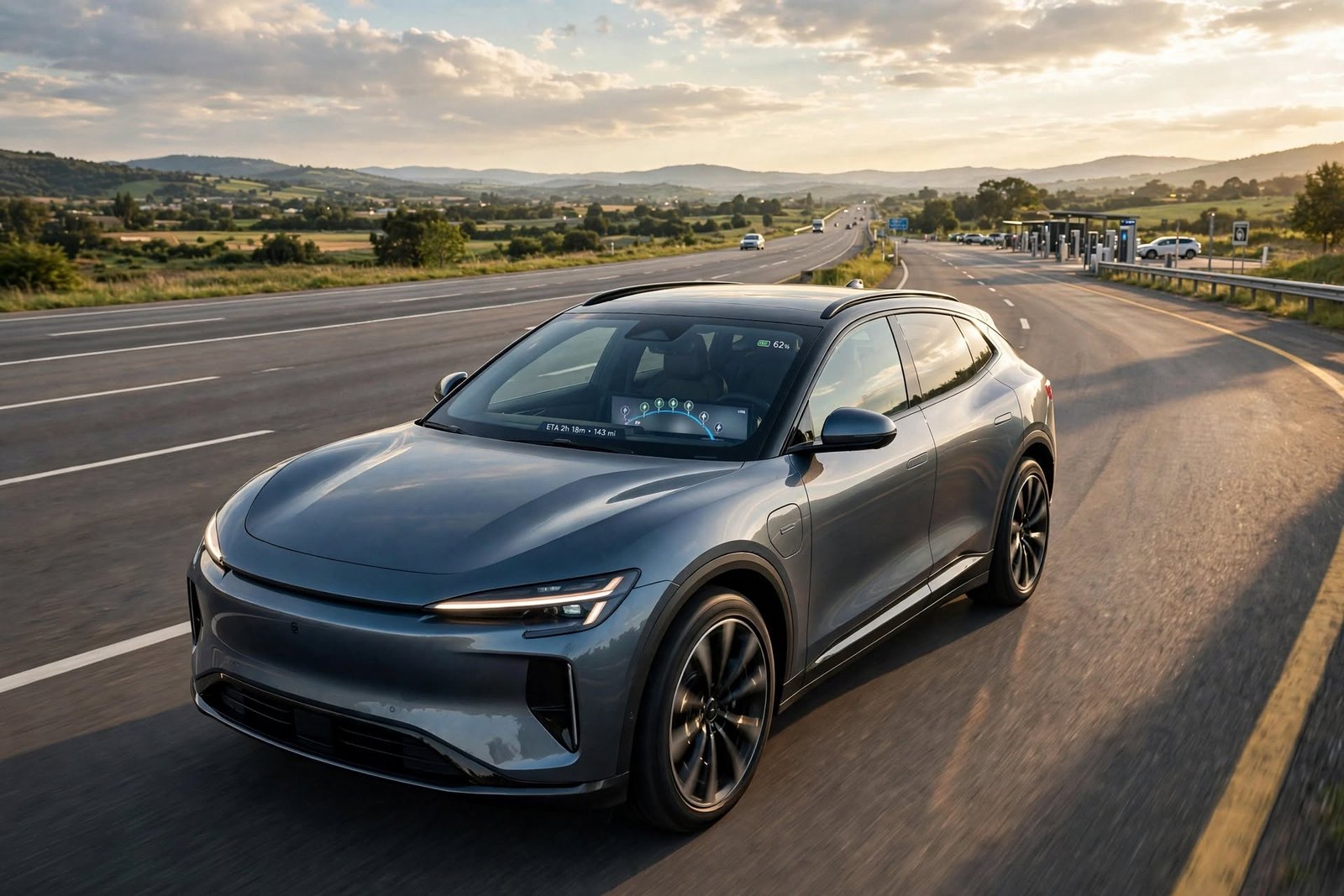
EV road trip apps make planning a cross-country trip easier by bringing battery range, charging stations, charge rates, traffic, weather, and charging-stop information together.Today’s EV apps put many of these elements together, which in turn helps drivers plan their route before they leave and also check in on key info throughout the trip.
The best EV apps are those which put into drivers’ hands what they need to find compatible charge points, see battery health at destination, get recommendations for when to stop for charge, and which also include traffic info. Also, they present all of this in one place so as to reduce the surprise of a dead battery and to better manage range on longer trips. Rather than treat charging as a separate issue, drivers can integrate it into the full route.
How EV App Be Useful for Road Trips
A useful EV road trip app should present to users what they need for a smooth trip. Instead of just presenting the shortest route, it should look at the car’s battery range and which charging stations are on the route. We also ask that it include info on what kind of connectors are used at the station, charging speeds, location of the station, and if it is in fact still open. This will help drivers plan better and also avoid the frustration of getting to a station only to find out it doesn’t work with their car.
Combination of navigation with charge point info is of great value on long trips. As we travel, drivers have access to the put-forth route, see which charge stations we will stop at, and choose between options before we set out. Also, since public charge points at times do change, it is also a good idea to check in to key stations before you go and to identify which other places to charge when you’ll be passing through areas which have little charging infrastructure.
EV Apps for Navigation and Charging
Many EV road trip apps which include navigation also present charging station info. We see in some of these apps that they put forward charging stations which may be based on what kind of car you have, the route you are taking, and what the projected battery use will be. Also, some will display what the battery will be at upon reaching a charging station or your destination. This puts the charge stop into the route itself as opposed to a separate search, making long-distance EV route planning more practical for drivers preparing for extended journeys.
This is the area where charging-stop planning comes into play. Drivers are able to see into the charge time and which routes may have less number or length of stops. Also, drivers should look over the recommended stations before embarking on a long trip and have a backup option at the ready.
Apps for Power and Energy Conservation
Battery life is a key thing to think about for EV trips. What is shown may not be a set distance, as energy use varies with speed, traffic, weather, road grade, wind, use of climate control, and also with the weight of what you are carrying. Also, which EV app reports on battery charge at destination may prove more useful than one which only shows remaining km.
Drivers should look at these as we present them for planning purposes, not as guarantees. If energy use goes beyond what we expected for the trip, the predicted battery level at waypoints may fall. By this info, the driver has a chance to pull in for charge at a sooner chance instead of waiting till the battery is very low. Also, over time, trip history may put into perspective how your vehicle does in different situations.
EV Apps for Charging-Station Discovery
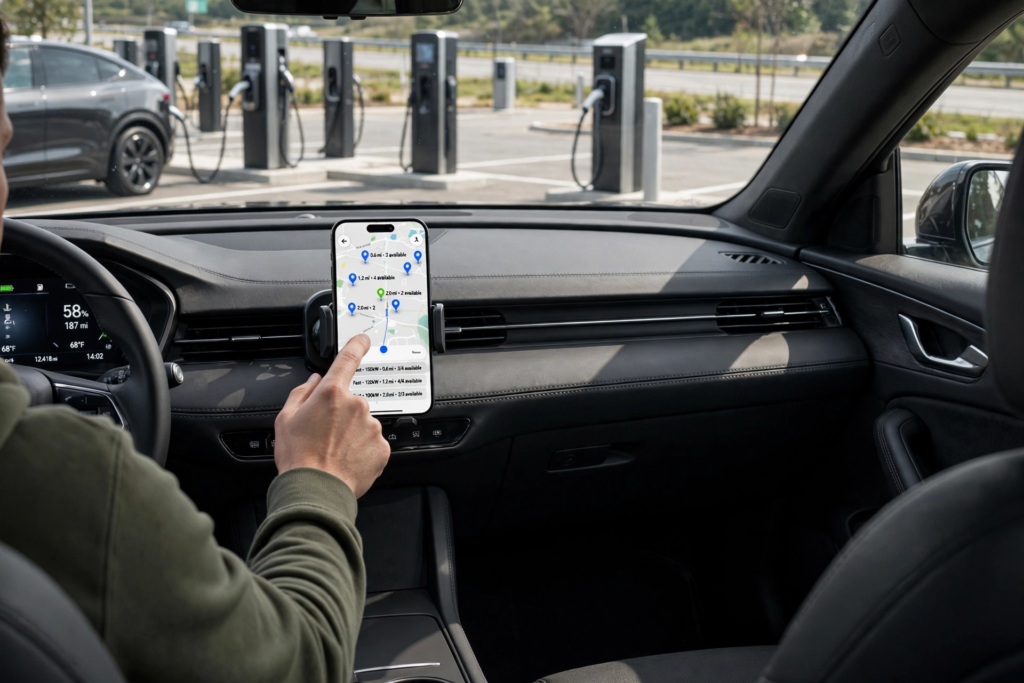
Charging point search is also a key feature of EV road trip apps. In terms of what should be included in a good charging database, we see that it should report on the location of the station, type of connector, charging power, network which it is a part of, and also the availability. Drivers can use EV charging apps to compare these details and determine whether a station will work for their vehicle instead of simply choosing whichever charger is nearest.
Drivers, it is also true that charges may change. A station may be out of use for a while, or have access which is restricted. Before you leave, do check key stations and also put in some which are alternatives in case of which you have delay. Also very useful are the network-specific charging apps which in fact may give out more in-depth info on the stations that that particular network operates.
Apps for Traffic and Road Info
Traffic reports play a role in EV travel as they report real-time changes which in turn vary travel time and energy use. An app which pays attention to traffic will put forth different routes as traffic jams develop. If an alternate route is of great length, the app may also modify its charge point recommendations.
Drivers should continue to check in for route updates once you hit the road. At home, you may put together a plan which, by the time you are a few hours in, is no longer the best option due to traffic, road closures, weather, or other issues. For the EV apps to be of great use, they should allow you to change your plans as you go along, which at the same time keeps you updated on battery requirements.
How to Prepare EV Road Trip Before You Go
Before you begin a long trip, have your destination in and go over the full route. Check out the put-forth charging stations, make sure the connectors are compatible, and note the charge rates. Also, it is a good idea to identify other stations along larger parts of the journey which may come in handy in case the infrastructure is sparse.
Drivers also should look at what the battery level is to start with, expected traffic, weather, passenger load, and luggage. These elements will change the energy consumption, which in turn may alter the estimated battery level at destination. By sorting this out before you hit the road, it reduces the complex decisions you have to make mid-trip and also gives a better picture of which charge stops will take place.
How to Use EV Apps While Traveling
Once a trip is in progress, drivers should use apps for navigation and important updates, which in turn means less phone interaction. If at any point the estimated charge of the battery drops faster than expected, the driver has the option to plug in at the next available chance when it is safe to do so. Also, changes in traffic or route conditions may cause the app to recalculate the journey.
Before the battery dies completely, it is a good idea to plan the next charging stop. Also, having some charge to spare is good for when you may hit a busy or out-of-service charger, which does happen. Also, which is very true on long-distance travel, when the next charging station may be far off.
Trip Reporting and Reflection on Past Journeys
Trip data reporting includes features like how your EV does as time goes by. What you see may vary by what you are using it for, but you may look at distance traveled, energy use, charge cycles, efficiency, and time in motion. Out of this info, drivers may identify trends which in turn help plan out future trips.
For instance, a driver may find that which route uses more energy is that which has high speed limits, goes through many hills, or is very congested. Also, from past trips, we may use that info to better estimate the future battery use. Though trip history may not predict all future variables, it does put into perspective what is normal for your vehicle’s performance in the real world.
Using Multiple EV Apps Together
No, each EV app does not provide all features equally well. One app may excel in route planning, while another in providing in-depth charging info. In that sense, it is useful to use a set of complementary apps which you may also use for long-distance travel. The key is to define what each app is for instead of going back and forth between what may be at times conflicting recommendations.
Before you leave, have a look at the different sources of information available for charge points and check out large discrepancies. If some apps report a station that others don’t, look into the present status and the compatibility of those which you are in doubt about. A main navigation app paired with a quality charging info app will provide a good backup which at the same time does not overcomplicate your trip planning.
Tips for Reducing Charging Delays
One method to cut down on charging delays is to plan for the next charge while you still have plenty of life out of your battery. This puts the decision back in the driver’s hands and allows them to choose a station which may be a little further out based on what they value: location, speed of charge, or what may be available at that time.
Drivers should also put it off to use only one charging station for long-distance travel. Having an alternate at hand gives you the flexibility of which to use if the primary station is full or out of service. Also, before you arrive at your planned stop to charge, go ahead and check in with what is going on; maybe there is info on recent changes which will play into your trip.
Choosing the Right EV App
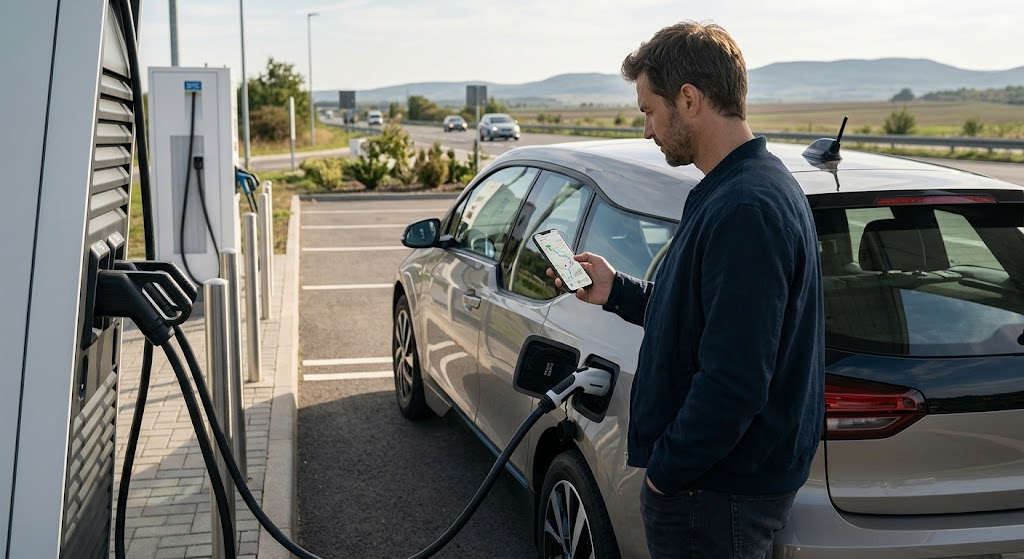
The EV app you choose depends on your vehicle and what you use it for. In the city, mostly we see people that are into finding out about charge points and their availability; on the other hand, those that travel long distances between cities require in-depth route info, battery health reports, traffic info, and suggestions on where to stop for charging.
It’s a good idea to try out an app on short trips before going on a long-distance trip. This allows drivers to see how the app’s battery estimates measure up to the car’s performance and if the charging info is reliable in where you drive the most. The best app is one that gives you what you need without complicating the planning process.
Conclusion
EV apps are a great resource for road trips as they include navigation, charging info, battery health reports, traffic updates, and trip tracking in the same easy-to-use platform. Also, these features may show which charging stations are needed, how often the car will require charge during the trip, and how the constantly changing road conditions may play out.
However, drivers should see app predictions as estimates, not guarantees. Battery use is variable, charge points may go out of service, and traffic and weather will play a role in your route. By doing your research in advance, keeping a little charge in the tank, checking key stations, having backup options available to you, and looking at what worked in the past, you can make long-distance trips more of a sure thing and reduce unexpected delays at the charger.