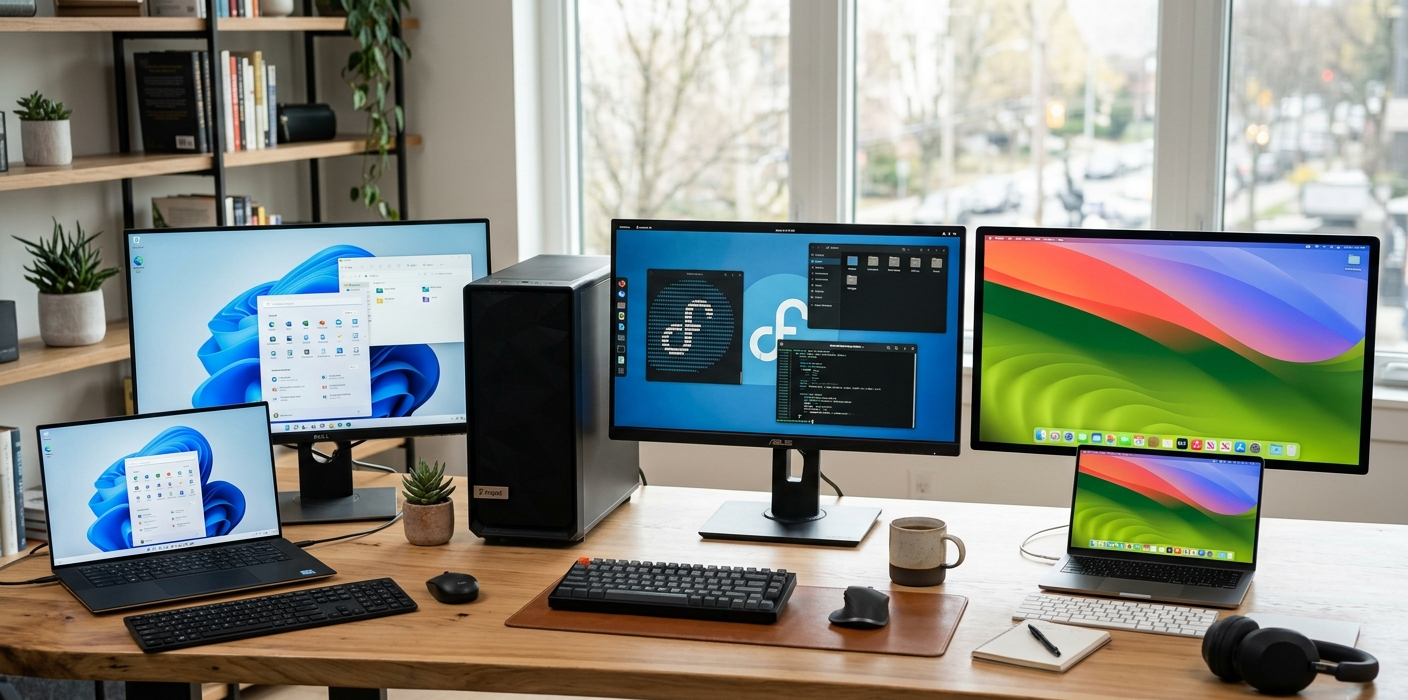
One of the first important factors to consider when purchasing a new computer is the operating system (OS). The operating system dictates the way you use your device, which apps you can install, how customizable it is, security capabilities, gaming performances and overall experience. The top three desktop operating systems are Windows, Linux, and macOS. They all have both pros and cons and the “best” depends so much on what you are trying to do with your computer.
The wide range of game titles and sound compatibility, the large software base and the broad hardware support are some of the reasons Windows is the leading global desktop platform. Many users, system admins and developers prefer Linux due to its added level of control. macOS is renowned for its sleek design, stability, security measures, and compatibility with Apple devices. One to one comparison of Windows vs Linux vs macOS by performance, security, software compatibility, gaming, cost, customization and usability.
Differences Between Windows, Linux, and macOS
The differences between Windows, Linux, and Mac OS can be confusing.The nuances of the different operating systems of Windows, Linux, and macOS can be confusing. The goals behind the development of Windows, Linux and macOS are different. Windows is a product of Microsoft that does not aim to be an operating system for every computer model from every manufacturer, but to be as flexible as possible to run on thousands of different computer models. This way, users have plenty of options, including budget-friendly laptops, gaming computers, and robust workstations. Unlike Windows and macOS, Linux is open source, and there are many different versions, or “distributions,” of Linux, such as Ubuntu, Fedora, Debian, and Linux Mint. This way, users can choose the experience that suits their technical expertise and preferences.
Apple-developed macOS is for Macs. MacOS is a highly optimised experience with Apple taking control of both hardware and software, with the operating system designed around the device. The result is high performance, regular updates and seamless integration with other Apple devices (iPhones, iPads and Apple Watches). But it also comes with limited hardware options in comparison to Windows and Linux. It’s crucial to take these basic differences into account, as they will directly influence your computer’s functionality and ease of use.
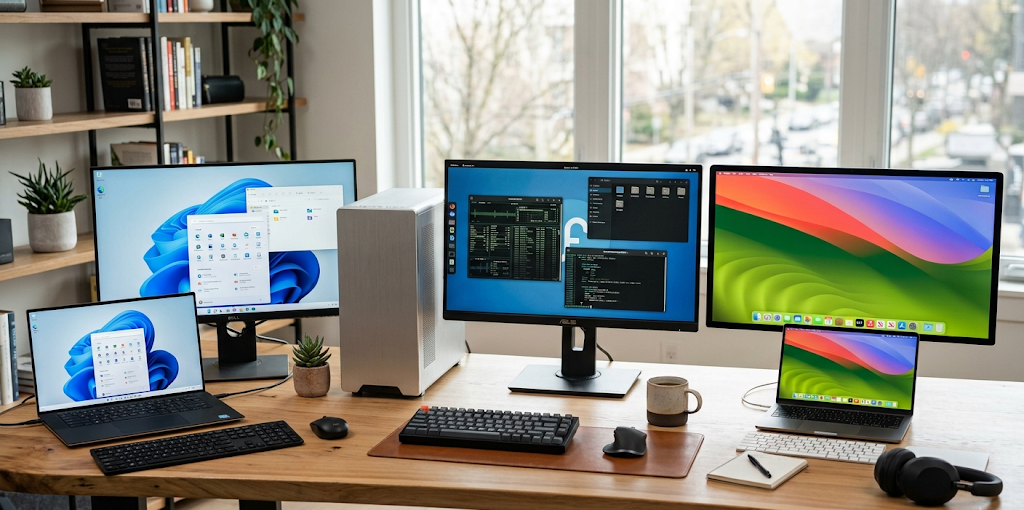
Which Operating System is Compatible With Most Software?
One of the most important things people have in mind when choosing an operating system is the software that runs on it, as this determines the tasks that a computer can do. Running various programs, tools and services are impacted by the ability of an operating system. If it is a software system that has an excellent software compatibility users don’t have to worry about complicated workarounds or alternative solutions to get the software they want.
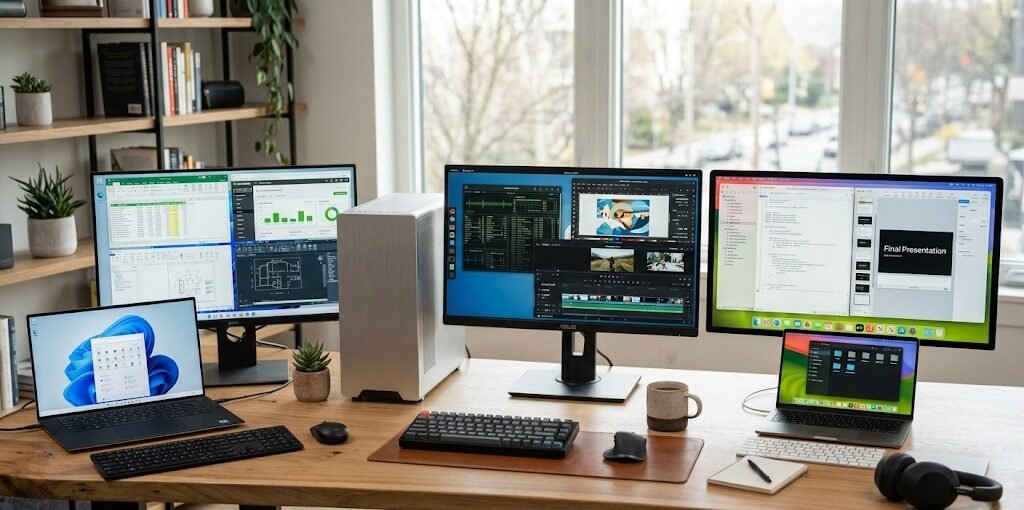
Windows is the most successful software. Since it’s the most popular OS for desktop computers, the first version of most apps is typically released for Windows. Users can access popular productivity tools, professional software, business applications, creative programs and educational platforms. Windows is very well supported by the most popular programs like Microsoft Office, Adobe Creative Suite, Accounting software, Engineering Software and many other specific workplace programs. This is why Windows is suitable for companies and individuals that use certain applications.
macOS also offers robust software assistance, particularly for creative individuals. Macs are often the preference of many designers, video editors, musicians, and developers because many of the programs that they use are optimized for Mac.Many designers, video editors, musicians and developers prefer Macs because many of the software that they use are optimized for Macs. There are exceptions for some business applications and programs, however, that may only support Windows, which can limit some users.
There are thousands of free apps available for Linux, and it’s a great platform for programming, cyber security, server administration, and technical work. But, there are not as many commercial desktop apps on Linux as there are on Windows and macOS. There might not be any official Linux versions of some popular programs, so users have to look for other alternatives or make use of compatibility layers. This will not be a concern for the technical user, but for others, it will create a problem if there is no software they like.
Performance Comparison: How Windows, Linux, and macOS Perform
The performance varies with hardware quality, system optimization, the number of background processes and the nature of the work. Over the years, Windows has come a long way and modern versions are highly capable in terms of performance on different computers. Performance will vary depending on the computer and hardware configuration as Windows is compatible with a wide range of hardware configurations. Many competing systems may not be as powerful as a powerful Windows desktop with a powerful processor, enough memory, and a dedicated graphics card, particularly when dealing with heavy workloads like gaming or professional applications.
Lightness and efficient use are common attributes that Linux is known for. There are actually a number of Linux operating systems that may operate on these older machines which do not have a ton of hardware resources to draw on, and they do allow people to select lightweight desktop environments to operate on the system. Servers are often running Linux systems as they can run for long periods and require less resources than other systems. Developers and technical users like Linux performance because of the fact that it offers direct control over the system processes and tools.
An advantage of macOS is that Apple’s hardware and software are better integrated. Apple makes its own processors (including Apple silicon) and the operating system, so macOS can achieve a high level of performance and energy efficiency. Mac computers are particularly good at video editing, software development, graphic design and for general productivity. But unlike Windows or Linux machines, Macs do not have the customizable options that users can enjoy and hence cannot perform as much performance upgrade once they buy it.
Security: Which Operating System is Safer?
Security is a big worry for anyone working on a computer who is sharing personal or work information, banking online, or running a business. Windows has long been a favourite target for malware, owing to its widespread use with the majority of users around the world using it. But current Windows versions come with a great set of security tools, including built-in virus protection, secure boot, security options and periodic security updates. Windows can be a safe environment to use if you maintain it properly and follow safe browsing practices.
The permission system, open source development, and limited market share for Linux desktops are some of the reasons it is often regarded as one of the most secure desktop operating systems. This is because many security professionals prefer Linux as it gives them complete details over the system settings and access permissions. But Linux doesn’t automatically have security issues. However, users must still perform updates, be mindful of permissions, and take other necessary security measures.
The security aspect of Apple’s Mac OSX is a big plus as Apple has control over hardware and software integration. System integrity protection, application permissions and frequent security updates safeguard the user. Since there are fewer Macs than Windows, attackers are not commonly targeting macOS. But there is no operating system that is totally secure, and user habits are one of the most crucial elements to security.
Gaming: Which Operating System is Best for Gaming?
Windows is the obvious choice when it comes to gaming due to its vast library of games, support for gaming hardware, and compatibility with gaming platforms. This is because most of the PC games are created for Windows as it has the widest user base. Popular gaming services, graphics technologies, gaming accessories and advanced graphics cards from NVIDIA and AMD are supported by Windows. Most gamers prefer to play on Windows because they want to get top performance, the most number of games, and the ability to upgrade hardware.
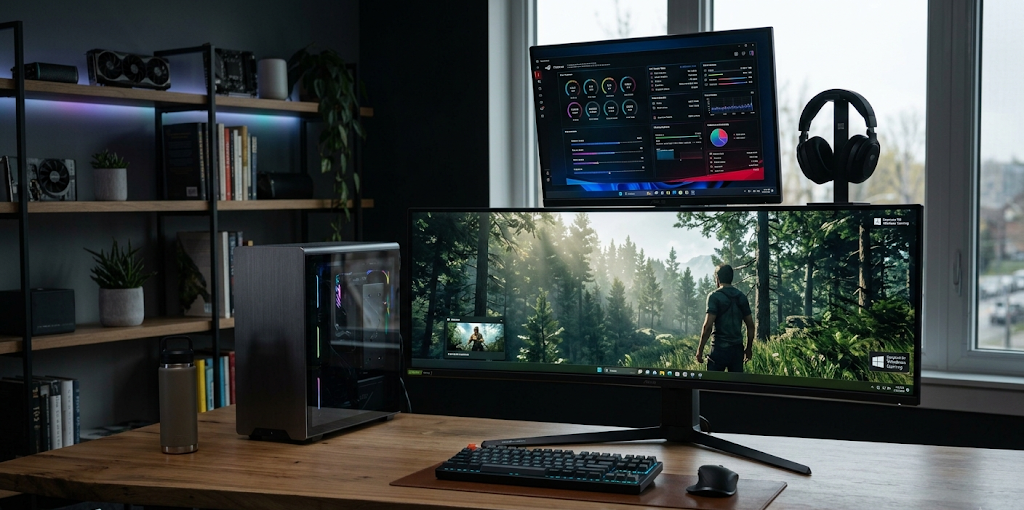
In recent years, Mac has made a few improvements in the gaming arena, particularly with newer processors from Apple. There are some games that are playable on Macs, and there are new technologies that Apple has developed to support games. But, macOS’s gaming library is still much smaller than Windows. While some games offer a Mac version, there are others that are not available at all, and some that do not come out until after the Windows version.
With the help of new compatibility tools and games platforms, Linux gaming has gained a significant boost in recent years. Gamers have been attracted to the platform with technologies that enable Windows games to run on Linux. But there are some games which are still restricted for playing on Linux, particularly those relying on certain anti-cheat program systems. Although Linux gaming is getting better, Windows is the platform of choice for those who desire the widest game selection.
Which Operating System gives More Value for Money?
Another factor to take into account is the cost of a computer. There is a wide range of computers on which Windows will be available, from a budget laptop to a high-end computer for an avid gamer. This flexibility means that users can select the hardware they want based on their budget. But many PCs running the Windows operating system need to buy a license, and it is usually licensed on new hardware.
The least expensive choice is Linux, in which many distros are available free of charge. Users can install Linux on existing computers – including older computers – and they can use them for longer without buying new computers. For this reason, Linux is a good choice for students, developers and anyone who seeks a low-cost computing solution.
macOS is generally the most expensive OS to work with since it demands Apple’s equipment. Typically, they are more costly than some of the Windows alternatives with comparable specifications. Many users, however, believe that the cost is well worth it, due to Apple’s build quality, software support, reliability, and ecosystem integration.
Which Operating System Gives the Users More Control?
Customization enables users to personalize their computer and to customize the system to their liking. The Linux operating system has the greatest degree of customization because individuals are able to alter virtually anything within the operating system. They have the option of switching between different desktop environments, adjusting system behavior, changing the appearance, and setting many technical parameters. This is one of the best things about Linux.
Windows provide some degree of customization. Users can customize themes, background, layout, application and system settings. Windows is not as controlled as Linux, but it’s sufficiently flexible for the majority of users.
Among the three platforms, macOS offers the least customization options. Apple’s philosophy is to keep things simple and consistent as opposed to lots of modifications. Users can tweak some of the settings, but the overall interface and system behavior is dictated by Apple. This is a good way to do it, but some users may find themselves wanting more control.
Which Operating System Is Easiest to Use for Beginners?
It is also easy to use, particularly for those that are not technically adept. Windows is generally a beginner-friendly operating system as many people are familiar with it and it offers wide support resources. Most people are used to using Windows in school, at work, and in the public places they visit, so they have an easier time transitioning.
macOS also has a high level of user-friendliness. Apple works to design a seamless and streamlined user experience in which users can go about their daily routines without having to have expert knowledge of computers or technology. The interface is simple, apps are easy to handle and one of its best is the integration with other Apple devices.
For some people, Linux is more difficult to learn, but more recent distros are much easier to use. For instance, Linux Mint and Ubuntu offer user interfaces which are familiar to the Windows and macOS users. But there are certain jobs that may still need technical expertise, particularly when diagnosing issues with hardware or installing some software.

Conclusion
The operating system you choose will be based on your requirements, career, budget and taste. Windows is the most suited OS for most users due to the broad compatibility, affordable hardware, good software support and the excellent gaming capabilities. It is particularly ideal for gamers, organizations, students, and those who require access to a wide range of applications.
For those that love customization, privacy, programming tools and control over their computer, Linux is the best option. Linux is well known for its flexibility and advanced features, making it a favorite among developers, cybersecurity experts and advanced users. But, for the first time user, it may take some time to get used to the system.
For those looking for a high-quality, stable, and user-friendly experience, macOS is a great choice. It’s particularly appealing to creatives, Apple device owners, and those who appreciate design and optimization. It may be more expensive and less customizable, but it’s also more stable and easier to use than other options.
In the end, you won’t find a single operating system that’s right for everyone. For general use and gaming, Windows is the perfect choice, while Linux boasts unmatched freedom and control, and macOS offers a refined user experience and solid performance. It depends on the user’s choice of compatibility, customization, security, cost, and convenience.