Introduction
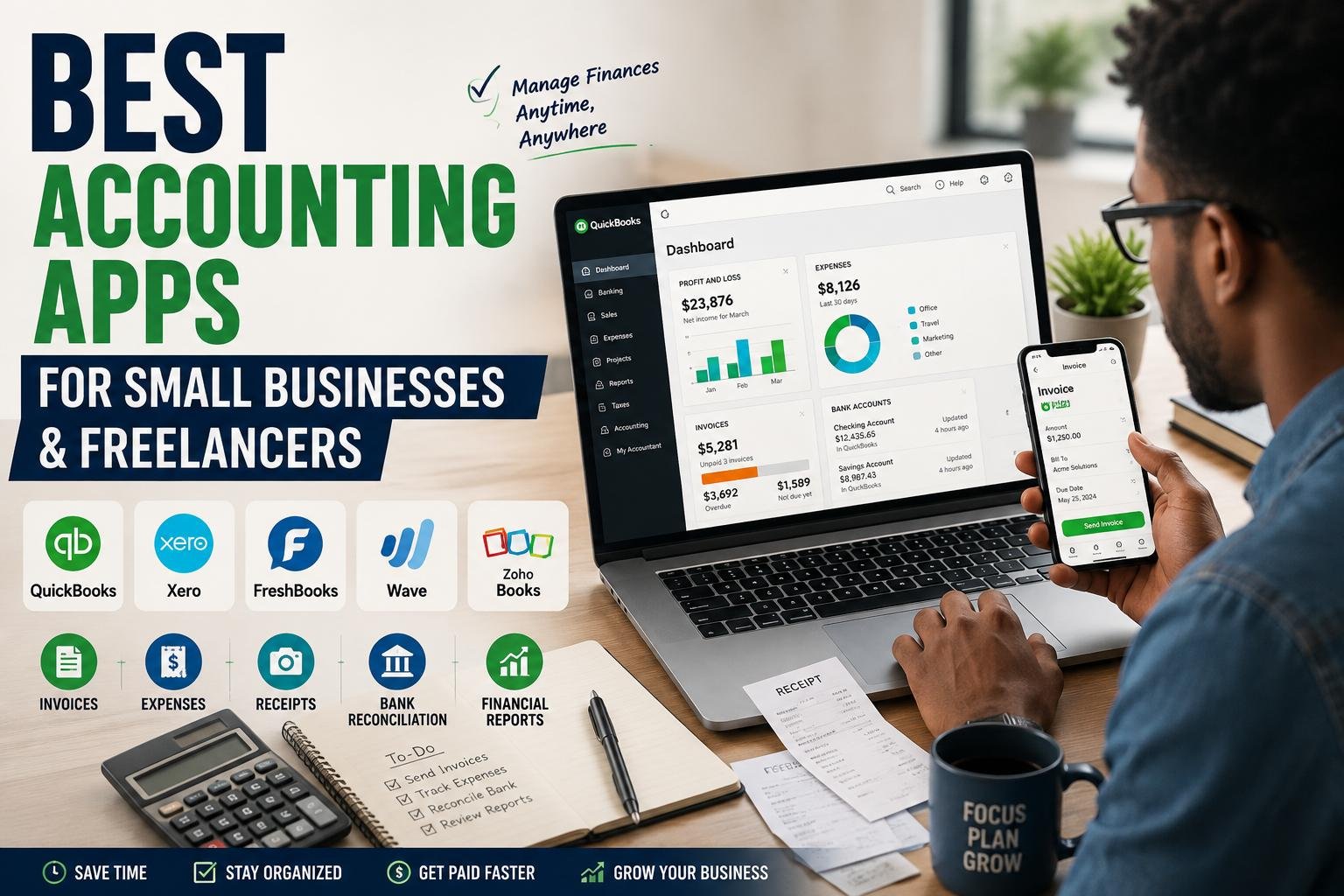
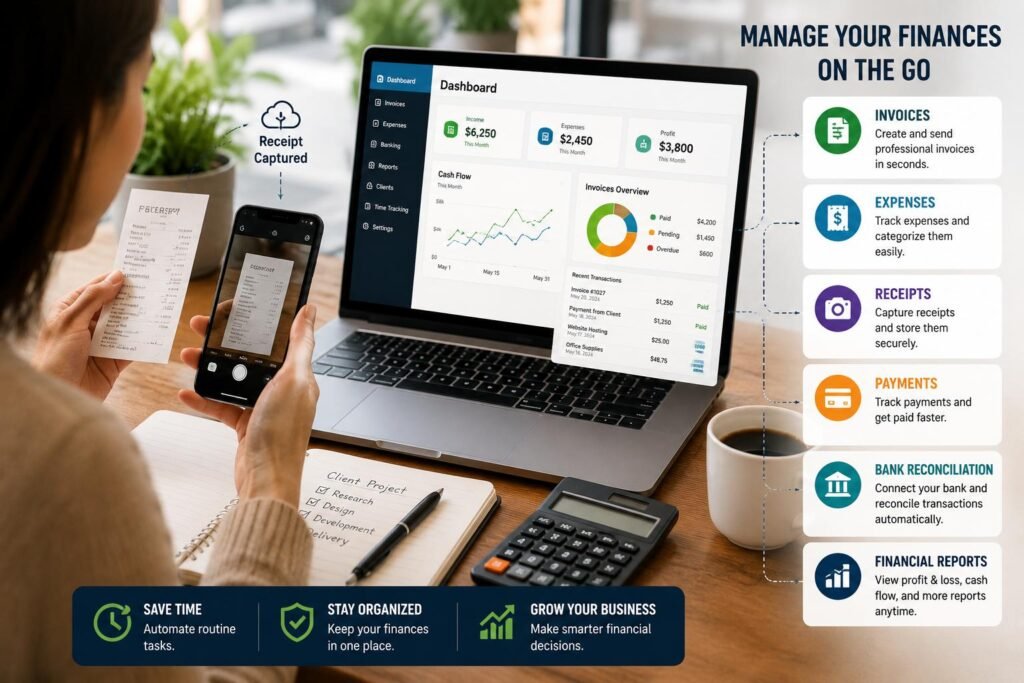
This time, maintaining financial records for a small business or freelance career is not the time you have to wait until you’re back at the computer. Now, business owners can use modern accounting apps to generate invoices, upload receipts, track expenses, view payments, view cash flow and so much more, in addition to having their vital accounting information synced between their smartphones and computers. It is particularly convenient for freelancers, consultants, online sellers, working remotely and small business owners who have to work in various places during the day. Users can take everyday financial processes into one digital system rather than relying on spreadsheets, paper receipts or manual calculations that are scattered. Apart from the price, some of the other accounting features you’re looking at to consider when picking accounting solutions for managing finances include invoice creation, expense management, receipt capture, bank reconciliation, reporting, integration, security and mobile application usability.
It’s not always the app with the most features that’s the best accounting app. It’s the one that truly works for the way a business operates and simplifies the financial administration process. An independent graphic designer might focus on quick invoicing, time tracking, and so on, while a large retail business could require inventory tracking, bank reconciliation, comprehensive reporting, and integrations with payment or ecommerce platforms. Likewise, a mobile consultant might not be as focused on sophisticated payroll features as he is on mobile receipt capture and payment notifications. Many of the top platforms now offer both online accounting software and mobile apps, so that what’s done on a cell phone can be accessed when the user logs in from a laptop. Such a connected approach can help avoid duplicate data entry and make it simpler to keep records up-to-date for the month.
How to Choose an Accounting App?
The first step in selecting an accounting app is to list the most common financial tasks that you undertake. A good application should actually make routine work quicker and easier, not just duplicate more complex accounting routines on a smaller screen. The must-have features are the ability to write and send professional invoices, track income and expenses, add receipts, track outstanding customer payments, code payments, link to bank accounts (if supported) and generate useful financial reports. The extra features like time tracking, mileage tracking, project management, and recurring invoices can be useful for freelancers. Small businesses might require accounts payable and receivable, inventory, payroll integrations, tax reporting and access for multiple users. Being mobile friendly is also important, as it allows you to record an expense as soon as you make it, which helps avoid any lost receipts or forgotten transactions. Today’s comparisons demonstrate how the top mobile accounting programs are evolving from mobile sidekicks to desktop programs to provide web-based invoice, receipt capture, expense tracking, banking and reporting capabilities.
1. QuickBooks: Best for Small Business Accounting.
For businesses that desire a comprehensive accounting system, not simply an application to generate invoices, QuickBooks Online is one of the best options. It’s meant to be used for regular bookkeeping activities, and it also offers instruments for producing invoices, payments, expenses, reports, bank transactions and more. It is especially convenient for business owners who have to conduct regular business activities on the go without a computer. Intuit’s recent mobile documentation allows users to record income and expenses, create estimates and invoices, accept payments, issue a sales receipt, record payments, and even check out financial reports from their mobile app. Receipt capture is another useful feature as users can take a picture and save it as an attachment to the expense, which helps to keep supporting documents available. (QuickBooks)
QuickBooks Online can therefore be appropriate for businesses that have the potential to become more complex in their accounting needs as they expand. The freelancer with a low number of clients will be using it primarily for invoice and expenses, whereas a larger business will be able to use more extensive bookkeeping, reporting, payroll-related features, integrations and accountant collaboration. The primary benefit of this is that it is deeper than a mere invoicing solution, enabling more sophisticated financial management. In this way, however, the depth can be a drawback for those who want to send invoices and record a couple of expenses per month. Businesses should also be mindful of the details of the plans available, as it is possible for features, user limits, payment services, and other features to differ with each subscription and location. However, for a growing small business that requires a system beyond simple bookkeeping, QuickBooks Online is a good choice.
2. Xero: Best for Small Businesses and Accounting.
Another great accounting platform is Xero it’s an online accounting solution that also includes a mobile app for conducting accounting-related tasks on the go. It offers mobile apps that enable you to send and compose invoices, add bills, track overdue payments, upload receipts, classify payments, and reconcile bank accounts. Xero particularly notes that the mobile access to cash-flow information and financial records can be helpful for business owners who want to take a quick snapshot of business performance during a hectic working day. Its mobile app can even display things like cash flow, bills that require attention, outstanding invoices, profit and loss reports, and bank balances. All these attributes make Xero a good choice for businesses that wish to remain closer to their bookkeeping without having to open their desktop computer. (Xero)
Bank reconciliation and collaboration are two of Xero’s stand-out features. Businesses can link supported bank accounts, and then view, match and reconcile transactions that have been imported from their bank statements without having to enter each one manually. Another application benefit is that users can easily track unpaid invoices and bills to know where their money is coming from and where it’s going. Financial data can be shared in Xero, making it a great option for businesses with a growing number of accountants or bookkeepers. It’s also linked to third-party applications, which provides opportunities for businesses to add more capabilities to their accounting system as they grow. (Xero)
3. FreshBooks: Ideal for Freelancers and Service Businesses.
The workflow of FreshBooks is great for freelancers and service-based businesses, as it gives a heavy focus on invoicing, client relationship, expenses, tracking time and getting paid. When a consultant, writer, designer, photographer, developer or other independent professional starts his/her career, the accounting environment may not be very complex, but a valid solution is essential to convert finished work into an invoice and track which customers have paid and which have not. That’s the workflow that’s at the heart of FreshBooks. The mobile app can help users manage financial tasks when they’re on the go, and other features like expense tracking, receipt capture, mileage tracking, and invoice management can decrease the burden on administration tasks for freelancing. Up-to-date software assessments pinpoint FreshBooks as an ideal solution for freelancers for its ability to combine invoicing, client communication, expense monitoring and mobile features. (NerdWallet)
FreshBooks can be particularly beneficial when a freelancer offers an hourly, projects or recurring services fee to their clients. Users do not need to wait until the end of a week or month to create a week/month report to see what work has been done, they can instead keep better records with time and project related tools and link the billable work to an invoice. Another advantage of the platform is that it makes it easier to track the status of invoices, making it easier for freelancers to identify their overdue payments and follow up with their clients. The primary question is whether or not its feature depth is suitable with the complexity of the business. Sometimes it’s very convenient for a freelancer in need of just billing and expense tracking, while for a business with a large product inventory and complex accounting setup or more advanced financial controls it may be better to eventually move to a complete solution like QuickBooks Online, Xero, or Zoho Books.
4. Wave: Best for Small and Simple Operations.
For freelancers and extremely small businesses looking to maintain accounting expenses down, Wave might be an attractive choice that provides the tools they need without stretching their finances. The platform has always pitched itself as a tool for small businesses accounting and invoicing, so it’s appropriate for users not yet in need of a complex accounting platform. This might be helpful for a new freelancer who wants to start getting business income and expenses separate, send invoices and start organizing records without paying for more sophisticated accounting software right away. With these comparisons still ongoing, Wave is regarded as one of the best options for businesses seeking simple or free core accounting applications and has a few free services as well, such as payment processing, but with locations and plans that may come with additional costs or restrictions. (NerdWallet)
With a free or inexpensive accounting application, the key element is to not only focus on the word free, but to also remember that it’s free or low cost. The business needs to consider if they have features that they need, if they have bank connections to their country, the payment processing cost and if they are able to expand their business with the software. While Wave offers a great solution for a business with limited financial transactions, those that have employees, complex inventory, multiple locations, extensive reporting needs or sophisticated accounting needs will find themselves needing a more robust platform over time. However, Wave may be a good place to start for a solo pro primarily looking to send bills to clients and keep simple records of income and expenses. It can also assist an individual at developing the routine of keeping digital financial records as an alternative to relying entirely on spreadsheets or paper.
5. Zoho Books: Perfect for the Mobile-First Accounting and Business Integration.
If that’s the case, Zoho Books could be a good alternative option for freelancers and small business owners, especially those who are already using Zoho products, or those who prefer accounting software that offers great mobile capabilities. Some of the main accounting tasks that can be performed with the application include invoicing, expenses, financial reporting and banking workflows. It can be helpful for business owners who spend a lot of their time on the go, using a cell phone or tablet, instead of a desk. The differences now being touted are mobile invoicing, financial reports, home-screen widgets, and other features that allow users to access accounting information on the go. Businesses looking for an invoicing app that offers more accounting capabilities than they’re used to can therefore turn to Zoho Books with a strong focus on mobile accessibility. (NerdWallet)
The other benefit is the extensive Zoho ecosystem. For businesses that already have CRM, Sales, projects, or other business operations on Zoho apps, it could be useful to link the financial operations with other business activities. This can help decrease the amount of isolated systems that need to be maintained in the business. The flexibility of accounting needs, currency, taxes and payment methods across different markets may make Zoho Books appealing to international businesses but users should always check the countries tax and compliance capabilities for use. If you’re a small business owner looking for something that is affordable, has accounting features, mobile capabilities and integrates with other business software, then Zoho Books is worth considering.
How Mobile Accounting Apps Make Financial Management Easier
The major benefit to mobile accounting simply is the instant it is possible. Suppose a freelancer is buying supplies for a client project as he travels. As opposed to placing the receipt in her wallet and waiting until the end of the month, the freelancer can take a picture of it, enter the expense, classify it, and upload the explanation of the expenses immediately. Likewise, a consultant that completes a project away from home can build and mail an invoice before heading out to the following project. The owner of a business who is paid can edit the appropriate record or view any outstanding invoice without having to go back to the computer. These minor actions can make a huge difference as bookkeeping issues frequently arise when transactions are either neglected, postponed or when it is recorded from incomplete information. Mobile accounting converts financial accounting into a continuous process, instead of a monumental administrative job completed all at once.
Mobile access is also beneficial when it comes to monitoring business performance. The owner of a business might want to see if there is cash available to purchase before it buys, if several customers have unpaid bills, or if costs have risen in a specific time period. An accounting app can offer dashboards, reports, bank details and transaction histories without the owner having to open a spreadsheet, and manually put all the numbers together. But convenience doesn’t mean that accuracy is not required. Users must still perform the following checks on transactions automatically imported: check categories; reconcile accounts; protect login information; and keep proper supporting documentation. An accounting application helps to organize financial data; it doesn’t necessarily ensure that all transactions are properly recorded. While there are software solutions that can take care of many of the administrative tasks, it is still important to practice good bookkeeping practices.
How to Choose the Right Accounting App
It should be the business’ decision to choose which of these platforms to use, and not the software companies. If you’re a freelancer who primarily requires professional invoices, expense management, time tracking and watching payment details from your clients, FreshBooks might be a great option for you. A small business seeking a cost-effective entry level solution can choose Wave, whereas a growing business with a desire for more features in their accounting solutions can opt for QuickBooks Online, Xero, or Zoho Books. Prior to subscribing, businesses should check out the mobile capabilities, web functionality, bank connectivity, receipt management, reporting, integrations, user permissions, customer support, and features available on the platform in their country. It’s also important to consider pricing, as plans may vary in features they have, how many transactions they allow, how many users they cover, how they process payments, and a variety of other services. As far as it goes, there is no one accounting application that fits all freelancers or small business owners – it depends on the accounting depth and workflow of the user. (NerdWallet)
Conclusion
Accounting applications have revolutionized the way freelancers and small business owners handle accounting administration by taking vital accounting duties into their line of business. Users can record transactions and monitor relevant financial data during the working process, instead of waiting for weeks to receive receipts or reaching a computer to view the invoices, and manually checking multiple spreadsheets. QuickBooks Online is a great option for businesses that require extensive accounting features, Xero is good for growing businesses and bank reconciliation, FreshBooks is ideal for freelancers and service providers, Wave is a good choice for businesses looking for an easy solution and Zoho Books is a mobile, accounting and business integration powerhouse. Ultimately, the platform that fits the company’s size, workflow, budget, and technical comfort and future plans is the best choice. If possible, try the app before committing; check out mobile and desktop ease of use; look into local availability; and ensure that it will be able to handle your financial responsibilities more effectively, not just today but in the future.
Get more well researched information about Best accounting apps for small businesses and freelancers here.