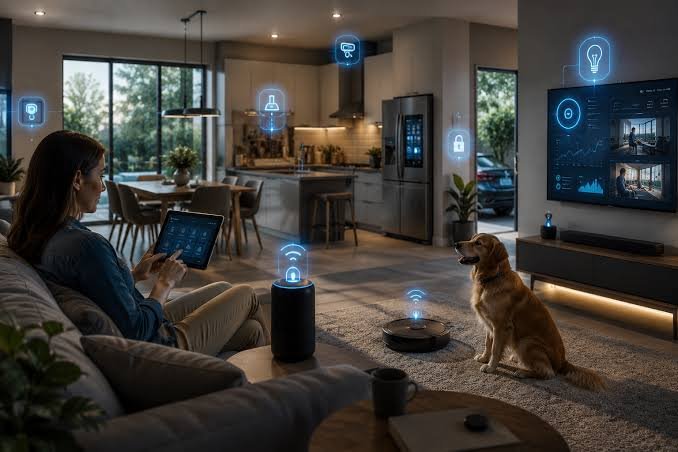
The office model is in the midst of change in today’s digital age. With the rise of remote and hybrid workplaces, organizations have evolved to require a strong IT Software Management approach. There are no longer geographical constraints on businesses; staff can log on to the company’s systems, tools and data from their home, co-working space or on the move. This flexibility comes with considerable deployment, security, collaboration and monitoring challenges. Failure to implement an IT software management system can lead to inefficiencies, security vulnerabilities, and reduced overall productivity for companies.
Understanding Centralized Software Management
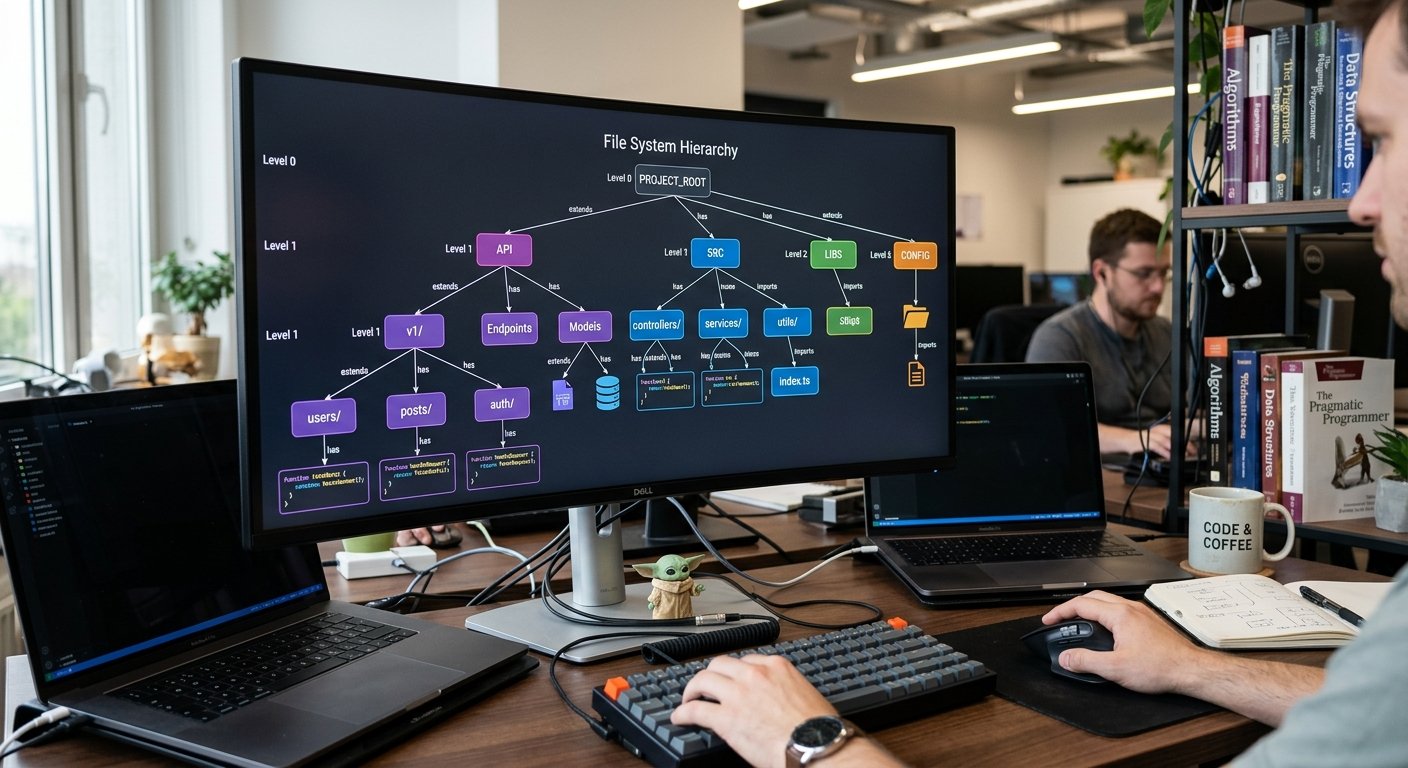
At the heart of successful remote work operations is centralized software management. In this model, software applications, software updates, software licensing and user access are managed through a centralized system. Centralized management enables IT administrators to oversee the software environment as a whole, making sure that all the devices and applications used by employees comply with the company’s policies. In the case of distributed workplaces, this is essential, as workers are working on many devices, networks and time zones. In an uncentralized model, businesses may find it difficult to control software usage, keep track of updates across the board, and enforce security protocols.
Centralized software management also makes troubleshooting and support easy. IT teams can remotely identify and resolve software problems, minimizing downtime and keeping employees productive. Moreover, it facilitates adherence to regulatory rules – all software action and software license use can be monitored and documented centrally. It’s an excellent degree of control for organizations that want to keep their operations intact while giving employees flexibility in their jobs.
The Role of Remote Monitoring Tools
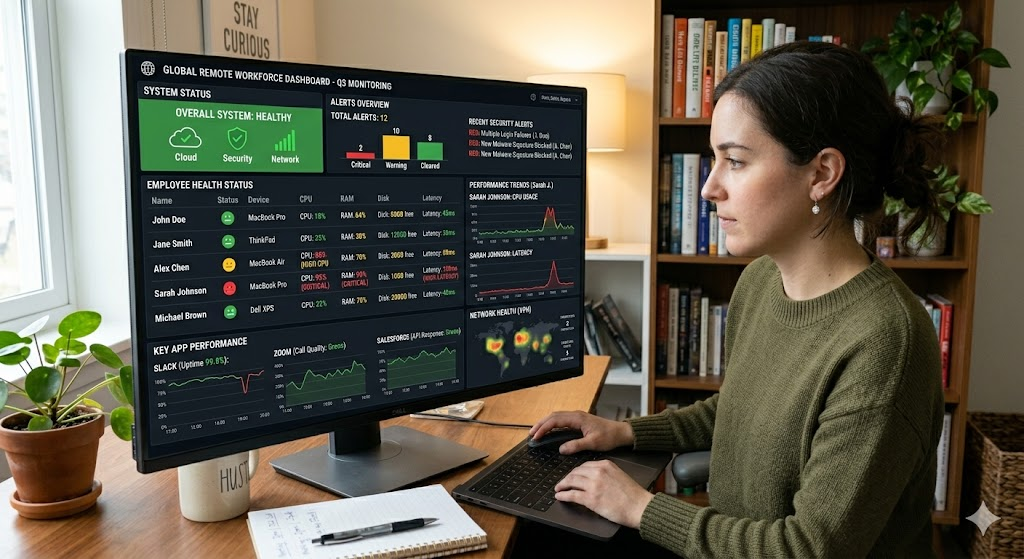
In the current remote working context, remote monitoring tools are essential. These tools enable IT administrators to monitor the devices and applications their employees use, as well as their performance, health, and security. Real time dashboards enable administrators to identify software bugs, slowdowns or unauthorized access attempts before they become significant problems. For example, monitoring platforms can notify IT teams if they are using obsolete versions of important software, keeping them up to date and patched.
In addition to performance, remote monitoring also contributes to security. The use of personal/home devices by employees for accessing sensitive company information further increases the risk of cyber threats. Monitoring tools can detect unusual activity to alert attempts to access restricted data or abnormal software activity. The ability of these tools to be part of a single management system gives enterprises a proactive barrier to potential threats and ensures continued productivity.
The Cloud Collaboration Platforms: Connecting Teams when They Are Apart
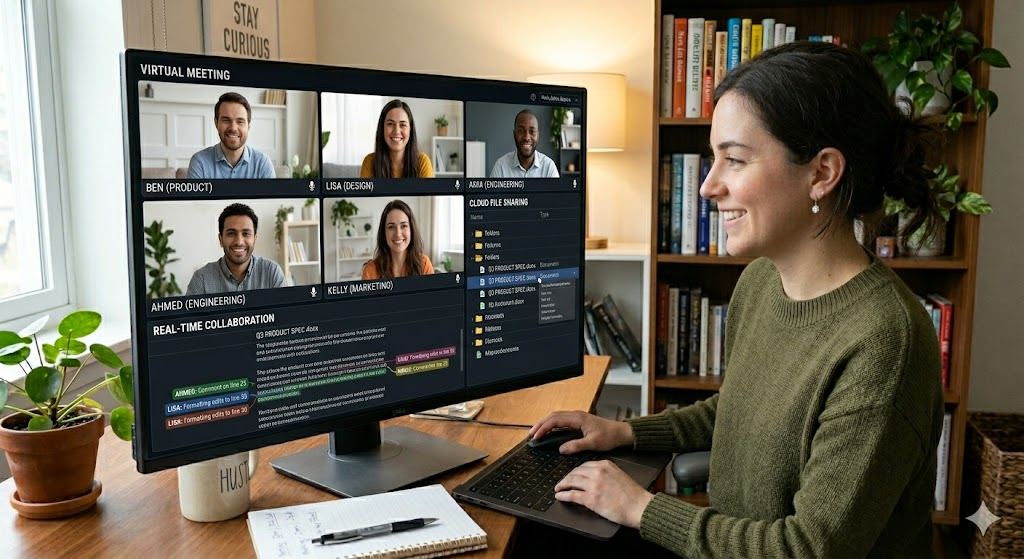
Communication and collaboration are key to productivity in remote work, and the advent of cloud-based communication tools has changed how teams share resources and communicate with one another. Platforms such as Microsoft Teams, Slack, and Google Workspace enable workers to view files, join meetings, and work in real-time, no matter where they are. Having these platforms within a single software management approach brings uniformity and efficiency to the organization.
Centralized management enables the IT team to control user permissions, track the activities of collaboration, and enforce data security policies on the cloud. Further, migrating to the cloud allows organizations to keep track of their versions, and ensure data integrity, avoiding confusion due to multiple copies in different locations. Cloud-based collaboration brings people together and syncs with centralized management to enhance productivity and overall digital resource governance in distributed teams.
Solving Security Issues of Remote Working
Security is a key factor to consider when working remotely. As staff use Wi-Fi or public Wi-Fi at home to access the corporate network, they open up businesses to a greater risk of cyber attacks. Centralized software management is crucial for ensuring strong security measures. Centralized management of software installations, access, and updates ensures that IT teams mitigate the potential for security gaps caused by unauthorized applications or software obsolescence.
Additionally, centralized systems can be connected with high-tech security features, including multi-factor authentication, encryption, and endpoint protection. This means that all devices, including laptops, tablets, and smartphones, follow the organization’s security policies. Centralized management and regular audits and compliance checks add to the organization’s defenses against data breaches and cyber threats. Centralized management turns the process of remote work security from being reactive to proactive, organized, and enforceable.
Enhancing Employee Support Systems
Without dependable software support, remote working is of little use. If there are no IT staff on hand, troubleshooting can be a painstaking and frustrating process, which can affect productivity. Centralized software management systems allow for remote IT support via virtual assistance, automated software updates, and troubleshooting procedures. Staff have immediate access to software guidance, which helps to avoid delays and interruptions to work.
These systems can also provide self-service portals where staff can upgrade software, request access, or fix standard technical issues without the help of administrators. This not only helps employees feel empowered but also eases the strain on IT teams, allowing them to dedicate more time to complex tasks. The integration of remote monitoring, cloud platforms, and centralized support provides a unified environment that empowers businesses to manage their software effectively and enhance both efficiency and employee satisfaction.
Conclusion
With the rising trend of remote and hybrid working arrangements, it is vital to have structured IT software management that can handle these new conditions. Effective remote operations require centralized software management, offering organizations the tools to monitor software, manage security, support employees, and enhance collaboration. With the help of remote monitoring solutions, cloud collaboration platforms, and comprehensive security measures, companies can maintain productivity and security in a distributed environment.
In an evolving digital world, organizations adopting a centralized software management approach are not just tackling the challenge of remote work—they are setting themselves up for sustainable growth, greater efficiency, and a competitive edge in a more flexible workplace. Centralized software management will continue to be a key strategy for organizations to effectively manage and operate in a connected, distributed world as remote work continues to grow globally.