A marketing campaign can succeed faster than a website is ready for. A local shop gets mentioned by a popular creator, a product goes viral, or a registration form attracts hundreds of visitors in an afternoon. The sudden attention is exciting, but it can also expose an uncomfortable question: can the website handle the crowd? For businesses running their own websites and applications, cloud servers offer a way to adjust computing resources as requirements change. The important part is knowing what to prepare before traffic arrives.
The Problem With a Successful Campaign
Imagine an independent stationery store announcing a limited collection. Its email newsletter goes out at noon, and a short video starts circulating a few hours later. The store normally serves a steady stream of visitors; now, many people are opening product pages and trying to check out at once.
A slow website at that moment is more than a technical inconvenience. Shoppers may refresh pages repeatedly, payment attempts can fail, and customer service may receive questions about orders that appear to have disappeared. The business has paid for attention but cannot fully benefit from it.
High traffic is not the only possible culprit. A poorly optimized database query, an overloaded plugin, or a third-party payment service can cause trouble even when the hosting server has resources left. That is why preparing for a busy day requires more than upgrading a plan and hoping for the best.
What a Cloud Server Actually Changes
A cloud server is a virtual machine running on infrastructure maintained by a provider. The customer chooses an operating system and an allocation of computing resources, then installs and manages the software needed for the project. Unlike a basic shared-hosting package, a virtual server typically gives administrators greater control over the application environment.
For a growing website, that control can be useful in several ways:
- CPU capacity: Additional processing resources may help an application handle more simultaneous requests, provided processing is the bottleneck.
- Memory: More RAM can support application processes and caching when the system is running short of memory.
- Storage: Appropriate disk capacity and performance matter for databases, uploads, logs, and application files.
- Deployment flexibility: Teams can maintain separate environments for testing changes before releasing them to customers.
There is one important distinction: scalable does not necessarily mean automatically scaling. Some providers let customers change a virtual machine’s configuration manually, while automated growth may require additional services, software, or architecture. Increasing CPU or RAM also will not repair a broken checkout integration.
Six Things to Check Before Sending More Visitors
Small businesses do not need an elaborate engineering department to become better prepared. They do need a short, repeatable process.
- Measure the current baseline. Record normal page-response times, daily visits, CPU and memory usage, and the number of completed orders or sign-ups. Without a baseline, it is difficult to recognize abnormal behavior.
- Identify the busiest pages. Campaign landing pages, product listings, booking forms, and checkout steps deserve special attention because they directly influence results.
- Test the full customer journey. Opening the homepage is not enough. Make a test purchase, submit a form, and check confirmation emails in an appropriate test environment.
- Check caching and images. Efficient caching and compressed images can reduce unnecessary work. Just make sure dynamic content, shopping carts, and personalized pages are handled correctly.
- Prepare a recovery copy. Back up important application files and databases, and verify that the backup can actually be restored. A backup that has never been tested is an uncertain safety net.
- Assign someone to watch the launch. Decide who will review alerts, make infrastructure changes, and communicate with customers if something goes wrong.
These steps are useful whether a company expects fifty extra visitors or five thousand. They also reveal problems that additional server capacity alone would not solve.
Monitor the Experience, Not Just the Server
A server dashboard might show that the CPU is busy, but it cannot tell the whole story of what a customer is experiencing. A more helpful monitoring setup watches both infrastructure and application behavior.
Useful signals include response time, error rates, available memory, disk activity, and database connection usage. For a store, successful checkouts are especially important. For an event website, completed registrations may be the clearest measure of whether the system is functioning.
Set alerts for meaningful changes rather than waiting until someone complains on social media. If an otherwise healthy server starts returning errors after a software update, the right response could be rolling back the release. If traffic is rising and memory is exhausted, resource adjustments may be appropriate. The diagnosis should come before the fix.
Scale Carefully and Know Where the Limit Is
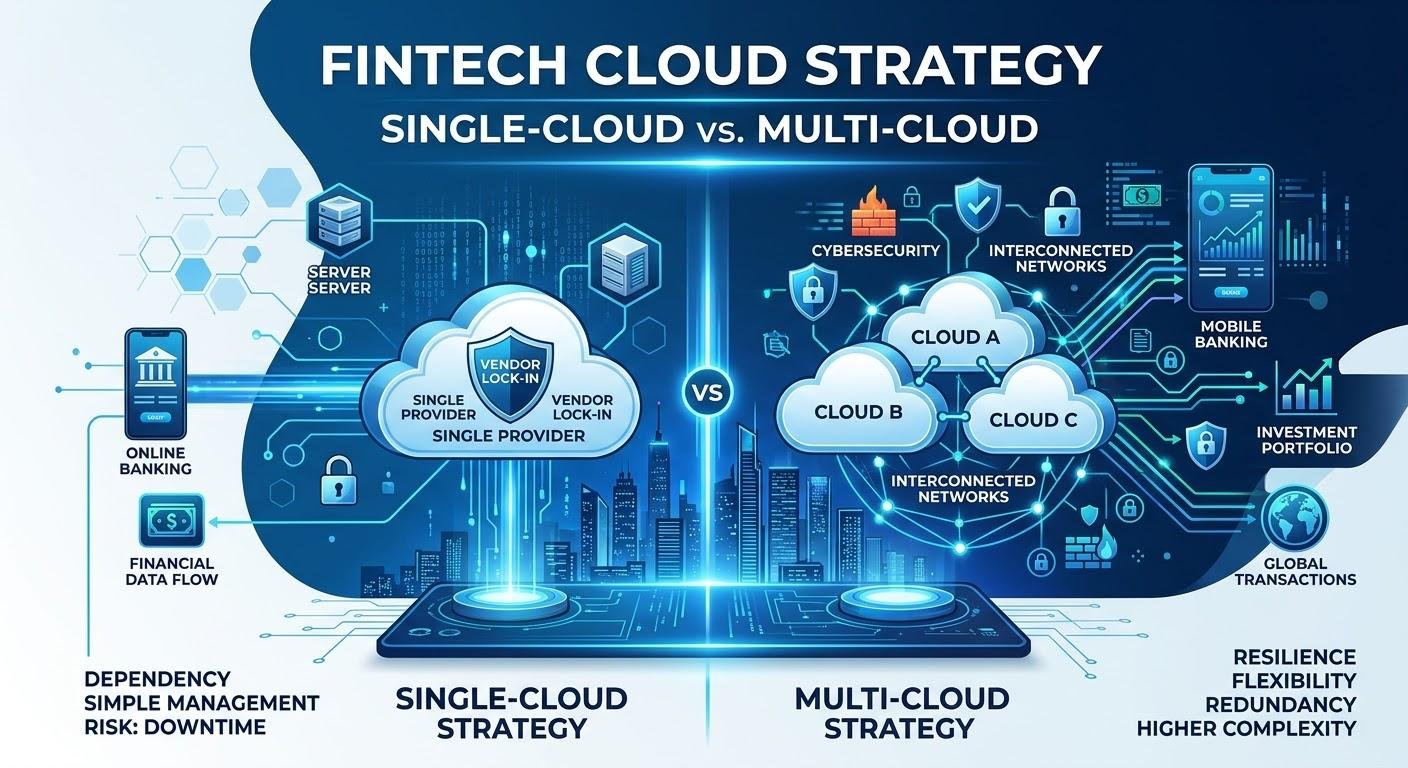
There are two broad ways to expand computing capacity. Vertical scaling increases resources assigned to a single server, such as CPU or RAM. Horizontal scaling spreads work across multiple servers, usually with a load balancer and an application designed to operate in that arrangement.
For a modest website, vertical scaling may be the simpler first step. It usually requires fewer changes to the architecture, although some adjustments can involve a restart or maintenance window. Horizontal scaling can serve larger workloads, but it introduces decisions about shared sessions, uploaded files, database consistency, and traffic routing.
Cloud providers differ in how they handle these tasks. Serverspace cloud servers, for example, provide configurable virtual machines with CPU, RAM, and SSD options, along with infrastructure controls and usage-based billing. A business evaluating any provider should confirm how resource changes work, whether interruptions are expected, and which features require separate configuration or payment.
A Simple Plan for the Day Traffic Spikes
Suppose the campaign is already running and the website starts to slow down. A practical response sequence might look like this:
- Confirm the symptoms. Check whether the problem affects all pages, only checkout, or a particular geographic audience.
- Look for the constraint. Examine resource metrics, application errors, database performance, and external integrations.
- Reduce avoidable work. Where safe, enable appropriate caching, pause expensive background jobs, or temporarily limit nonessential features.
- Increase capacity if evidence supports it. Scale resources only when the monitoring data suggests it will address the problem.
- Keep customers informed. If transactions are affected, provide a short and accurate update instead of leaving visitors to guess whether their order went through.
- Review the incident afterward. Document what happened and improve the next launch checklist.
An especially useful rule is to avoid making several major changes at once. Otherwise, it becomes difficult to tell which action helped and which introduced a new problem.
Don’t Forget the Cost of Being Ready

Flexibility is attractive to small businesses, but cloud spending still needs attention. Some platforms charge for allocated resources over time, meaning an oversized server may continue to generate costs even after traffic returns to normal.
Create a post-campaign reminder to review server size, remove temporary test environments, and check storage and backup charges. When evaluating cloud server hosting, compare the total cost of the infrastructure with the value of the campaign, not merely the server’s advertised starting price.
Reliability should be considered just as carefully. An availability commitment from a provider is not the same as a guarantee that every application will remain accessible. Software defects, configuration errors, database failures, and outside services can still interrupt a website. Monitoring, recoverable backups, and a documented incident plan are part of the business’s responsibility.
Build for the Next Opportunity, Not Just the Next Emergency
A traffic spike is a useful stress test, but a company should not have to learn its hosting limits during its biggest promotional moment. By measuring normal performance, testing important customer actions, and planning how resources will be adjusted, a small business can make growth less chaotic.
Cloud servers can provide the flexibility and control needed to support that approach. The strongest results, however, come from pairing the infrastructure with sensible application design, clear monitoring, and a team that knows what to do when the graph suddenly climbs. The objective is simple: when a campaign succeeds, the website should be ready to welcome the people it brings.