From smart phones and laptops, to cloud servers and sophisticated artificial intelligence systems, computers have become ubiquitous in today’s life. The “data store and process” is a basic process that governs every photo we take, document we create, video we watch, and application we use. Computers do not understand complex information like words, pictures, and sounds, but instead they operate with a much simpler language consisting of only 2 values: 0 and 1. Knowing how computers store data gives explanations to the principles behind all the digital devices and technologies that are used today.
Computers store information in the simplest terms, in the form of patterns of binary numbers. Such patterns are communicated electronically in storage devices like hard drives, solid-state drives, and memory chips. A computer doesn’t store a photograph as a photograph, and a song as a song. Rather, it translates these modes of information into a succession of binary digits that the machine can recognize, store and reproduce as desired. A fundamental concept in computer science is the transformation of human-readable data to machine-readable data.
Why Computers Use 0s and 1s
The binary system is used by computers since electronic devices are in a state of either “on” or “off.” In a computer, there are billions of small electronic devices (transistors) that can either be on or off. These two states can be easily represented as 1 and 0. A value of 1 may indicate that an electrical signal is present and a value of 0 may indicate that an electrical signal is not present. The binary system came to be the basis of modern computing, as these electronic states can be reliably stored and controlled.
It is not the case that using binary implies that computers are limited or are not capable of processing complex information. Rather, binary offers a straightforward building system, by which virtually anything may be represented by computers. Humans use letters to form words and numbers to represent problems to solve, and computers use 0s and 1s to form larger patterns, which are used to represent different kinds of data. A binary sequence can encode a letter, a pixel in a picture, a sound sample, or a set of instructions to a processor to instruct it on what to do.
This is the ability of the computer to encode information into a pattern of bits and store it with physical storage devices that are the basis of the concept of how do computers store data. The fundamental concept is the same regardless if the data is stored on a personal computer, a cell phone, an external storage device or a cloud-based storage facility; the information is being converted to binary code that can be stored and retrieved by computer.
Bits: The Smallest Unit of Data for Computers
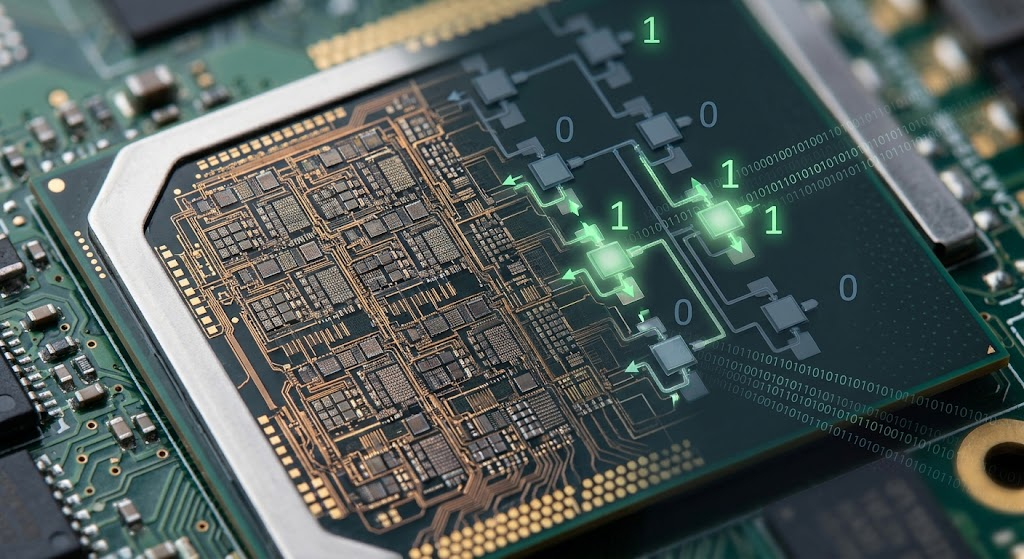
The smallest unit of information that a computer can store is a bit. The term bit comes from the term binary digit, which is a single value that can be 0 or 1. A bit can only be in two states and therefore has very little information. But, many bits are used together to represent much more complicated information. Just like the letters that form sentences, the bits that form meaningful data.
While one bit is very small, a lot of bits can store a tremendous amount of information. For instance, 8 bits are considered as one unit known as byte. A computer can use 8 bits to make 256 combinations: from 00000000 to 11111111. Many different values can be represented with these combinations, such as numbers, characters, and symbols. Digital systems are capable of processing from a simple text file to a complex multimedia application because they can combine bits into larger groups.
Bits are also significant due to how they are used to define the capacity of numerous computer systems. For instance, a 64 bit or 64-bit processor may be able to handle more data at a time than the previous 32 bit processor. Bits impact memory management, performance and the efficiency with which a computer handles information. Although individual bits are seldom noticed by users in their day-to-day computer tasks, they are essential to the operation of millions or billions of bits during all digital activity.
What Is a Byte and Why Does It Matter?
The eight bits are grouped together as a single unit, which is a byte. A bit is the smallest unit of digital information, but a byte is a convenient unit of measure for describing storage capacity. Change the information in the computer can be organised more efficiently using bytes, as groups of bits can be used to represent meaningful values. For instance, many computer systems encode individual characters as bytes; often one or more bytes will be sufficient to represent a letter, a number, or a symbol.
Modern files hold a huge amount of information, and the storage devices are typically measured in bytes. The amount of data needed to store a simple text document is just a few kilobytes, while the amount needed for a high-resolution video can be several gigabytes or more. Using bytes to make sense of the information that a device can hold. 128 gigabytes is the capacity of a smartphone to hold about 128 billion bytes of digital data.
Computer storage units are of various sizes. In everyday terms, a kilobyte (KB) of memory is roughly 1,000 bytes. But a computer may consider 1,024 bytes to be the traditional amount of memory in a kilobyte (KB). A megabyte (MB) has around a million bytes, and a gigabyte (GB) has around a billion bytes. The larger the units are, the more terabytes (TB), petabytes (PB), and so on. The measurements enable manufacturers and users to make it easier to describe how much storage devices can hold.
Binary Numbers and Data Representation
A system of numbers which uses only two digits: 0 and 1. In the decimal system, there are ten digits—namely 0, 1, 2, …, 8, 9—which are used by humans. The binary system is used by computers, however, because their electronic circuits are able to easily represent two states. A binary number uses only two symbols, and each symbol in a binary number corresponds to a power of two, so that computers can use binary numbers to compute and store information in the form of numbers.
For instance, 101 is the binary representation of 5. This is because every position is a different value (power of two). One is on the right, two are in the middle and four are on the left. The sum of the numbers at each corner of the 1’s yields the final number. While unfamiliar to most of us, computers can carry out these calculations very quickly, as the hardware is optimized for binary calculations.
Data representation isn’t just about numbers. Computers require ways to represent letters, images, videos and sounds. There are various systems and standards created to convert human information into binary. They ensure that data on computers can be stored, shared and displayed in a uniform manner on various devices and platforms.
How Text Is Stored in Binary on a Computer
Numbers are assigned to characters to store text in computers. Each letter, number, punctuation mark and symbol has an individual code which can be translated into binary. Unicode is one of the most widely adopted standards that’s in use today, which enables computers to display characters from a wide variety of languages globally.
An example of this is that there is no memory in the computer holding the actual form of the letters when the user types a message. Rather, it has numerical codes for those characters. Then those codes are fed into the processor and software and the appropriate letters appear on the screen. The process is extremely rapid and users perceive it as instant typing and reading.
Text files typically take up less space than images, videos and audio as they have simpler information. A few kilobytes may be sufficient for a short document which is mostly made up of character codes. But very large databases, books and software programs can have millions of characters, and require much larger storage capacities.
How Images Are Stored in Computers as Binary
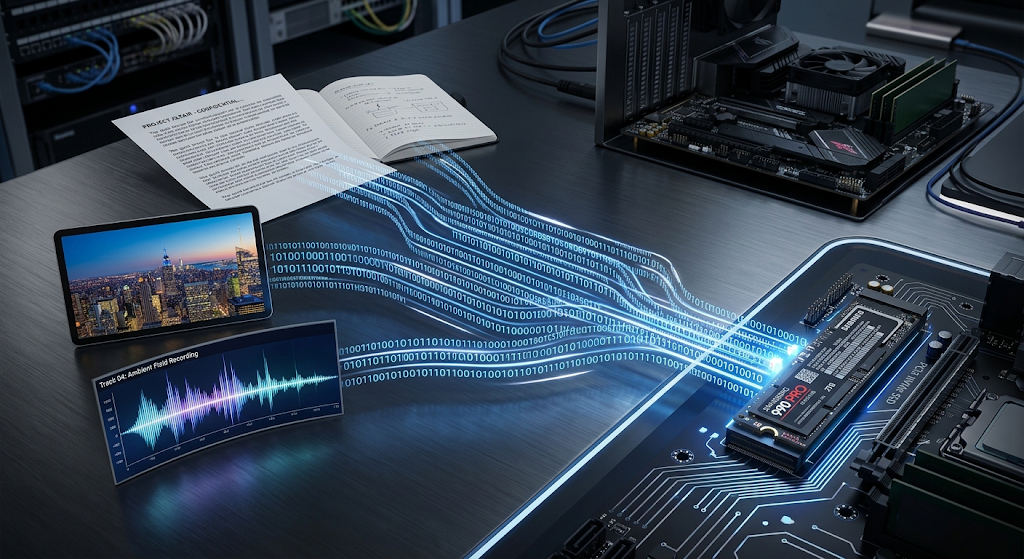
Digital images are stored as bits of information representing the objects. Digital images are stored by converting the visual information into bits. A pixel is a small square of color that is part of an image, constructed from millions of other squares of color. Each pixel is represented by a set of binary values in a computer, which indicates the properties of the pixel, including color and brightness.
For instance, one widely used colour system is RGB, which is used to represent colours using a combination of red, green and blue components. Each colour component is assigned a number that is represented in binary. Computers can produce millions of colors by mixing different amounts of red, green and blue. A photo with millions of pixels, thus, will need large quantities of Binary data.
Resolution, color depth and compression are determining factors of the quality and size of an image. The more detailed the picture the more pixels and storage space will be needed. Compression methods compress the image; there are some methods that remove unnecessary information, but they try to preserve the quality of the image. In either format, all digital images are ultimately represented as a set of binary information in a computer.
How Sound Is Encoded as Binary Data in Computers
Another type of information that computers need to be able to translate into binary is sound. Sound is not like a text or an image, it is continuous waves that move through the air. These physical waves can’t be stored directly into the computer, instead they are converted to digital measurements through a process called sampling.
A computer records the values of the sound waves being measured during sampling, thousands of times per second. These values are then translated into binary numbers that are then used to represent the original sound. Sample rate and bit depth are some of the factors that influence the quality of digital audio. The better the recording is, the more information there is to store and the better the recording will be.
As the user plays music or a voice recording from the computer, the computer reverses the process. It reads the binary data, turns it into electrical signals, and transmits these electrical signals to speakers or headphones. This enables humans to listen to a copy being played.
The Storage Devices That Store Binary Data and How They Store It
Different storage devices are used to store binary data in computers. Traditional hard disk drives record data on disks that spin, whereas solid-state drives record data in electronic memory chips. Data can also be stored electronically, as in flash memory, which is usually used in smartphones and USB drives.
In either case, the patterns stored in the storage devices are used to represent binary values. Files are stored on a computer by storing the 0s and 1s in a particular pattern. Later, the computer reads those patterns in the file and recreates the original file (in this case, a document, image, or audio file).
Modern storage systems come with the goal of being able to store vast amounts of data and access it quickly. As storage technology has improved, computers have become smaller, faster, larger and more powerful, and they are able to manage ever greater quantities of data.
Data Representation in Today’s Computing
The representation of data is one of the fundamental concepts of computer technology. If computers couldn’t convert information to binary, they wouldn’t be able to process the diverse digital content that’s used today. The fundamental idea for all applications, websites, video platforms and communication services is that information is stored in the form of a pattern of bits.
The knowledge of bits, bytes and binary enables users to comprehend technology’s operation on a deeper level. The computer operates at a rate of billions of operations per second, but these operations are still the result of basic combinations of 0s and 1s. The basic blocks enable knowledge to be stored, communication to be made world-wide, and the development of advanced technologies.
As the amount of digital information continues to increase, it’s crucial to grasp how computers store data. Whether it’s information from personal files on smartphones or vast amounts of data stored in the cloud and used by computers worldwide, all digital experiences rely on a common basis: they all translate worldly information into binary data that computers can store, process and reproduce.