The Editorial Image Gap
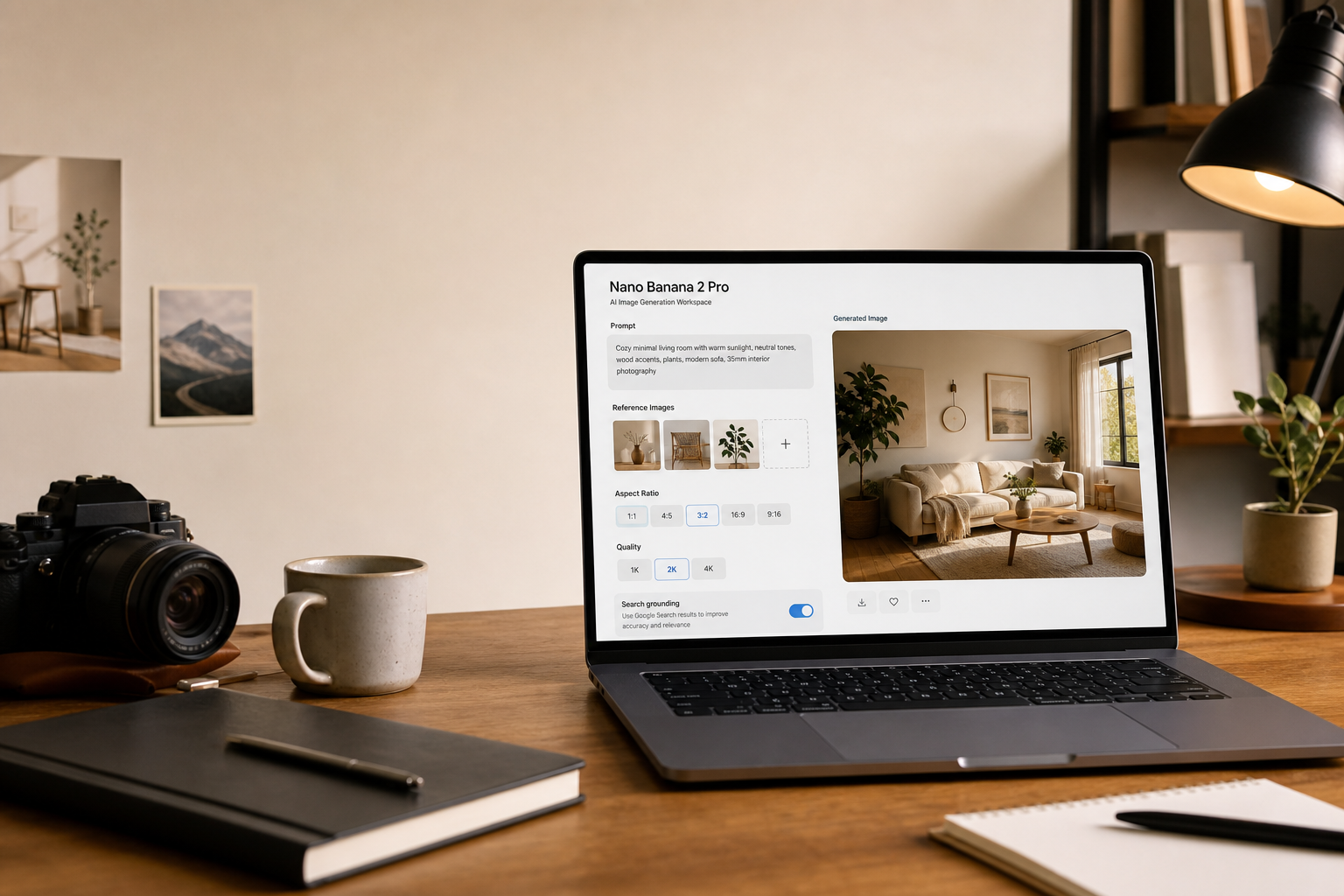
Every publishing team knows the awkward space between a finished article and a finished visual. The story is ready, the headline is close, but the image still needs to communicate topic, tone, and credibility in a few seconds. Stock images often feel detached from the piece, screenshots can look too raw, and custom design takes time. That is the editorial gap where Nano Banana 2 Pro becomes interesting. I reviewed it as a tool for editors and content teams who need article covers, newsletter images, feature visuals, and social cards without turning every asset into a standalone design project.
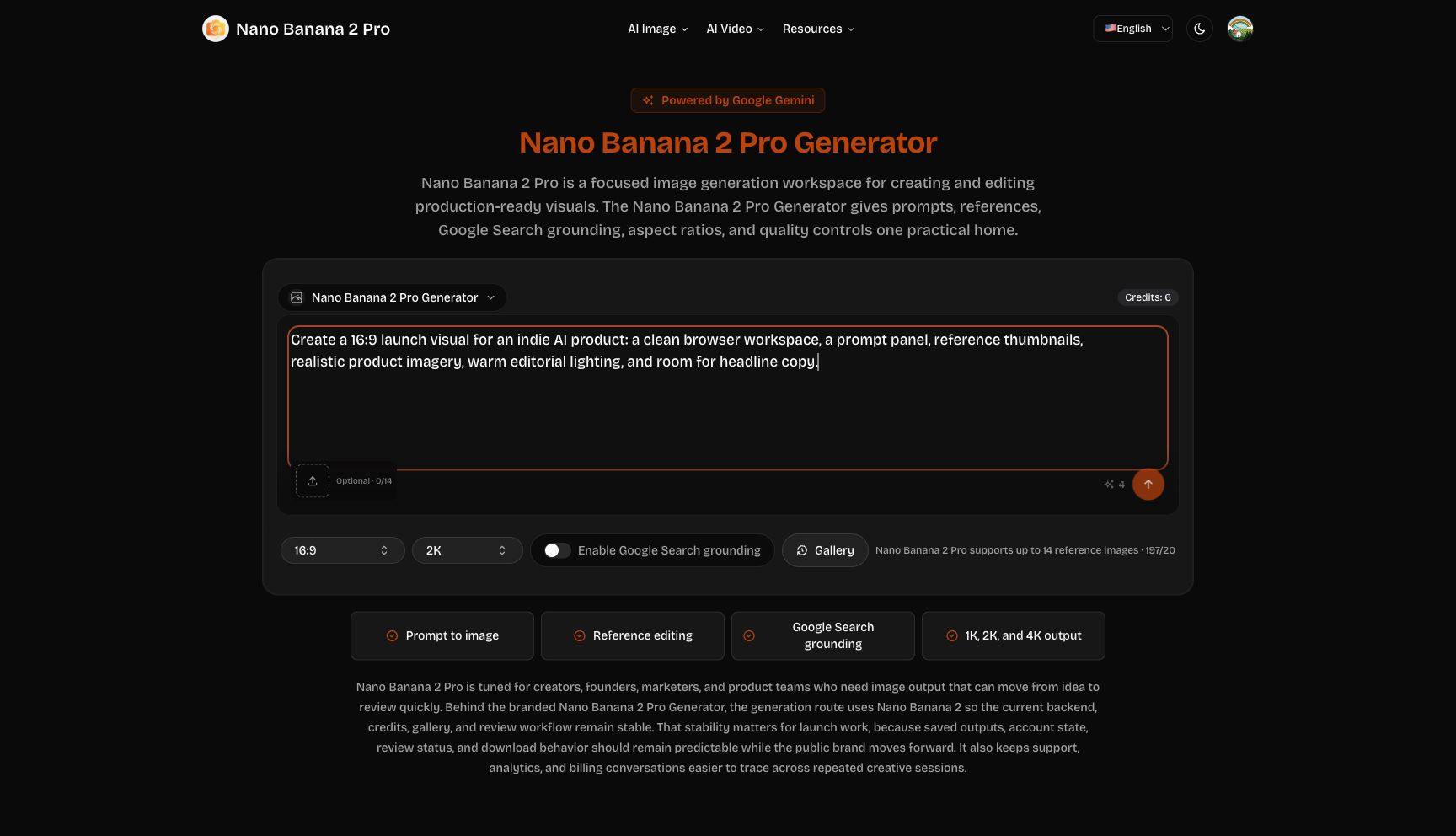
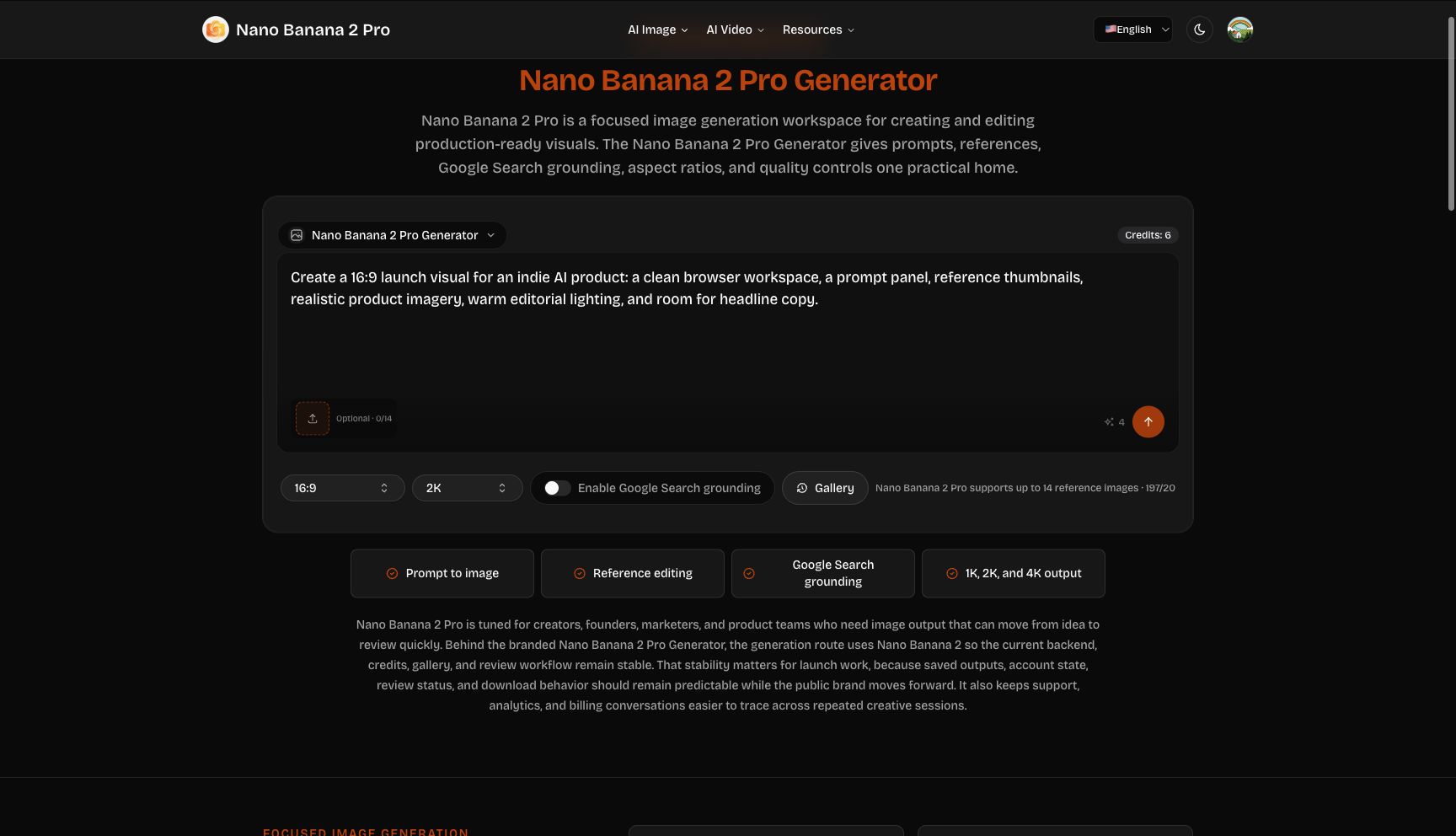
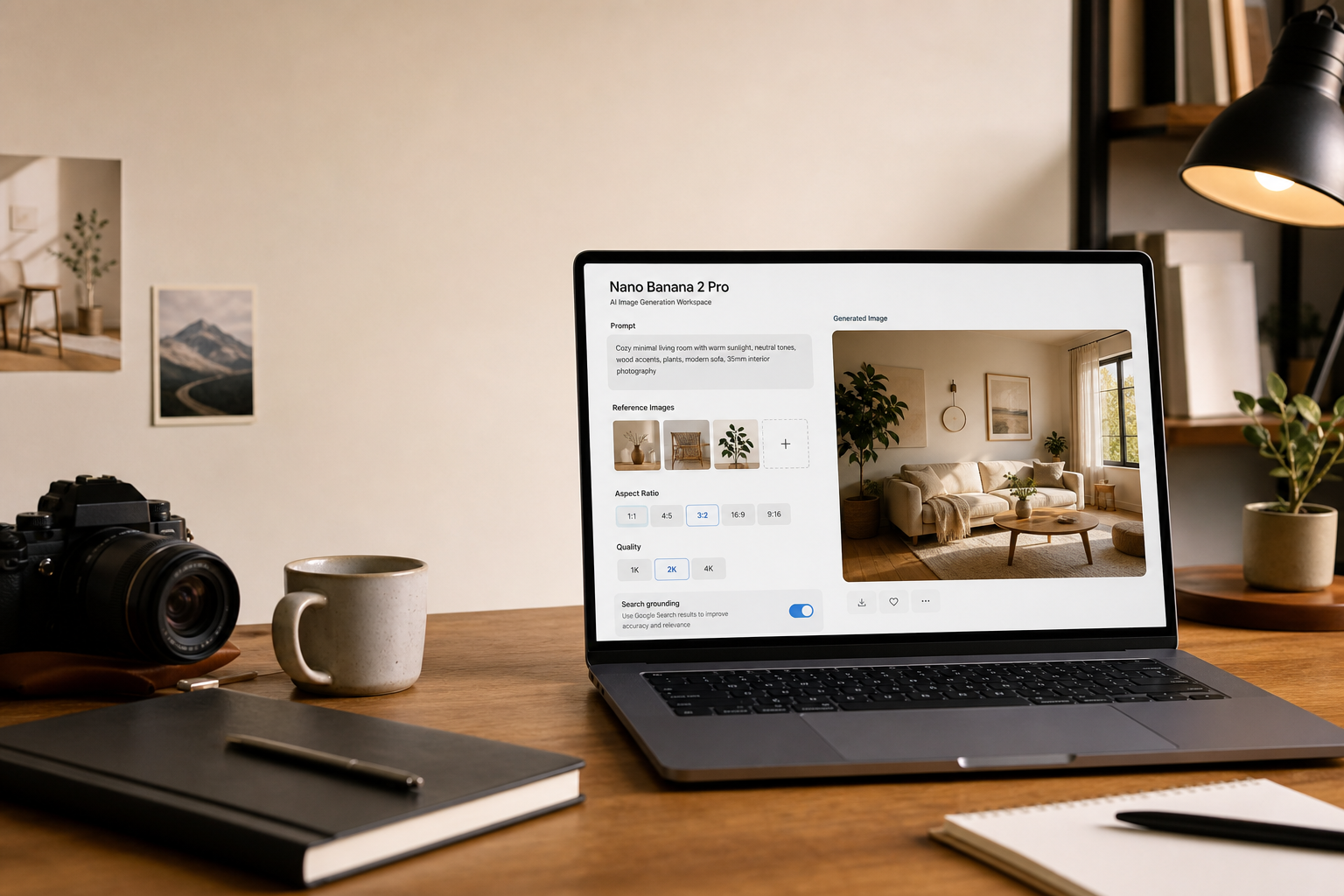
The homepage in my logged-in Chrome session went straight to the generator. The account showed Credits: 6, and the interface exposed the practical controls an editor would need: prompt input, reference image support, aspect ratio, quality level, Google Search grounding, and Gallery access. The default quality visible in the test was 2K, with a displayed credit cost of 4. That is useful because editorial work has a real budget. A publication can reserve higher-quality output for final covers while using cheaper exploration for early concepts.
A Better Brief Creates a Better Cover
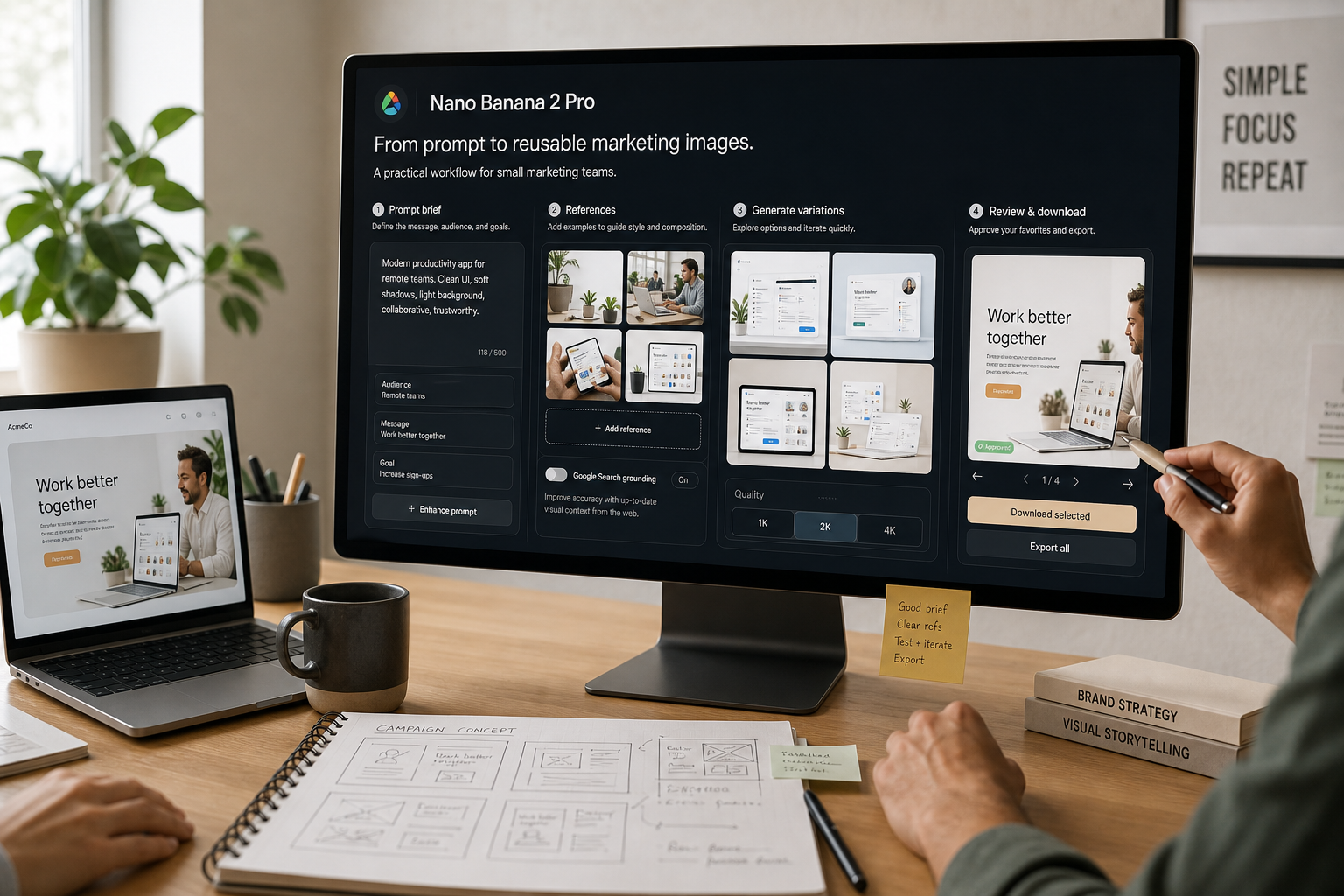
The Nano Banana 2 Pro Generator is strongest when the user treats the prompt as an editorial brief. Instead of asking for “AI business image,” an editor can describe the reader, article theme, visual metaphor, composition, color mood, and where text should remain readable. A good prompt might ask for a calm editorial cover about AI-assisted visual production, with a browser-based workspace, reference thumbnails, a human review stage, and clear negative space for a headline. That is the difference between an image that merely looks modern and an image that supports an article.
References can improve that brief when an article needs continuity. A publication might use previous cover art, a product screenshot, a chart style, or a campaign motif as a reference. The product page states support for up to 14 reference images. During this automated Chrome review, local file upload was blocked by extension permissions, so I did not verify a completed reference-based output. Still, the workflow clearly points toward reference-led editing. For manual publishing teams, that means references can carry visual standards into generation instead of forcing each prompt to rebuild style from words alone.
Prompt Planning Belongs Upstream
The separate Nano Banana Pro Prompt Generator is useful because editorial image work often starts before the final article is done. In Chrome, the page showed Image Topic, Reference Images, Image Technique, Prompt Model, and Generate Prompt controls. I entered a product-launch image topic and saw the default visible model, google/gemini-3-flash-preview. I stopped before clicking Generate Prompt because the account had a limited credit balance. Even so, the tool suggests a good publishing habit: create prompt drafts while the article is being shaped, then generate once the story angle is stable.
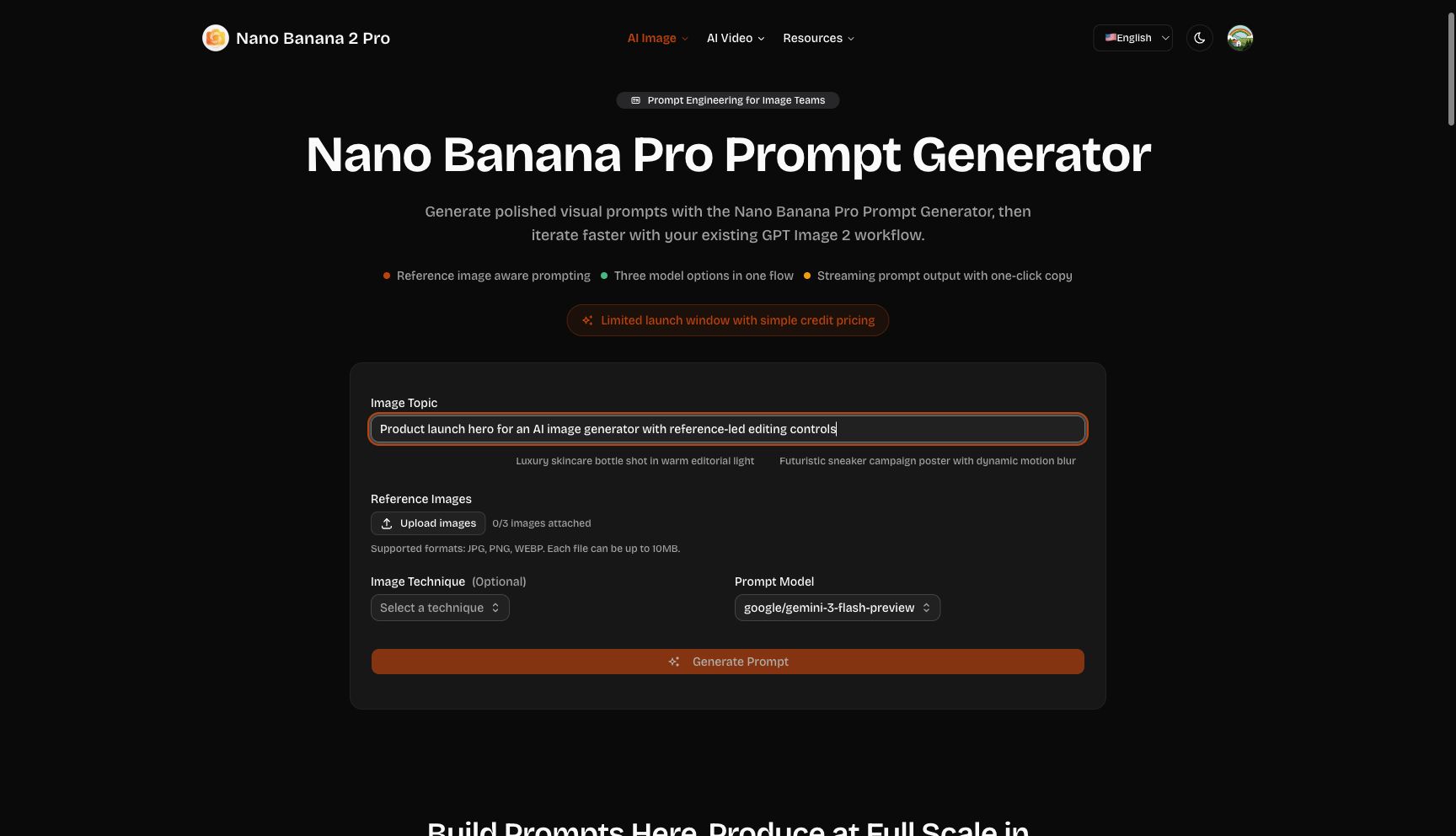
That upstream planning helps with editorial review. Editors can approve the angle, marketers can check that the visual supports distribution, and writers can confirm that the image does not overpromise the article. A prompt draft is easier to change than a generated image. It also gives the team language it can reuse. For example, a publication covering AI tools could standardize how it describes interface scenes, reference panels, human review, and headline-safe negative space.
Grounding Is an Editorial Decision
One of the more useful controls is Google Search grounding. For purely conceptual visuals, grounding may be unnecessary. For explainers about current products, market shifts, education, or technology trends, grounding can help the image generation process account for real context. Nano Banana 2 Pro puts that decision beside the core generation controls rather than hiding it in an advanced menu. Editors still need to review the final image carefully, but the interface reminds them to decide whether the article’s subject requires current context.
The Gallery link also matters in a publishing workflow. The best editorial images are rarely one-off accidents. A team learns what kind of visual language works for explainers, reviews, tutorials, and launch posts. When those examples are easy to revisit, the publication can build a small internal library of successful prompts and image treatments. That library is valuable because it turns image generation into an editorial system instead of a series of isolated experiments.
What Publishers Should Test Next
Before using Nano Banana 2 Pro as a daily editorial image tool, I would run a controlled test: choose one article, write three prompt variations, generate at lower quality for direction, then produce the strongest version at higher quality. I would also enable file access for reference upload testing and compare how the same prompt behaves with and without references. The goal would not be to find a single perfect image. It would be to learn which prompt structures produce reliable covers for the publication’s own categories.
My conclusion is that Nano Banana 2 Pro is best understood as an editorial production workspace. It brings prompt writing, references, grounding, quality, credits, and review close together. I did not spend credits on final output during this review, so output quality remains a next-step test. But the verified interface is well aligned with how publishers actually work: define the story job, plan the image, review the cost, generate, and keep the strongest patterns for future articles.