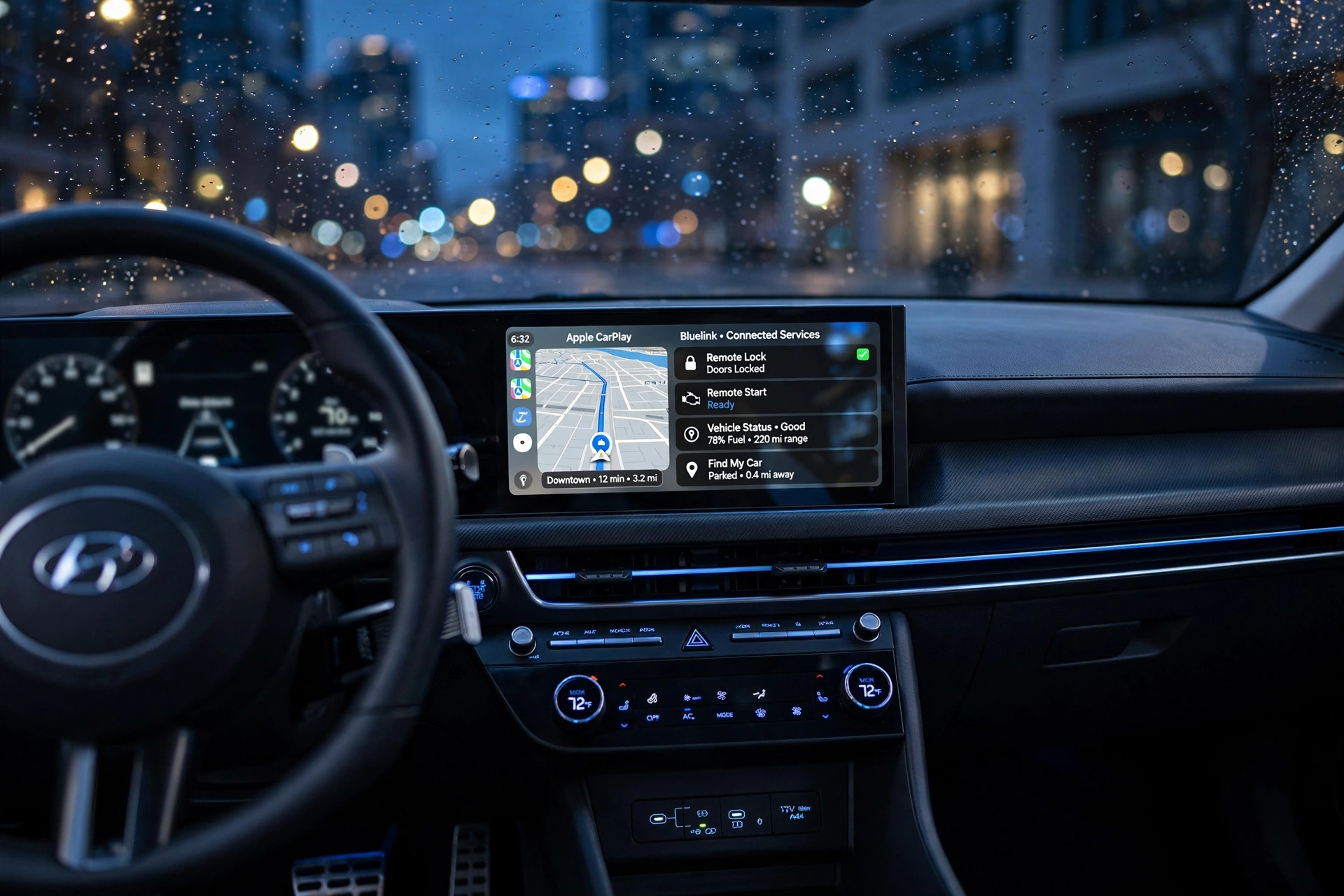
Some of the most important components of our lives have become our smartphones. Instead of using physical photo albums and folders, family photos, personal videos, significant conversations, work files, financial records, contacts, and an endless stream of memories are now stored digitally. But most people don’t know how easily this information can get lost, damaged, stolen or misused until they find themselves in a situation where their phone has gone missing, broken, lost or is misbehaving.
Years of life can be lost in one single incident. However, knowing how to secure your information using trusted back-up techniques is crucial as personal data loss from phones can occur for a number of reasons such as device failure, accidental deletion, software issues, security threats or simple human error. A good backup plan makes sure that all of the most important things that you have and all of your memories can be accessed even when your phone is not available.
Understanding Why Phone Data Gets Lost and Why Backups Are Essential
Smartphones are very capable of things these days, but they’re not perfect. Every day people lose important files due to accidents, water damage, malicious software, or just because the device is no longer capable of storage. Some users also lose data after resetting their phones, changing devices, installing software updates or accidentally deleting files without knowing that there is no possible recovery. The most traumatic losses are usually photos and videos, which can show moments you never want to forget, like family gatherings, vacations, achievements, milestones and so on. Documents, notes, messages, and contacts can also cause big issues if they just go missing. A backup serves as a “just in case” measure so that if you lose your information, you can recover it rather than having to start over again from scratch.
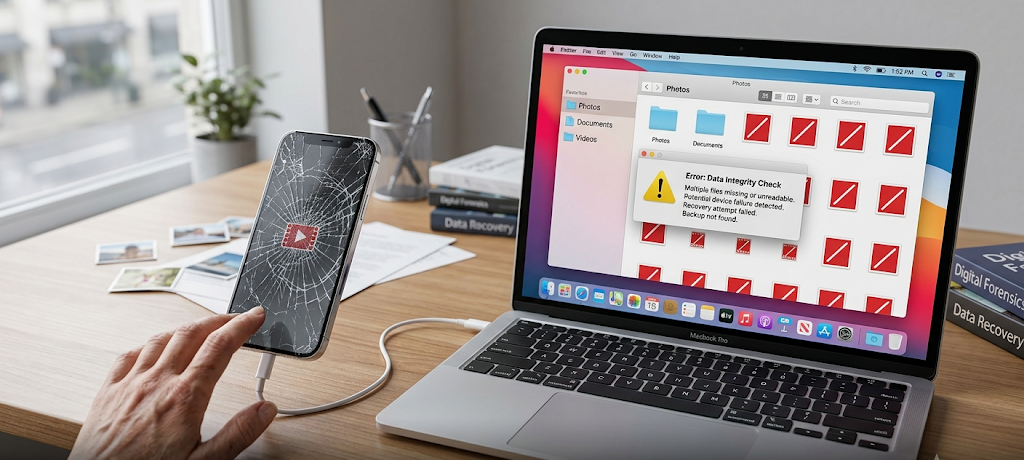
Phone backup is more than just backing up files; it’s about ensuring that control is in your hands. Many people think that just because it is on their phone, it must be forever stored, but it is only stored on their phone. If this device is lost or damaged, all information you save on it could be lost forever. A good back up system is to store copies of important data in multiple locations. There are different types of protection: cloud services, external storage devices and computer backups. These methods, when used together, help users minimize the chance that they will lose all their data at once and build a more secure means to store memories and personal data.
Cloud Backup Services for Smartphones: Understanding Them
Cloud backup is one of the simplest methods for regular users to secure their cell phone information. Cloud services store information on secure online storage systems, rather than being saved on a physical device, and are accessible from other devices. This gives users the ability to sign on to their accounts and get important files back if their phone is lost, stolen or replaced.
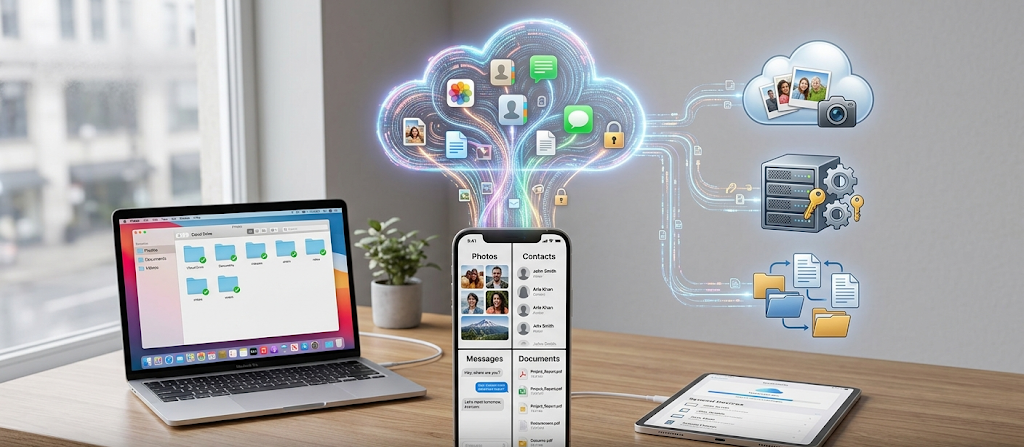
Cloud backups are particularly convenient because they can run in the background without the intervention of the user, making it easy to back up files without the need for manual efforts. For Apple users, the most common cloud backup services are iCloud, and for Android users, Google Photos and Google One. There are convenient solutions available on these platforms to keep photos, videos, contacts and other important information safe.
Back Up iPhone Data Using iCloud
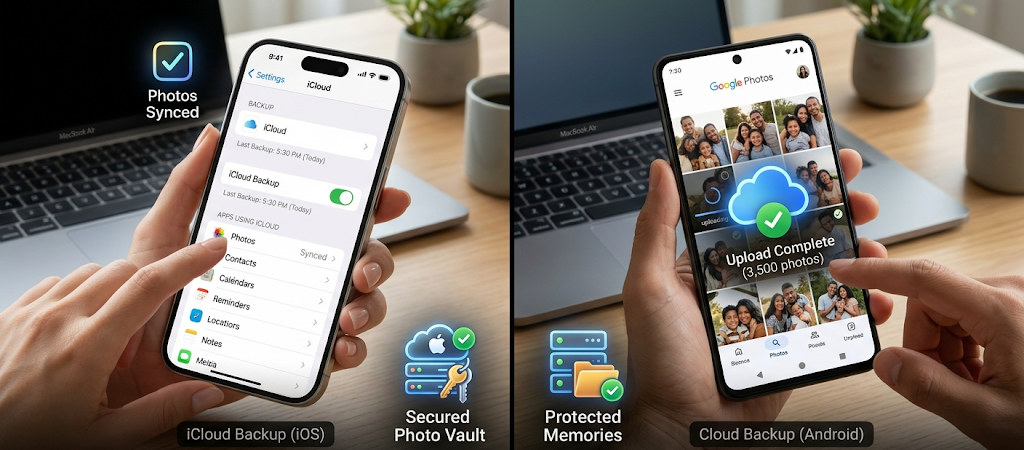
The iCloud service is Apple’s effort to ensure backup protection for iPhone users without any hassle. With iCloud Backup turned on, the device can automatically back up valuable information like device settings, app data, messages, photos, and account data. This way, users can recover their phone when they switch to a new iPhone or fix issues with their mobile phone. iCloud is best used when users have a secure Apple ID and when users regularly check to see if the backups are progressing correctly. Even though many people enable iCloud then forget about it, it’s important to take a look at the storage space and backup settings, because the amount of free storage could soon be exhausted if you store large collections of high-quality photos and videos.
Photos and videos deserve extra focus as they can be the bulk of individuals’ digital recollections. With iCloud Photos, users can automatically upload photos and videos to iCloud when they use Apple devices. This reduces the need for manual transferring of memories from an iPhone, iPad or Mac. But it is important to note that syncing is not a completely different archive. Deleting a photo from iCloud Photos could also show up on connected devices. Users who want to keep their data safe and secure for the longterm should be sure to back it up in iCloud but also have a backup on an external storage device like a hard drive or computer.
How to Backup Android Photos and Data to Google Photos
One of the most popular backup solutions for Android users is Google Photos, which automatically saves their photos and videos to a Google account. With backup turned on, images and videos can be uploaded to the cloud as soon as the device has an internet connection. This allows users to not have to manually copy files to disk every week or month. In addition, Google Photos has a number of effective organisation options for searching through massive numbers of pictures, creating photo albums and finding delightful memories easily. If you shoot hundreds or thousands of photographs a year, you don’t want to have so many photos on just one device.
Google One backups are also available for Android users to back up other phone data besides photos and videos. Backups can contain contacts, messages, application data, device preferences, and more. These backups can come in handy if a user is switching to a new Android phone as many of the settings can be transferred back without having to rebuild everything. As in all cloud services, it’s important for users to periodically review their account storage, security measures, and backup status. Backup system is usable only if it is turned on and is updated and has an account that can be accessed.
Local Backup Solutions for iPhone and Android Phones
While cloud backups offer ease of use, local backups are an essential component of an overall data protection plan. A local backup refers to having a copy of your phone’s data on a tangible storage medium like a computer, external hard drive, or storage device. This approach gives users direct ownership of their files, and offers an alternative to internet access problems or when the cloud accounts are unavailable. High-resolution media can easily fill up cloud storage space, making local backups particularly useful for large numbers of videos. Having copies off-line provides an additional level of protection that’s not solely reliant on a single online service.
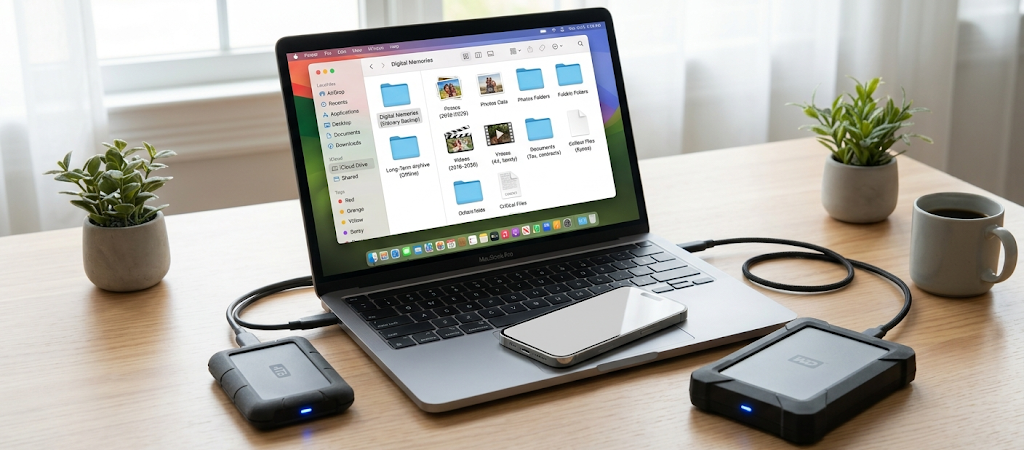
Local backups can be done on a computer via Finder (for newer Macs) or iTunes (for some Windows PCs) on the iPhone. This way, the phone’s data will be stored on the computer directly. Users should keep in mind that their computer itself is safeguarded, otherwise, a backup on a failed hard drive is not a backup. Many copies these files to an external drive or other secure storage to increase protection. A good local backup routine is to periodically connect the phone and make new copies, and to make sure the backup copies are available when necessary.
There are a number of ways to back up locally for an Android phone, depending on the phone manufacturer and individual preference. Important folders can be saved on external storage devices or files can be transferred manually to a computer with a USB cable. All of your photos, videos, documents, and more can be duplicated and filed in conveniently labeled folders to help you easily locate them later. There are also other options available for transferring data between the Android devices, with some manufacturers offering their own backup software. In any case, users should never store the only copy of important files on their phone since phones can be easily damaged and experience unexpected failures.
Developing a Back-Up Plan for Your Online Memory
A permanent backup plan isn’t simply about selecting a service and setting it and forgetting it. The best method is through automatic cloud backup and periodic local backups. A user, for instance, could enable iCloud or Google Photos to automatically save photos as they are taken and then back up critical photos to an external drive every few months. This way, you have several chances of recovering important data and less risk of losing it. The objective is not to remove all the risks, but to ensure that a single accident does not cause the loss of years of memories and important personal records.
It is also recommended that users sort their data first and then back it up. Difficulty recovering photos when they’re just a hodgepodge of thousands of un-named photos and random files can make it hard to recover them. Making folders and discarding useless duplications, tagging important documents and sorting personal memories from temporary files can make it easier to restore later on. In addition, personal information could be at risk if backup accounts are exposed due to poor security measures such as weak passwords and lack of two-factor authentication with cloud accounts. Data preservation is also a component of digital safety, as are preventing unwanted access and preventing unwanted access.
Common Backup Mistakes to Avoid
One of the common errors people make is to think that their phone has it covered for them. Some of these devices have built-in backups, but this might not be active or full all the time. One of the most popular errors is that people don’t back up until something bad happens. If an iPhone is lost or destroyed, it might be too late to recover files that weren’t saved anywhere else. Backups should be done on a regular basis and be a normal routine like keeping important documents or protecting valuable belongings.
Another error is having just one backup site is another error. If only one person is responsible for keeping all the photos, they are at great risk of losing them permanently. Users who only keep their things in a single cloud storage account might also have issues when they lose access to their account or when they hit storage quota. If there are multiple backups, it is likely that the failures affecting one copy will not impact on other copies as well. The best way to safeguard personal data is to use a combination of cloud services, local storage, and organization.
Conclusion
Your cell phone stores more than files, it stores memories, relationships, important information and a part of your personal story. The loss of that data can be frustrating and heart-wrenching, particularly if the information can’t be duplicated. It’s best to plan for data loss before it occurs. Smartphone users can create a robust system with services such as iCloud and Google Photos, and backup services that support local storage, to ensure that their important information is kept safe.
However, technology continues to advance, but there is no device that is entirely accident proof, failure proof, or problem proof. Users can rest assured that their photos, videos, and personal files are backed up in more than one location because of a thoughtful backup routine. With either an iPhone or Android smartphone, it takes only a few simple steps today to avoid significant regrets down the road. A backup system that is secure isn’t just a matter of technology, it is an investment in the moments and information that is most important.