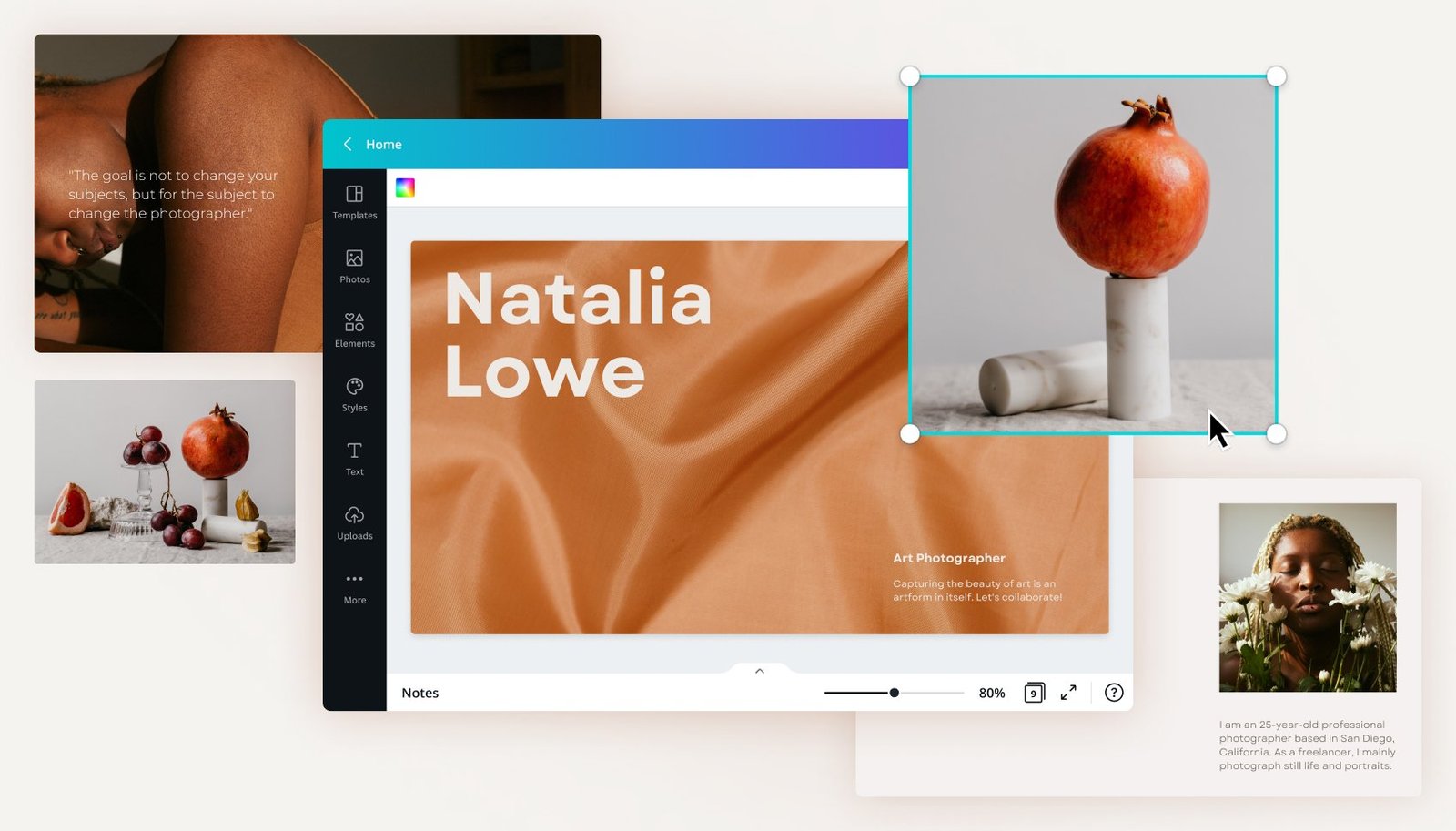
In today’s digital world, having an online portfolio is important for students, freelancers, designers, and job seekers. It helps you showcase your work, skills, and experience in one place. The good news is that you don’t need coding skills or a big budget to get started. You can easily learn how to Create Portfolio Website Free using modern online website builders.
These tools are designed to make website creation simple. With just a few clicks, you can build a professional-looking portfolio that is ready to share with clients or employers. In this guide, we will explain how you can do it step by step in an easy and practical way.
Why Use Online Builders for a Portfolio Website?
Online website builders have changed the way people create websites. Earlier, building a portfolio required coding knowledge and technical setup. Now, everything is simplified with drag-and-drop tools and AI support.
These platforms allow you to design, edit, and publish your website without any programming. Most of them also offer free plans, making it easier for beginners to start. You can choose templates or even let AI generate a complete layout for you.
Another benefit is speed. Instead of spending weeks designing a site, you can launch your portfolio in a few hours.
Step-by-Step Guide to Create Portfolio Website Free
1. Choose a Free Website Builder
The first step is selecting a platform that supports free portfolio creation. Look for builders that offer templates, AI tools, and customization options. This will make your work easier and faster.
2. Sign Up and Set Up Your Profile
After choosing a platform, create an account. Most builders will ask a few simple questions about your work, skills, and goals. This helps the system understand what kind of portfolio you need.
3. Use AI to Generate Your Website
Modern tools use AI to build your site automatically. You just enter basic details, and the system creates layouts, content, and structure for you. This is one of the fastest ways to Create Portfolio Website Free without technical effort.
4. Customize Your Design
Once your website is ready, you can start customizing it. Change colors, fonts, images, and layout based on your personal style. Make sure your portfolio reflects your personality and profession.
5. Add Your Work and Content
Upload your projects, case studies, and achievements. Keep descriptions simple and clear. A strong portfolio should show not only what you did but also how you did it.
AI Features That Make Website Building Easier
Modern portfolio builders come with smart AI tools that help in every step of website creation. These tools can write content, generate logos, and even create images for your website.
For example, AI content writers can generate headings, descriptions, and even SEO meta tags. AI image tools help you create visuals that match your brand style. This reduces effort and saves time.
Some platforms also provide AI logo makers so you can build your personal brand instantly without hiring a designer.
Design Flexibility and Creative Control
Many builders now offer advanced design modes that allow full customization. You can start from scratch or modify existing layouts easily. This is useful for users who want full control over how their portfolio looks.
You can adjust typography, spacing, animations, and structure according to your preference. Even with advanced customization, the process remains simple and beginner-friendly.
This balance between automation and creativity ensures that your portfolio looks professional and unique.
SEO and Mobile Optimization
A good portfolio is not just about design; it also needs visibility. Most online builders offer built-in SEO tools that help your website rank on search engines.
You can edit meta titles, descriptions, and URLs easily. This helps improve your chances of being discovered by clients or employers online.
Another important feature is mobile responsiveness. Your portfolio automatically adjusts to different screen sizes, ensuring a smooth experience on phones, tablets, and desktops.
Practical Tips for a Strong Portfolio Website
Keep your portfolio simple and organized. Avoid adding unnecessary information that may confuse visitors. Focus on your best work and highlight your skills clearly.
Use high-quality images and write short descriptions for each project. Also, update your portfolio regularly to keep it fresh and relevant.
Make sure your contact details are visible so potential clients can easily reach you.
Conclusion
Creating a professional portfolio website is now easier than ever. With modern online tools and AI support, anyone can build a strong online presence without coding knowledge. By following the right steps, you can easily Create Portfolio Website Free and showcase your skills to the world.
Whether you are a student, freelancer, or professional, a well-designed portfolio can open new opportunities and help you grow your career.