Picture this: the Johnsons have a smart thermostat, automated lighting in every room, a voice assistant in the kitchen, and three kids with overlapping soccer practices, piano lessons, and school projects. Dad’s work meetings clash with school pickups. Mom’s trying to remember if anyone turned off the porch lights. Everyone uses Google Calendar, yet somehow the house still feels chaotic. The schedules live in one app, the smart devices in another, and nobody’s talking to each other—digitally speaking. Google Calendar excels at blocking time and sending reminders, but it was never designed to dim your lights at bedtime or preheat the house before you arrive. What if your family calendar could actually control your home—triggering automations, adjusting devices, and adapting to each person’s routine without juggling six different apps? That’s exactly the promise of a new generation of digital calendars built for seamless smart home control and whole-family organization. Let’s explore how to make that vision a reality.
Why Google Calendar Falls Short for Modern, Tech-Savvy Families
Google Calendar has served millions of families well as a scheduling backbone, but there’s a growing disconnect between what it offers and what today’s connected households actually need. At its core, Google Calendar remains a time-blocking tool—it tells you when things happen, but it can’t make things happen. For families who’ve invested in smart home ecosystems, this limitation creates a daily friction that no amount of color-coded events can solve.
The Smart Home Integration Gap
Google Calendar handles appointments, reminders, and shared events with reasonable efficiency. What it doesn’t do is communicate with the devices that run your home. You can set a reminder to adjust the thermostat before bed, but you still have to open a separate app and do it manually. There’s no native pathway for a calendar event to trigger your smart lights, lock your doors, or start your robot vacuum. The desire is straightforward: when the calendar says “Family Movie Night at 7 PM,” the living room lights should dim, the TV should power on, and the thermostat should drop two degrees—all without anyone lifting a finger. Google Calendar simply wasn’t architected for this kind of device-level interaction, and its API limitations mean third-party workarounds are clunky at best.
Customization Challenges for Family Dynamics
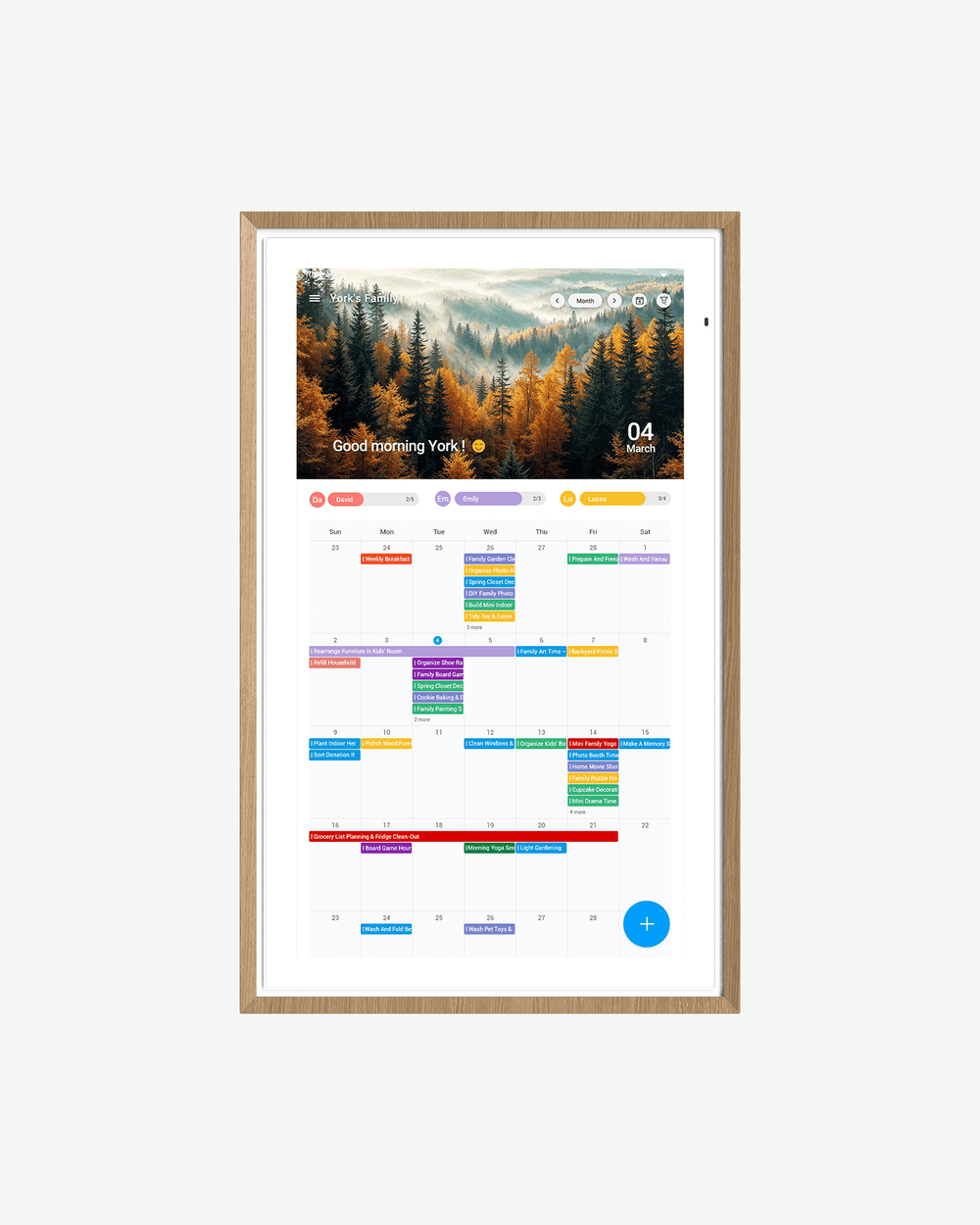
Every family member interacts with their schedule differently. A ten-year-old needs a simple, visual overview of after-school activities. A working parent needs meeting details layered with carpool logistics. Google Calendar offers shared calendars and basic filtering, but it doesn’t provide truly personalized dashboards where each person sees relevant information at a glance—weather for the soccer kid, commute times for the parent, or homework deadlines for the teenager. The interface is one-size-fits-all, and layering in family organization tools like chore assignments, meal plans, or device controls requires stitching together multiple apps. That fragmentation is precisely what drives the chaos families are trying to escape. The result is a household where everyone technically has access to the same information, but nobody has the right view of it at the right time.
Defining the Best Digital Calendar: Essential Features for Smart Home Control
If Google Calendar represents the first generation of family scheduling, the best digital calendar for today’s connected household needs to operate on an entirely different level. It’s no longer enough to simply track events—a truly superior calendar must serve as the command center for both your family’s time and your home’s technology. Three capabilities separate a genuinely integrated calendar from a glorified to-do list: robust smart home control APIs, a highly customizable dashboard, and seamless synchronization with existing platforms like Google Calendar. When these features work together, the calendar stops being something you check and becomes something that actively manages your household.
Core Feature: Advanced Smart Home Control
The defining benchmark of the best digital calendar is its ability to directly interact with smart home devices through well-documented APIs and native integrations. This means the calendar doesn’t just remind you to do something—it executes the action. A morning meeting block at 7:30 AM triggers the coffee maker at 7:15. A “Bedtime – Kids” event at 8:30 PM dims the upstairs hallway lights, locks the front door, and sets the thermostat to sleeping temperature. Voice command integration takes this further: saying “start movie night” cross-references the calendar, confirms the event, and activates a pre-configured scene across multiple devices. The calendar should support major ecosystems—Zigbee, Z-Wave, Wi-Fi-based devices, and popular hubs—so families aren’t locked into a single manufacturer. Automation rules built around calendar events become the connective tissue between your schedule and your physical environment, eliminating the need to manually operate devices throughout the day. This is what transforms a calendar from a passive reference tool into an active household manager.
Sync with Google Calendar and Beyond
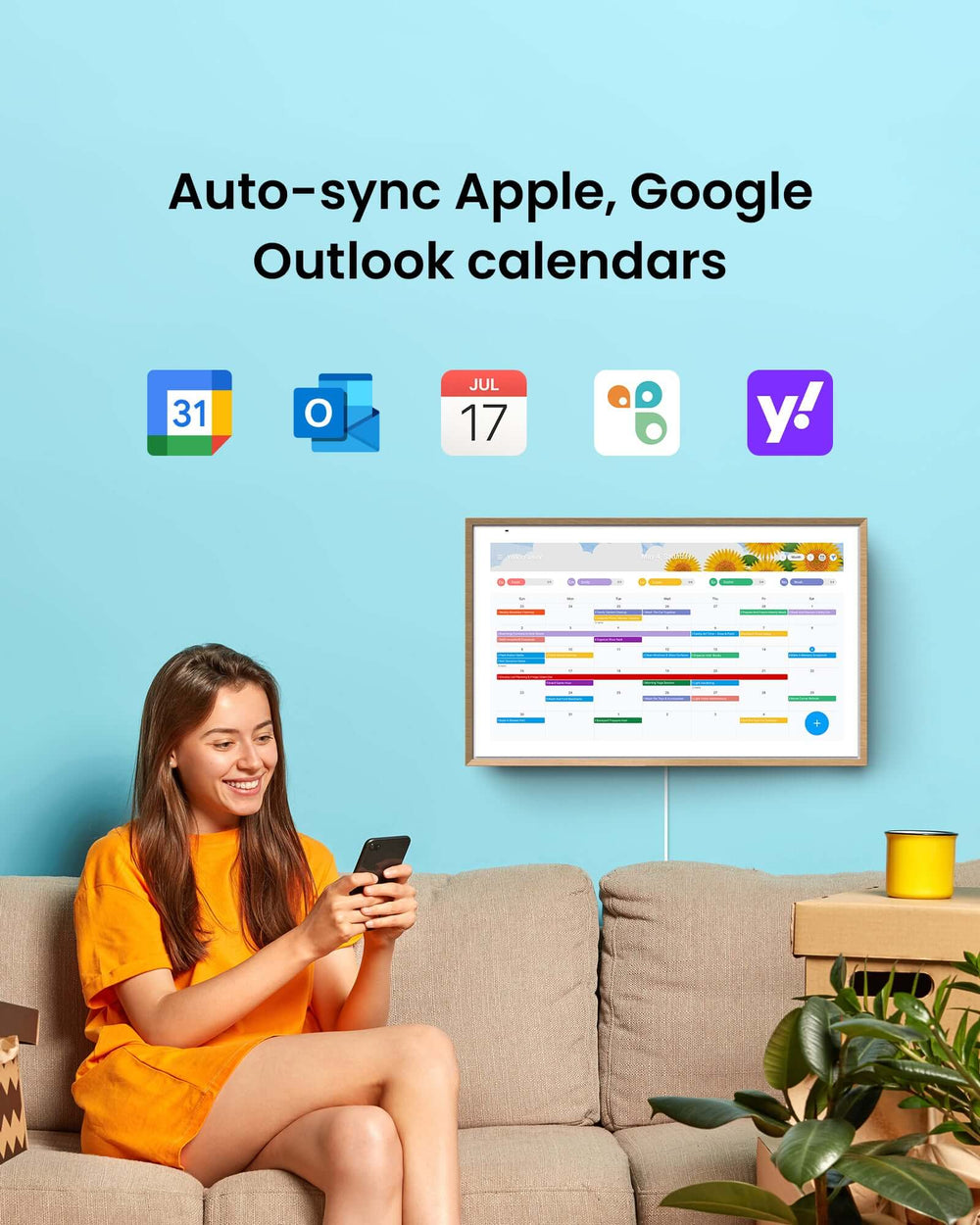
No family is going to abandon years of accumulated calendar data overnight, which is why two-way synchronization with Google Calendar is non-negotiable. The right platform pulls in every existing event, shared calendar, and recurring appointment without duplication or data loss, while simultaneously pushing any new entries back to Google so family members who prefer their old interface aren’t left out. But synchronization shouldn’t stop at Google. A truly unified system extends to Outlook for work schedules, Apple Calendar for iPhone-dependent family members, and school or sports platforms that publish their own event feeds. Beyond calendars, the best solutions also sync with task management tools, grocery list apps, and messaging platforms so that a single dashboard reflects every dimension of family logistics. This layered sync architecture means no one has to choose between ecosystems—the calendar absorbs them all, presenting a consolidated view that traditional options simply cannot match. The result is data continuity across every device and every family member, with smart home control layered on top as a natural extension of the schedule itself.
Step-by-Step Guide to Implementing Your Smart Home Calendar System
Choosing and Setting Up Your Calendar App
The first decision is selecting a calendar platform that natively supports smart home ecosystems. Solutions like ApoloSign are designed with this integration in mind, offering direct compatibility with protocols like Zigbee, Z-Wave, and Matter. Confirm compatibility with your existing hub—whether that’s SmartThings, Home Assistant, or a similar controller. Once you’ve identified the right fit, download the app on every family device and create a household account that allows multiple user profiles under one roof. During initial setup, you’ll be prompted to link your Google Calendar credentials for two-way sync; authorize full read-write access so existing events flow in without manual re-entry. Next, navigate to the smart home connections panel and add your hub or individual Wi-Fi devices by following the on-screen pairing process. Grant the calendar permission to control each device category—lighting, climate, locks, speakers—and verify connectivity by running a quick test command from within the app. This foundation ensures your calendar can both read your schedule and act on it.
Creating Automations for Family Life
With devices connected, it’s time to build automation rules tied directly to calendar events. Start simple: create a rule that detects any event titled “Bedtime – Kids” and triggers a sequence—upstairs lights dim to ten percent, the white noise machine activates, and the front door locks. Most integrated calendars use an “if event starts, then execute scene” logic that requires no coding. For mornings, link a recurring “Wake Up” event to gradually brightening bedroom lights fifteen minutes before the alarm and starting the coffee maker downstairs. A “Leaving Home” event—detected when every family member’s calendar shows an away appointment—can set the thermostat to eco mode, turn off all lights, and arm the security system. Test each automation by manually triggering the event at an off-hour and confirming every device responds correctly. If a device fails to activate, check that its firmware is current and that the calendar app’s permissions haven’t been revoked after a recent update. Troubleshoot connectivity drops by repositioning your hub or adding a Zigbee repeater in dead zones. The goal is reliability: automations should fire consistently so the family trusts the system enough to stop managing devices manually. Within a week of refinement, most households find they’ve eliminated dozens of daily micro-tasks simply by letting the calendar orchestrate the home.
Building a Customizable Dashboard for Optimal Family Organization
Personalizing Views for Individual Needs
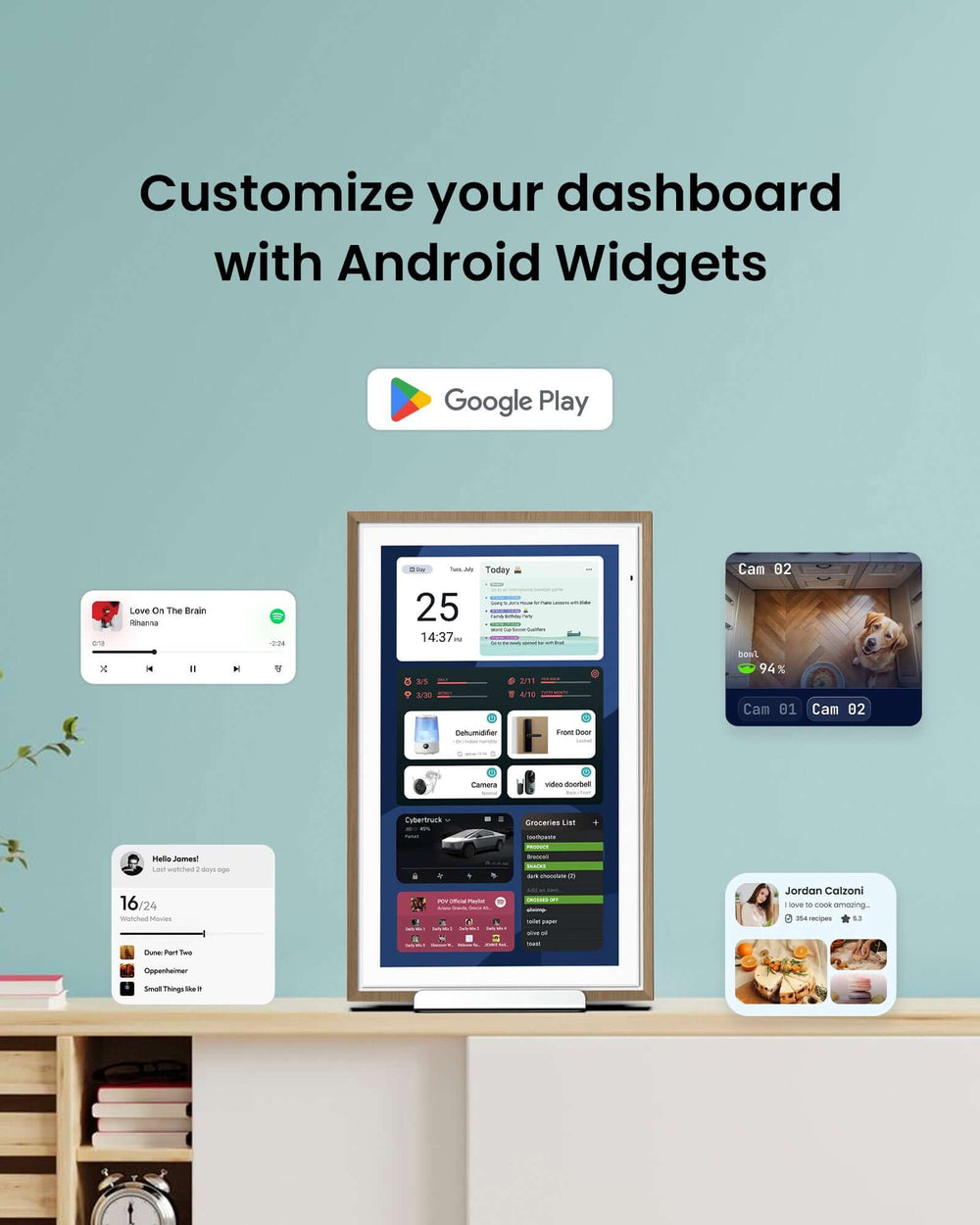
The power of a smart home-integrated calendar reveals itself most clearly when each family member opens the app and sees exactly what matters to them—nothing more, nothing less. Start by creating individual profiles within your household account, then configure each person’s default view based on their daily priorities. For a parent managing work and logistics, the dashboard might display today’s meetings alongside carpool pickup times, a live thermostat reading, and a traffic widget showing commute conditions. For a teenager, the view could surface homework deadlines, extracurricular schedules, and a quick-toggle panel for their bedroom lights and speaker. Younger children benefit from a simplified, icon-heavy layout showing their next activity with a countdown timer and a color-coded indicator of who’s picking them up. Most integrated calendar platforms let you drag widgets onto the dashboard—weather forecasts, smart device status indicators, to-do checklists, even a live camera feed from the front door. The key is restraint: each profile should contain only the information that person acts on daily, preventing the overwhelm that drove your family away from juggling multiple apps in the first place. Revisit these configurations monthly as routines shift with new seasons, school terms, or work changes.
Streamlining Family Schedules and Communication
Beyond individual views, the shared family layer transforms your calendar into a logistics command center. Assign each family member a distinct color and establish naming conventions for events—”Soccer – Mia,” “Dentist – Dad”—so a quick glance at the weekly overview instantly reveals conflicts or gaps. Layer in recurring household responsibilities by creating a rotating chore calendar that assigns tasks automatically and sends a push notification to the responsible person thirty minutes before the deadline. Meal planning slots directly into the same timeline: block dinner prep windows, attach recipe links to the event details, and trigger a smart display in the kitchen to show tonight’s instructions when the time arrives. Connect a family messaging channel—whether through the calendar’s built-in chat or a linked app like a group text thread—so that schedule changes generate instant alerts to everyone affected. When Dad’s meeting runs late, he updates one event, and the system notifies Mom, adjusts the porch light timer for a later arrival, and shifts the dinner prep reminder forward by twenty minutes. This closed loop between communication, scheduling, and device control eliminates the back-and-forth texts and forgotten handoffs that plague busy households, turning the calendar into the single source of truth every family member actually trusts.
Unifying Your Schedule and Smart Home Into One Seamless System
The gap between managing a family schedule and managing a smart home has persisted largely because traditional tools like Google Calendar were never designed to bridge it. By adopting a calendar platform built for deep smart home integration, families gain something Google Calendar alone cannot deliver: a single interface that both organizes time and orchestrates the physical environment around it. Instead of toggling between scheduling apps, device controllers, and group chats, every household action—from dimming lights at bedtime to adjusting the thermostat when everyone leaves—flows naturally from the events already on your calendar. The customizable dashboard ensures each family member sees only what’s relevant, cutting through information overload and making coordination feel effortless rather than exhausting. If you’ve been living with the friction of disconnected systems, the step-by-step guide above offers a concrete path forward: choose a compatible platform, connect your devices, build automations around your real routines, and personalize views for every person under your roof. As smart home technology continues to mature and calendar platforms grow more capable, the households that thrive will be those where scheduling and home control aren’t separate chores—they’re one seamless, intelligent system working quietly in the background.