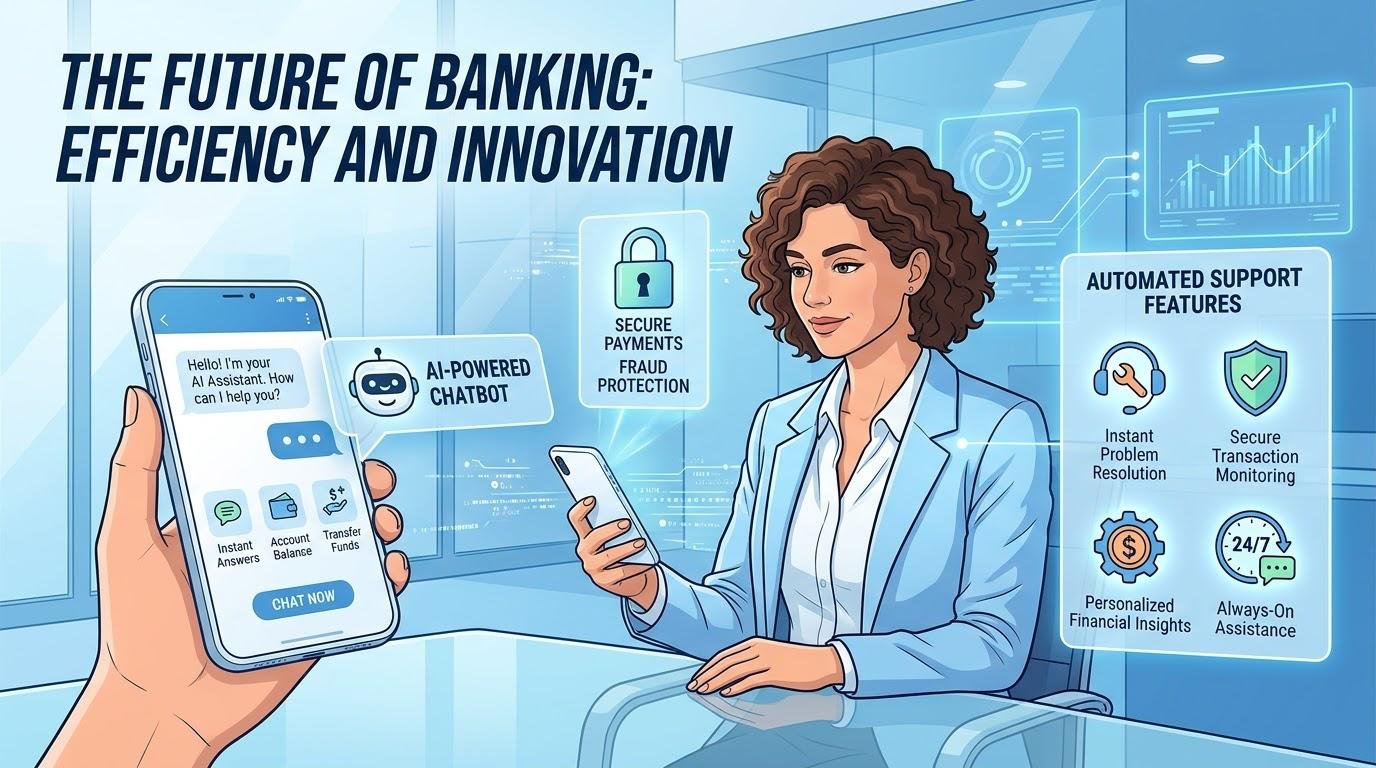
AI chatbots use APIs to connect with external services, databases, websites, and business applications to retrieve specific, up-to-date information. These connections enable chatbots to check order statuses, retrieve product prices, search company documents, answer customer questions, and provide more accurate responses. By combining APIs, database queries, information retrieval, authentication, and retrieval-augmented generation (RAG), AI chatbots can deliver relevant information beyond what they learned during training. Understanding how these technologies work together helps explain how modern chatbots access external information and respond to users more effectively.
AI-powered chatbots leverage language models to interpret queries and produce human-like responses. They are trained to identify patterns in text that they can leverage to explain concepts, summarize information and respond to various requests during operation. For instance, a chatbot can have the knowledge of what an API is and explain it. But, when a customer asks “where is my package now?”, the chatbot must have access to up to date delivery details. It does not provide the most up-to-date information about an order of a customer automatically.
The chatbot application has the ability to interface with a suitable external service to provide answers to these questions. The language model understands what you’re asking, and the linked system fetches the info. The chatbot then analyzes the returned information and formulates a helpful response. This separation is significant as it is important to note that the creation of an answer and the retrieval of verifiable information are two distinct processes. When paired with trustworthy sources like data from a knowledge base, organizations can develop chatbots that can handle common inquiries and also supply particular, current information when needed.
How AI Chatbots Use APIs to Retrieve Information
Application Programming Interfaces (APIs) enable different software applications to communicate with each other. It establishes the interaction between an application requesting information or services and the system it is asking for. APIs prove useful because businesses usually have different systems for tracking products, facilitating payments, etc., and managing customer accounts.
For instance, a chatbot on the online store can ask for the delivery status via an API. The external service processes the request, and returns the information available, to which the chatbot can explain in simple terms. APIs can also facilitate functions like create support tickets, or inventory checks, if the app has the proper permissions. This enables chatbots to communicate with the current systems of a business without taking its place.
AI chatbots use APIs to request information from business systems, but reliable integrations depend on developers knowing exactly how each endpoint accepts requests and returns data. Following API documentation best practices helps teams specify authentication, required parameters, response formats, and error handling, making it easier to connect the chatbot to a service without guessing how it behaves.
How Chatbots Work:
If a user asks a question, the Chatbot application will decide if an external service is required. If needed, it creates the request with the appropriate information and sends it to the appropriate API. The service handles the request and sends a response back, which may include a structured response like product names, prices or delivery statuses. The chatbot then provides the information to the user relevant to the request.
Structured data is exchanged between the many APIs and JSON. For instance, a product service could return the name, price and the stock status of a product. The chatbot can leverage those values to provide explanations that “yes, the product is available” or “no, the product is not available” and what its price is. Developers need to make sure that information returned is verified and that errors are dealt with appropriately, so the chatbot doesn’t make up information when a service fails.
How Chatbots Fetch Data from Databases

A database is a structured collection of data that applications can query, update and manipulate. Databases are employed by businesses to store a wide range of data such as product catalogs, consumer accounts, order history, inventory records, and more. If a Chatbot requires a particular piece of information, the application can contact the appropriate back-end service to access the relevant record in the system.
For instance, a request to know if an order is placed may cause a database query. The system looks for the matching order, and returns the recorded delivery information. The bot can then tell the customer the result without having to go through the manual navigation of the store’s website.
What is a Database Query and How Does it Work?
Many databases are made up of tables that have rows and columns. Product tables may have product names, prices, sizes and stock. Applications rely on queries to get the records that satisfy certain conditions.
For instance, a simplified SQL query to get medium-sized blue shirts:
SELECT product_name, quantity_available
FROM inventory
WHERE color = ‘Blue’
AND size = ‘Medium’;
Matching records are returned by the database, and the chatbot application answers the customer’s question based on the matching records. In real systems, developers must be able to validate all inputs, create parameterized queries and implement access control to ensure that the access is not unauthorized or that the database is not accessed in an unintended manner.
How Chatbots can Use Information Retrieval to find answers.
Useful information is kept in documents and databases by businesses. Answers may not be available just from a simple database query in support articles, product manuals, company policies, and troubleshooting guides. Chatbots can utilize information retrieval to locate relevant documents or sections of documents in these collections.
Some systems implement a keyword search, others implement semantic search and find the content based on meaning. If, for instance, a customer is asking about the returns policy for returning a faulty product, then the returned policy may be different in wording from the original or the same. The chatbot can then provide a clear and concise response in a conversational format, summarizing the retrieved instructions.
The use of a Company Knowledge Base.
A company knowledge base houses information like FAQs, product manuals, and internal protocols. A HR chatbot connected with the HR documents of the organization can search through the documents and detail the approved process when an employee inquires about how to request leave.
It is important to maintain this information up-to-date. If the policy changes, it is important that the search index is updated, otherwise the chatbot will not have up-to-date instructions. The access restrictions need to be implemented to ensure that none of the users can retrieve confidential documents to which they are not entitled to.
What is Retrieval-Augmented Generation (RAG)?
Retrieval-augmented generation (RAG) ties in with a language model’s capacity to produce answers, and information retrieval. Instead of just learning patterns, the chatbot fetches appropriate information from an external source that will be fed to the model as context. The model then creates an answer using the material.
Find out more about retrieval-augmented generation.
A chatbot that answers a query about a company’s refund policy may, for instance, scan through the company’s documentation and return the section containing the policy and give a summary of it to the customer. This method allows the chatbot to leverage on specific information it didn’t receive during its initial training.
How a RAG System Works.
Generally, a RAG system starts by structuring documents to create searchable passages. The passages can be indexed by keywords, embeddings or a combination of search methods. A user inputs a question and the system looks up passages of text that correspond with the question and provides them to the language model.
The model is based on the question and the retrieved information to generate a response. Some systems even include links to the original documents to ensure that the information is accurate. RAG will enhance the relevance of the answers, but not their accuracy. Even if the search results are not as good, documents are outdated or misinterpreted, there are still ways for errors to occur.
The Importance of Authentication for Chatbots.
Authentication is a process that confirms who an individual, application or service is before allowing access. To determine that the request is from an authorized source, a chatbot can use an API key, access token, or other approved authentication method that is connected to the business system.
Authorisation is what an authenticated user/Application can access. In other words, the customer can see his/her own order info but not another customer’s. These limitations should be enforced by the developer of the application/connectivity and not just by the language model.
Ensuring the proper protection of credentials, encryption of connections, limiting permissions, and minimizing sensitive information in requests are also important security practices. These measures can assist organizations in furnishing valuable information without making confidential information accessible.
Example: A Customer-Service Chatbot.
When a customer asks an e-commerce chatbot, “Where is my order?”, AI chatbots use APIs or another authorized backend connection to retrieve the latest delivery status after the customer’s identity is confirmed. Alongside the technical integration, effective customer-service strategies for online stores help businesses present updates clearly, offer useful self-service options, and guide customers to a human agent when tracking information is missing or a problem needs attention.
The external system will respond with the most recent delivery status and predicted delivery date. The chatbot analyzes those bits and pieces and offers a clear response. If the tracking information is not available, then it should provide a description of the problem rather than an answer.
This is the same for info about products, or company documentation. A chatbot can check a product’s inventory to find out its current cost, or it can log into a support knowledge base to get warranty information. It can link between various information sources that can help customers but not require them to have to search across multiple systems themselves.
Conclusion

The power of language models is enhanced when they are integrated with APIs, databases, and information retrieval systems, which allows AI chatbots to become more useful. APIs facilitate application-to-application communication, database queries pull in certain records, and document searching helps find relevant data. Retrieval-augmented generation combines these with language models to generate answers to queries that are based on external information.
But success relies on reliable data, safe access, relevant search results, and proper error handling. It is not the responsibility of a language model to be aware of all current facts and retrieved information should not automatically be considered correct. When paired with reliable information sources and robust security measures, the results are the creation of a chatbot that offers more accurate, relevant and usable support.