Introduction
OBD2 Bluetooth vs Wi-Fi adapters have enabled vehicle diagnostics to be available to everyday drivers and easier to access via a smartphone. A driver can install an adapter on the vehicle’s built-in diagnostic port and utilize a smartphone diagnostic application to access trouble codes, live data, sensor readings, and even some vehicle systems. The OBD2 Bluetooth vs Wi-Fi debate is the most prevalent because both wireless connection choices can do the very same basic chore, but they connect with smartphones in various methods.
This will depend on the operating system of the smartphone, the diagnostic application being used, the ease of connection, and the information the driver is interested in. Bluetooth adapters usually are easy to connect and enable the mobile phone to retain its regular Wi-Fi link. On the other hand, Wi-Fi adapters are able to connect to a dedicated wireless network and may be of benefit when using applications or smartphones that enable network-based OBD2 communication. Knowing these differences will help you select the appropriate adapter.
What Is an OBD2 Adapter?
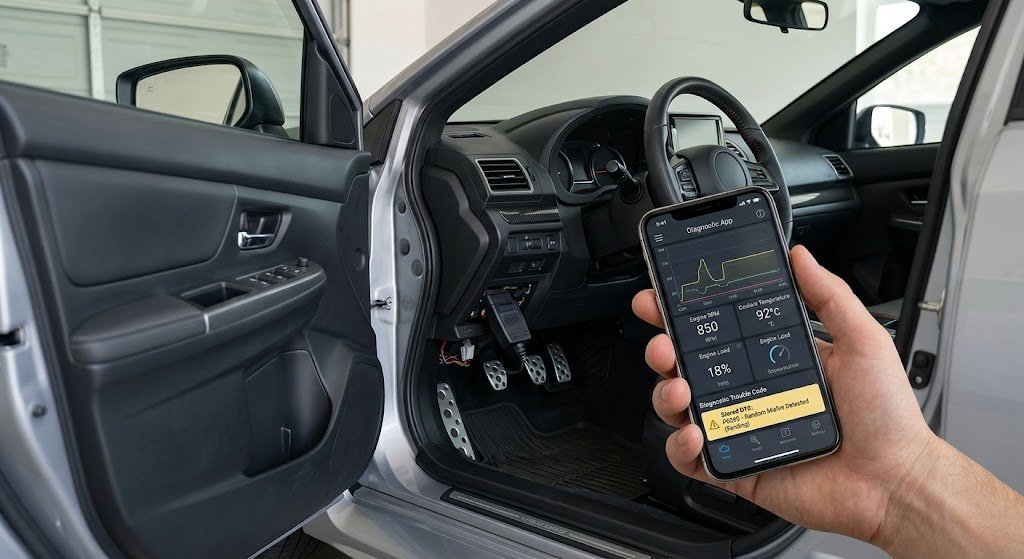
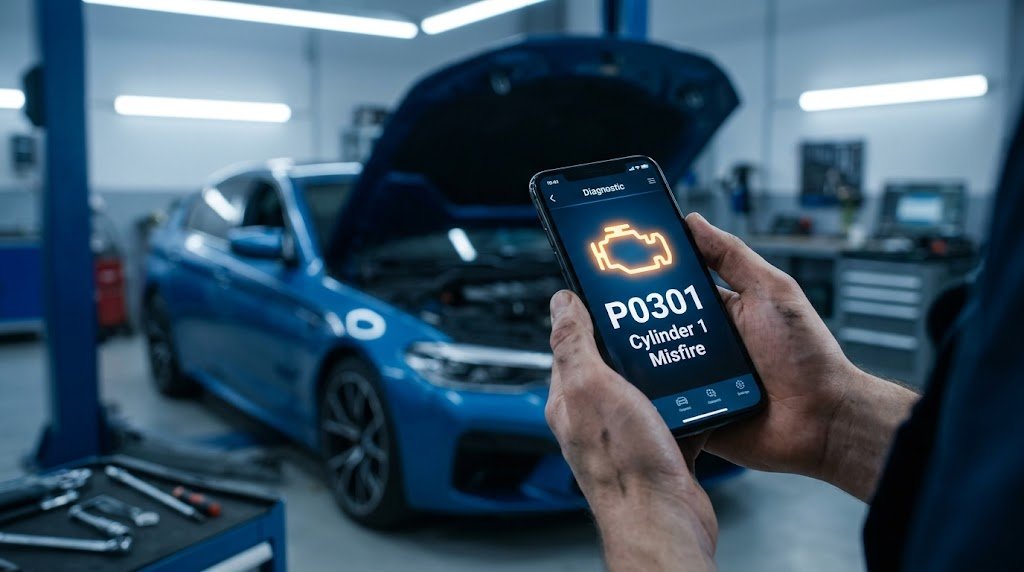
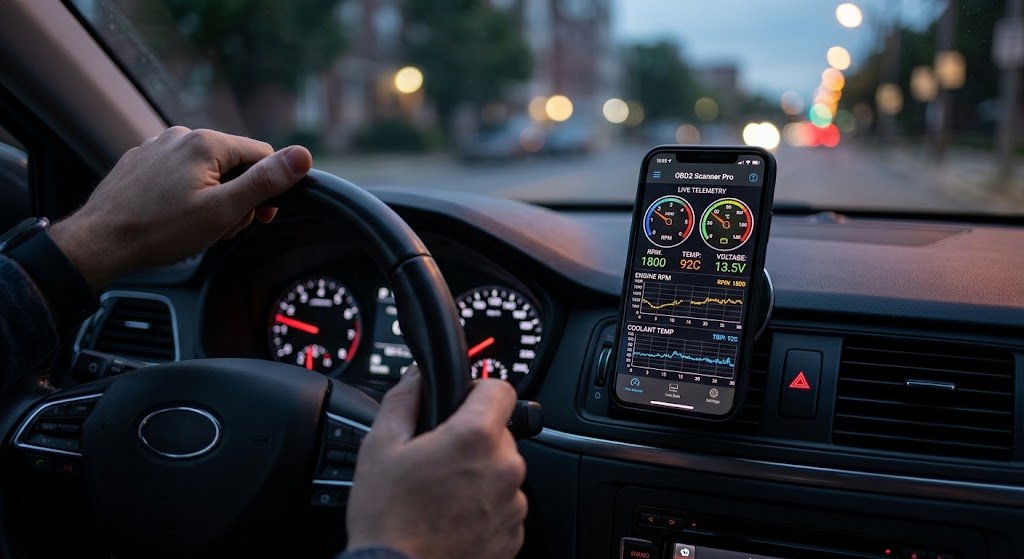
An OBD2 adapter is a small electronic gadget that fits into the OBD2 diagnostic outlet of cars that have the correct port. The adapter connects to the vehicle’s computer systems and transmits diagnostic data available to the vehicle to a smartphone, tablet, or computer. In conjunction with the right diagnostic application, it can give information like diagnostic trouble codes, engine RPM, vehicle speed, coolant temperature, and other live sensor data. The adapter serves as a connection between the vehicle and the device that is used to install the diagnostic software.
The basic functions of Bluetooth and Wi-Fi adapters are similar, but the way they connect wirelessly is different. This does not imply that it’s merely as easy as picking out the technology that offers the greatest promises in its specifications. More often, it is compatibility that is key with the smartphone and diagnostic app. Before you buy an adapter, you should check if it is compatible with the user and your smartphone. This can avoid most connection problems and make sure the adapter can offer the functions the user is expecting in the diagnostics.
Bluetooth OBD2 Adapters
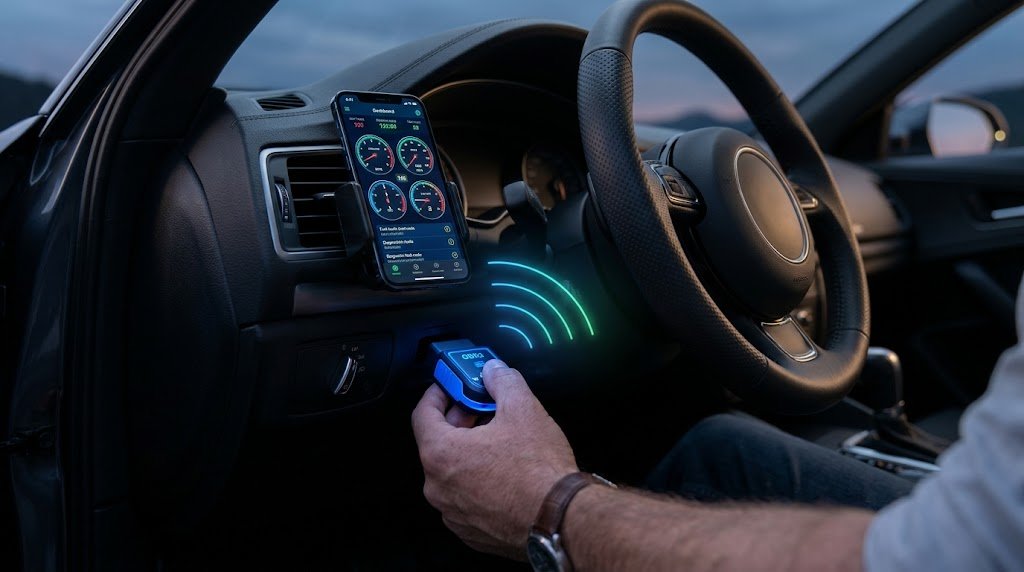
Airfiber Bluetooth OBD2 adapters enable communication between a smartphone and OBD2 via Bluetooth technology. The user will typically pair the adapter with the smartphone and then choose the adapter from the diagnostic application after connecting the adapter to the vehicle’s diagnostic port. The moment the connection has been made, it is possible to communicate with the vehicle via the adapter. This is the reason why Bluetooth is a common choice among smartphone users since the connection is similar to connecting other Bluetooth accessories.
Convenience is one of the reasons why Bluetooth is so great. It is normally possible to use the regular Wi-Fi connection on the smartphone while connecting to the OBD2 adapter via Bluetooth. This may be useful if the diagnostic application requires an Internet connection to get more information, including code explanations or references to online vehicles. Bluetooth adapters are very popular amongst Android users, but users should also make sure to check for compatibility, as not all Bluetooth OBD2 adapters are compatible with all Android smartphones or diagnostic software.
Wi-Fi OBD2 Adapters
The wireless OBD2 adapters, called Wi-Fi adapters, connect Wi-Fi-enabled smartphones to the car. Once the adapter is connected to the OBD2 port, it usually forms its own network with Wi-Fi. The user then joins that network and runs the diagnostic app that is compatible with it. After connecting to the adapter, the app can communicate with the vehicle and obtain the information. It differs from pairing by Bluetooth, but can offer direct wireless communication between the phone and the adapter.
If you are thinking about using Wi-Fi OBD2 adapters, you need to be sure that your smartphone is compatible. Some diagnostic tools and smartphone setups, such as some iPhone setups, can benefit from Wi-Fi adapters. The phone is, however, directly connected to the adapter’s Wi-Fi network, which could mean that the phone is unable to connect to its normal Internet for a short while. The exact behavior will vary depending on the used smartphone, operating system, and adapter, as well as the diagnostic application.
Bluetooth vs Wi-Fi Compatibility
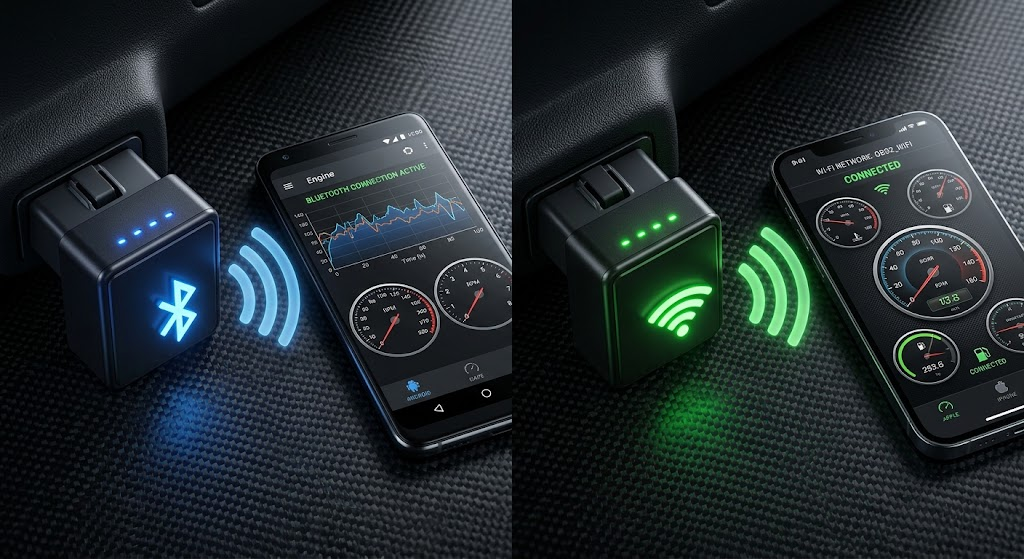
One of the most crucial factors to consider when choosing between Bluetooth and Wi-Fi OBD2 adapters is compatibility. Most Android smartphones come with wide Bluetooth access to accessories; hence, Bluetooth is convenient for most Android users. But compatibility will be dependent on the diagnostic application and adapter. There are some apps that have Bluetooth capabilities, and others that have Wi-Fi, Bluetooth, or both. Consumers should therefore make sure to verify the application’s specifications before using a wireless OBD2 adapter, as any may not be compatible.
For diagnostic applications that are intended to communicate over a network connection, a Wi-Fi adapter may offer an alternative to the wireless connection. They may also be beneficial for those who set up their smartphones with a specific Bluetooth adapter that is not supported. But not all diagnostic applications will work with Wi-Fi. Users should always verify the supported connection types and, if available, the recommended or compatible adapters for the application prior to purchasing an adapter. This is better than the selection of an adapter based solely on its connection technology.
Which Is Faster?
Theoretically, Wi-Fi has higher bandwidth than many Bluetooth connections, but this doesn’t necessarily mean that Wi-Fi OBD2 adapters are significantly faster for typical vehicle diagnostics. Diagnostic trouble codes, engine RPM, coolant temperature, and common sensor data are relatively small amounts of data. In such cases, the vehicle’s communication infrastructure and type of the adapter might play a more significant role in performance than the wireless technology itself.
Most standard OBD2 diagnostic functions are performed at a speed that is sufficiently fast, even with Bluetooth. Smooth live-data monitoring and rapid communication with a compatible diagnostic application will be the key to a good Bluetooth adapter. Thus, the factors of network velocity should not be the only reason for drivers to opt for Wi-Fi, because while this can offer faster network speeds, it doesn’t necessarily do so in all cases. Typically, key factors for connections are stability, compatibility with applications, the quality of the adapter, and the diagnostic capabilities needed rather than theoretical wireless bandwidth.
Which Is More Convenient: A Short Walk or a Long Walk?
Pairing often is a familiar process for most smartphone users, making Bluetooth a convenient option for daily diagnostics. After pairing and configuring the adapter with the diagnostic application, reconnection can be relatively simple. A big benefit is that the cell phone can continue to be connected to its home Wi-Fi network. This can be helpful if using online capabilities in the diagnostic application is desired and communication with the vehicle is also desired.
Wi-Fi adapters are also simple to configure when they get set up, but normally the smartphone will need to attach to the adapter’s Wi-Fi network. This could involve taking off the home, office, or mobile hotspot Wi-Fi connection. Depending on your smartphone settings, they might even try to reconnect to an internet-enabled network automatically. Because Bluetooth can be easier to set up, it may be more convenient for drivers who do rapid diagnostics and prefer the easiest setup. In some cases, it might be better to use Wi-Fi if the diagnostic application is designed to function best on Wi-Fi.
Bluetooth vs Wi-Fi for Android Phones
There are many options for Bluetooth OBD2 adapters available for Android phones, so Bluetooth is a great option for many diagnostic solutions for smartphones. Most supported diagnostic applications are compatible and can communicate via Bluetooth with the compatible adapters, allowing the user to read fault codes and monitor vehicle data. Even though there is no difference between Android and iOS users, you should need to see the precise requirements of the app you are looking at, because the requirements for adapters and connections vary from one application to another.
If the diagnostic software does support Wi-Fi capabilities, then an Android phone and Wi-Fi OBD2 adapters can be used as well. For some users, Wi-Fi is preferable since it allows them to connect the smartphone directly to the adapter network. In cases where an Android phone and diagnostic app are already working well with a Bluetooth adapter, though, there may not be much of an advantage to switching to Wi-Fi. For everyday use, the easiest ‘compatible’ is usually the most ideal.
Bluetooth vs Wi-Fi for iPhone Users
For iPhone users, Bluetooth connectivity has become more of a standard than Wi-Fi. If you are planning to purchase an OBD2 device for use with your iPhone, make sure you check the compatibility of the adapter first. There are several different Bluetooth communication profiles and application requirement types, so not all Bluetooth OBD2 adapters will work with iPhones. An adapter compatible with the Android phone might not be compatible with the iPhone. For the iPhone user, therefore, it’s particularly important to check the application’s available adapters while you’re looking at the diagnostic application.
In some iPhone diagnostic setups, the communication can be done via the iPhone’s Wi-Fi connection, which may be supported by Wi-Fi adapters. When connecting to the adapter’s Wi-Fi network, however, normal Internet connectivity can be impacted for a short while. So, iPhone owners need to take into account compatibility and convenience. The most ideal adapter is the one that has been proven to function with the selected diagnostic application and offers a stable connection.
The Accuracy and Consistency of the Diagnosis
Wireless technology is just one component of an OBD2 diagnostic system. This performance is influenced by the hardware, firmware, and protocols supported by the adapter, the diagnostic application, the smartphone, and the vehicle computer. The quality of the Bluetooth adapter is important to ensure that it works properly, and the quality of the wireless adapter can affect the ability to connect. Similarly, a good Wi-Fi adapter can function exceptionally well with an appropriate application.
Reliability is critical for extended periods of time while viewing live data. A frequent drop in the connection may disrupt a diagnostic session and make vehicle behaviour more confusing. When correctly supported, either connection type can be adequate for simple code reading. If a longer monitoring session is needed, the user should consider an adapter that has a proven track record of reliable communication and that is compatible with the application of the user’s choice, and not just whether it connects using Bluetooth or Wi-Fi.
What OBD2 Adapter Do You Need?
For Android users seeking an easy-to-use wireless option for on-the-go vehicle diagnostics, Bluetooth is often a solid option. It can be used for reading trouble codes, reading live data, checking basic sensor info, and for basic vehicle health checks. Additionally, Bluetooth enables the phone to keep its regular Wi-Fi link, which could be helpful when the diagnostic software uses online resources. If the chosen application officially supports the adapter, Bluetooth can provide all that many drivers require.
If the chosen diagnostic application dictates or endorses Wi-Fi communication, then Wi-Fi might be the preferred option. It can also be used as an effective solution for some iPhone diagnostic systems. Users should, however, be at ease to connect their phone with the Wi-Fi network of the adapter and possibly have to miss out on Internet services during the diagnostic session. So it shouldn’t be about wireless technology, but the phone, the app, and the purpose.
Final Verdict
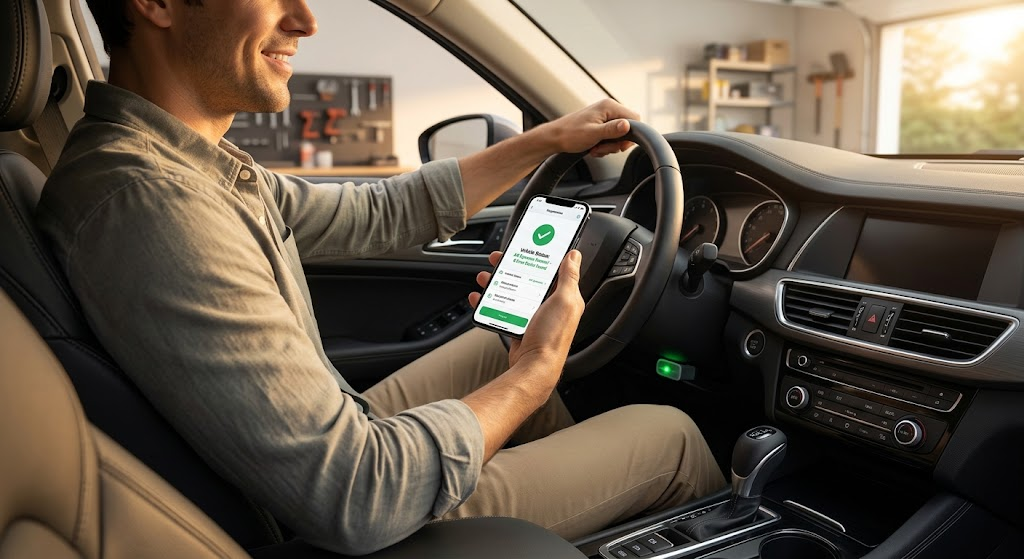
There are two types of OBD2 adapters that can be used with a smartphone to deliver vehicle diagnostics: Bluetooth and Wi-Fi. Android users can usually deal with Bluetooth since it provides something that is familiar to users—namely, easy pairing—and it typically retains access to their normal Wi-Fi network. It can also perform lots of common diagnostic functions without the theoretical bandwidth of Wi-Fi.
In some instances, an application for a specific smartphone or a diagnostic application may function better with a network-based connection, in which case, Wi-Fi can be a better option. This may be helpful for certain iPhone configurations, but users should be aware of the implications of plugging their iPhone into the adapter’s Wi-Fi network. In the end, compatibility, reliability, convenience, and application support are factors to consider. Before buying an adapter, make sure to consider the following factors for a better and more productive smartphone car diagnostic experience.