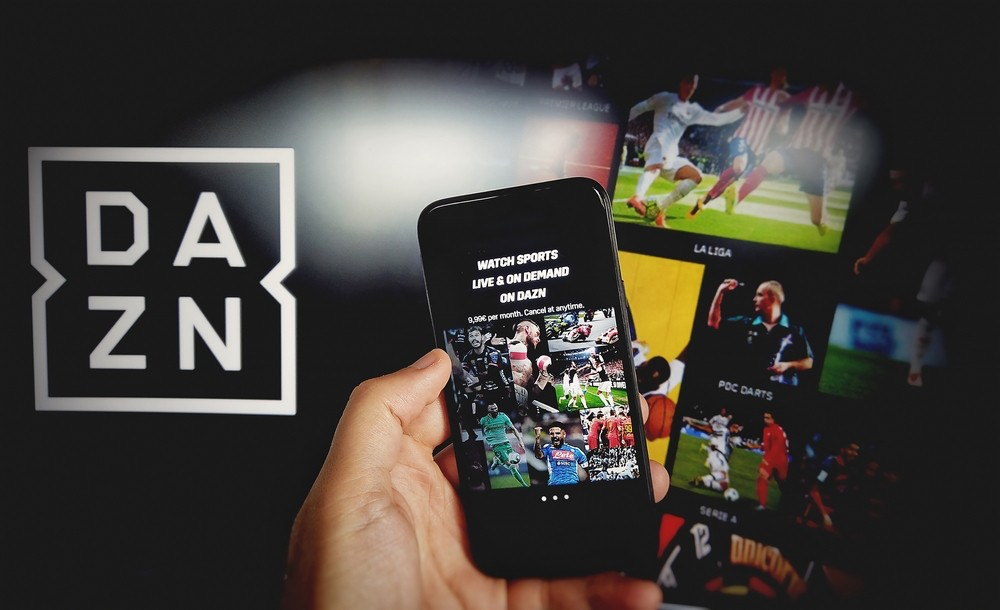
DAZN gives fans around the world access to premium sports content — but even the best platforms run into technical hiccups. Whether you’re unable to log in, the app won’t load, or your stream keeps buffering, this guide will help you fix the most common DAZN problems and manage your account with confidence.
If you’re stuck at the login screen or want help accessing your account, refer to this guide:
DAZN Login: So meldest du dich sicher bei deinem DAZN-Konto an
1. DAZN Login Issues: What to Do When You Can’t Access Your Account
Common Causes:
- Incorrect email or password
- Account temporarily locked
- Browser or app glitches
Solutions:
- Double-check your login details
- Click “Forgot Password?” to reset credentials
- Clear your browser cache or try a different device
- If you’re using the app, force-close and reopen it, or reinstall
For step-by-step login help, use this guide:
DAZN Login: So meldest du dich sicher bei deinem DAZN-Konto an
2. How to Fix Streaming Quality Issues on DAZN
Streaming problems usually come down to network strength or device issues. Here’s how to fix them:
If Your Stream Buffers or Lags:
- Test your internet speed (5 Mbps minimum recommended)
- Switch from Wi-Fi to Ethernet for more stable performance
- Close other apps or tabs that are using bandwidth
- Pause the stream, wait a few seconds, then resume
If the App Won’t Load or Keeps Crashing:
- Make sure you have the latest version of the DAZN app
- Restart your phone, TV, or tablet
- Uninstall and reinstall the app if problems continue
3. Managing Your DAZN Account Settings
Once you’re able to log in, it’s smart to review your account settings:
- Change Payment Info: Go to “My Account” → “Subscription”
- Cancel or Pause Subscription: Accessible in the same menu
- Update Email or Password: Under “Profile Settings”
- Manage Devices: Remove unused devices to avoid access issues
4. Regional Restrictions and Access Issues
DAZN content varies by region, which can cause confusion:
- If you’re traveling or using a VPN, you might see limited or blocked content
- DAZN recommends using your home country connection for full access
- VPNs may trigger streaming errors or restricted access
5. Stay Safe and Secure
To prevent account theft or unwanted logins:
- Use a strong, unique password
- Don’t share your login with people you don’t know
- Always log out on shared or public devices
- Check your login history occasionally
Need Help Navigating the Login Process?
For a full guide to logging into DAZN, understanding the interface, and managing account access, visit:
DAZN Login: So meldest du dich sicher bei deinem DAZN-Konto an
Conclusion
While DAZN is built for seamless streaming, occasional problems do happen — especially during live sports events. The key is knowing how to fix them quickly and keeping your account secure. This guide gives you everything you need to solve common issues and maintain the quality of your DAZN experience.