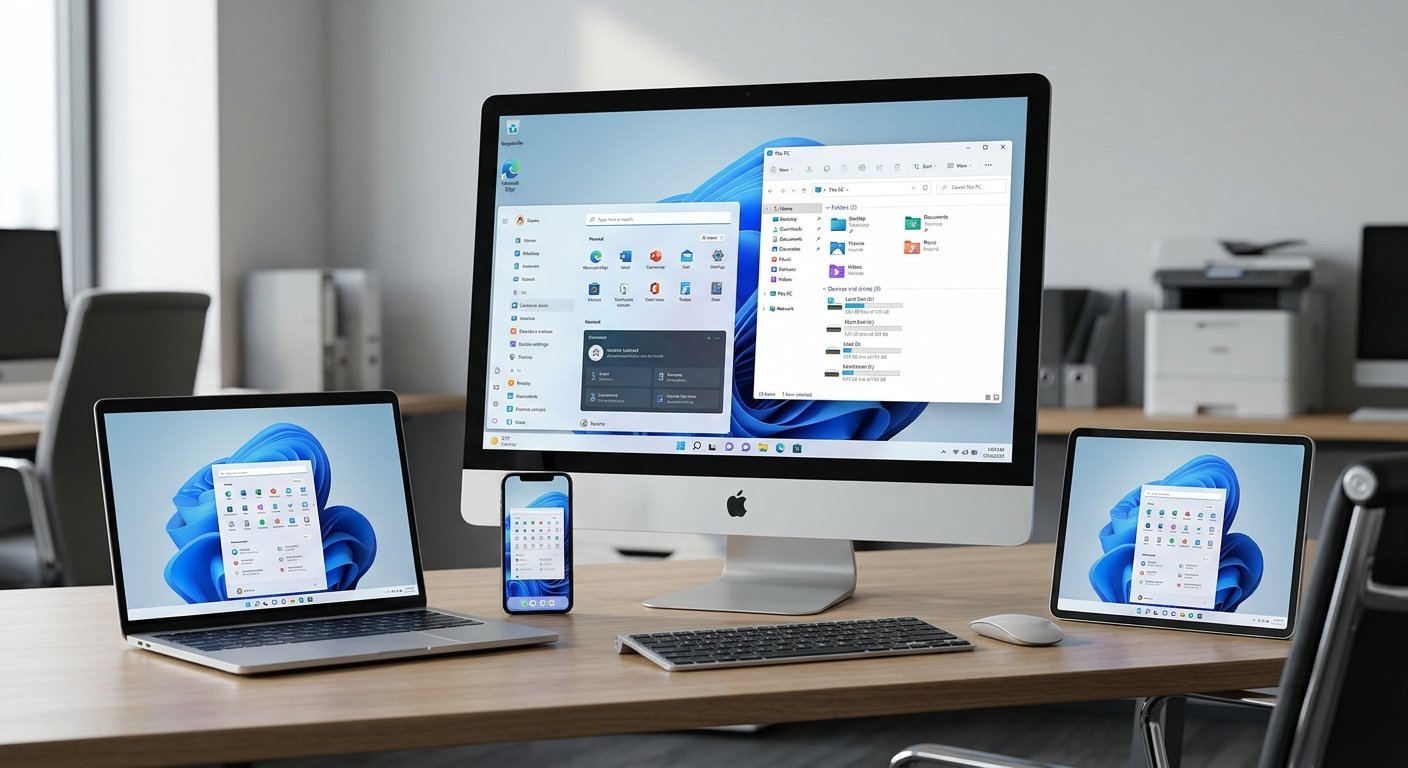
Operating systems are essential software that allow hardware and software to function together, allowing users to interact with computers. An operating system manages the communication between a computer’s physical components and its applications, allowing devices such as desktop computers, laptops, mobile phones and tablets to function effectively.
Functions of operating systems include managing processes, memory, files and devices as well as providing security. When opening a web browser, saving files or connecting to a printer, the operating system is completing these tasks.
Common operating systems include Windows (Microsoft), Linux, macOS, Android and iOS. Although these operating systems have different features, they all essentially perform the same tasks. Knowing how operating systems work allows us to understand why they are important in computing.
What is an Operating System?
What is an Operating System is system software. It allows hardware, software and users to interact efficiently. An operating system manages resources within a computer, and provides a service, meaning programs do not need to interact with every component of hardware.
When an application is opened, the operating system will load it into the memory, allocate processing resources and display its interface. When saving a document, the operating system will ensure it is correctly saved and organised into a file. Operating systems allow computers to be operated easily and allow multiple applications to work efficiently.
Operating systems can be found in desktop computers, mobile phones, tablets, servers and embedded devices. They take many forms depending on what they are used for within a device, however they all perform similar functions of managing resources and allowing applications to run.
Functions of an Operating System
There are many functions provided by operating systems to allow computers to function efficiently. A few functions include managing processes, memory, files, devices, security and interfaces.
- Managing Processes
When opening applications, the operating system will create a new process. Processing resources are allocated and each process is given the correct amount of processing time.
With modern computers, multiple applications may be open at once. For example, it may be possible to browse the web, play music and edit documents all at the same time. Process scheduling means that each application can gain an efficient amount of processor resources.
- Managing Memory
The memory of a computer (RAM) is managed. Applications need memory to run and store temporary information. The operating system ensures memory resources are efficiently divided between running applications.
Once an application has been closed, any memory it was using can be released for other tasks. If there appears to be insufficient physical memory, virtual memory techniques can be used. Efficient memory management improves performance within a computer and prevents interference between applications.
- Managing Files
Files can be created, organised, saved, accessed and deleted. Data is organised within file systems on storage devices such as hard disks, solid state disks and USB sticks.
Permissions can be set for files to decide who can view or alter certain pieces of information. There are many different file systems in operation today, including NTFS, FAT32, APFS and ext4. File systems allow data to be organised more efficiently, meaning information can be located and managed easily.
- Managing Devices
Operating systems allow devices such as keyboards, printers, computer screens, speakers and storage to interact with the rest of the computer. They enable these devices to interact efficiently, meaning applications can access the correct devices.
Device drivers are very important within this. Device drivers allow the operating system to interact with specific devices. For example, within printing, a printing device driver allows print commands to be translated into commands understood by the printer.
- Security & Permissions
Within operating systems there are security features to stop unauthorised access. These include passwords, user accounts, file permissions, support for encryption and security updates.
Permissions within an operating system decide which actions users and applications can perform. For example, administrator accounts may be given permission to install applications and make important changes to settings in the system, whereas standard accounts may be given fewer permissions. Having regular updates will help to overcome potential vulnerabilities within the system and increase security.
- User Interface
Operating systems give users a way to interact with computers without needing complex knowledge of the hardware. Within modern systems, a Graphical User Interface (GUI) is normally provided. Within GUIs, icons, menus, windows and buttons allow users to interact effectively.
Some operating systems also provide users with a Command Line Interface (CLI). Within CLI, users can type commands to complete tasks. Although GUIs are very convenient for general tasks, CLIs are very useful for developers and system administrators.
Types of Operating Systems
There are many different types of operating systems. These types can be categorised depending on what resources they manage and what tasks they perform.
- Batch
Batch operating systems allow multiple tasks to be processed without constant user interaction. Multiple tasks are grouped together in batches. Batch processing can be useful for completing repeated tasks, for example, payrolls and reports.
Although modern computers allow for more interactive processes, batch processing can be very useful in allowing efficient processing of large amounts of information.
- Time Sharing
Time sharing operating systems allow multiple users/processes to share computer resources. Processor time is divided to allow multiple users to access applications without having to wait for other processes to complete.
This can be very useful in places where many people need access to shared resources, such as schools and organisations.
- Real Time
Real time operating systems are able to process information and react to events quickly within a specified time. Real time operating systems are used in industrial equipment, medical equipment, robotics and vehicle systems.
The key feature of real time systems is to allow for predictable responses. This is particularly useful in situations where delays may impact the correct operation of important equipment.
- Distributed
Distributed operating systems allow multiple connected computers to share resources and complete tasks. This can improve the processing power and efficiency of resources.
Distributed computing is useful in research, large organisations and systems that require large processing systems.
- Network
Network operating systems allow for communication and sharing of resources between computers. Services such as shared files, printers, user accounts and network management can be provided.
Network operating systems are very important in businesses and education, as many users can access shared resources.
- Embedded
Embedded operating systems are used in specific devices. These devices include Smart TVs, household appliances, vehicles and industrial machines. They are specifically optimised to perform specific functions.
They often operate in the background, and require little user interaction. Embedded operating systems are a very important part of many modern connected devices.
Common Operating Systems
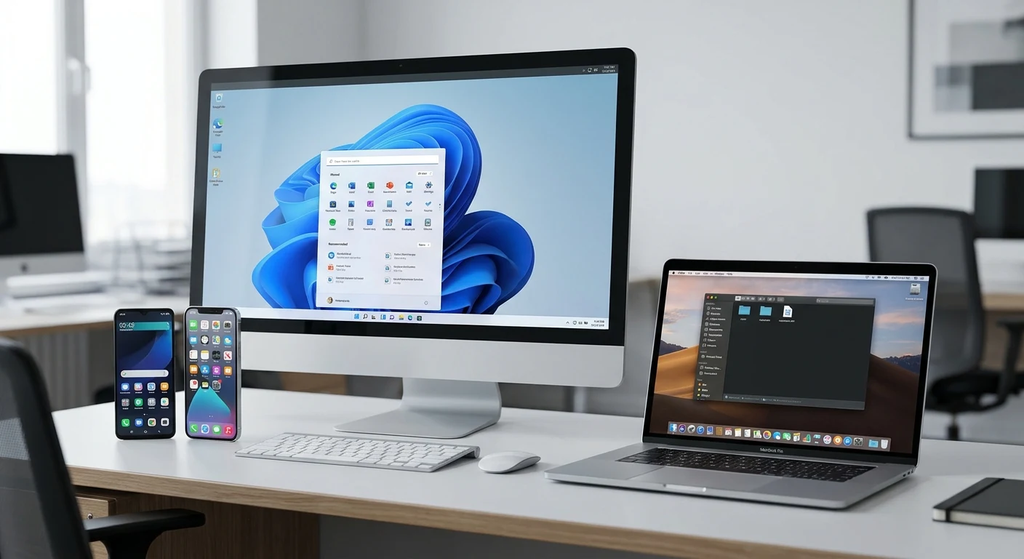
Many operating systems are commonly used due to their features, compatibility, security and performance. Common operating systems include Windows, Linux, macOS, Android and iOS.
- Windows (Microsoft)
Windows is a highly common operating system on desktop and laptop computers. It is known for having an easy to use graphical interface, and is compatible with a large variety of hardware. Many applications can be run using this operating system.
It is very popular in homes, businesses and educational environments. It enables multiple tasks to be completed, including file management, networking, gaming and productivity. Due to compatibility with many different hardware from different manufacturers, it is a popular option for personal and professional users.
- Linux
Linux is an open source operating system kernel. Therefore, it can be found within many different operating systems, such as Ubuntu, Fedora, Debian and Linux Mint. As it is open source, developers can view, change and distribute the code, according to relevant licensing rules.
Linux is very popular in servers, cloud computing, software development and embedded systems. It is very flexible, stable and can be customized. The command line tools mean it is very useful for developers and system administrators.
- macOS
macOS is an operating system specific to Apple devices. It can be found on MacBook devices and desktop computers. It provides users with a graphical interface, security features and compatibility with other Apple products.
It is popular in productivity, software development and creativity. Compatibility with other Apple products makes it very convenient if working with multiple Apple devices.
- Android
Android is a mobile operating system mainly developed by Google, based upon the Linux kernel. It is used by many mobile phone and tablet manufacturers meaning it can be found on a wide variety of devices.
Android can run applications, has customisable interfaces, allows multiple tasks to be performed, and is compatible with other Google services. It is very flexible meaning many features and designs can be incorporated by manufacturers. However, updates can vary depending on the device.
- iOS
iOS is the mobile operating system used in the iPhone. It allows applications to be managed, has security features and privacy measures, and is compatible with other Apple products.
It is known for having a consistent interface and controlled software. Applications can be downloaded from the App Store, and permissions can be set for access to personal information. Compared to Android, less customisation can be made to the system.
Differences Between Common Operating Systems
Even though the common operating systems have very similar functions, they can differ in terms of the devices they are compatible with, ease of customisation, interface and applications they allow.
| Operating System | Devices | Key Features |
| Windows | Desktop/laptop | Wide compatibility with software and hardware |
| Linux | Computers/Servers | Open source & Customisable |
| MacOS | Mac Computers | Compatibility with Apple devices |
| Android | Mobile Phones/Tablets | Very flexible and widely compatible |
| iOS | Iphones (Apple) | Consistent interface & Security Integration |
The best operating system to choose depends on the users requirements. Windows can be a good choice if you need wide software compatibility. Linux is popular amongst developers and server administrators. macOS works well in the Apple ecosystem. Android and iOS both allow for different mobile computing methods.
Importance of Operating Systems
Operating systems are very important in modern computing. They allow users to interact with computers easily. Without operating systems, many hardware processes would have to be managed by applications, making the computing process more difficult.
- Improved Performance
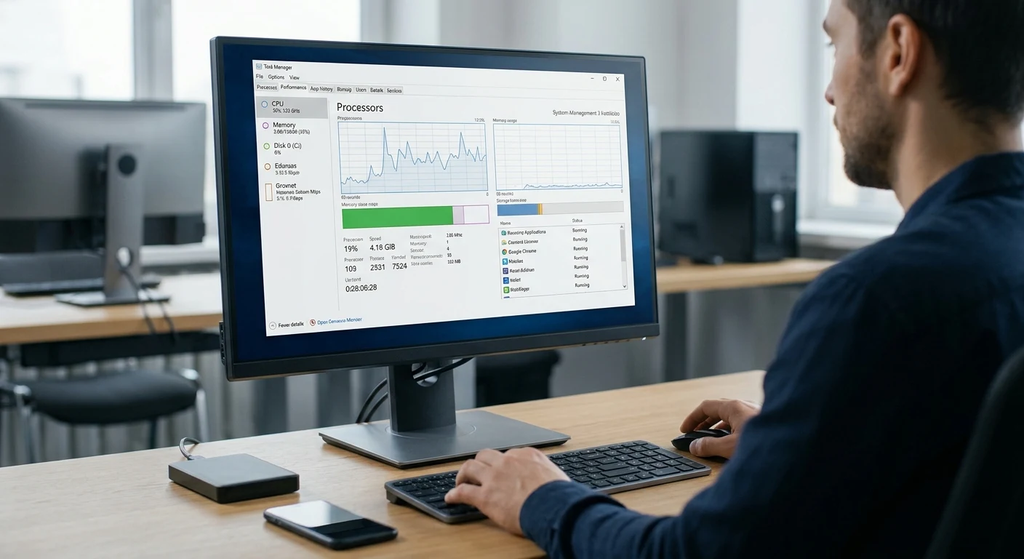
Operating systems improve performance within computers by efficiently dividing processing resources, memory, storage space and external devices. Resources are divided between applications and prevent too many resources being used by one single application.
Tools are available to allow users to monitor processes, manage storage and control applications. This means that the hardware within computers is used as efficiently as possible.
- Allowing Applications to Run
Operating systems allow applications to run by providing services and tools to developers. Standard interfaces mean software can interact with hardware easily, carrying out varied tasks.
Applications can be downloaded, updated and compatible. This means that users can use productivity applications, entertainment applications, learning tools and professional applications.
- Securing Information
Security features can be applied to protect users’ information. Authentication, permissions, support for encryption and security updates can all help increase security within operating systems.
However, it is very important for users to complete safe computing practices. Updates should be installed, strong passwords should be made, and applications should be downloaded from trusted sources.
- Easy to Use
Interfaces within operating systems allow users to carry out computing tasks more easily. Graphical interfaces, touch screens and accessibility features mean users can interact with devices easily.
Features such as text to speech, zoom, speech recognition and keyboard navigation allow technology to be accessible to a wider variety of users.
Problems With Operating Systems
Despite being important, operating systems do come with some issues. Problems may occur from errors in software, compatibility issues, hardware requirements and security.
Some applications only work on specific operating systems. Without extra software, they may not work on another platform. Similarly, devices may require specific drivers to operate. This can be a problem when upgrading systems.
Security is an ongoing issue. Malware and unauthorised access may affect operating systems. If security updates are not installed, security may be at risk. Since protecting information is an important function of operating systems, users should also follow safe computing practices to protect their devices, prevent unauthorised access and ensure their computers function correctly.
Future of Operating Systems
As computing technology improves, operating systems are continuing to improve. Improvements in artificial intelligence, cloud computing, cybersecurity and computer hardware are affecting how resources are managed and how applications can be supported.
More intelligent features may be included in operating systems, to improve organisation of information, automate repetitive tasks and improve interaction between users and devices. Due to cloud computing becoming increasingly important, future operating systems will allow users to access information and services across multiple devices.
In the future, operating systems will likely become more secure, efficient, connected and accessible. However, their key purpose will remain managing resources within computers, and allowing applications to run effectively within computers.
Conclusion
Operating systems play a crucial role in modern computing. They are responsible for managing hardware, software, memory, files and user interactions. They allow tasks to be completed efficiently through managing processes, devices, security features and user interfaces.
Different operating systems suit different needs. Windows and macOS are very popular on personal devices. Linux is useful in supporting servers and development environments. Android and iOS allow many modern mobile devices to function. Other operating systems, including real time, batch, distributed, network and embedded, allow specialised computing.
As technology continues to improve, operating systems will continue to be important in managing resources, supporting applications, securing information and improving the computing experience. As we now know how operating systems work and what differences exist between them, we can appreciate how computers and digital devices function in modern times.


