Introduction
Computers, sensors, and electronic control modules are used to keep an eye on important systems in modern vehicles. An abnormal condition can be stored as a diagnostic trouble code (DTC) if detected by a vehicle. This information was traditionally only available to drivers using a special diagnostic scanner. Nowadays, however, a smartphone, a compatible OBD2 adapter, and an appropriate app will offer a convenient way to access many essential diagnostics.
OBD2 scanner apps function by pairing up a smartphone with the vehicle using an OBD2 adapter. A Bluetooth connection or Wi-Fi connection between the phone and adapter is used, depending on the adapter. The app requests and receives data from the vehicle’s computer via the adapter and then displays the data. It is helpful to understand the basics of OBD2 technology if you want to get started in this endeavor and want to know what you can really achieve with a smartphone diagnostic setup.
What Is OBD2 Technology?
On-Board Diagnostics II is simply called OBD2. It is a standardized vehicle diagnostic system, enabling the communication of compatible external devices to the vehicle’s electronic systems. The system can track some of the vehicle’s functioning and store diagnostic trouble codes if it detects issues. The OBD2 connector is the physical interface between the vehicle and a scanner or adapter, and is usually located under the dashboard.
An OBD2 adapter is not a diagnostic tool, but rather a communications medium. It listens to requests from the smartphone app, and it talks to the vehicle and sends its responses back to the phone. The application then decodes the data and displays it in a menu, numbers, gauges, or a graph. Information available varies based on the vehicle, adapter, and application.
How does OBD2 Scanner Apps Function?
An OBD2 scanner app is the interface between the user and the vehicle diagnostic system. Once the adapter is linked to the vehicle’s OBD2 connection, the smartphone can use Bluetooth or Wi-Fi to connect to the adapter. Then, the app can request diagnostics via the adapter, and the vehicle’s electronic control system can send the information it can provide.
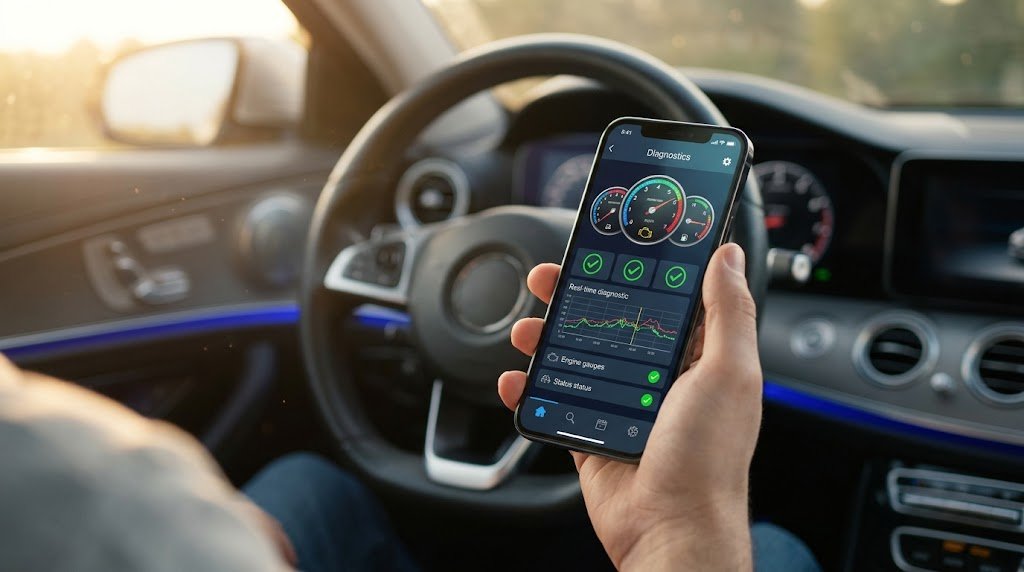
The app can read trouble codes, display live sensor data, assess diagnostic readiness, and monitor various vehicle parameters. Some applications also offer graphs and dashboards, which make the info simpler to realize. But not all apps are able to tap into all systems in all cars, and the features supported by the app are constrained by the car and equipment used.
How to Connect an OBD2 Adapter to Your Car
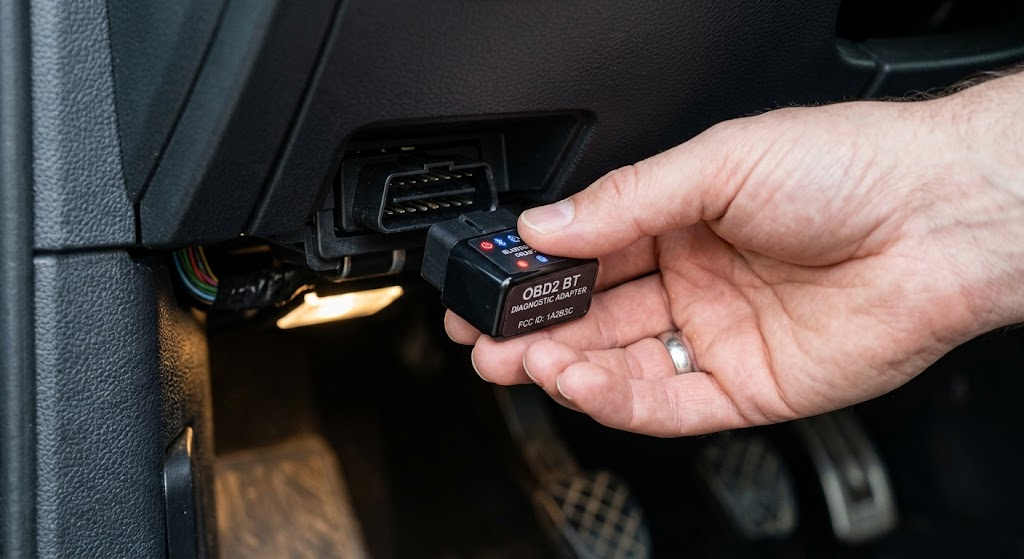
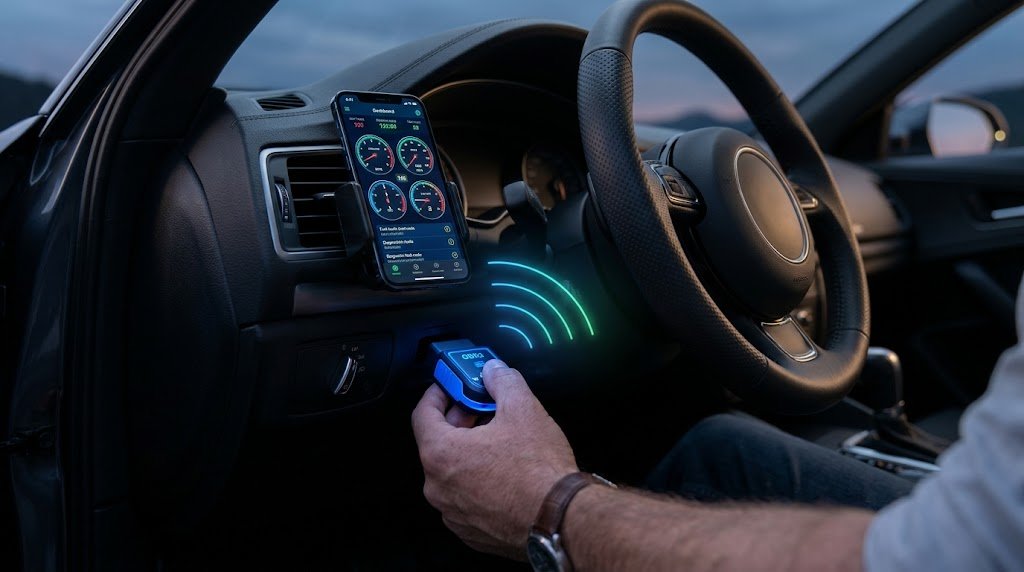
The first step is to determine the OBD2 diagnostic port location of the vehicle. It is usually found under the dashboard, in front of the driver, but it may be situated elsewhere. Carefully place the adapter into the port; then prepare the smartphone by opening the corresponding diagnostic application and turning on the desired wireless communication.
With Bluetooth adapters, the phone typically must “pair” with the adapter before the app can communicate with it. Wi-Fi adapters typically establish their own network, and the cell phone joins and accesses the network through the app. Upon connection, the application should be able to talk to the vehicle. If it doesn’t, then examine the adapter connection, wireless settings, permissions, ignition state, and application configuration.
OBD2 Bluetooth vs. Wi-Fi Adapters
The Bluetooth OBD2 adapters connect to the smartphones via Bluetooth wireless technology. They’re convenient because they permit the telephone to communicate with the car without a physical cable. In general, the user is able to connect the adapter to the phone and choose the adapter through the diagnostic software. But it does not necessarily mean that all adapters, smartphones, operating systems, and apps are compatible.
Wi-Fi OBD2 adapters establish a wireless network which allows the smartphone to communicate with the wireless adapter. The phone needs to be able to connect to this network in order to access the vehicle by the diagnostic application. The main difference is that the internet connection to the adapter may sometimes be disrupted from the phone’s usual internet connection when it connects to the adapter’s Wi-Fi network. If the adapter and the app are compatible, both of these connections can be successful.
Using the Apps to Read Diagnostic Trouble Codes
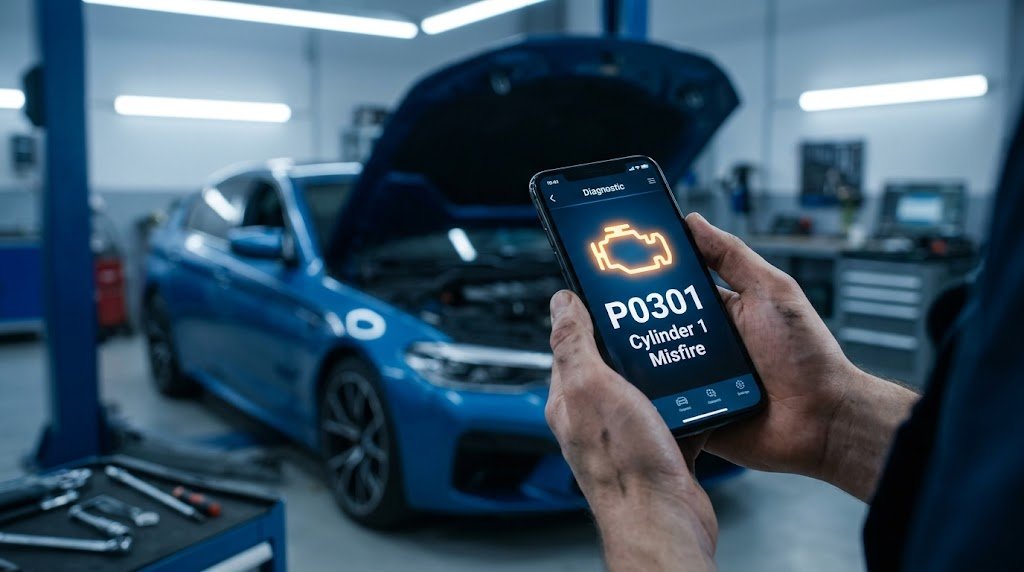
Some of the most helpful tools offered by an OBD2 app are the diagnostic trouble code reading features. These codes are recorded in the vehicle when specific conditions are met by some of the monitoring systems. The problem may also set off the Check-Engine Light, if severe. The app accesses the stored codes via the adapter and presents them on the smartphone.
A trouble code should not automatically be considered a complete diagnosis. It may be able to tell you which system, circuit, or condition is in need of attention, but multiple different issues can lead to the same code. A code related to the sensor does not necessarily indicate that the sensor has failed, for instance. Wiring, connectors, electrical problems, or components could also be a factor.
Viewing Live Vehicle Data
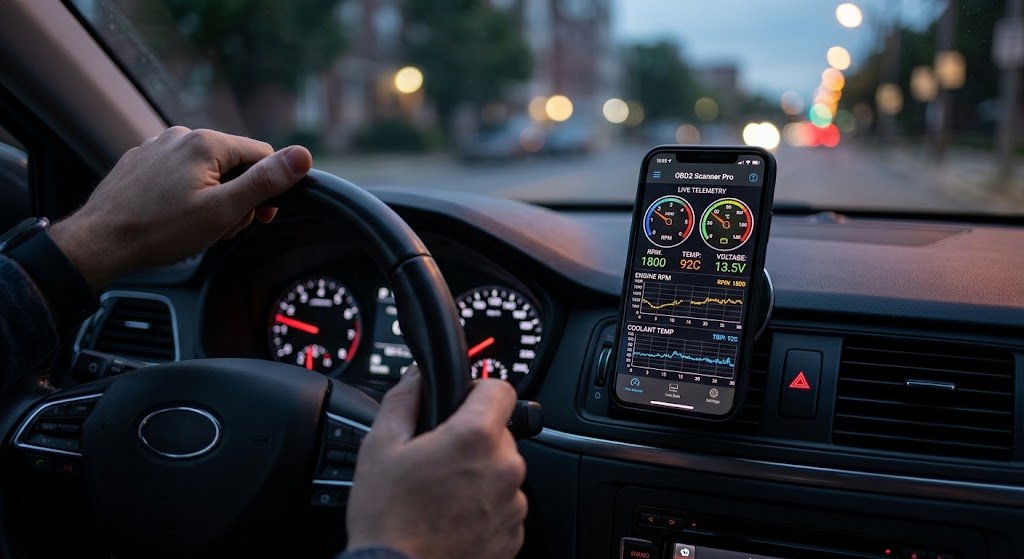
Most OBD2 apps will be able to show real-time data from supported vehicle systems. This can be the engine speed, vehicle speed, coolant temperature, engine load, or other sensor or operating variables. Some apps present the information in the form of gauges and graphs, so that changes are more apparent, rather than just numbers.
Live data can provide information to the user of what the vehicle is doing in different conditions. Reading these values, however, does need some familiarity with the meaning of each of the parameters and what values are considered appropriate for a specific vehicle. A live data value does not automatically indicate a component failure and should be considered in conjunction with other symptoms and diagnostic data.
What Problems Can Be Diagnosed Using an OBD2 App?
For most engine and emissions-related issues, an OBD2 app may be used to help diagnose troubles, particularly the diagnostic trouble codes that have been saved in the vehicle. It can give some information as to why a check-engine light might have been on and may enable the user to check out the parameters supported by the vehicle. This is helpful to drivers who wish to understand a problem before proceeding to further inspection.
OBD2 apps have restrictions, however. Access to all of the electronic control modules in a vehicle is not always available via standard OBD2. A few advanced systems require special equipment, such as an airbag, body, transmission, manufacturer-specific, and others. Thus, an OBD2 app is not a diagnostic tool to replace a professional diagnostic device, but rather a convenient tool for diagnostics.
Is It Possible for an OBD2 App to Remove OBD2 Trouble Codes?
Some OBD2 apps will have an option to clear certain trouble codes. This is a function the user chooses, and the app sends a request to the vehicle via the adapter. Depending on the code, the stored codes can be deleted from the vehicle, and a related warning light may go off.
The passing of a code will not fix the cause of the issue. If the condition persists, the vehicle can re-detect the condition and store another code. Codes can also be deleted and lose valuable information that would aid in the diagnosis of intermittent issues. Hence, it’s sensible to document the codes prior to eradicating and identify the reason instead of only switching off the warning message.
Typical Issues with OBD2 Apps
It’s no surprise that when novices start using an OBD2 scanner application, they encounter connection issues. The power to the adapter may not be received, connecting the phone may be impossible, or the app may not recognize the adapter. In other instances, the phone could be connected to the adapter, while the adapter might not communicate properly with the vehicle. This can be caused by incompatible equipment, settings, permissions, or a loose connection.
A frequent issue is thinking that a basic adapter will offer professional-level diagnostics. Vehicles vary in the information they make available, and the apps and adapters have different functionality. Equipment can be a huge problem if compatibility is not checked prior to purchase. For certain applications, special diagnostic equipment might be necessary when the system is not accessible.
Comparison of OBD2 Apps and Traditional Scanners
Smartphone-based OBD2 apps are convenient, as the majority of people own a smartphone. Diagnostic functions can be accessed with a small adapter without a large dedicated scanner. Applications may also deliver beneficial attributes like graphs, dashboards, data logging, and clear displays.
Traditional diagnostic scanners can offer more capabilities, particularly the professional versions that can be used to access manufacturer-specific systems as well as advanced diagnostics. If the data is supported and is all you need to read and monitor, a smartphone and OBD2 adapter might be a viable solution. If the fault is of a complicated nature or if the vehicle’s system is more complex, then professional equipment might be more suitable.
Conclusion
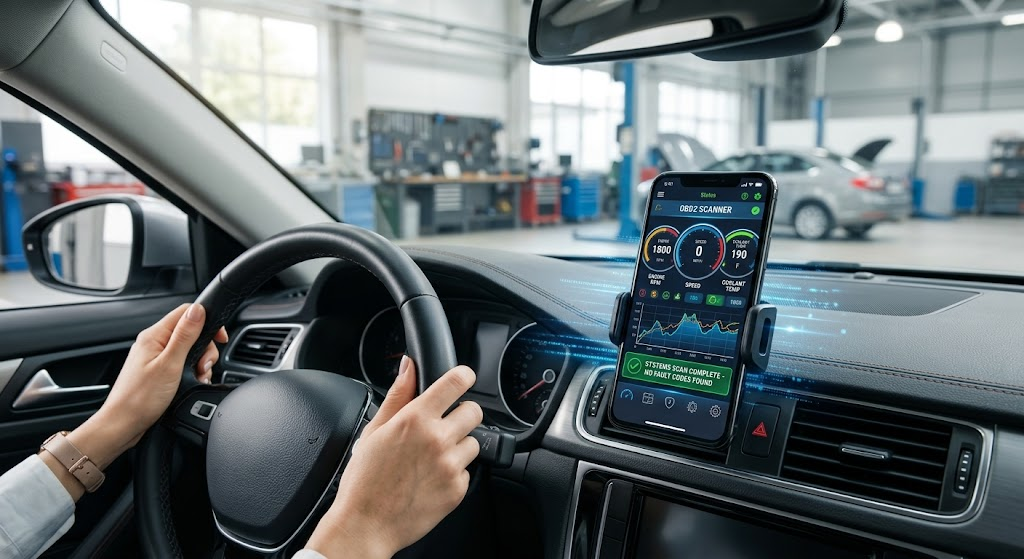
By utilizing a smartphone and an OBD2 adapter, OBD2 scanner apps ease the basic vehicle diagnostics. The adapter is plugged into the vehicle’s diagnostic port and links with the smartphone via Bluetooth or Wi-Fi. The application then sends a request to the vehicle and shows the vehicle the information available, such as the list of trouble codes supported and the live data from the vehicle.
The most crucial point for any beginner is that an OBD2 application is for diagnosis, not a gadget that can effortlessly begin fixing all the car’s difficulties. This learning will enable drivers to use these tools more efficiently when they learn how the adapter, smartphone, application, and vehicle communicate. A compatible adapter and a good application can be helpful in providing information and a place to start in troubleshooting common issues with vehicles.