Introduction
OBD2 diagnostic apps allow the car owner to easily access helpful information about their vehicle from a cell phone and compatible OBD2 adapter. You can scan fault codes, display live sensor data, check fuel economy, log vehicle data, and track maintenance depending on the application. But all apps aren’t created equal, and some will not work in all vehicles, adapters, phones, or operating systems.
Selecting the right app is thus more than just the one with the most features. The top OBD2 diagnostic applications should be easy to use, reliable, and available for your vehicle and adapter, and should give you information that is actually useful to you. It’s a good idea to review its diagnostic capabilities, data displays, logging capabilities, maintenance capabilities, and hardware compatibility before selecting one. Basic vehicle information can be easier to understand through a well-designed app, and the app can also aid with communication with a mechanic.
What Is an OBD2 Diagnostic App?
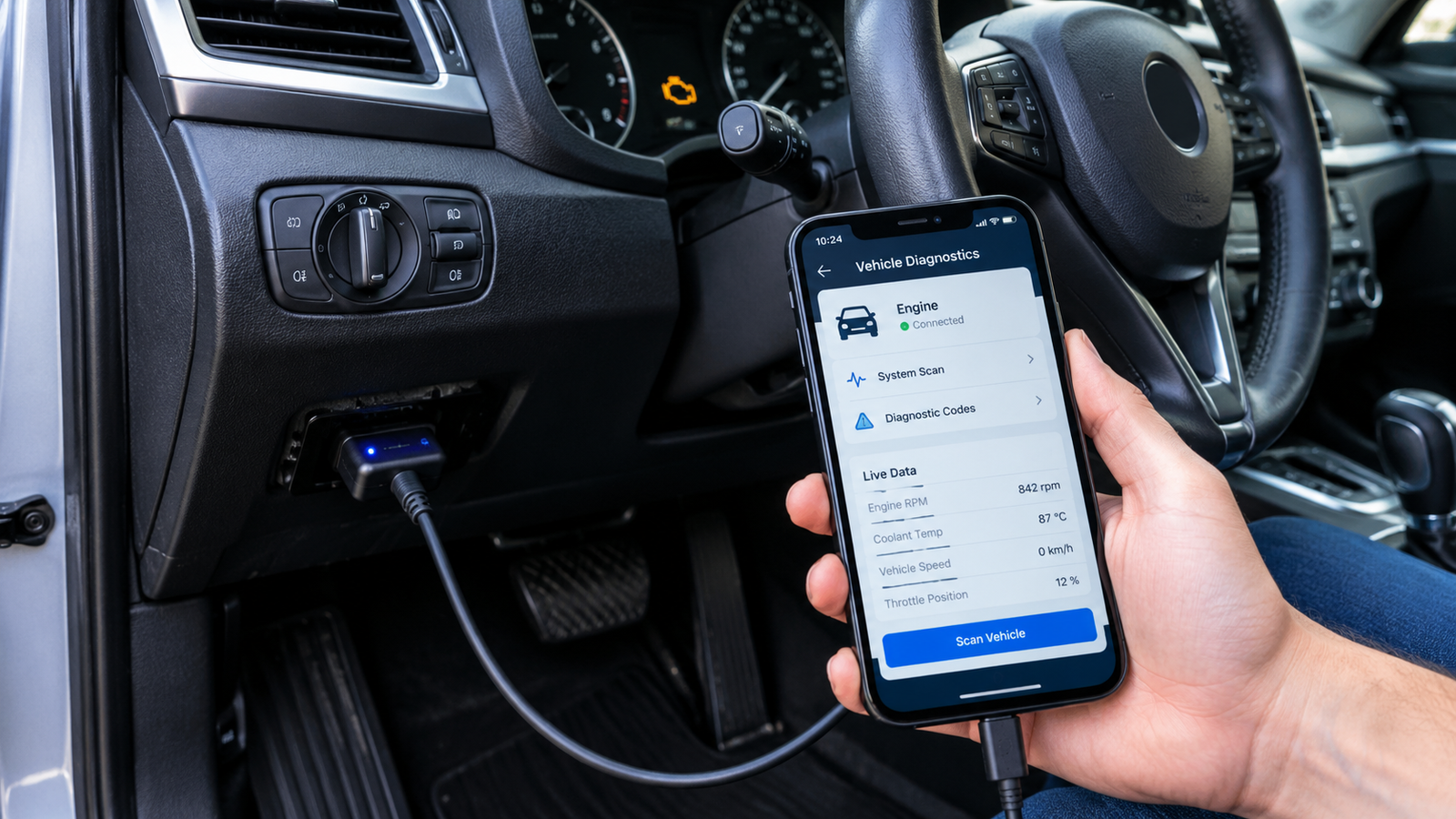
An OBD2 diagnostic app is software that interfaces with a car with an OBD2 adapter that connects to the diagnostic port. The adapter translates data from the car’s computer into data for a mobile phone or tablet. Depending on the app and adapter, users can access diagnostic trouble codes, live sensor readings, monitor vehicle performance, and record data. This can turn your cell phone into a handy device for simple car checks and troubleshooting.
For the system to be useful, the app and adapter have to function together in a proper manner. A good application should communicate the adapters that it supports, and the vehicles and operating systems that it can work with. Simple applications might include code scanning, while more sophisticated applications might offer dashboards, graphs and data logging, maintenance tracking, and fuel-economy information. Before you go for a particular app, you should first check these features to avoid compatibility issues and extra expenses.
Fault-Code Scanning
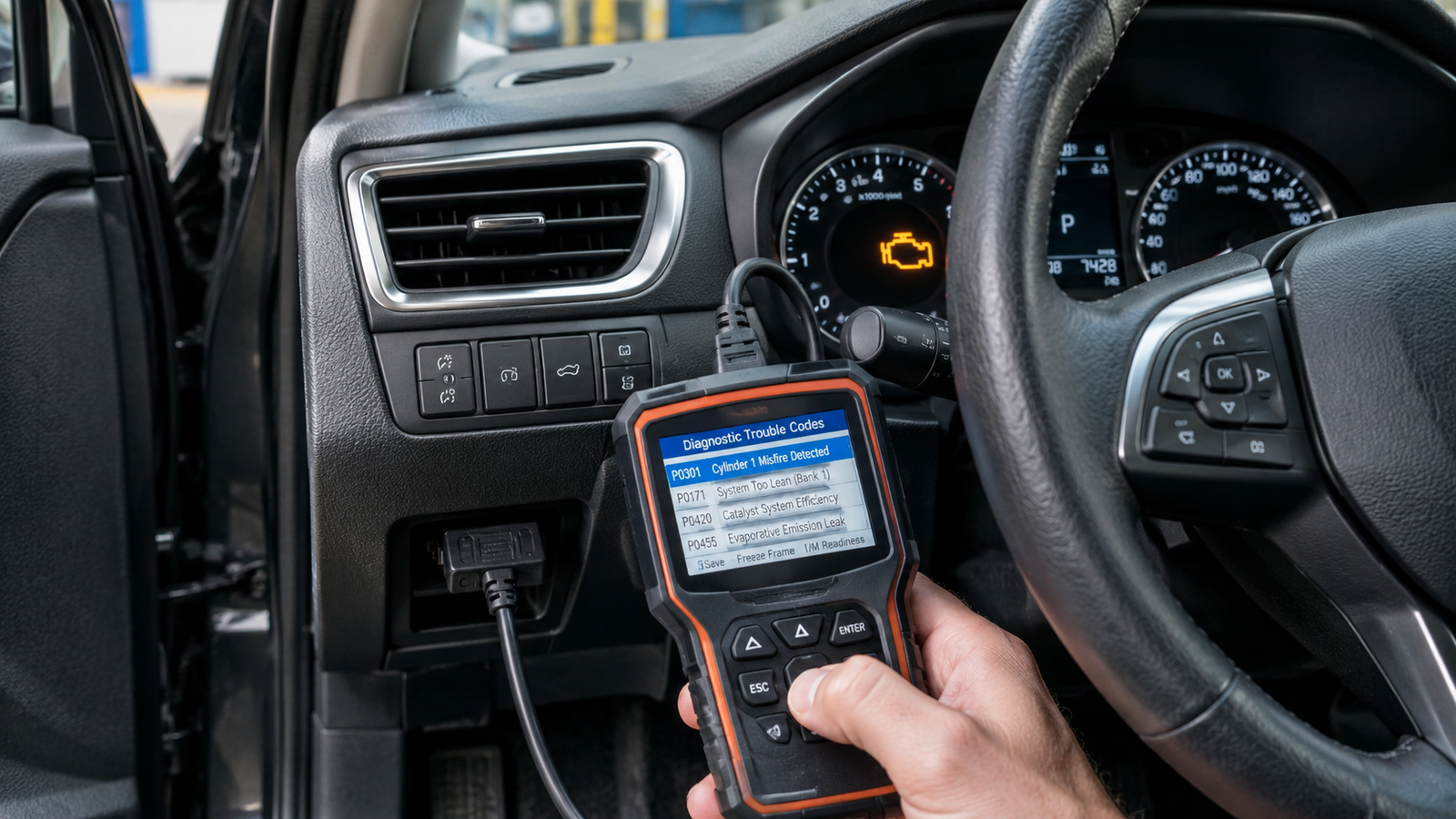
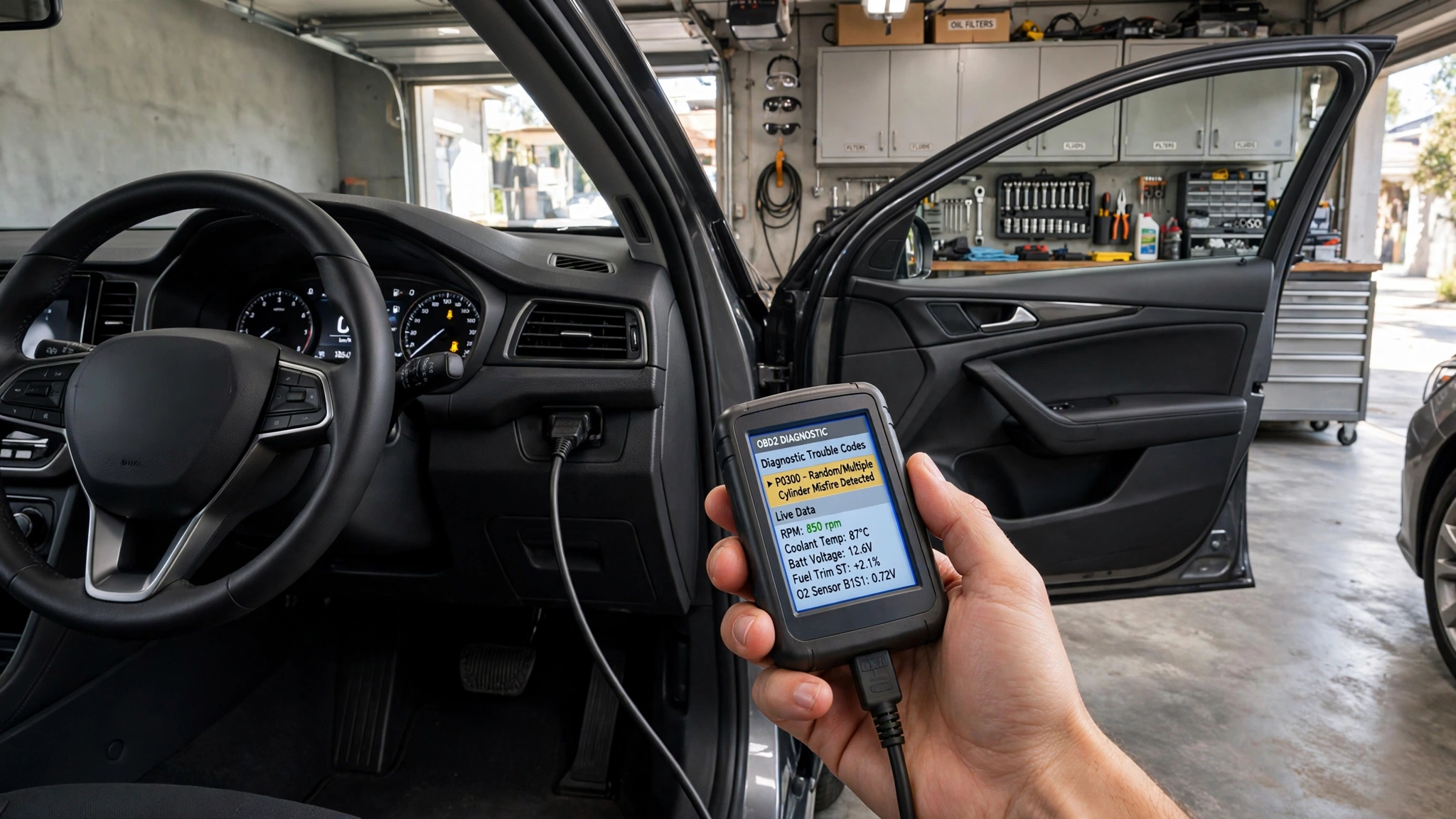
One of the most crucial features to consider is fault-code scanning. If a problem is identified, the computer may set a diagnostic trouble code that will contain information regarding the problem. These codes can be retrieved from the OBD2 connector via an OBD2 app and will be communicated on your smartphone, providing a helpful indicator for when you have a check-engine light or other diagnostic problem that needs to be addressed.
A quality app will have not only detailed descriptions of your code, but it will also enable you to record your code prior to clearing it. A diagnostic code doesn’t always indicate which part is broken, though. The information provided by the app can sometimes be used to diagnose multiple types of problems, so don’t take it as a one-size-fits-all instruction to replace a part. In more sophisticated applications, further data may be available to give users some insight into the circumstances of a fault.
Live Sensor Data

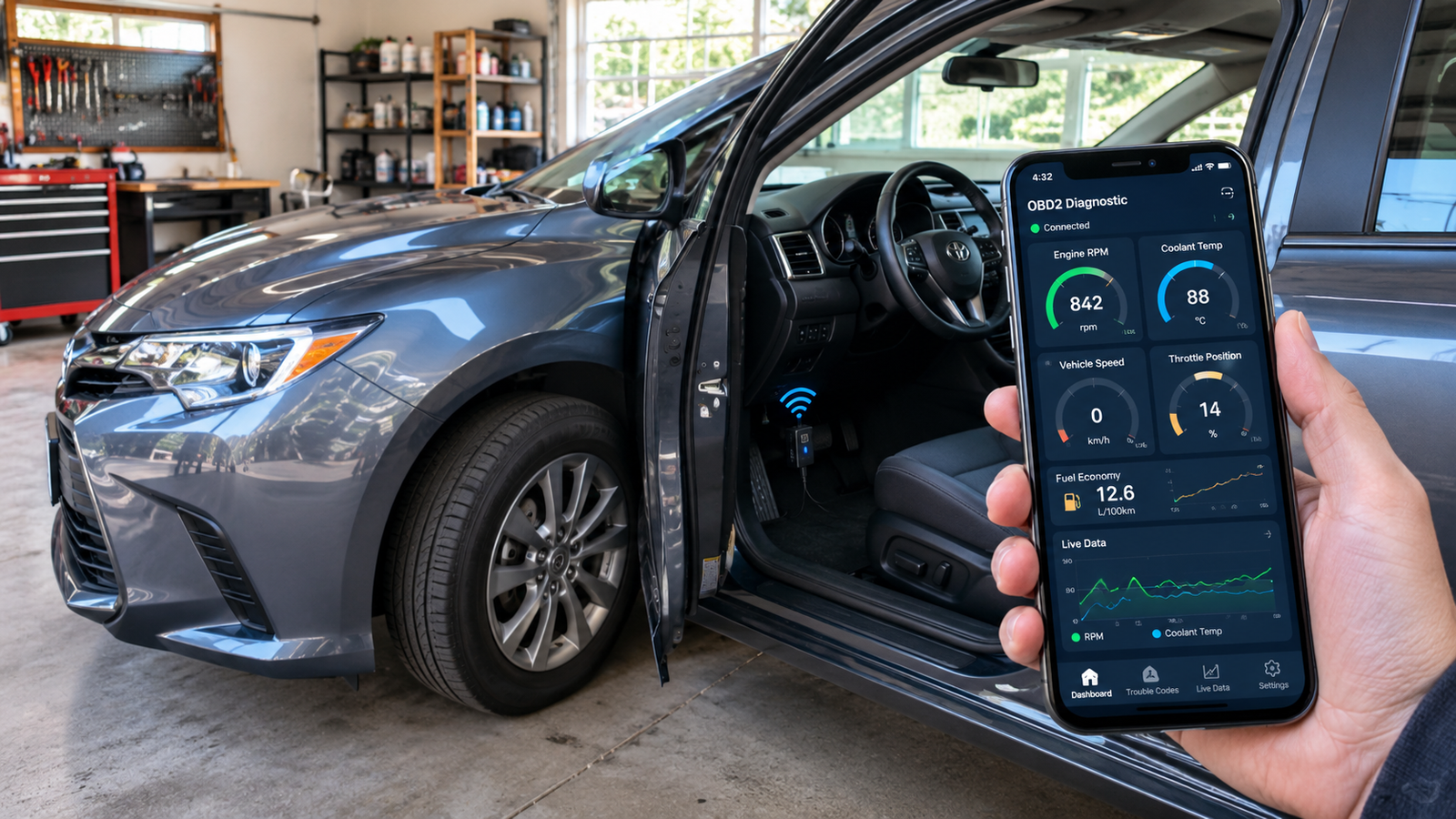
Live sensor data provides a view of information as the vehicle is driving. This may consist of engine speed, coolant temperature, vehicle speed, throttle position, oxygen-sensor data, and more, depending on the vehicle and adapter. This can allow you to gain insight into the operation of the vehicle’s systems and can offer further information when checking out a problem.
The presentation of the information in an app is also significant. A good application should present a set of readings in an orderly manner, not in a jumble of numbers. There are applications that enable the selection of parameters to be monitored, and they can then be presented in a graph or gauge. Note that it is important to be aware of the normal ranges for your vehicle and driving conditions before making judgments about whether a sensor is malfunctioning or not on the basis of unusual readings.
Customizable Dashboards
A dash that can be customized can help make an app for OBD2 easier to use, as it gives you the option to have key information in one place. You can build a dashboard screen with those readings you use the most without having to go through multiple menus. These can be engine speed, coolant temperature, vehicle speed, fuel information, or anything else that is available.
Various drivers might require various information on their dash. A user who is interested in basic monitoring might only require a few readings, whereas another user may need a number of live parameters and gauges. When comparing apps, look to see if you can customize the dashboard, choose different readings, and see what information you are able to see. If you have an advanced application, it may be easier to understand with a flexible dashboard.
Data Logging
Data logging is helpful if the problem occurs only under specific circumstances. An app can capture certain sensor data you select while driving and let you access that data afterwards. This is useful if a problem arises while accelerating, cold starting, on the highway, or under any of the following circumstances that could be more challenging to duplicate while watching the screen.
A data-logging feature should be easy to use, e.g., to start, stop, save, and review recordings. It should also give the user the option of what information to record. This eliminates any extraneous data which makes the results difficult to comprehend and can make the recorded information more valuable to discuss a problem with a technician. Historical data can also alert you to any changes in vehicle performance over time.
Maintenance and Fuel-Economy Tracking
An OBD2 app can become more than a diagnostic tool with the tracking of maintenance. Some of the applications are able to record oil changes, filter changes, inspections, brake maintenance, and more. This is an easy way to maintain service information organized, and it may even enable you to set reminders via mileage or time. The features are helpful to those who wish to have their vehicle’s info in a single location.
Fuel-economy monitoring can also give the owner an understanding of the changes in his car over time. Fuel data can be captured and analyzed between trips depending on the vehicle and application. The actual fuel economy in a vehicle is, however, not always exactly what is shown in the apps and will only be used for identifying trends more effectively than for providing the most precise measurements. Fuel economy also can be influenced by changes in the driving environment, traffic, tire pressure, and vehicle load.
Vehicle and Adapter Compatibility
When downloading an app or purchasing an OBD2 adapter, ensure it is compatible. OBD2 is a standard method of diagnostic communication, but the amount of information supplied by the vehicle could vary. Some applications might be able to perform simple checks on the engine, yet may not have access to manufacturer-specific systems or information. Even older and newer cars can vary in the data that can be accessed via a standard OBD2 connection.
The adapter is also critical, as not all adapters will be compatible with all applications. The apps might be compatible with certain Bluetooth, Wi-Fi, or other adapters. First, make sure that the app works with the vehicles and smartphone operating systems you are interested in, and that the correct adapters are required. An officially supported combination can help minimize connection issues and enhance reliability. In some cases, a low-cost adapter may not be as reliable as a well-supported one.
What Features Would You Like to Include?
A good OBD2 software will supply an accurate diagnosis of the fault codes, explanations, and be compatible with your vehicle and adapter. Another helpful feature is live sensor data, which delivers data in addition to just reading a trouble code. Having dashboards and data logging tailored to your vehicle can make the app much more valuable if you wish to monitor your car regularly. These features enable you to access key data and make comparisons over time of how a vehicle is performing.
Vehicle management, maintenance tracking, and fuel-economy monitoring are helpful supplements for broader management. The application’s ease of use, its update features, free and paid items, and its compatibility with your smartphone should be taken into consideration as well. Not all the best apps are necessarily the most feature-rich, but those that deliver the information you need clearly and reliably. Before selecting an app, it’s worth checking these points to ensure you’re selecting a setup that suits you.
Conclusion

An OBD2 application can provide car owners with an easy-to-use way to access diagnostic and vehicle-performance data with the help of a smartphone and an adapter designed to fit their vehicle. The application can be made more useful through various options such as fault-code scanning, live sensor data, customizable dashboards, data logging, maintenance tracking, and fuel-economy monitoring. But such features can only be useful if the app functions effectively in the vehicle and hardware. One of the first things to check into is compatibility.
Prior to picking an application, examine vehicle compatibility, adapter support, smartphone needs, features offered, and ease of use. Keep in mind that an OBD2 diagnostic code means nothing more than a clue and not necessarily a failure. A good app should let you know about your vehicle, give you real-time data, and give you useful information when it’s time to seek professional mechanical diagnostics. Unlike looking at the apps with the longest list of features, you can look at the features and find a diagnostic application that offers the right features, without the unnecessary complexity.