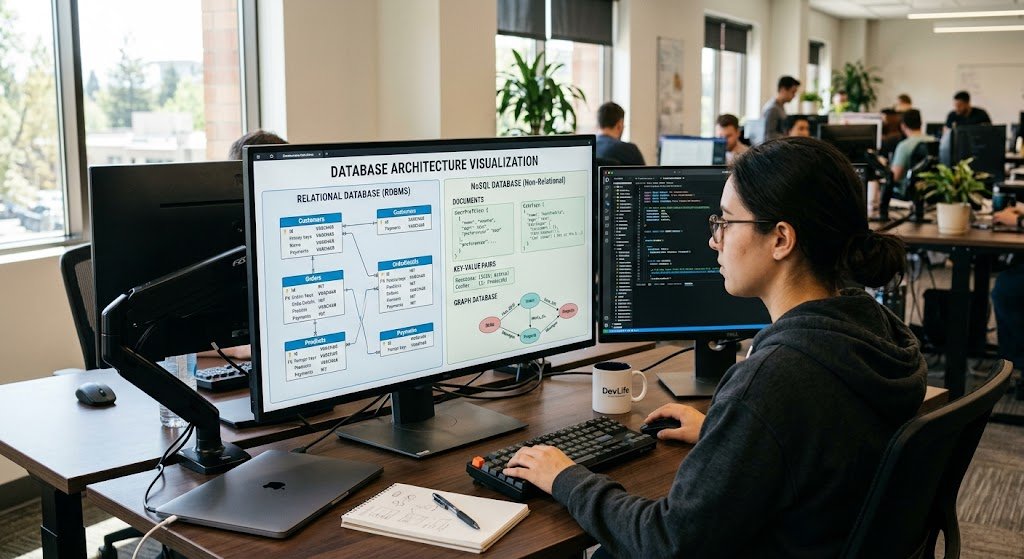
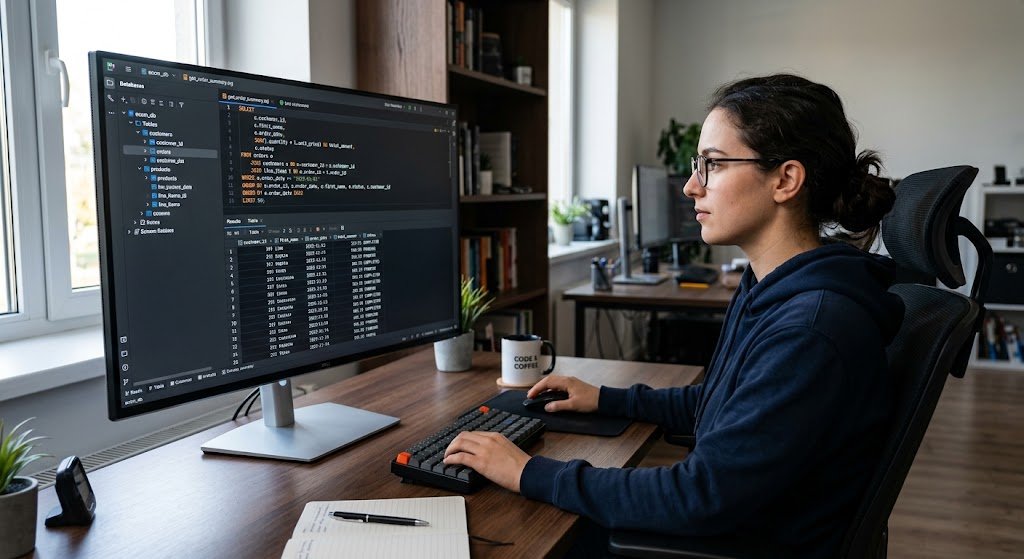
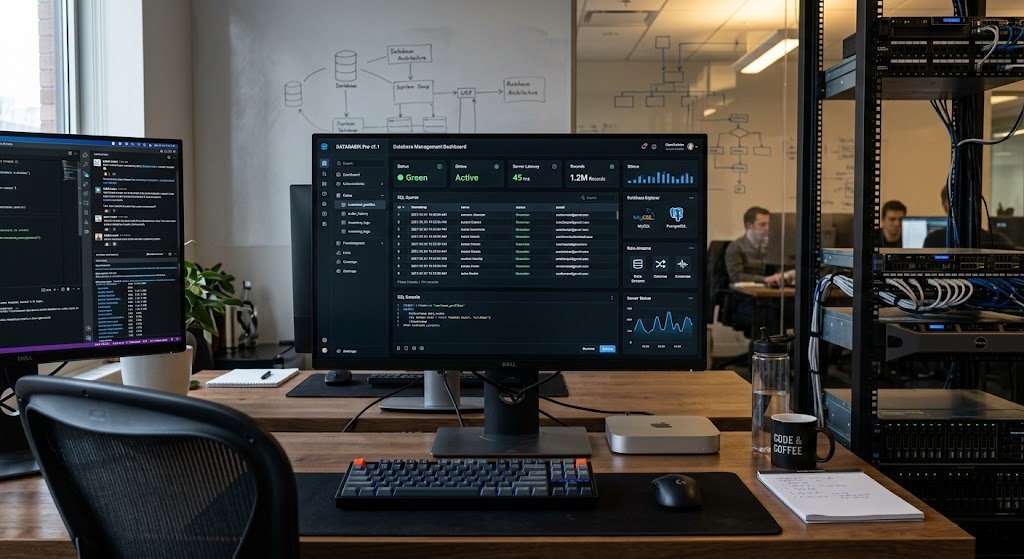
Many people use computers every day without knowing what a computer is and how it functions. These machines are available in a variety of shapes and serve a range of functions from desktop computers to laptops, servers to super power-computers and smartphones. In a simplistic sense, a computer is an electronic device that takes in data, processes it based on a program, stores information, and generates results.
Computers can calculate and add things together, can hold a lot of information, can communicate over networks, can run machines, and can do complex scientific research. Their rapid and precise information-processing capabilities have been of great significance in homes, schools, businesses, health care, banking and finance, transportation, entertainment, manufacturing, and in virtually every other contemporary field. Therefore, it is useful to understand what a computer is to understand the technology that surrounds us.
Meaning of a Computer
The purpose of a computer is to process information to generate useful information and give meaning to this purpose is to examine the main use of a computer. A computer is an electronic computer program that receives data, executes a set of instructions, processes the data, stores it for future use if needed, and produces output. For instance, when a student inputs an assignment on the computer, characters are fed into the computer and then stored temporarily in memory until the student presses return and the computer generates the text to be displayed on the screen. Numbers, words, images, sounds, videos and other digital information can be used with computers. Computers are not capable of comprehending information like people are, they are not able to interpret it, they simply follow instructions given through software and other programmed systems.
One of the most important assets of a computer is its speed and consistency of operations. The number of instructions that can be executed in a short time by modern computers, depending on the hardware and workload, can be millions or even billions. They may additionally save limitless details and bring out particular information when required. For instance, a school could use computers for recording the pupils’ records, marking the examination results, developing learning resources and parent communication. They can be utilized by a business to handle funds, stock, staff, customer, and online transactions. The basic cycle that computers use is input, processing, output and storage, but they are not all the same size or design, nor all alike in their performance or purpose. These basic operations are the reasons that can be used to make computers perform a wide range of operations.
How Computers Work
The simplest concept of computing is that the computer performs a series of steps that transforms raw data into useful information. Input is the first stage that involves the transfer of data and instructions into the computer, through various devices like keyboards, mice, touchscreens, microphone, camera, or a scanner. The computer then goes into the processing phase, and the central processing unit and other parts of the computer process the information, following instructions given to them by software.

Once the computer has processed the data, it generates output, such as what you see on the monitor, hear in speakers, print on paper or control another device. Lastly, information could be recorded for later use on devices like solid-state drives, or hard disk drives, memory cards or external storage devices. This cycle occurs very rapidly, enabling people to interact with applications, websites, games, documents and other digital systems almost immediately.
Types of Computers
There are various methods used to classify computers depending on their size, processing power, mobility, use and the nature of the work they can do. Some computers are made to serve one person at a time; others are made to serve hundreds or thousands of people at one time. For example, a small portable computer can communicate, entertain, take pictures, surf the internet and many other things like a smartphone.
A server, on the other hand, is a computer system that is used to serve other computers on a network. Supercomputers offer the highest performance computing capabilities and are designed to perform very powerful calculations and simulations. These are the main categories of computers and they help to illustrate why there are no “universal” computers available.

Desktop Computers
A desktop computer is defined as a personal computer which is typically left in one place, such as a desk, office, classroom, laboratory, or home workspace. Typical desktop configuration involves a computer case, computer screen, keyboard and mouse, but some newer configurations may use one or more of these. Comfortable input devices, expandability, larger display and performance are all reasons that desktop computers are often valued for.
They can be employed for daily tasks like surfing the web, creating documents, finding out, watching videos, and engaging in online communication. For programming, graphic design, video editing, engineering applications, gaming and other heavy-duty tasks, more powerful Desktop systems are used. Desktops are not as portable as other computers and are ideal for people who work in a designated area and require a computer that can deliver high performance for a long time.
Laptops
Laptops are miniature personal computers that function as a mini desktop with most of its components. A laptop has a screen, keyboard, touchpad, processor, memory, storage, battery, speakers and other elements in one package. The portability means that users can use them for work, study, communication, and information retrieval from various places, without having to be tied to a specific desk. Students may bring their laptops to classes and libraries, and employees may use their laptops at their workplaces, home, or other workspace.
There are a variety of sizes and types of laptop computers available from the basic model for basic productivity to the more powerful models for programming, creative work, engineering, and other heavy duty applications. Laptops are one of the most popular personal computers due to their mobility and computing power.
Tablets
Tablets are small and easy-to-carry touchscreen computers. Tablets are mainly used by touching the icons, menus, buttons and other elements on the screen, but for many tablets physical keyboards and styluses as well as other accessories can be used. Tablets can be used for the following purposes: Reading eBooks, viewing educational videos, surfing the web, online education, sketching, note taking, gaming, and productivity software.
Tablets are lightweight, lightweight to take from one place to another, and can be used in school and other settings. They are also easy to use when moving around as they are battery powered. While tablets can not necessarily be used as a substitute for traditional computers for all purposes, especially when it comes to particularly demanding professional workloads, they offer a feasible balance between portability, screen size, and computing power.
Smartphones
Smartphones are small computers equipped with many of the same computing features as a traditional computer, but also with the capabilities of a cell phone. A modern smartphone can communicate over the internet, execute applications, capture photos and videos, analyze data, view documents, locate information and give navigation, have a video call and carry out numerous other activities. Smartphones have processors, memory, storage, various sensors, wireless communications components, cameras, and operating systems inside, enabling the applications to operate.
They are extremely small and always connected, and thus are very useful for tasks that must be completed while in transit. People use a smartphone for communication, education, banking, entertainment, photography, shopping, transportation and accessing online services. While the physical size of the smartphones is significantly smaller than most computers, the computing power of the smartphones shows how computing technology has migrated to smaller and smaller portable devices.
Servers
A server is a computer that serves data or functions to other computers or devices over a network. A server can be used by a number of users or devices simultaneously rather than a single user. When somebody visits a website, for instance, his or her machine can send a request to a web server that handles the request and provides the proper information back to the device.
Servers are also used by organizations to store files, run databases, run applications, run email, manage network resources and more. Servers can be from a relatively small server used by a small organization with small needs to a very specialized system used in a large data center. Many users and applications may rely on the servers, making their reliability, security, capacity, networking and processing speeds important attributes.
Supercomputers
Supercomputers are one of the highest power computers that are available and are used for very large calculations and calculations that are very complex. Supercomputers are special computers that are designed to answer specific problems that require lots of processing power; they are not used for daily tasks like personal computers. They can be used for weather and climate modelling, scientific simulations, medical research, physics calculations, aerospace research and other computational endeavours.
Many processors may be assembled together to perform calculations in a supercomputer efficiently. The goal is not only to speed up normal tasks and make them more efficient, but also to enable new types of problems to be solved that would not be feasible in a practical way in conventional computers. For this reason, supercomputers are essential in research and technological areas where they have to deal with large amounts of data and complex mathematical calculations.
Basic Functions of a Computer
No matter how big and what it’s used for, a computer will have a number of basic functions. The first is input, where data and instructions are accepted from a person, another computer, or a peripheral. The second one is processing, which involves the computer doing calculations, comparisons, logical operations and other things required to convert raw data into meaningful information. The third function is to send processed information to the user or to another system (output).
The fourth is storage, meaning information can be stored for later use. Other computers have some communication capabilities that allow them to send and receive data via a wired or wireless connection. These functions operate in parallel all the time. An online search, for instance, would involve the person’s device sending a request to the Internet, receiving information, showing the result, and perhaps temporarily or permanently storing information related to the search.
Components of a Computer
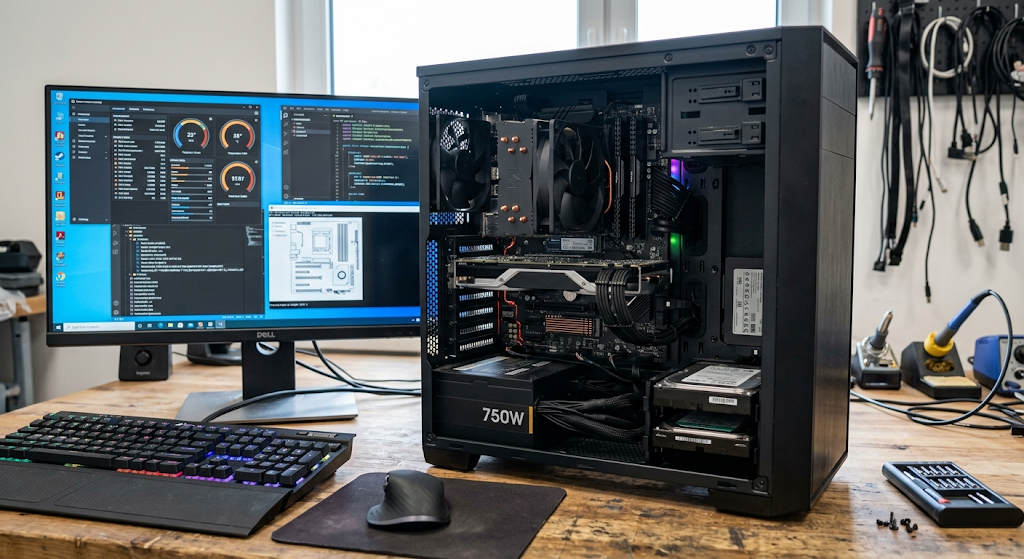
A computer can be described as a combination of hardware and software to accomplish tasks. The parts of a computer that can be seen and touched are called hardware and the programs and instructions that instruct the hardware on what to do are called software. By themselves they aren’t enough to make a working general purpose computer. Even though a computer has a powerful processor, a lot of storage and a lot of memory, if it doesn’t have the right software, it can’t do much useful.
Likewise, advanced computer software needs appropriate computer hardware to perform its instructions. Computers carry out tasks ranging from basic calculations to the editing of documents, to simulations and online services, all made possible by the synergy of hardware and software. With a knowledge of the major components, it is easier to understand how a computer receives information, how it processes information, how it stores information, and how it communicates information.
Central Processing Unit
The Central Processing Unit (CPU) is an important part of a computer as it carries out instructions given by the computer program and performs many of its calculations and logical steps. The instructions are given to the CPU, who then processes data and coordinates operations in the system. Its performance is influenced by factors such as processor architecture, number of cores, clock speed, cache, and the design of the particular processor.
CPUs can now be made with two or more processing cores that are able to execute multiple operations more efficiently. Not all, however, a computer’s overall performance depends solely on the CPU. The speed and effectiveness of a computer’s performance depends on various other factors such as memory, storage, graphics hardware, software, and more.
Memory
Computer memory is used to store data and instructions during the computer’s operation. Random Access Memory (RAM): One of the most important types of temporary memory in the computer. The computer uses the RAM to store information that is to be accessed quickly when a user opens an application or edits a document or works with multiple applications at once.
Typically, RAM is volatile; that is, its contents are erased when the power is turned off. Having enough memory can speed up the computer’s performance with more applications and bigger workloads. Memory does not mean long term storage, which is where storage devices like solid-state drives will keep information even when the computer is off. Memory and Storage are both necessary but have different functions in a computer system.
Storage Devices
Storage Devices: Programs, documents, photographs, videos, databases, and other information are stored and retrieved for later use. Solid-state drives (SSDs) and hard disk drives (HDDs) are among the common storage technologies in use. SSDs rely on electronic memory and typically offer quicker data access, while HDDs are magnetic storage on spinning disks. External drives, memory cards, network storage systems can also be used with the computer.
Usually storage capacity is expressed in gigabytes, terabytes, etc. The storage requirement will vary from computer to computer depending on its uses. A person who primarily writes text documents might only need a moderate amount of space, whereas a video editor, researcher or organization with large databases may need significantly more. Storage is thus a major factor in computing in determining the amount of information stored in the computer.
Input Devices
Input devices allow users or other systems to provide information and instructions to a computer. On a desktop computer, the keyboard and mouse are used; on a smartphone or tablet, the touch screen is used. Microphones, webcams, scanners, game controllers, fingerprint sensors, and specialized hardware for scientific, industrial and medical applications are some of the other devices used for input.
The role of an input device is to convert an action or some information into signals that can be processed by the computer. For instance, if a user presses a key on a keyboard, the computer is able to receive information relating to that key press, and software can determine what should occur on the computer next. Input devices are thus a significant link between humans and computer systems.
Output Devices
Output devices present the output of a computer to the user or to another computer. The monitor is one of the most popular output devices used for displaying visual information, including text, images, videos, software interfaces, and more. Speakers and headphones are devices for outputting sound, and printers are used for printing out documents and images.
Computer output can also drive machines, displays, robots, etc. in industrial settings. Output is significant because if there is no information output, then there is little value in the information that was processed. There are various types of output for different applications. A student may require a screen and a printer, and a factory may need computer-controlled machines to provide a response to the processed information.
Computers in Everyday Life Applications
Computers are widely used in the home for education, communication, entertainment, personal finance, shopping, content creation and information management. Families can use computers to log into education sites, video call, arrange pictures, draft documents, view movies, or arrange household information. In schools, computers can be used to enhance learning and teaching, to access digital textbooks, to learn using educational applications, to access online classrooms, to use research materials, to deliver presentations and to use computer-based assessments.
The teachers can use computers for lesson preparation, communication with students, recording grades, organizing learning resources, etc. Students can use them to research, write their assignments, make presentations, learn to program and work on projects with others. These uses illustrate how computers are not restricted to specialised technical settings; they are now commonplace and are used to enhance learning, communication, organisation and information access.

Uses of Computers in the Office and Businesses
Computers are used in business for numerous purposes such as accounting, communications, customer service, document preparation, data analysis, inventory control, marketing, sales and administration. Office documents are used to prepare reports, send emails, join online meetings, schedule events, handle financial data and work on common documents. Specialized software is also used to handle customers, employees, products and transactions within the business.
Larger firms can have servers and databases that enable numerous workers to have access to essential data via an internal network. Computer systems are essential for online businesses to maintain websites, process orders, keep customer accounts and provide digital services. Information is being created and processed by businesses in ever increasing quantities and computers can help them to process, store, communicate, and automate information in order to effectively manage their activities.
Many industries use computers, where they can process information, automate repetitive tasks, facilitate communication, and even manage complex systems. Computers are used in health care to handle patient information, medical imaging, book appointments, research, and hospital management. Computer systems are essential for banks and financial institutions in managing accounts, facilitating transactions, analysing financial data, and providing digital banking services. In manufacturing, computers can operate machines, monitor production lines, manage a stock and assist in the design of a product.
Computers are used in transportation for scheduling, navigation, ticketing, logistics and traffic management. Powerful computers are used by scientists to analyze data and to run simulations, and computer aided design and modelling packages by engineers. Computers are also used by government organizations to keep records of activities, provide government services and information, and interact with the public. The following are examples of the ways in which computing is increasingly central to the economic and social functioning of today’s world.

Importance of Computers
Computers are important because of their efficiency in processing information and the ability to complete tasks that would take a lot of time and human labor. They can process massive amounts of data, repeat calculations, remember huge amounts of information, communicate via networks and carry out complex instructions repeatedly and consistently. Computers also allow for the easier creation, organization, sharing and access to information. In the field of education, they provide increased access to learning materials and digital resources.
At work, they help with communication and aid decision making. In science and engineering, they enable scientists and engineers to model systems and analyze information that would be hard to deal with otherwise. Computers must also be used responsibly, as problems with cybersecurity, privacy, questionable information, or overreliance on the computer can pose problems. It helps users appreciate the potential and limitations of computers and make informed decisions about technology use.
Conclusion
A computer can be defined as an electronic programmable machine which gets input, performs processing on it, gives output and can store it for future use. All computers perform these basic functions, but in a variety of forms to accommodate different needs. There are powerful fixed workstations (desktop computers), and there are portable, versatile computers (laptops), touchscreen computers (tablets), and portable computers that have computing capabilities (smartphones). Servers are resources and services that are shared with other systems, and supercomputers are used for very heavy-duty scientific and technical calculations.
Computers consist of various parts such as processors, memory, storage, input devices, output devices, all of which collaborate to complete meaningful tasks when powered by software. Computers have become an integral part of modern life: they are used in the home, in school, in the office, in hospitals, in banks, factories, laboratories, and government institutions. Knowing what these mean, their different types, how they work, what they consist of and how they can be utilised gives a solid grounding to understanding the broader concepts of information technology.