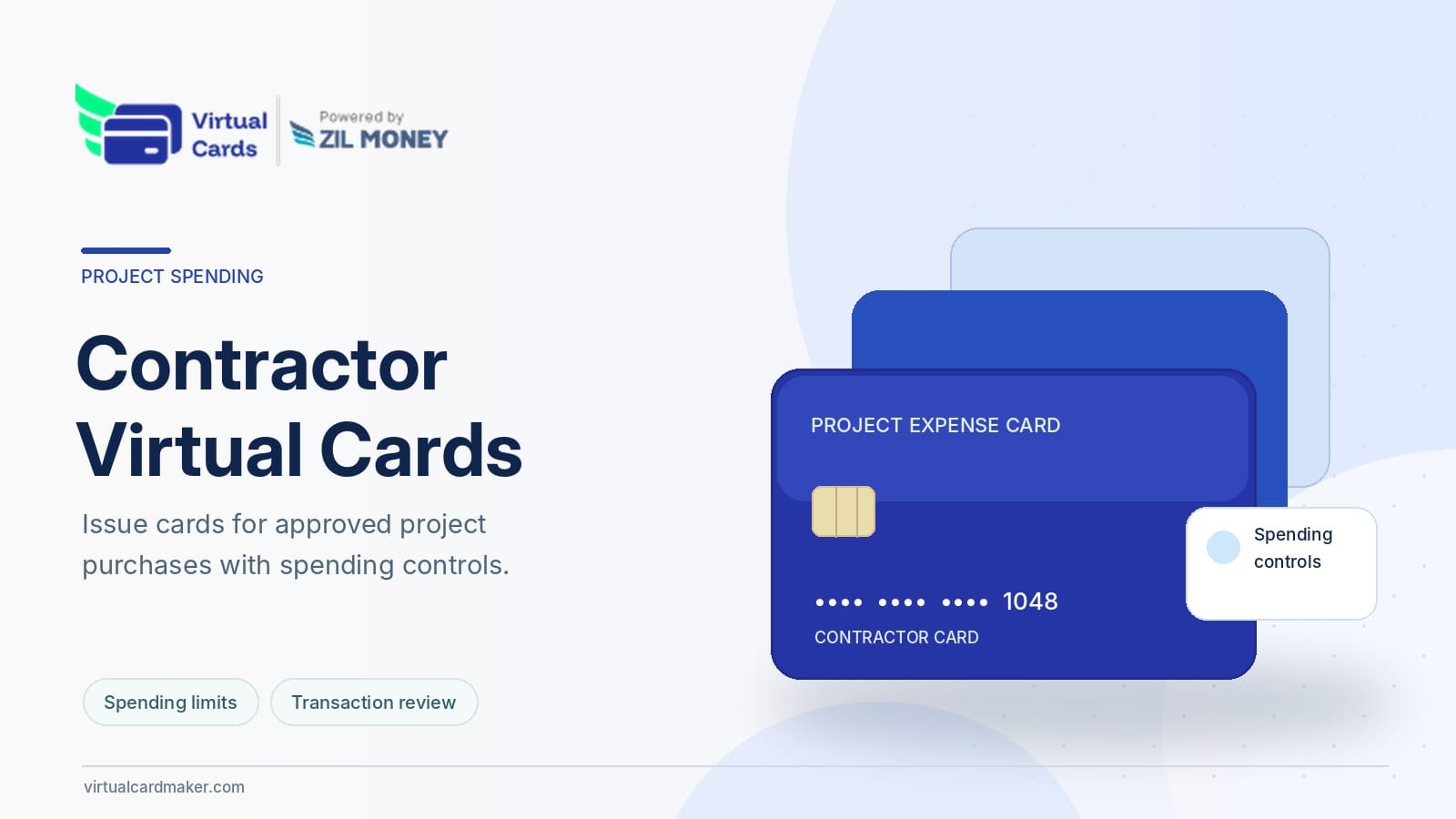
Virtual Card Maker is highlighting its contractor virtual card capabilities for businesses that need to provide eligible contractors with payment cards for approved purchases and project-related spending.
The platform describes wallet-funded virtual Visa cards that can be configured with spending limits, merchant-category restrictions, and active-use periods.
Businesses working with external contractors may need to authorize purchases for software, materials, supplies, or other project requirements.
Virtual Card Maker provides a supported arrangement for assigning individual cards rather than sharing a single company card number across several contractors.
Creating Contractor-Specific Virtual Cards
Virtual Card Maker describes a process in which an eligible business creates a separate digital payment card for a contractor or project.
The user selects the card type, enters the required information, and configures available spending controls.
Businesses can review the process through the platform’s contractor virtual card page.
The card can then be provided through a supported delivery method.
Actual eligibility and acceptance depend on the card program and intended transaction.
Assigning Project Budgets
Businesses may approve different spending amounts for different contractors.
A design contractor may require software purchases, while a field-service contractor may need authorized materials.
Virtual Card Maker provides supported spending-limit settings that can be associated with individual cards.
These controls may help a business limit authorized card activity to a defined budget.
However, pending authorizations, transaction adjustments, and program conditions can affect the actual card balance and available spending.
The configured amount should not be described as eliminating every possibility of an unexpected charge.
Applying Merchant-Category Restrictions
Virtual Card Maker describes controls that allow businesses to select permitted merchant categories for eligible contractor cards.
These settings may help restrict purchases to the types of merchants associated with the approved assignment.
For example, a contractor card might be configured for relevant software or business-supply categories.
However, merchant restrictions depend on the available program controls and transaction classification.
A merchant may process transactions under a category that differs from the payer’s expectations.
Businesses should test the proposed controls and continue reviewing transaction activity.
Setting Start and End Dates
Some contractor assignments have defined project periods.
Virtual Card Maker describes active-use settings that can restrict when an eligible card may be used.
A business may choose dates corresponding to the approved assignment.
However, transactions authorized during the active period may settle afterward.
Closing or expiring the card does not necessarily reverse existing authorizations.
Businesses should review outstanding activity before finalizing project expenses.
Sharing Card Details
Virtual Card Maker describes providing eligible contractor cards through supported delivery methods, including email and compatible mobile wallet arrangements.
Businesses should confirm the contractor’s identity and use an appropriate channel for sharing payment details.
The recipient should understand the approved spending purpose and applicable limits.
Not every merchant accepts virtual card payments or every digital wallet arrangement.
Card compatibility should be confirmed before the contractor relies on it for an important purchase.
Supporting Multiple Contractor Assignments
Businesses may work with several contractors on separate projects.
Virtual Card Maker describes bulk card issuance through supported Excel-based workflows.
This may be relevant when an organization needs to establish individual card arrangements for several recipients.
However, every contractor, spending amount, and proposed restriction should be reviewed before cards are issued.
Bulk creation does not eliminate identity verification or internal approval requirements.
Monitoring Contractor Purchases
The platform provides supported transaction information associated with individual cards.
Businesses may use these records to identify charges by contractor or project.
The information can assist with reviewing approved spending and investigating unexpected transactions.
However, card activity should still be compared with receipts, invoices, and project documentation.
A transaction that falls within the configured limit is not automatically an appropriate business expense.
Understanding Card Funding
Virtual Card Maker uses a wallet-funded model for its virtual cards.
Businesses arrange the required funding before issuing or using eligible cards.
The available wallet balance, card settings, and program requirements may affect whether transactions are approved.
The cards do not automatically provide revolving credit.
Businesses should review the current wallet and card terms before transferring funds.
Contractor Compensation and Project Expenses
A virtual card used for approved project purchases is not necessarily equivalent to paying a contractor’s fee.
Some contractors may require direct compensation through a bank transfer or another agreed method.
Businesses should confirm that the proposed card arrangement is suitable for the underlying commercial obligation.
Merchant restrictions may make a card inappropriate when the contractor requires unrestricted access to compensation.
The contractor agreement should define the payment method and the intended use of funds.
Tax Reporting and Recordkeeping
Businesses remain responsible for accurate records of contractor compensation and other project expenses.
The applicable information-reporting treatment depends on the transaction and payment arrangement.
IRS guidance distinguishes payment-card transactions from certain payments reported through other information returns.
Businesses should not assume that issuing a contractor virtual card automatically satisfies or eliminates Form 1099 reporting obligations.
A qualified tax professional should review the applicable requirements.
Closing Cards After a Project
When an assignment ends, the business may choose to close or disable the contractor’s virtual card.
Virtual Card Maker describes supported card-management controls for this purpose.
These may restrict future authorizations according to the program rules.
However, pending charges, previously authorized transactions, refunds, and contractual obligations may remain.
The business should complete any required project settlement separately.
Reviewing Program Costs
Virtual card creation, funding, and use may be subject to applicable charges and account conditions.
Businesses should review current pricing, spending limits, and merchant acceptance before issuing cards.
No universal no-fee, guaranteed-security, or unlimited-use claim should be assumed.
The appropriate card arrangement depends on the contractor’s responsibilities and the company’s payment needs.
A Controlled Project Spending Option
Virtual Card Maker provides eligible businesses with a way to issue contractor-specific virtual cards and configure supported spending controls.
Organizations evaluating the service should confirm wallet funding, card eligibility, merchant acceptance, contractual requirements, and transaction-review procedures.
About Virtual Card Maker
Virtual Card Maker, powered by Zil Money, is a financial technology platform providing wallet-funded virtual Visa cards for supported contractor expenses, vendor payments, business travel, subscriptions, and other eligible purchases.
Financial Technology Disclaimer
VirtualCardMaker.com, powered by Zil Money, is a financial technology company, not a bank. Banking and money movement services are provided through partner financial institutions and licensed service providers. FDIC insurance coverage applies only to eligible deposit products and accounts and is subject to applicable terms, conditions, limitations, and requirements. Additional information regarding partner institutions, products, and services is available in the applicable terms and agreements.
Media Contact
Sabeer Nelli
111 N Market St
San Jose, CA 95113
United States
Email: support@zilmoney.com
Phone: (408) 775-7720
Fax: (877) 722-3376
Website: www.sabeer.com
LinkedIn: linkedin.com/in/sabeer-nelliparamban