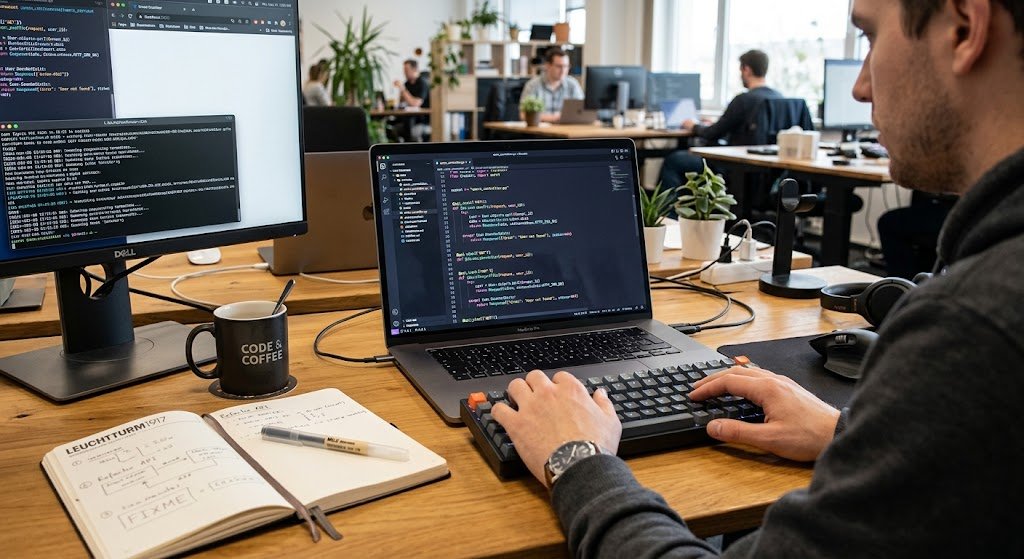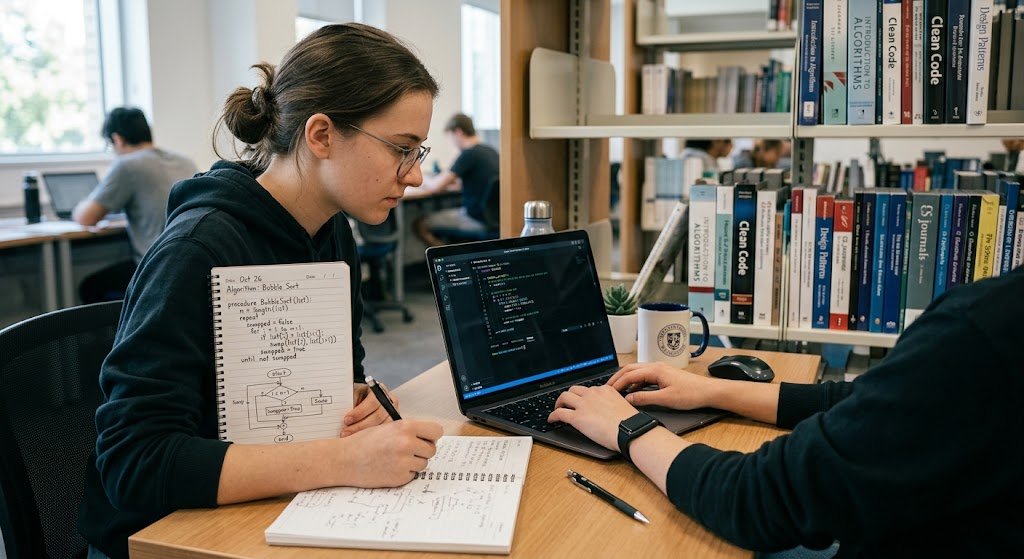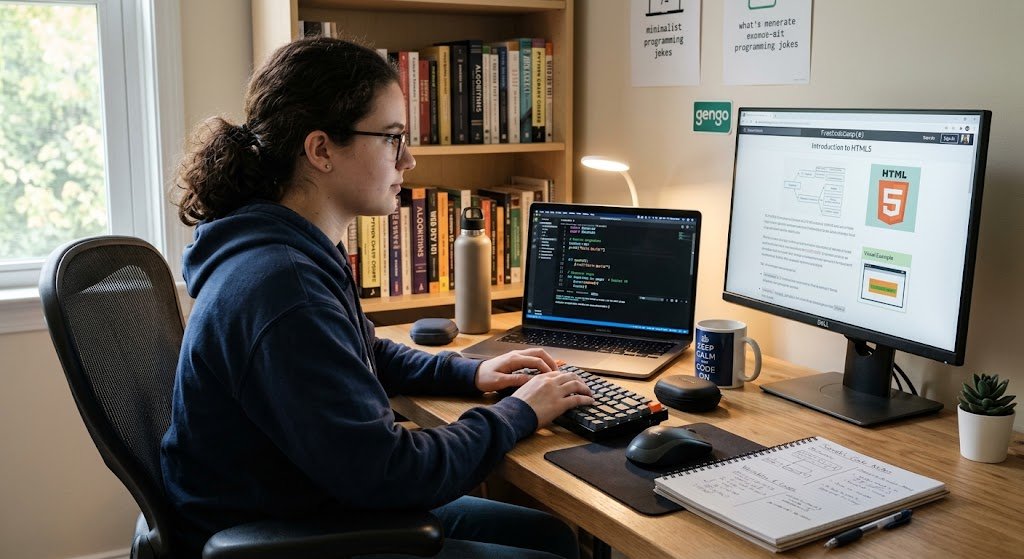
Programming is writing instructions for the computer to follow. Whether it is a website, a mobile app, banking systems, games, artificial intelligence, or business software, almost all digital products today rely on programming. However, programming can appear to be difficult for a person who has never written code before due to new words, symbols and technical concepts.
Fortunately, you don’t need to have any advanced mathematics or computer science background to get started. The essence of programming is learning the basic concepts, practicing lots, solving problems, and getting used to writing and reading code. If you don’t know what code actually looks like, and find yourself wondering what it is, you can get from a beginner to a program in no time, and even develop a more useful program.
Meaning of Programming
It is helpful to have some idea of what programming entails before creating your first program. The way a computer reads everyday human directions is different from the way humans do. Programming Languages are used by a programmer to write instructions that are understood by and can be executed by the computer. Other languages like Python, JavaScript, Java, C++ and many more have various means of expressing the instructions.
There’s more to programming than typing in commands. You will learn to divide a complex problem into smaller problems, work with data, make decisions, repeat operations, structure instructions, and detect errors in your programs. This is a problem-solving skill which is one of the most significant skills which the beginner learns. Knowing that programming is just a structured set of instructions to a computer makes it a less daunting and more systematic approach to programming.
How to Select Your First Programming Language
The first real one of the decisions that beginners have to make is what programming language they’ll use. There are numerous languages to choose from, but not all of them will need to be learned at the outset. Adopting a single language and practicing it long enough will enable you to grasp the basics of programming without having to constantly hop from one syntax and tool to another. The option you choose may be based on your ultimate plans.
For instance, Python is well-suited for novices due to its clear syntax and is employed in web development, automation, data analysis, artificial intelligence and various other fields. Others, like Java, C# and C++, are used in other areas of software development, while JavaScript is a good option for people interested in interactive web applications and websites. If all they want is a friendly introduction, Python is a good one to begin with.

Why Python a Good Beginner Option
For new programmers, Python is often a recommended language because its syntax is relatively easy to learn. Rather than learning complicated syntax, take the time to learn programming concepts including variables, conditions, loops, functions, and data structures. Skills you learn with Python can also be applicable to other kinds of projects, so that the skills you acquire can be retained as your interests evolve.
For instance, a novice could begin with developing a calculator, then move on to automation, web development, data processing, or machine learning. But Python isn’t the only way to go. You don’t need to find the “perfect” language; it’s important that you pick a language that you want to learn, and that you take your time to get comfortable with the basics of that language before you just keep looking for the “perfect” one.
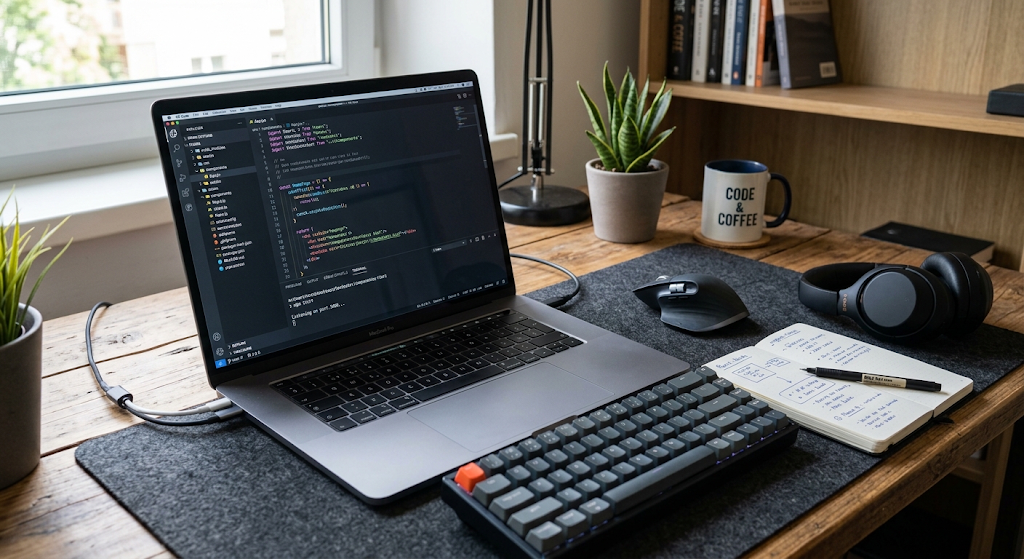
Create a Code Editor
Once you have selected a programming language, you must now get your computer ready for programming. A code editor is an application used to create and manipulate code. Popular editors include Visual Studio Code, Sublime Text, and the other development environments. An editor that has the necessary features can make programming more comfortable, including those that support syntax highlighting, automatic indentation, code completion, file management, and error information.
It is important for those who are new to programming to not spend too much time tweaking their editor before beginning to write any code. At this point, you only need to install a proper editor, set up a folder to hold your coding practice problems and ensure that the selected programming language is installed and functioning properly. If you select Python you’ll need to install a recent copy of python and set up your editor to execute Python files. When your environment runs, you can write your first program.
Write Your First Program
Writing your first program is important because it makes programming more tangible than abstract as a topic. One of the most basic exercises is to write a program that prints a message. For instance, in Python, you can type print(“Hello, world!”) and run the file. The program tells Python to print the message to the screen. The example may be very simple, but it is a key concept: programming languages enable us to write instructions which can be observed.
Once you have completed the first program, try changing the message, printing more than one line, and printing other information. The goal is not to make something great right away. Instead, you are learning the basics of programming and executing code, seeing the output, and modifying the code.

Basic Concepts of Programming
After you’ve completed a simple program, start to learn concepts that you see over and over again in the various programming languages. These are the basics that will serve as the basis for further development. You don’t have to memorize hundreds of commands, you should learn what each concept does and why it is used by programmers.
A novice who has mastered a handful of well-known ideas is more likely to have a firm grasp of them than a person who can regurgitate many bits of syntax without comprehending the connections between them. As you practice, see if you can relate each new concept to a small problem that you can solve with code. This method is more active and you don’t forget ideas as you apply them, you read about them.
Variables: Used to Store Data.
Variables enable a program to keep information which is used subsequently. A program might keep a person’s name, age, or score in variables, for instance. There are various types of information and corresponding data types. Examples of these include Strings (for text), integers (for whole numbers), floating-point numbers (for decimal values), and Booleans (for true or false conditions).
Almost any useful program requires it to be able to work with information, which is why the concept of variables is important. Create variables, set their values and use them in calculations or messages. Another thing to know is that variable names must be meaningful and descriptive. To avoid having to use confusing names throughout, select names that convey what the information stored will represent.
Operators and Expressions
A program makes calculations and comparisons using operators. Arithmetic operators are used for addition, subtraction, multiplication, and division; comparison operators are used to determine if one value is equal to another, greater than another, or less than another. Logical operators enable you to use more than one condition. These concepts are very helpful when you have to make decisions or compute a result in your program.
Try them with other numbers for the operators and note the outputs of your expressions. You don’t need a complicated project to get used to these ideas; simple exercises like working out the total cost of a number of items, whether a number is even or odd, or comparing two scores can help.
Conditional Statements
Information is a source of information which frequently program will have to make decisions. Conditional statements enable code to execute different instructions, based on whether a condition is met or not. For instance, a program could ask if a person has typed in a password, if a student has scored a certain amount or if a number is positive or negative.
if, elif, else statements are used to help write programs that respond to the different conditions. Start with easy conditions and start to add them as you learn more about them. As you practice, before running the program, predict what the program should do. It can be useful to compare your prediction with the actual results to look for misconceptions and to develop skills in reasoning.
Loops
A loop is used to repeat the execution of statements without having to write them over and over again. This is very handy when you have a list of information, have to do repetitive calculations, or process multiple pieces of information. For loops and while loops are fairly common among the problems that beginners face. A for loop might be helpful if you know what collection or sequence you want to process, whereas a while loop can run as long as a given condition is true.
Use very simple examples to begin with: show a series of numbers or act on a list of names. Once you feel comfortable, try to make numbers and conditions within loops. It is crucial to understand repetition in writing efficient programs.
Functions
Functions are used by programmers to structure their code into manageable chunks. You can have similar instructions in a function and call the function if you need them later on and never have to repeat the instructions. Functions also help in breaking down larger programs into smaller and simpler components, making it easier to understand. If you need to learn a function, start with one that doesn’t have any arguments, and then learn functions that take arguments and return a value.
Experiment with making functions for doing calculations, saying hello or verifying things. While practicing, focus on the function’s input, its operation, and its output. As your programs become more complex, this approach will prove to be more useful.
Exercise With Mini-Programming Exercises
While tutorials can be useful to teach concepts, only writing code will help you get better. Learners should thus devote a considerable proportion of their study time to short exercises. Begin with projects that are on the easy side so that they can be completed, but are just complicated enough that they need some thought. This can be a simple calculator, number guessing game, unit converter, simple quiz, temperature converter or program calculating an average score. Projects let you integrate a combination of concepts, instead of learning each concept individually. If a problem arises, attempt to solve it on your own before going to the internet for a full answer. If you struggle with a problem for a reasonable amount of time and then, when you’re truly stuck, you do a Google search for the problem, or go to a reliable resource, your problem solving skills will be enhanced.
Beginners can use guided learning resources to learn progressively about programming concepts to get additional structured guidance on how to learn programming from scratch. Structured courses may be helpful since they offer a string of topics and exercises, rather than leaving a fledgling learner to determine what to learn next. Online courses are a good place to start, however, and shouldn’t be seen as a full learning process. Once you’ve finished an exercise, attempt to modify the code, or, make up your own version. If a tutorial demonstrates how to create a specific calculator, adapt it to include further calculations and/or to accept other types of input. Converting examples to experiments is a great way to get from “do what” to “understand what.
How to Read and Correct Errors
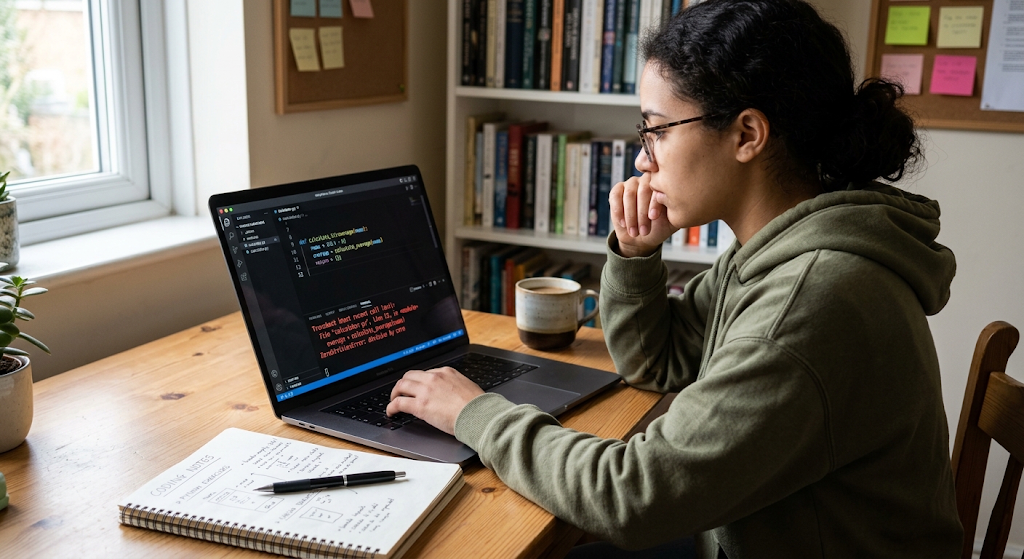
Errors are a part of programming – particularly when programming is a learning experience. A syntax error may be encountered that causes your program to refuse to run, a logic error may occur and cause the program to give an unexpected result, or a problem may occur during the execution of your program. Programmers who are new to programming tend to think that errors mean that they are not good programmers, but even experienced programmers spend time looking for errors in their code.
The crucial thing is to learn to deal with mistakes systematically. See the error message and determine the line on which the error lies, then look at the code nearby. Verify spelling, punctuation, variable names, indentation and assumptions on code behavior. Don’t alter multiple variables at a time since this will make it more difficult to determine which one portion of the change fixed the issue.
Documentation and Search Carefully
One of the most important programming skills is to know how to locate reliable information. You will often be presented with ideas, functions, error messages and issues which you will not immediately have a full understanding of. Do not feel obliged to memorize, but learn to use resources such as documentation, tutorial, programming code communities and other reputable sources to find information.
In searching for help, write the name of the programming language, the error message and a brief description of what you are trying to do. Don’t copy code without understanding. If you do find a solution, look at each part of the solution and check if you can describe what it is doing. This is a habit that slowly becomes the internalization of external resources which are not yet dependent on copying.
Common Mistakes Made by Beginners
A common error is to learn too many languages of programming simultaneously. For the beginning, it is possible that you will see some languages, like Python, JavaScript, Java, C++ and think that you should learn all of them, and become a programmer. This typically causes confusion. The other error is to observe a lot of tutorial videos but not write any code. What may seem like “passive learning” can often give the learner the false impression that he or she grasps a concept until he or she has to apply it on his or her own. Even at the beginning of learning a language, they may feel disheartened by the successes of other programmers, or they might try something they can’t do. The more sensible alternative is to design a reasonable learning trajectory, practice the skills frequently, design bigger and more complex projects and compare to our own prior capabilities.
The other common trouble is overemphasis on memorization. When you learn to program there are numerous functions, commands, libraries and tech details that are learned, and it is impractical to remember them all. Rather, focus on comprehending basic principles and learning how to locate reliable information when a particular piece is needed. It’s also important not to constantly restart your educational process thinking you made the wrong choice of tutorial or programming language. There are different resources that will explain the same thing in different ways but if you have to start again and again and again, you will never get to the point of using what you have learned. Often a better place to start is the place you are, rather than going looking for a better spot.
Work on Consistent Coding Habits.
Programming skills can be acquired with a lot of practice. It’s not necessary to code hours each day. A regular schedule that aligns with your commitments can be more sustainable. For instance, you might dedicate a certain amount of time one or more days a week to studying and practicing. In each session, go over something you have learned before, learn one new concept, and spend some time doing some coding that does not just follow a tutorial.
Note down what exercises and projects you do to track your progress and how far you have come. You can also have a programming notebook to document any errors, helpful ideas, questions and solutions that you found. This will give you a personal reference that will build in value as you learn more.
Construct Projects as You Go
One of the best ways to gain practical skills is to use a project. Learn the fundamentals and select projects to address small problems and/or interests. A newbie could develop a personal expense calculator, a quiz application, a list of contacts, a basic game, a task manager or a text-based utility. There’s no need to be polished in your first versions.
The aim is to learn to plan, write, test, debug and improve code. After completing a project, reflect on the project and ask what went well and/or what could be made better. Is there a way to structure the code into functions? Can it process invalid data? Is the interface user friendly? Is there a possible new feature? These questions take a finished project as a starting point and will incrementally get you ready for larger applications.
Continue Working on Problem-Solving Skills
Finally, programming is a way of solving a problem by giving precise instructions. So, as well as learning programming syntax, it is crucial to be able to problem solve. If you find a challenging problem, don’t try to write the whole solution at once. Describe the problem in common language. Determine what information you have, what information needed, and how you will get from one to the other.
Then break the problem down into smaller subproblems and solve each one separately. This is known as decomposition and helps to make complicated problems more manageable. As you get more practice you will start to see common patterns, and start to think about solutions in a more structured manner. This skill will still come in handy if you decide to move on to another language.
What to do Next After You Have Mastered the Basics
After mastering variables, data types, conditions, loops, functions and basic data structures, you can start to explore the way of programming that interests you. A person wanting to learn about websites could learn HTML, CSS and JavaScript, and then dive deeper into the frontend or backend. If you are interested in data, you might study Python, databases, data analysis and visualization. Others could consider app development, game development, cyber security, automation, AI, or software engineering.
At this stage, don’t try to learn everything. Select one direction and keep practicing skills building via projects and more complex problems. Once you have built up some experience, you will know about more advanced topics like object-oriented programming, application programming interfaces, databases, version control, testing, and software architecture.
Conclusion
You don’t have to know all the nitty gritty of computer science or own expensive equipment before you start programming; you don’t even need to know anything about math before writing your first line of code. The best way to start is learning one programming language, set up an appropriate development environment, understand basic concepts, and start coding small problems. Mistakes will happen and learn to use them to gain knowledge of programming – not as a failure.
Don’t try to learn all at once, and try to make steady improvements, rather than thinking about how much you can catch up to the pros. Build-up your confidence with simple exercises and then progress to making your own projects, where you plan, code, test, and debug your own solutions. With a set of steps and practice, a complete beginner can build the basic skills of programming and eventually start to build useful software.