Introduction
Electronic control units and sensors are used in modern cars to continually track engine and vehicle performance. The systems will gather data on engine speed, coolant temperature, fuel control, vehicle speed, battery voltage, oxygen sensors, airflow, and more. But that’s not all of the information that the dashboard shows. When plugged into the car via a compatible OBD2 adapter, an OBD2 scanner app will provide drivers with more current information. It lets the driver know what is going on in the various systems when the vehicle is in motion.
By using OBD2 apps, the smartphone can be used as a handy monitoring screen for selecting vehicle information. For some applications, engine RPM, coolant temperature, fuel consumption, speed, battery voltage, oxygen sensor readings, engine load, throttle position, and more information may be displayed on the screens of the vehicle, adapter, and application. While live data cannot be a substitute for a professional diagnosis, it can assist drivers in understanding the normal behaviour of their vehicles, and when to consider a change in behaviour and seek further investigation.
What Is OBD2 Live Data?
Live OBD2 data is data that the vehicle’s electronic systems provide during the operation of the engine. The sensors detect various conditions, and the engine control module is used to control the engine based on data it receives from the sensors. Some of this information can be requested by an OBD2 adapter and relayed to a smartphone app. The readings can then be displayed in the app in one of a number of different ways, such as in a graph, gauge, or numbers, depending on the features that are included.
Information available on different vehicles is different. Engine RPM, vehicle speed, and coolant temperature are often available, but other advanced engine, transmission, or manufacturer-specific data may need to be supported. Thus, car drivers need to determine if their car and adapter can support the parameters they wish to measure. It is also crucial to have a good connection and ensure the application is compatible, since if they are not, there is a chance of arriving at incorrect conclusions based on data that is not complete or compatible.
Connecting an OBD2 App to Your Car
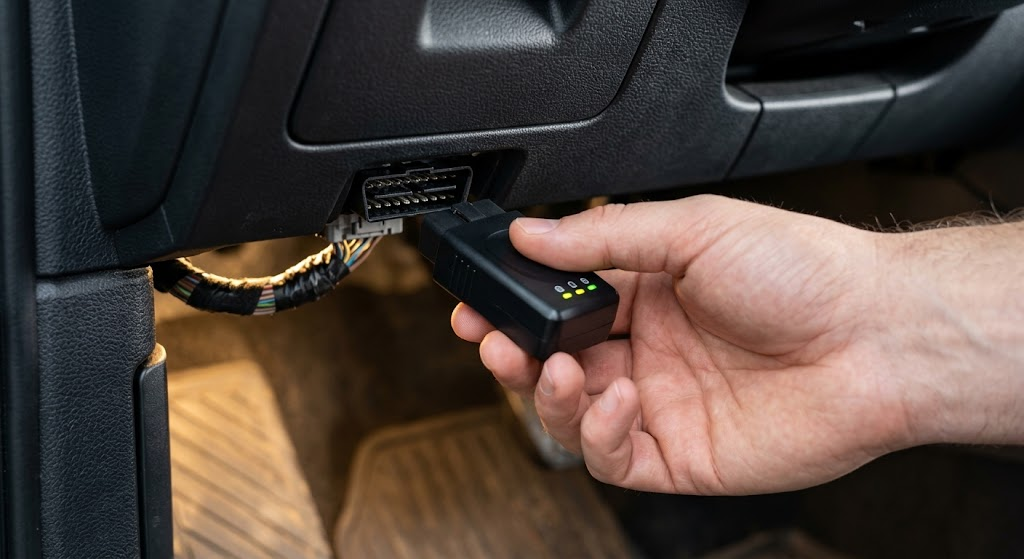
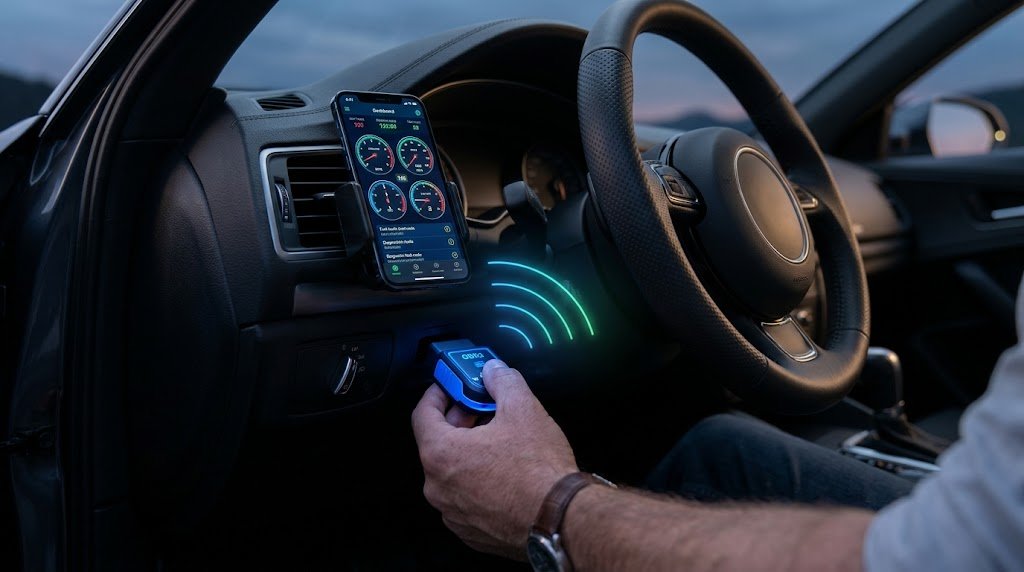
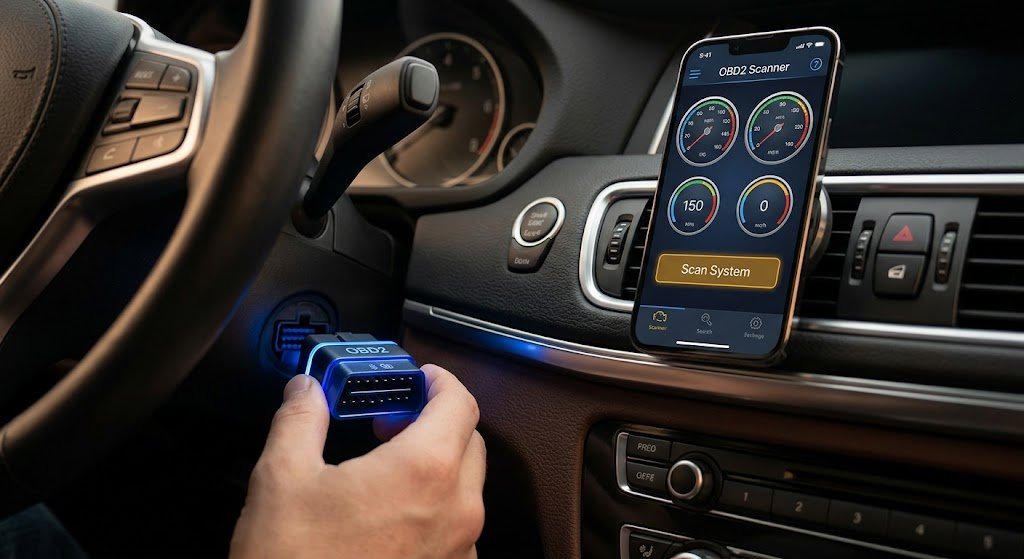
Firstly, find the OBD2 port, typically below the driver’s dashboard on the driver’s side. Connect the matching OBD2 adapter to the port and then connect the smartphone with the adapter’s supported wireless connection. This can be via Bluetooth or Wi-Fi, depending on the adapter. The diagnostic application can then communicate with the vehicle and ask for information that is available on the vehicle as live information.
Once connected, the parameters that drivers would like to track can be chosen. In most applications, users can sort readings to be displayed as digital readings, gauges, or graphs. Rather than include all the parameters available, it is preferable to choose parameters relevant to the monitoring goal. Some basic information about the engine observed in general, RPM, coolant temp, speed, battery voltage, and some fuel-related information may be useful as a starting point.
Monitoring Engine RPM and Speed
The RPM represents the speed at which the engine is turning, and varies with a driver’s acceleration, release, and gear changes. Drivers can learn about how their engines respond to idle, acceleration, and cruising by watching RPM. A stable idle will typically return a fairly similar reading, but the RPM may vary based on the vehicle, engine, operating temperature, and electrical load.
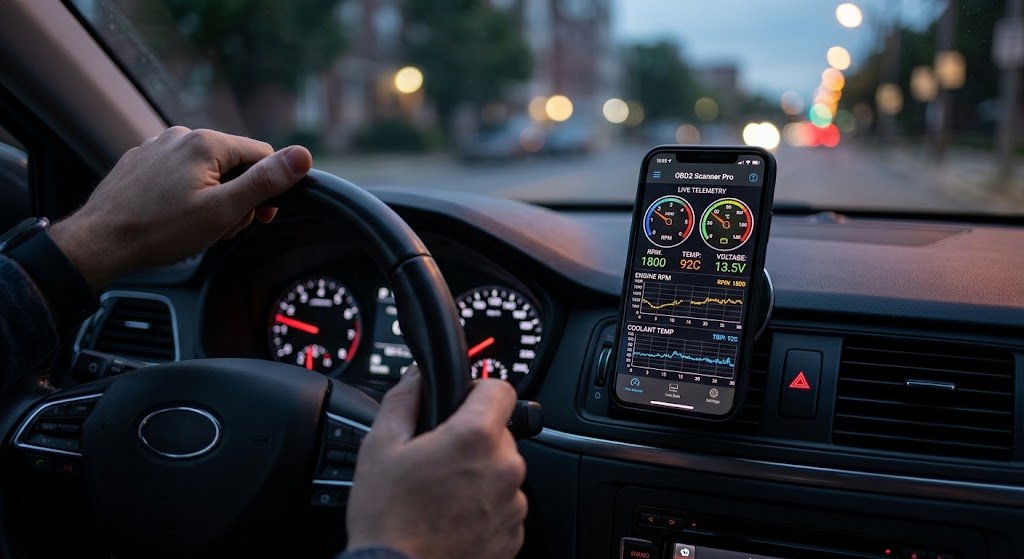
Another method of displaying vehicle speed is to use it in conjunction with RPM and other readings in an OBD2 application. For instance, when driving, it can be noted how the engine increases in speed during an increase in speed. These can be recorded in some applications and be reviewed by the user after driving. Drivers should never, however, drive while operating the phone. Data should be set prior to a trip and checked by a passenger or after the vehicle has come to a stop.
Monitoring Coolant Temperature
One of the parameters which is of great importance is the management and control of the coolant temperature, as the engine should run within its desired temperature range. An OBD2 app might display the temperature number as the engine warms up, providing more information than a simple temperature indicator on the dashboard. Drivers can read the temperature from start-up to normal operation to get an idea of how fast their engine gets to normal operation.
If the temperature is behaving in an unusual manner, then there may be a problem, particularly if the temperature is still increasing after it has exceeded its normal operating range or is taking much longer than normal to reach the normal operating temperature. But a temperature can’t specify which cause it is. There are a number of parts that can be involved in cooling-system issues, so drivers should take note of warning lights, leaks that can be seen, odors, and other indications. If overheating is severe, it is not just a case of continuing to follow up on the app; it’s a car issue.
Checking Battery Voltage
The battery or system voltage that the vehicle can report may be displayed in an OBD2 application. Monitoring voltage can be used to help the driver see how the electrical system operates when starting the vehicle, during the idle, and when the vehicle is running normally. A comparison of readings under various conditions can be helpful for determining how the vehicle’s electrical system behaves and may be necessary when using electrical accessories.
An OBD2 voltage reading should NOT be used as a complete battery/charging system test, however. The reading might not be the same as a reading taken directly at the battery terminals. More accurate tests of the battery and charging system can be done by a technician if it has had repeated starting trouble, electrical warnings, or unusual voltage readings.
Understanding Oxygen Sensor Readings
This is the reason why it is essential to comprehend what oxygen sensor readings actually mean.
The oxygen sensors supply data to aid the engine control system in controlling fuel and emissions. An OBD2 app can show oxygen sensor data, fuel trims, or other data, depending on the application and the vehicle. Because the control system continually adjusts fuel delivery based on operating conditions, these readings can vary during operation.
When choosing an oxygen sensor, one number should not be the sole criterion. The interpretation will be correct depending on the type of sensor, the temperature of the engine, the load of the engine, the fuel-control strategy, and other readings. A tech can check the oxygen sensor data to see if it matches the fuel trims, airflow, coolant temperature, and diagnostic trouble codes. The app may therefore be useful to offer evidence, but not as a diagnosis per se.
Monitoring Fuel Consumption and Other Data
There are some OBD2 applications that are able to estimate fuel consumption based on vehicle information. This could apply to fuel rate, airflow to the motor, or info from the injectors, engine load, etc., depending on the vehicle. This data can help drivers assess fuel consumption with various driving conditions, including in city conditions, on the highway, accelerating, and idling. However, since there are a number of factors which influence fuel consumption, repeated readings are more useful than a single reading.
Additional parameters of interest to live are throttle position, intake air temperature, manifold pressure, mass airflow, engine load, and short- or long-term fuel trims. It can give a better context to follow a number of related values rather than one value. For instance, RPM, throttle position, engine load, and airflow can all be taken into account when discussing engine response. The specific data that is available will vary depending upon the vehicle and the OBD2 system.
Using Live Data to Identify Emerging Issues
Live data is one big advantage in that it can alert drivers to the changes in vehicle behavior before a serious issue occurs. If a driver checks a vehicle consistently over time, he/she can get to know the normal readings. If the same vehicle subsequently displays abnormal temperature history, abnormal RPM, strange voltage changes, or major discrepancies on fuel data, the driver should have a good reason to dig deeper.
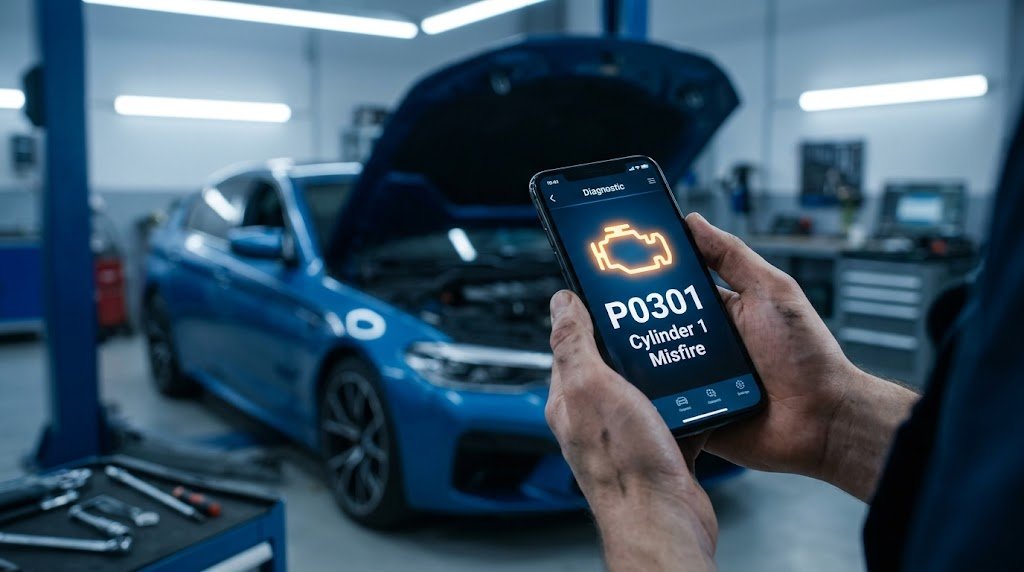
Live data is even more helpful in conjunction with physical symptoms and DTCs. If, for instance, a check-engine light comes on with an abnormal fuel-trim message, the information can be used to aid a technician’s investigation. The reading doesn’t necessarily pinpoint the failed component, but it can help narrow down the areas to be inspected. It may also be useful to take note of the unusual readings and the conditions that caused the problem, which can also be recorded.
Creating a Normal Baseline
Drivers should study what normal data should be for their vehicle before they search for the problems. Observe the car under normal conditions of cold start, warm-up, idling, and regular driving. It is easier to know if there are real differences in readings later if they are taken under the same conditions. This is particularly beneficial since many of the parameters vary as a function of temperature, engine load, traffic, and electrical load.
A baseline will also minimize the chances of false alarms from normal variation. Some numbers out of the ordinary on the web can turn out to be regular for a specific vehicle/operating condition. Drivers can now make comparisons instead of using a generic value, comparing current data to previous behavior. If a large and consistent difference is found, it may be necessary to look into it more.
Limitations and Safety
OBD2 apps are great diagnostic tools, but they shouldn’t be used in lieu of a professional vehicle inspection. Each vehicle will give a different set of information, and some applications will take some of the information inputs and calculate some of the information outputs. Even basic OBD2 information may be lacking with advanced manufacturer-specific data. Therefore, if a single live-data reading is used, it should not be considered as evidence of failure of a particular component.
In addition, safety is of concern during live monitoring. Give the application the settings before driving and refrain from using the smartphone while in motion. The information may be viewed by the passenger when needed, or the driver may write down the information and check after stopping. In the event of severe symptoms—overheating, loss of power, warning messages—that the vehicle is experiencing, drivers should appropriately respond to the situation and not continue to use the OBD2 app.
Conclusion
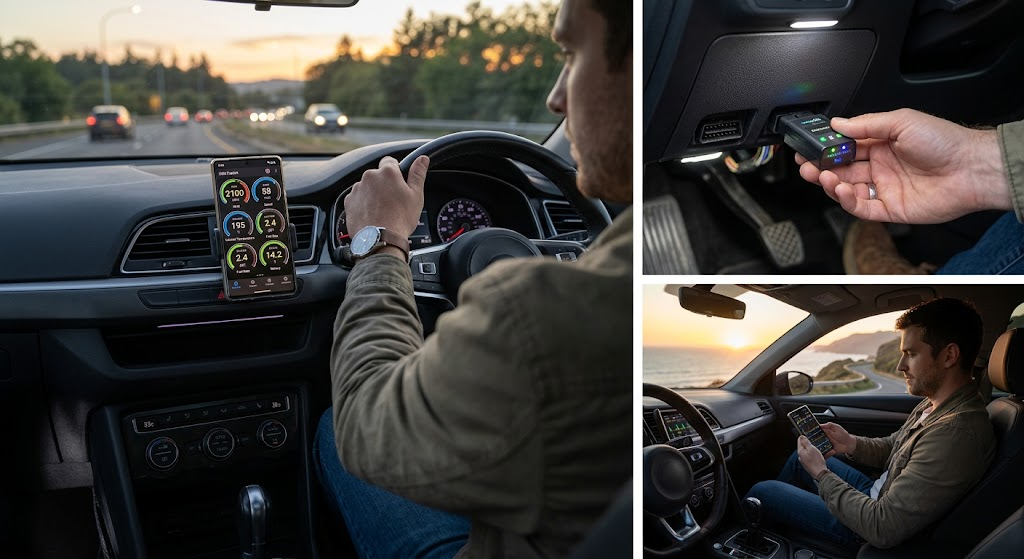
An OBD2 scanner app can provide drivers with greater clarity of what is going on within their vehicles’ electronic systems. Some of the live data available in the system include: RPM, speed, coolant temperature, battery voltage, fuel consumption, oxygen sensor data, engine load, throttle position, airflow, and more, depending on the vehicle and equipment. These readings can be used to help drivers understand normal operation and make this action voluntary rather than mandatory—which can be helpful if a change has to be investigated.
The best way to do this is to create a baseline of normal measurements, post measurements of the parameters being followed, and compare them through time. When used in conjunction with dashboard warning lights, vehicle symptoms, and expert diagnostic testing as needed, OBD2 live data can be most valuable. When used correctly, an OBD2 app can make monitoring a vehicle more informative and give drivers handy details when troubleshooting emerging issues.