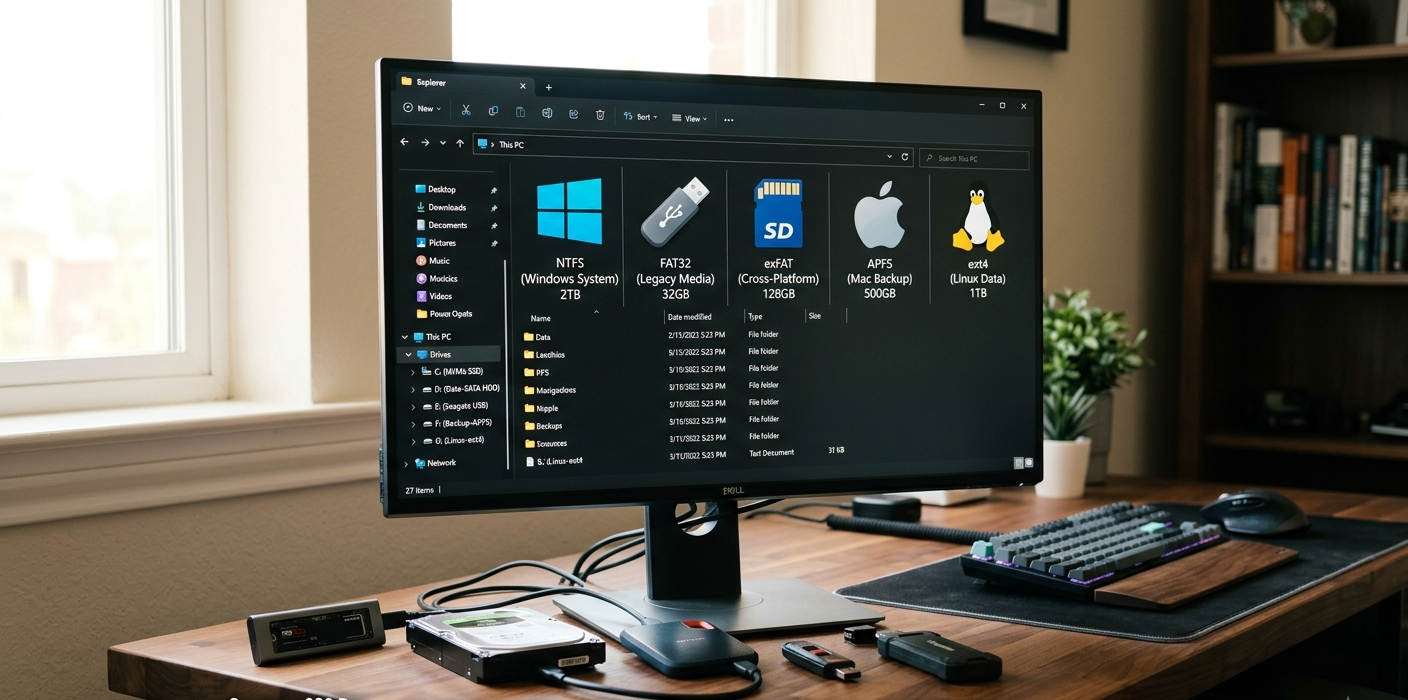
A computer holds thousands, millions or even billions of files such as documents, applications, photographs, videos, system files and configuration data. But a storage device cannot just store information at random and leave it to the computer to locate it when it is required. It demands an organized approach that regulates data naming, organization, protection and retrieval. This method is called a file system. A file system provides an interface between the operating system and the storage medium to make it available to users and applications. The file system dictates the ways in which data can be managed and how well a storage device will be compatible across various platforms, whether you’re using a Windows PC, Mac, Linux computer, smartphone or external drive.
With knowledge of what is file system, you can better comprehend the difference in behavior of various storage devices. For instance, a FAT32 file system can be accessed by nearly every device, but it may not support large files, whereas an NTFS file system can offer advanced features, but may be incompatible with certain operating systems. The different operating systems have different file systems that are designed to meet different needs, such as performance, security, reliability and compatibility. Examples include NTFS which is primarily used by Windows; APFS for Apple devices; ext4 for Linux systems and FAT32 and exFAT for removable storage.
What Is a File System?
The rules and structures an operating system uses to organize and manage data stored on a storage device. It governs the creation, storage, searching, updating and deletion of files and folders. If there is no file system, a computer would only consider a storage device as a mass of raw data blocks, and not of any organization. The file system provides a logical structure which enables users to manipulate files by their names, through folders and through familiar manipulative interfaces rather than by the complicated storage addresses.
Typically, the file system does not store data in the file as one contiguous block of data when it is saved. Rather, it segments (or clusters) storage space into chunks called blocks or clusters and keeps track of the location of various portions of a file. It also stores essential information called metadata, including the name of the file, file size, modification date, creation date, permissions, and where the file is stored on the drive. This information will help the operating system to find and open files efficiently when they are requested by a user.
Each of the file systems has a different way of arranging the data and securing it. Some concentrate on speed and simplicity, while others give more sophisticated features like data corruption, data recovery systems, permissions and encryption. The type of file system can impact the efficiency of a storage device, determine which devices can access it, and have restrictions for users.

Function of a File System
A file system is a structured hierarchy of files and directories in which files and directories are organized. The file system has information that allows it to show the user how the files they put in a folder relate to each other, and how the folders relate to the files within them. This organization enables users to find the information they need without having to open any part of the storage device.
In most file systems, storage is broken up into small chunks called blocks or clusters. These are the fundamental components for storing data. When a file is saved, the file system uses the available blocks, and maps their location to the file. The file system stores and tracks which blocks contain which files in a database or table. The operating system will check this information when the user opens the file later, and get the necessary data from the appropriate areas.
File systems are also responsible for allocating space to use. A file system will note that blocks are free when the files are removed from the disk. Fragmentation can occur over time when files are repeatedly written and deleted, resulting in parts of the files residing in various locations of the drive. There are certain features in some file systems to minimize fragmentation or enhance storage efficiency.
One of the other crucial roles played by a file system is security. Modern file systems can manage who may read, edit and/or execute certain files. This is particularly true in business settings where several users share access to the same computer or the network storage.
Types of Data Stored and Retrieved With a File System
There are a number of steps in the process of storing data that are managed by the file system. To save a file, the user tells the operating system to do so, and the operating system tells the file system where it can put the file. The file system subsequently allocates storage space, stores the data, and records the file’s information.
If you need to retrieve the data, it is the other way around. The operating system will ask for a particular file, and the file system will look in its metadata for the specific storage locations where the data in the file can be found. Then it collects the necessary blocks and displays the entire file to the user. This is achieved within seconds, enabling users to open large applications, view videos, or access documents promptly.
File Systems also contribute to data integrity. Some file systems have features like journaling, which enable them to record planned changes and then apply them. The sudden power down or crash of a computer can be recovered from using this information, and damage to files can be minimized.

Common Types of File Systems
Each operating system is designed to achieve different goals, which means that they will use different file systems.
There are those who prefer compatibility, those who are more interested in performance, security, or advanced storage options. The main file systems are NTFS, FAT32, exFAT, APFS and ext4.
NTFS (New Technology File System)
The most common file system in use today with the Windows operating system is NTFS. It was developed by Microsoft, succeeded the outdated FAT file systems and added support for advanced features, such as reliability and security, for larger storage devices. NTFS is widely used in modern computing systems, such as internal hard drives, SSDs, and professional Windows systems.
A few of the greatest benefits of NTFS are its support for extremely large files and storage volumes. NTFS can support really large individual files and large drives with huge capacity, as opposed to FAT32 that has strict file size restrictions. This is ideal for gaming computers, servers, workstations, and systems with a lot of video or database information.
NTFS also has advanced security features like file permissions, support for encryption and access control. These features allow administrators to restrict access to certain files and protect sensitive information. Journaling is another crucial aspect, and it enables more trustworthiness by documenting modifications prior to their finalization.
NTFS’s biggest drawback is that it is not compatible. NTFS is fully supported on Windows systems, and partially supported on other OS. For instance, macOS can typically read NTFS drives, but writing requires extra software, as it does not support writing on NTFS drives natively. This means that NTFS is not as convenient for external drives as they must be able to function across multiple platforms.
NTFS Advantages
- Excellent Windows compatibility
- Works well with extremely large files and storage units
- Provides strong security features
- Contains journaling for greater reliability
NTFS Limitations
- Limited native write support on macOS
- Not suitable for external storage that is accessible to all users
- More sophisticated than the older file system.
FAT32 (File Allocation Table 32)
FAT32 is one of the most common and oldest file systems. It was added as a more convenient upgrade to previous FAT versions and gained popularity due to its simplicity and compatibility. There is a reason why many of those storage devices, such as memory cards, cameras, and even older devices, still use the FAT32 system because it is recognized by nearly every operating system.
The greatest benefit of FAT32 is that it is universally compatible. FAT32 storage can be read and written by Windows, macOS, Linux, gaming consoles, cameras and other electronic devices. This makes it a widely used option for removable storage devices that are required to operate on different platforms.
But FAT32 has its drawbacks. The most popular limitation is the maximum file size of around 4GB. That is, if you are using a FAT32 drive, you will not be able to store a single file that is bigger than this. This is easily surpassed by large videos, disk images and contemporary games.
There are also no advanced security options like file permissions and encryption in FAT32. Due to its age it is not recommended for modern operating system drives or large storage environments.
FAT32 Advantages
- Works with almost all devices
- Simple and reliable
- It’s a great option if you want to take it with you and have small amounts of removable storage.
FAT32 Limitations
- Limitations on file size – around 4GB
- Limited security features
- Makes small modern drives less efficient
exFAT (Extended File Allocation Table)
exFAT is an extension of the FAT file system. exFAT is a new file format developed by Microsoft to replace FAT32 with wide support. It’s generally used for USB flash drives, SD cards, and external storage devices that should function between Windows, macOS and Linux computer systems.
The significant benefit of exFAT is that it gets rid of FAT32 file size restrictions. It is possible to store files larger than 4GB, which makes it perfect for high resolution videos, large backups, and modern media files. It gives a balance of compatibility and performance.
exFAT lacks the same advanced security features that NTFS has, like journaling and detailed permissions. But when it comes to portable storage, these features may not be required. It is very light weight which is ideal for flash storage devices.
exFAT Advantages
- Suitable for really large files
- There is a version available for Windows and macOS
- Ideal for USB drives and SD cards
- Ideal for current storage requirements, superior to FAT32
exFAT Limitations
- It has less security features than NTFS
- Not ideal for system drives
APFS (Apple File System)
APFS is the current file system introduced by Apple for macOS, iOS, iPadOS, watchOS and other Apple-based platforms. It succeeded the now old HFS+ file system and was developed especially for the latest storage technologies like SSDs and flash memory.
APFS places emphasis on performance, durability and effective file management. It contains encryption, snapshots, space sharing and better data organization. The features ensure the efficient functioning of Apple devices and safeguard user data.
APFS’ advantage is that it is optimized for solid-state drives. It’s optimized to leverage the speed and architecture of Flash storage to enable faster file operations and performance on newer Apple devices.
The biggest downside to APFS is its lack of compatibility. It works best in the Apple world, but not much on Windows systems without some additional software.
APFS Advantages
- Optimized for Apple devices
- Excellent SSD performance
- Strong encryption support
- Efficient storage management
APFS Limitations
- Not really compatible with other devices
- Not suited for external drives used by multiple users
ext4 (Fourth Extended File System)
The ext4 file system is one of the most popular file systems used by Linux operating systems. It replaces ext3 and offers improvements with regard to performance, reliability and storage capacity. Because of its performance and reliability, ext4 file system is chosen to be the default file system in many Linux distros.
Large files and large storage volume support is possible with ext4, which can be used for personal computers, servers and enterprise applications. It comes with journaling capabilities that ensure reliability and minimize data corruption.
The file system is very efficient and robust. A versatile tool that works with any hard drive and solid state drive, hugely popular among Linux users.
The drawback of the ext4 is that it isn’t supported by Windows and Mac OS without extra software. This restricts its external drives functionality between operating systems.
ext4 Advantages
- Excellent Linux support
- Reliable and stable
- Good performance
- Accepts large storage devices
ext4 Limitations
- It is not compatible with Windows or macOS
- Not as well suited for cross-platform drives
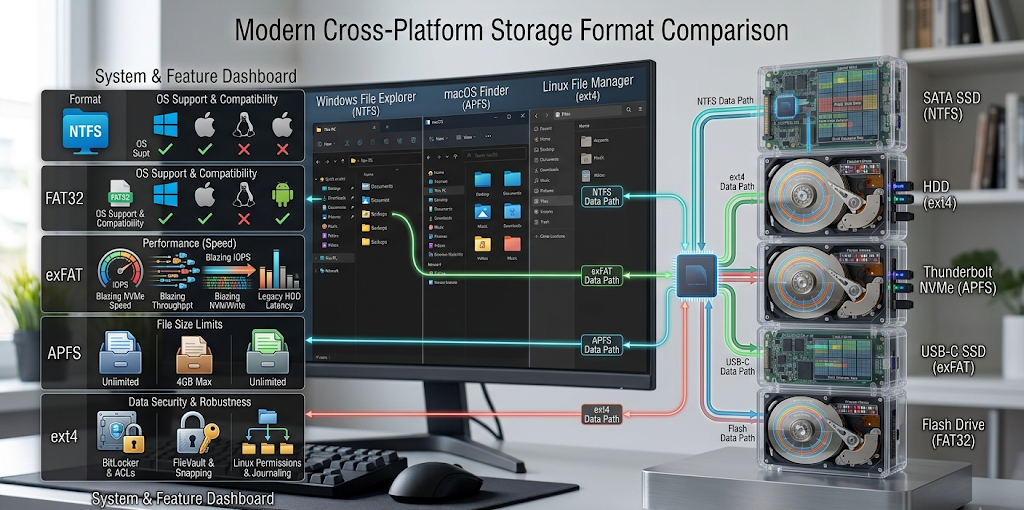
NTFS vs FAT32 vs exFAT vs APFS vs ext4 Comparison Table
The table below compares the NTFS, FAT32, exFAT, APFS, and ext4 file systems.
| File System | Main OS Support | Maximum File Size | Performance | Best Use |
| NTFS | Windows | Very large | High | Windows internal drives |
| FAT32 | Almost all systems | About 4GB | Moderate | Small removable devices |
| exFAT | Windows, macOS, Linux | Very large | High | Flash drives and SD cards |
| APFS | Apple devices | Very large | Very high | Macs and Apple devices |
| ext4 | Linux | Very large | High | Linux computers and servers |

Which File System (FS) Should You Use?
The best file system will depend on how and where you are using the storage device. NTFS is typically the recommended file system for a Windows computer, especially if it is the primary drive, due to its robust performance, security, and reliability. If you want a file system that can be used with Windows and Mac, then you may want to consider exFAT, as it can handle larger files and is still compatible.
When maximum compatibility with devices is needed, particularly when using older electronics and smaller devices, FAT32 can still be used. But it has a limit on file size which makes it unsuitable for modern large files. APFS was optimized for Apple’s hardware and will work best on Apple computers, while ext4 is more widely used by Linux users for its stability and performance.
Conclusion
One of the most crucial components of modern computing is a file system, as it is responsible for organizing information, storing it, securing it, and being able to retrieve it. While users may not have direct access to the file system, they are impacted by how the file system is used, for example, when they save a document, transfer a video, install an application, or manage a storage device.
The four file systems mentioned above (NTFS, FAT32, exFAT, APFS, ext4) have different uses. NTFS is built for Windows reliability and security, FAT32 is the preferred format for maximum compatibility, exFAT trades compatibility for the latest file sizes, APFS is used by Apple devices, and ext4 is a tried-and-true file system for Linux systems. Knowing these differences can assist you to select the right format for your drives and prevent problems with file size restrictions, performance, device compatibility etc.