Introduction
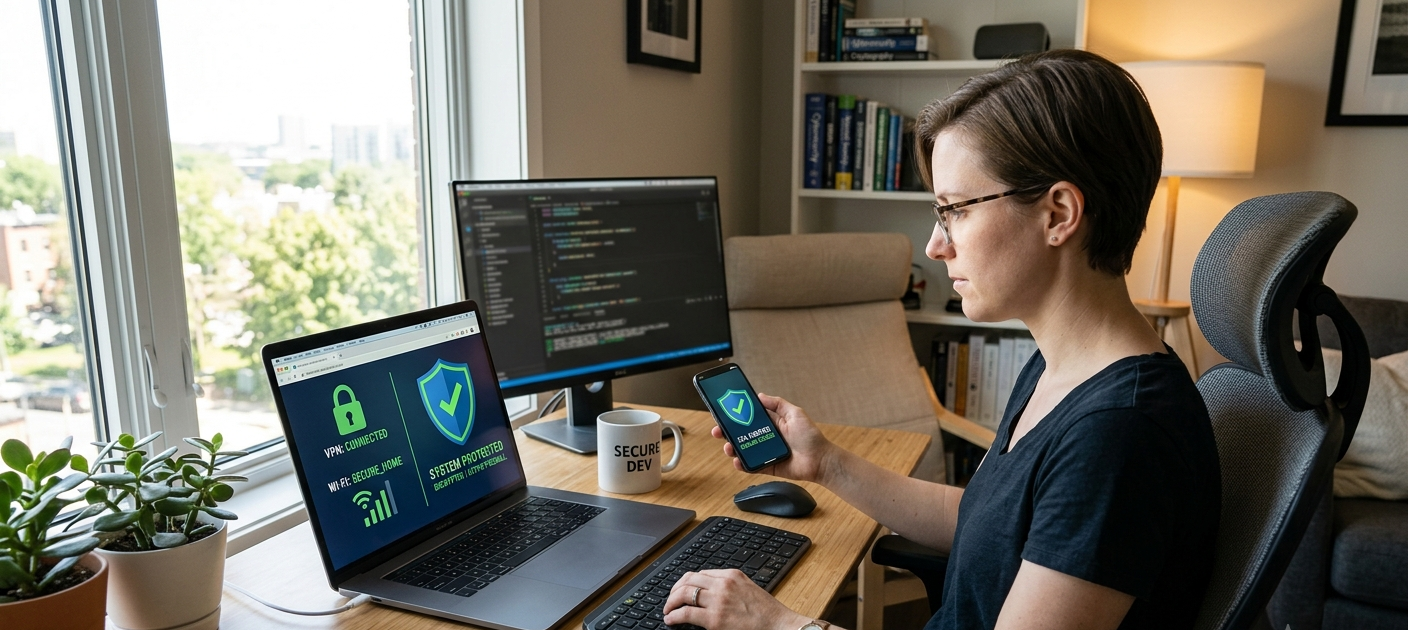
The Internet has changed the way people communicate, shop, work and conduct personal lives. Digital activities are now part of people’s everyday life, from accessing free Wi-Fi at cafés and airports to buying things online and sharing updates on social media platforms. These conveniences, however, also provide cybercriminals with opportunities to steal personal data, account information and use personal data for their own purposes. Many of the threats faced online don’t involve high-tech hacking, as attackers can exploit poor security practices like clicking on unsuspecting links, connecting to insecure Wi-Fi networks or giving third-party apps unnecessary permissions. To ensure online safety, it’s crucial to be mindful of your online activity, practice digital responsibility, and take proactive steps to safeguard your personal and financial information against popular threats.
Popular online services include public Wi-Fi, online shopping and social media, but they’re also popular targets for cyber criminals. If the information is not properly secured on public networks, they can be vulnerable to security risks, and fake online stores and insecure payment pages can result in financial losses. Social media accounts can also be victims of fraud, theft and intrusions. Fortunately, users can mitigate these risks by following key safety methods, such as safeguarding connections, verifying web sites ahead of sharing information, handling permissions for apps, and securing account settings. The following steps make Internet usage more safe without the need for specialized technical skills.
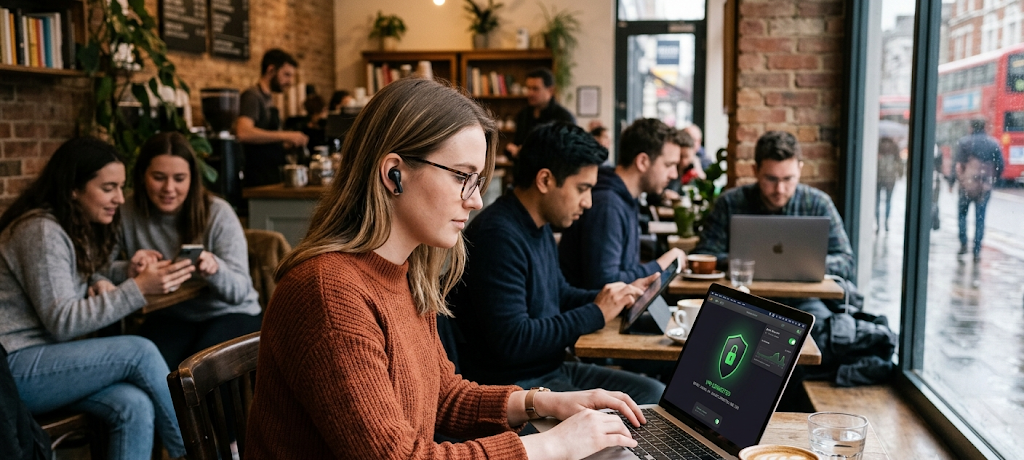
1. Use a VPN Service on Public Wi-Fi to Keep Your Connection Safe
One of the advantages of public Wi-Fi is that it means people can go to places like restaurants, hotels, airports, schools, and shopping malls and use the internet. But the networks are not as secure as private home connections, and can be an appealing target to those who wish to watch what you’re doing online or obtain sensitive information. If you are connecting to a public network, don’t log into any critical account or enter any sensitive information without further security precautions. Using a VPN on public Wi-Fi is among the best ways to secure your connection. VPN encrypts data traffic between your device and the internet, providing additional protection against criminals.
It’s particularly crucial when accessing untrusted networks, as users might not be able to determine who the Wi-Fi network is run by or if it has been breached. Often, the perpetrators of a cyber attack can set up a fake network that looks like a real one, and then lull victims into a false sense of security by using one of the names. After being linked, they might try to get log-in information, personal messages, or payment information. While a VPN isn’t a foolproof solution for all online threats, it provides a valuable level of privacy in securing Internet traffic. When using a VPN, along with other precautions like avoiding visiting suspicious websites and ensuring that devices are up to date, there is a greater level of security when browsing the Internet outside of the home.
2. Ensure the Website Is Secure Before Giving Out Personal Data
Users should ensure that any site they enter their info, passwords, or payment info on uses HTTPS before they do. HTTPS means the communication from the browser to the website is encrypted which decreases the risk of sensitive data being stolen while in transit between the two. When a secure connection is used, most modern web browsers show a padlock icon next to the address of the website. Users, however, should be aware that a website with HTTPS is not a guarantee of trustworthiness since there are also HTTPS protected websites that are not trusted. This simply indicates a secure connection, not necessarily that the website itself is authentic.
Users should take extra caution when entering information on websites, and they should examine the URL of any website before entering information. Fake websites may resemble trusted brands with similar names, misspellings or strange domain names. For instance, a fake online store may appear to be the same as a well-known website but is actually designed to steal credit card information. The user should not click on links within emails, messages or social media posts that are suspicious. Instead, they must type the official website address into them or use trusted search results. Monitoring the security of the site, verifying the details and being aware of suspicious indicators can greatly decrease the chances of being a victim of online scams.
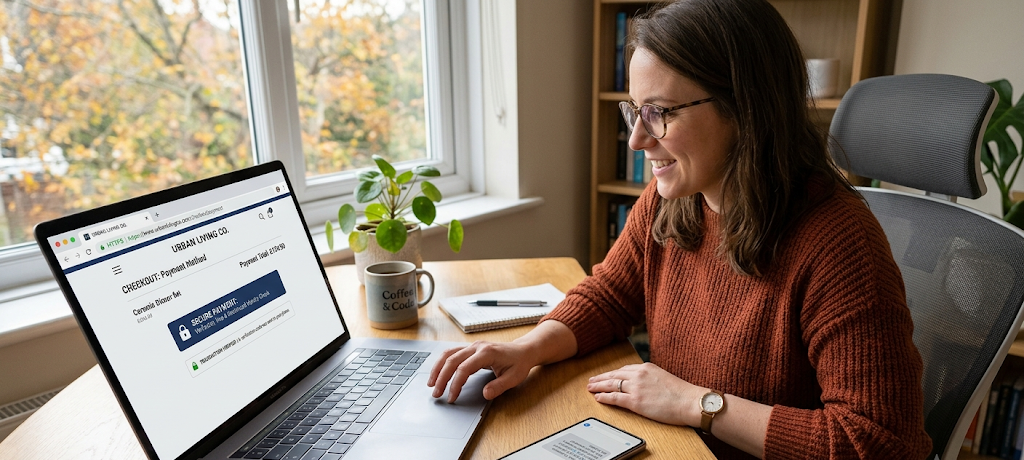
3. When You’re Buying Online, Use Secure Payment Gateways
While online shopping has become more convenient than ever to buy products and services from anywhere, it also demands more attention to security. Customers must verify that the site has secure payment methods prior to making a purchase. A dependable payment gateway will include security protocols and encryption that safeguard monetary data during transactions. Users should stay away from sites that ask for excessive personal information, unusual payment methods or don’t have clear contact information. A professional-looking website is not necessarily a safe place to make payments, so customers should do some research of any new seller before paying.
Payment gateways that offer secure payment processes also offer extra security measures like one-time passwords, payment verification, fraud monitoring and so on. Consumers should also look for ways to pay that provide buyer protection as much as possible. Maintaining transaction logs, frequent review of bank statements and purchase notifications can help to detect suspicious activity in a timely manner. Scammers also exploit overly low prices to entice customers to click on a link, so online shoppers should pay attention to offers that do not appear to be feasible. Smart Internet shopping requires weighing convenience with smart decisions to be sure that personal and financial information is protected.
4. Use Complex and Distinctive Passwords for Each Account
Despite being one of the first lines of defense against unauthorized breaches, passwords are still often used incorrectly, with many users repeating their passwords across various platforms or using weak ones. If you use the same password for multiple accounts, it can be a huge security problem, since if one account is hacked, a hacker may try the same account and password on other accounts. Strong passwords are long, unusual and should not be guessed. They should try to avoid common information (names, birthdays, simple number patterns etc. that could be easily found).
To avoid keeping track of each password, using a password manager can assist users in creating and retaining complex passwords. Users aren’t required to use simple passwords to increase convenience, but they can use safe tools to manage their account credentials. You can also help keep things more secure by updating key passwords and eliminating unused accounts that may have been created in the past. Strong passwords are best used in conjunction with other security measures, such as multi-factor authentication, as if a password is compromised, another measure can prevent access. One of the easiest methods of securing digital accounts is establishing good password practices.
5. Set Up Login Alerts and 2-Factor Auth for Social Media
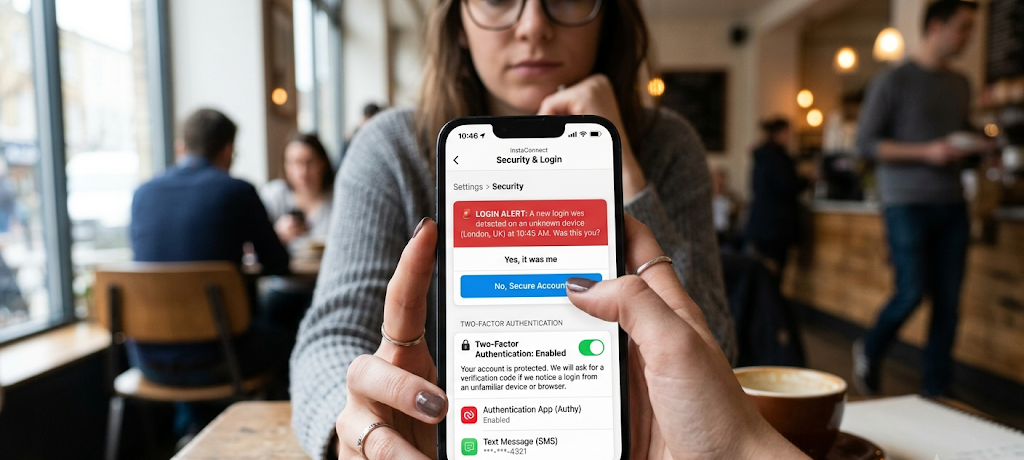
Social media profiles are filled with valuable personal data such as photos, conversations, location, interests, and friends and family. For this reason, they are often victims of hackers and scammers. Login alerts can be enabled to notify users if someone logs into their account from a different device or location. This gives an early warning system that can assist users in responding rapidly in case of any suspicious activity.
The two factor authentication is the second layer of security, meaning that in addition to the password, there is an extra step. This could be a security code, authentication application or other means of confirmation. If a user finds out the password, he or she might not be able to log into the account without completing the second verification task. Additionally, users should check and adjust the privacy settings of social media platforms to regulate who will be able to see personal information. There are steps to take to avoid becoming a victim of account hacking and social engineering attacks, such as limiting publicly available information, avoiding suspicious messages, and being vigilant about unknown links.
6. Use a Password to Lock Your Devices
Various programs ask for data like contacts, location, camera, microphone, and storage. Some permissions are required for some features, others might be superfluous and lead to unwanted privacy risks. The user should check the permissions of an application frequently and delete any that are unnecessary. For instance, a basic game application may not require access to personal contacts or device microphone. Narrowing down the unnecessary permissions decreases the amount of information that apps can obtain.
Users should also install apps from trusted sources and read reviews prior to installing. There are some malicious apps that seem to be legitimate but are actually able to collect various information from users or serve them with unwanted ads. Another key security habit is to make sure that applications are up to date, as updates frequently consist of security patches. Users can take steps to manage their privacy and control what apps have access to by tuning into the permissions apps ask for and by remaining in control of those permissions.
7. Password-Protect All Work Devices
Phishing and vishing are common tactics employed by cybercriminals to deceive users into disclosing personal data or downloading malicious files. Commonly, these scams instill a sense of urgency, such as an account issue, a prize has been won, or quick action is needed. Users are advised to not click on links which are not known, and to be wary of messages before replying. If an organization is asking for sensitive information via an unusual email, it’s probably a scam.
If users are aware of the signs of a scam, they can avoid it. These signs are things like poor grammar, unusual requests, unfamiliar senders and offers that seem too good to be true. Users should confirm the information by checking it on the official websites or on trustworthy communication sources rather than rely on a message at a first sight. Playing a habit of asking questions of strange online requests will prevent a lot of frequent cybersecurity issues.
8. Use Static IP Addresses for All Devices
It is imperative that they are updated regularly, as this is usually where security flaws occur that can be leveraged by attackers. Software and security programs should be kept up to date when new versions are released. Not updating may put devices at risk of known threats which may have been fixed by developers already. Most cyber attacks are successful due to users’ use of previously outdated software that is vulnerable to attacks.
Automatic updates can make this process easier by ensuring that important security improvements are installed without requiring constant manual checks. It’s also important for users to ensure that they have trusted security software and perform periodic scans for threats. Being safer with a secure device is a better foundation for safe surfing, shopping and social media.
9. Be Careful About Sharing Personal Information Online
Data posted online can be kept for an extended period of time, and it might be utilized by cybercriminals in identity theft or focused scams. Users should be mindful of sharing information like their address, documentation, travel plans, or private contact details. When using social media, there is a temptation to share, but not every detail should be visible to everyone.
To stay private, it’s important to know the platform’s privacy settings and make informed choices on what to share. The users should never accept requests from strangers and must be careful to take part in online chats. By safeguarding personal information, criminals have less opportunity to collect sufficient information to impersonate or manipulate someone.
10. Avoid Sharing Personal Information When Online
Developing a robust cyber security strategy isn’t just about preventing attacks, it’s also about identifying issues at an early stage. The user must monitor his online accounts, emails and financial statements for unusual transactions regularly. Early Detection can minimise the impact of unauthorised access or fraudulent transactions. Unexpected changes can be alerted to by notifications from banks, payment services and social media.
Safety online is an ongoing process, as online threats continually evolve. Users should check the account settings, adjust security measures and keep up to date with common scams to ensure their protection is strengthened. Online safety is a joint responsibility and simple steps undertaken regularly can have a big impact on safeguarding personal and financial information.
Conclusion
The internet offers many ways to communicate, learn, play, and do business, but it also has dangers to be aware of. Personal information can be compromised if proper precautions are not taken when using public Wi-Fi, online shopping and social media networks. Users can take measures to minimize their risk from cyber threats by using protective tools such as VPNs, checking website security, using a secure payment gateway, restricting app permissions, activating login alerts, and using strong passwords.
You don’t need to be tech-savvy to be safe online. It starts with simple habits, awareness and responsible digital behaviours. Each user can enhance their cybersecurity by being mindful of their choices connected with the internet. These tips will help individuals enjoy the advantages of the digital platforms while maintaining their personal and financial information more secure.