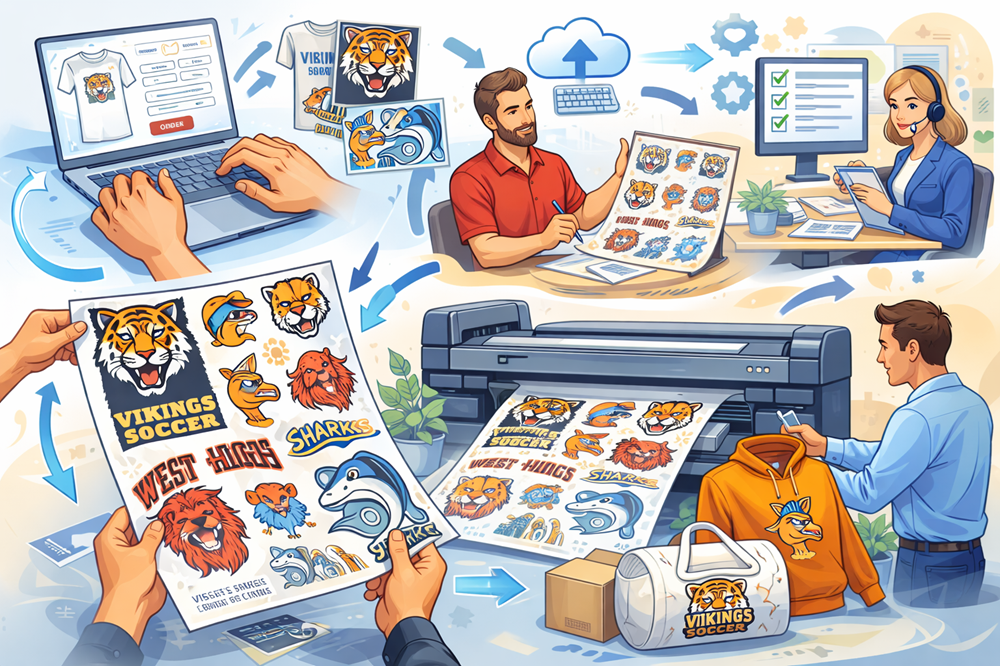
Ordering a custom gang sheet is one of the smartest ways to save money and time when printing multiple designs. By arranging your artwork on a single 22‑inch‑wide film, you can fit dozens of logos or graphics and cut them apart after printing. Follow this step‑by‑step guide to ensure your gang sheet order is smooth, efficient and yields impressive results. When you’re ready, use the intuitive builder at custom DTF gang sheet.
Step 1: Select Your Sheet Size
DTF Dallas offers gang sheets from 22×20 inches all the way to 22×200 inches. Choose a length based on how many designs you plan to include and their sizes. For example, a 22×80 sheet works well for medium‑sized orders, while 22×200 provides ample space for large projects or multiple client orders.
Step 2: Prepare Your Artwork
- Use the Right Format – Upload PNG files with a transparent background and 300 DPI resolution.
- Check Colours and Lines – Design in CMYK mode when possible and ensure fine details are at least 0.5 mm thick to avoid losing definition on press.
- Group Similar Sizes – Consolidate designs of similar sizes to optimise space and minimise trimming later.
Step 3: Design Your Sheet
Open the gang sheet builder on the DTF Dallas website. Drag and drop each artwork onto the virtual canvas. You can scale, rotate and duplicate designs to fill empty spaces. The builder is easy to use and does not require advanced software. Leave a small margin around each design to allow room for cutting after printing.
Step 4: Review and Upload
Before submitting, double‑check that all artwork is properly aligned and sized. Look for overlapping elements or designs that are too close together. Once satisfied, upload the gang sheet. DTF Dallas will review your file to ensure it is print‑ready; if any issues arise, their team will contact you promptly so you can meet the 11 a.m. cutoff for same‑day production.
Step 5: Choose Pickup or Shipping
DTF Dallas offers convenient pickup 24/7 and same‑day shipping for print‑ready files uploaded before 11 a.m. CST. Orders over $100 qualify for free shipping, which helps maximise profits. If you need transfers urgently, local pickup can save shipping time.
Step 6: Press Your Transfers
Once your gang sheet arrives, cut the designs apart using scissors or a rotary cutter. To apply, heat your press to 282 °F (139 °C). For cotton and 50/50 blends press each transfer for 9 seconds; for synthetic fabrics press for 6 seconds. Use medium pressure and peel using the hybrid method—you can peel immediately while hot or wait for the film to cool slightly. Afterwards, cover the print with parchment paper and press again for five seconds to ensure durability.
Step 7: Follow Aftercare Guidelines
To maximise longevity, instruct your customers to wait 24 hours before washing, turn garments inside‑out, use cold water and avoid bleach or fabric softeners. When stored properly, unused transfers can last up to two years.
Tips for Success
- Plan Ahead – Order a slightly longer sheet than you think you need in case you add last‑minute designs.
- Batch Different Orders – Combine multiple client designs on one sheet to reduce costs.
- Communicate with Support – If you’re unsure about file setup or layout, contact DTF Dallas support. They review files and assist with troubleshooting.
Conclusion
A custom gang sheet is a powerful tool for maximising efficiency and profit in DTF printing. By following these steps you’ll ensure your designs are high‑quality, ready to press and properly aligned.