Programming is out to put forward sets of instructions for computer execution. But unlike human interpretation of everyday language which is very flexible, computers do not. Each programming language has its own set of rules which code has to play by and which we term as syntax. Should a programmer break these rules the computer may turn down the code or produce an error because it is unable to interpret the instruction properly.
Also, familiarizing oneself with programming syntax is the first in a series of important steps for a person to become a programmer. Also it is in the best interest of beginners to understand the cause of errors which they see so as to be better at identifying issues, correcting them, and in the end to write more reliable programs.
What Is Programming Syntax?
Programming syntax is a set of rules which determine how instructions are to be written in a given programming language. These rules may cover the choice of keywords’ spelling, the use of brackets and punctuation, the structure of statements, which operators to use, and the organization of different elements of a program. For instance Python uses indentation to define code blocks and at the same time languages like JavaScript, Java and C ++ use curly brackets to group statements.
While each programming language has its own set of syntax rules which may differ from one language to another, all of them have to be followed by programmers so that the computer can tell the intent behind the given instruction. Also in a way syntax is similar to the role of grammar in human language which is to put in place rules that make communication clear.
Why Syntax Matters in Programming
Syntax is important as machines require that instructions be given out in a recognized programming language format. As code is written within the proper syntax the interpreter or compiler is able to parse the instructions and determine their machine action. But when the syntax is broken the language processing system may not be able to tell what the programmer was after which in turn will present an error rather than proceed as planned.
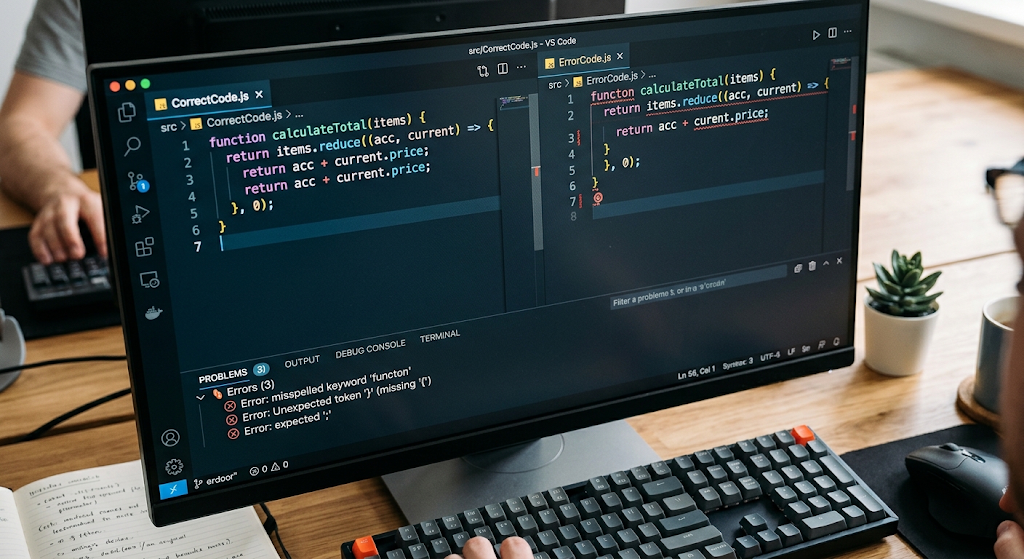
For instance a programmer may leave out a closing bracket which the computer will see as a code that has no end. Also a misspelled key word may cause a fine instruction to be read as an unknown command. Thus syntax rules in place give a certain structure which in turn makes it easy for programmers and machines to talk to each other through code.
Syntax Issues and What Causes Computers to Reject Code.
A syntax error is reported when a programmer breaks one or more of the rules of the programming language which is in use. These errors are at times recognized prior to the program’s successful run, which is very much the case in compiled languages. In interpreted languages an interpreter may put out the issue as it comes to the bad code. Also the error message which results usually reports what the issue is and at which line the problem was determined out. For beginners we should not panic at seeing an error message. An error is a signal that the computer has found an issue that requires attention. By reading the message closely, going over the referenced line of code and to look at the nearby code the correction process may be made much easier.
One out useful strategy is to get familiar with basic debugging techniques at the very early stage. Debugging is the process in which you find what is causing an issue in a program and what code changes are required for the program to run properly. Also it is a practice which beginners engage in by changing many lines at once when they see an error which in turn makes the original issue harder to determine. Instead it is a better practice to look at the error message, determine the most likely source of the issue, make a single reasonable change and then run the program again. With consistent practice programmers report back that they become more at ease in interpreting errors instead of seeing them as a sign that they are a poor programmer.
Common Coding Errors Beginners Should Understand
Missing Brackets and Punctuation
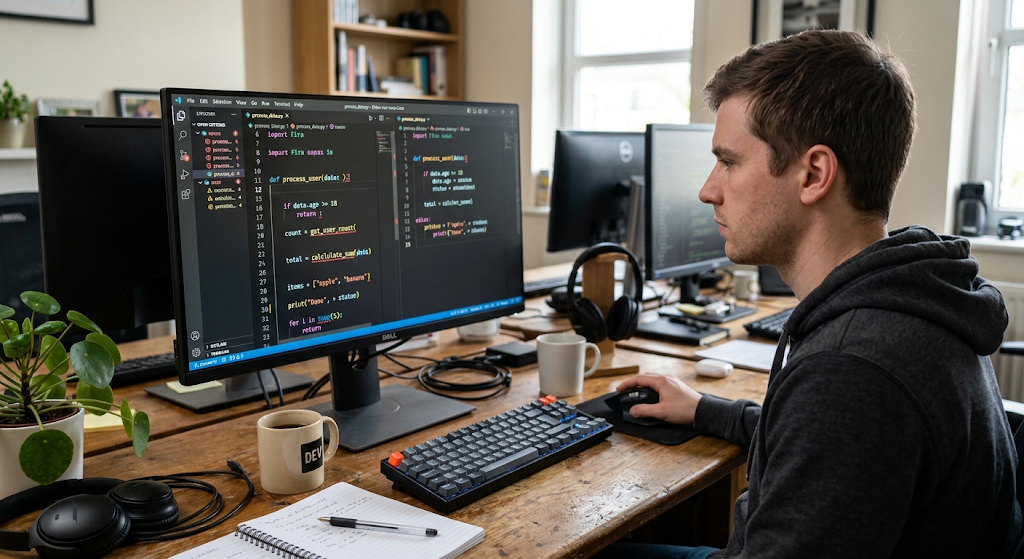
Missing out on the brackets is a very common issue with beginner programmers. Based on the programming language, square, round, and curly brackets may be used to group expressions, which in turn may be used to define functions, present conditions, or put blocks of statements together. For instance a programmer may write print(“Hello which in fact requires a closing parenthesis. The computer will then present a syntax error because it is encountering an incomplete expression.
Also we see similar issues with square brackets, curly brackets, quote marks, or other punctuation. To reduce these types of mistakes which also may extend to leaving out or adding extra quotes –beginners can work on the habit of going over their code to check that for each opening symbol there is a proper closing symbol. Also today’s code editors have features like bracket highlighting, auto indenting, and matching symbols which in turn makes these issues easier to spot.
Incorrect Indentation
Indentation is the use of spaces or tabs at the start of code lines. In some languages’ case indentation is for better read ability, in Python it is a part of the language’s syntax. In a function, loop, conditional statement or any other block of code what goes in is dependent on what indenting you use which in turn Python uses to determine which lines go together.
Also, improper indentation will cause an issue or change how the program runs. In languages that don’t require it, inconsistent indentation will make the code hard to read and maintain. For beginners we recommend to use the same style of indenting and let your code editor take care of that. Also, proper indenting makes the structure of the program easy to see and also reduces code errors.
Misspelled Keywords
Programming languages have what we call reserved words and keywords which have set meanings. For example if, else, for, while, return, and class are included in that group although what is used as a keyword varies by language. Also very common is it for beginners to miss out on a letter in one of these words or to use wrong capitalization.
For instance writing out return as return does not get the point across to the program. Also in some languages the case of the letter changes the word’s meaning completely thus Print, print, and PRINT may not be the same thing. What I am saying is that which keys you use in your program is very important. Also most modern software that is used to write programs will put in features like syntax highlighting and code complete which can help out the beginner with proper use of key words.
Undeclared or Undefined Variables
Variables are terms which we use to put info into a program. At times a beginner will try to use a variable which they did not create or they may have used a different spelling from the which they used at the time of definition. For instance a programmer may have created a variable called student_name and then later try to use studentname. The computer will see these as different variables and report that the second does not exist.
Also some programming languages require you to specify the data type of a variable before you use it, while others are more flexible in this regard. It is important to know the rules of the language you are working in. Also for beginners it is best to use meaningful names for your variables and to pay very close attention to spelling each time you see an undefined variable error.
Type Errors
A type error happens when a program tries to use a value in a way that is out of its data type’s domain. In programming we work with many types of info such as strings, ints, floats, Booleans, lists, and objects. What we see is that at times a programmer will assume that 2 values can work together which in fact they cannot because of the data type.
For example, trying to put text through a math function will break in many programming settings. Also for new programmers it is very important to know what type of info is stored in each of your variables and what operations play well with which types. At the point a type error does happen it is a good first step to look at the values which caused the issue and to check their data types.
Logical Errors
Logical errors are a different category of issue from syntax errors in that the program may run which is one of its’ primary issues. What happens is the program gives out a result but it is not the right one because what the programmer wrote does not what they intended. For instance a programmer may put in a function that supposes to check for a score which is greater than or equal to 50 but what is coded is that which is just greater than 50.
The program may run fine but still present the wrong answer. Also what makes logical errors hard for new programmers is that there is no great error message to point out the issue. What helps is to use different sets of input, compare what you expect to what the program gives out and also go through each condition the program has one by one. Also using that approach may still not catch them all.
Other Common Problems Beginners Encounter
Incorrect Operators
Operators in a computer are what tell the system what kind of action to take for things like addition, comparison, assignment, and logical evaluation. New programmers may have issues with telling which operators to use that look the same but do different things. For example an assignment operator may put a value in a variable, at the same time an equality operator may check if two values are the same in some languages.
It is easy for beginners to use the wrong operator which results in either the program not running at all or running incorrectly. To avoid this issue it is best for beginners to learn what each operator does in the language they are using and also to pay attention to how you are using it. Also read the documentation and try out small examples which will in turn make the differences between them easier to remember.
Incorrect Function Usage
Functions have which programmers put similar related instructions in different blocks. Also at start out some may put in the wrong number of args when calling a function, or use wrong data types for the args or just plain type the function name wrong. Also a common issue is to expect a function to do what it doesn’t do.
As a programmer it is important to know what info a function requires, what it puts out and how it should be called. Also breaking up large function calls into smaller ones also makes the debugging process easier. If a function isn’t doing what is expected of it first check the function’s definition and the input values it is getting.
Basic Debugging Techniques for Beginners
Debugging is a fundamental element of programming as even the most experienced developers make mistakes. In which a developer does it first to reproduce a problem in a consistent manner. Until that issue is reproduced by the programmer it can very well prove very hard to find its cause. Once the issue is reproduced, the developer should go through the error message very carefully instead of at once amending the code.
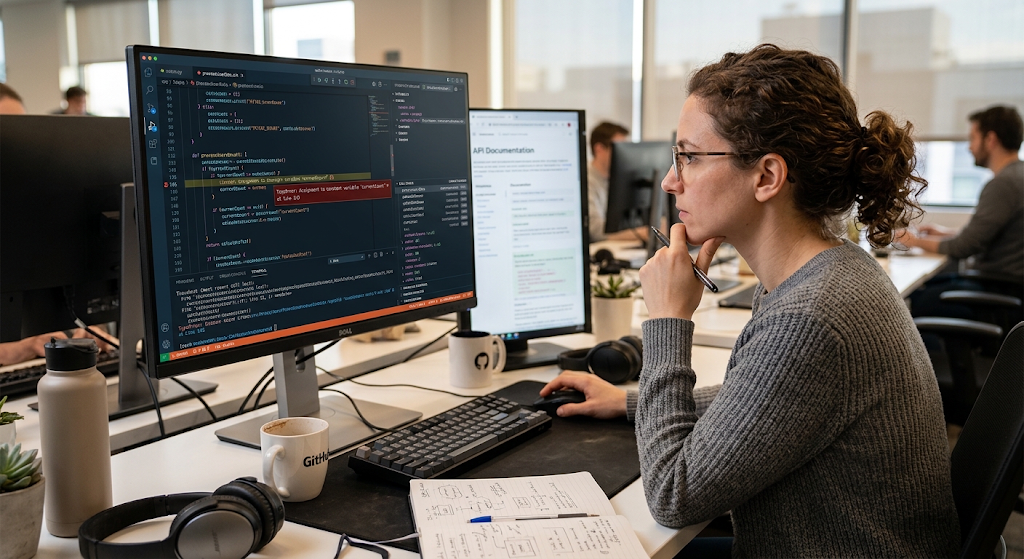
At times the error message will indicate what type of issue it is and also the area of the program in which it took place. At that point the programmer can look at the related line and also the nearby statements. It is also important to note that the reporting line may not be the exact place of the original mistake especially with issues related to brackets and incomplete statements.
Read Error Messages Carefully
What kind of error, in what location did it be reported, and what did the program expect that is often included in the error message. Also use the official docs or reliable programming resources for info on errors you’re not familiar with.
Instead of just pasting a suggested fix copy and pasting from the net, beginners should try to figure out the cause of the error which in turn will make it easier to recognize that same issue in the future.
Use Print Statements and Debugging Tools
Print out statements are a simple way which developers use to debug which in turn helps them determine what is going on in their programs. We see that they are a way for a programmer to put in temporary displays of a variable’s value, a result of a calculation, or which stage in the program is at. Also it can determine if the program is getting the input that is expected. In large programs professionals have developed debuggers which allow for program execution to be paused at which point you can look at variables and step through the code instruction by instruction.
For beginners it isn’t necessary to become an expert in all the tools right away but to learn how to look at the state of the program is very useful. These methods allow the programmer to see what the program is really doing as it runs which in turn refutes the need to only go by what we think the program should do.
Test Small Sections of Code
In a large program which has many lines of code it is easy for a problem to go unnoticed if you test everything at once. What I have found to do is break the task into smaller parts which makes the debugging process more manageable. At the beginning a beginner may test out individual functions, conditions, calculations, or input outputs before putting them all together into a large program. This approach also helps to identify which specific part is the issue.
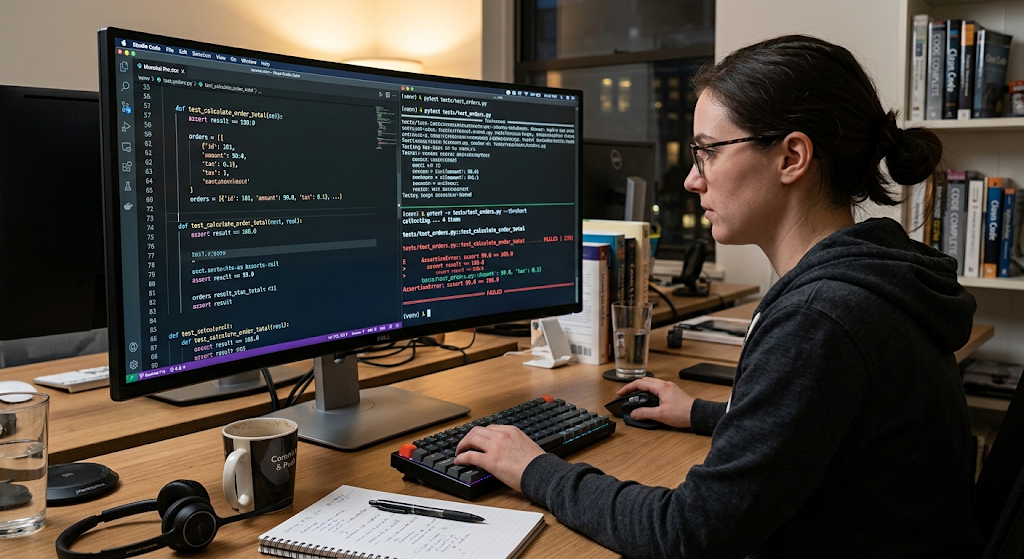
Also it makes it easier to pin point what the error is because there is less code to look at at each step. As a rule it is more effective to write and test small pieces of code at a time as opposed to writing out a large program and waiting until the end to see what goes wrong. Small tests also provide frequent feedback which in turn helps programmers to build confidence as they work on larger projects.
How Beginners Can Prevent Coding Errors
Although mistakes are a fact of life, programmers may develop practices that will lower their rate. Out of care in writing code, using expressive variable names, making sure functions aren’t too large, and applying a consistent style guide may which in turn will improve your code quality. Also at the start of learning a new language beginners should make use of the documentation available as it details out the syntax, functions, operators, and what are the expected data types.
Code editors and integrated development environments are a great resource for auto complete, syntax highlighting, error reporting and formatting features. That said these tools are to aid in learning and not a substitute for it. A beginner who has a grasp of the reason a certain code works is in a better position to solve issues when the auto generated suggestions from these tools are out of play or wrong.
Learning from Mistakes instead of Being Afraid of them.
Programming issues are a part of the learning process into code. As a beginner you may run into many errors while trying to finish a basic program and also experienced programmers still debug complex applications. What is important is not to avoid errors all together but to learn how to systemically investigate and fix them. Syntax errors what they do is make programmers aware of the language rules, type errors what they do is get programmers to look at data in more detail, and logical errors what they do is get programmers to check if what they are telling the computer to do is what they really want it to do.
Each issue presents an opportunity to better understand programming. Also keeping a log of repeat mistakes and going back to look at fixed code can also help beginners to recognize the same issues in future projects.
Conclusion
Programming syntax is what developers use to talk to computers in a structured and easy to understand way. When we break those rules via missing brackets, incorrect indentation, miss spelled keywords, undeclared variables, incompatible data types, and other mistakes the computer may not run the program at all or may give back an unexpected result. Logical errors are a particular bear as the program may run but still present wrong information.
For beginners we must learn to read error messages, look at variables, test out small parts of the code at a time, use debugging tools, and check our logic which will in turn make the problem solving process much easier. As you put in consistent practice errors will become less of an issue and more of a resource. As you develop strong debugging skills at the same time you are learning syntax you are also building a great base for writing, testing, and improving your programs.