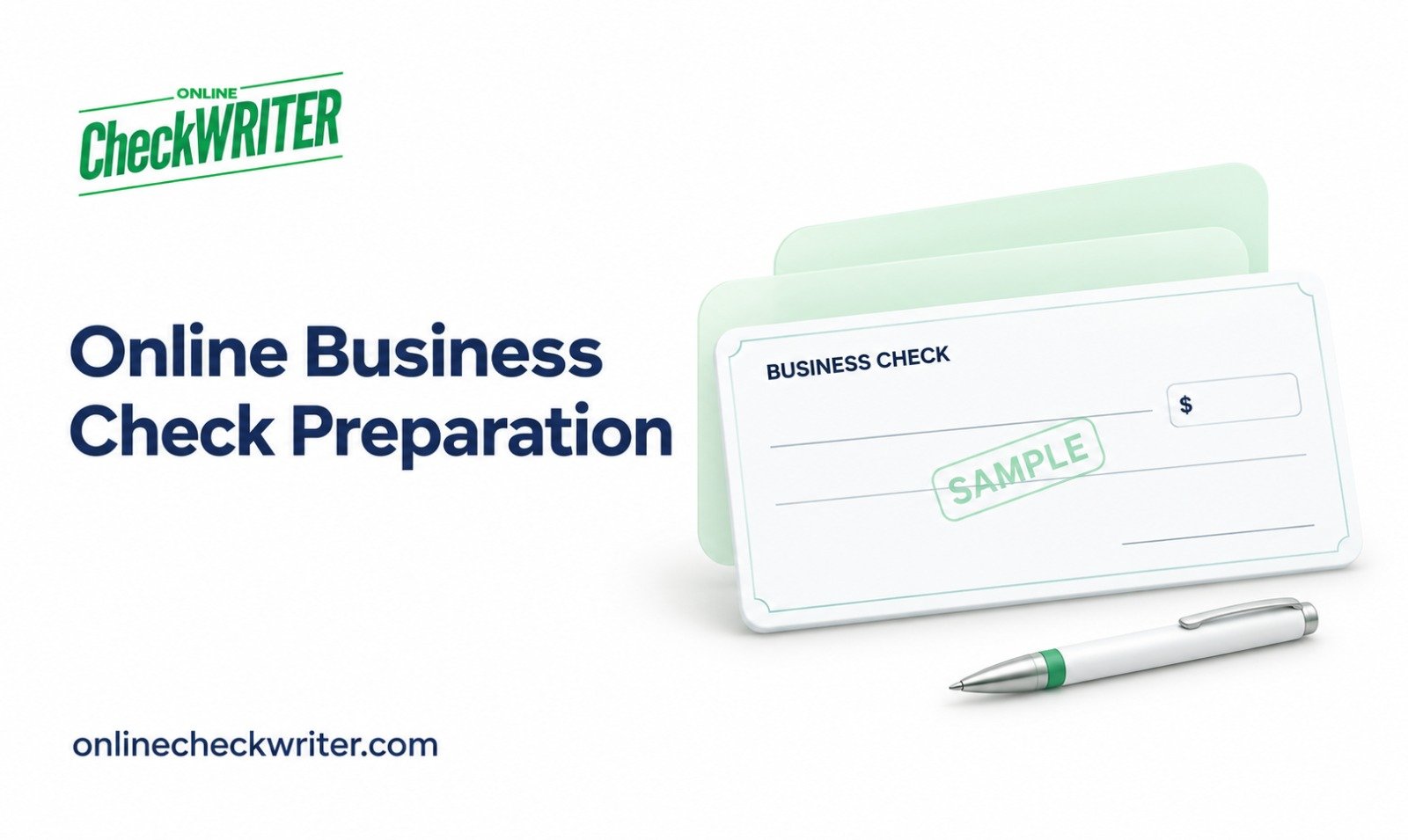
OnlineCheckWriter.com is presenting its online check preparation tools to businesses that need to issue ordinary checks from authorized checking accounts. The platform’s printing workflow offers an option for companies preparing vendor payments on demand, with attention to the account, recipient details, and physical document used for each payment.
For businesses searching for bank checks online, the first decision is identifying the requested instrument. A company check printed through software is different from a cashier’s check obtained through a financial institution. Understanding that distinction can help a business select an appropriate payment process before preparing a document.
Preparing a payment from an approved bill
OnlineCheckWriter.com describes supported check creation and printing on its bank checks online page. Businesses evaluating the service can review the workflow alongside their existing purchasing and payment approval procedures.
A practical process begins with an invoice that the business has reviewed. The employee preparing the check should confirm the payee name, amount, due date, and authorized funding account. The business should also check whether the invoice has already been paid or scheduled elsewhere.
For an office manager handling occasional contractor payments, this preparation can keep the payment tied to its underlying purpose. An invoice number or internal reference can help the bookkeeper connect the issued check to the correct obligation during reconciliation.
Confirming the recipient’s requirements
A supplier’s request for a check should be clarified before printing. Some transactions call for an ordinary business check, while others require a specific bank-issued instrument. Software preparation does not change the nature of the account or provide a bank guarantee.
Businesses should confirm the correct mailing address and any remittance instructions. If the recipient changes payment details, employees should verify the request through an established contact method before using the new information.
The same review should cover the legal name of the payee. Matching the invoice, vendor record, and payment document can help resolve questions before the check leaves the office.
Reviewing the printing setup
The printed document requires its own review. Businesses should confirm suitable check stock, supported layouts, printer settings, and applicable MICR requirements with their financial institution.
A sample print can reveal scaling, alignment, or placement problems that are less visible on screen. Company branding should not obscure the payee, amount, signature area, or information used for processing.
Access to blank stock, account information, and signatures should follow the company’s internal controls. A shared printer or open supply cabinet may require additional procedures to keep payment documents available only to authorized staff.
Following the check after issuance
Printing is one stage of the payment process. The business still needs to deliver the check, monitor outstanding payments, and reconcile account activity.
A record of the check number, issue date, amount, recipient, and related invoice helps employees answer vendor questions. Delivery information can also help distinguish a mailing issue from a payment that has not yet been deposited.
If a check is reported missing, the business should review its status before creating a replacement. Any stop-payment request or reissue decision should be coordinated with the financial institution and recorded to reduce the risk of duplicate payment.
Evaluating the complete workflow
Businesses comparing online preparation with preprinted check orders should consider their payment volume, existing supplies, software costs, and delivery needs. No single savings figure applies to every company.
Companies can begin their evaluation by reviewing the product page, confirming service conditions, and testing a supported layout. The goal is a repeatable process that connects an approved bill to a properly prepared document and an understandable payment record.
About OnlineCheckWriter.com
OnlineCheckWriter.com, powered by Zil Money, provides software tools for check preparation, printing, and supported business payment workflows.
Service Disclaimer
Features, eligibility, fees, and printing requirements vary. A software-generated business check is not a cashier’s check or a guarantee of payment. Financial-institution requirements and applicable service terms apply.
Financial Technology Disclaimer
OnlineCheckWriter.com, powered by Zil Money, is a financial technology company, not a bank. Banking and money movement services are provided through partner financial institutions and licensed service providers. FDIC insurance may apply only to eligible funds held through FDIC-member partner banks, subject to pass-through insurance requirements and applicable terms, conditions, and limitations. Coverage is not automatic or unconditional. Review the applicable agreements for information about the institutions and services involved.
Media Contact
Name: Sabeer Nelli
Address: 111 N Market St, San Jose, CA 95113, United States
Email: support@zilmoney.com
Phone: (408) 775-7720
Fax: (877) 722-3376
Website: www.sabeer.com
LinkedIn: linkedin.com/in/sabeer-nelliparamban