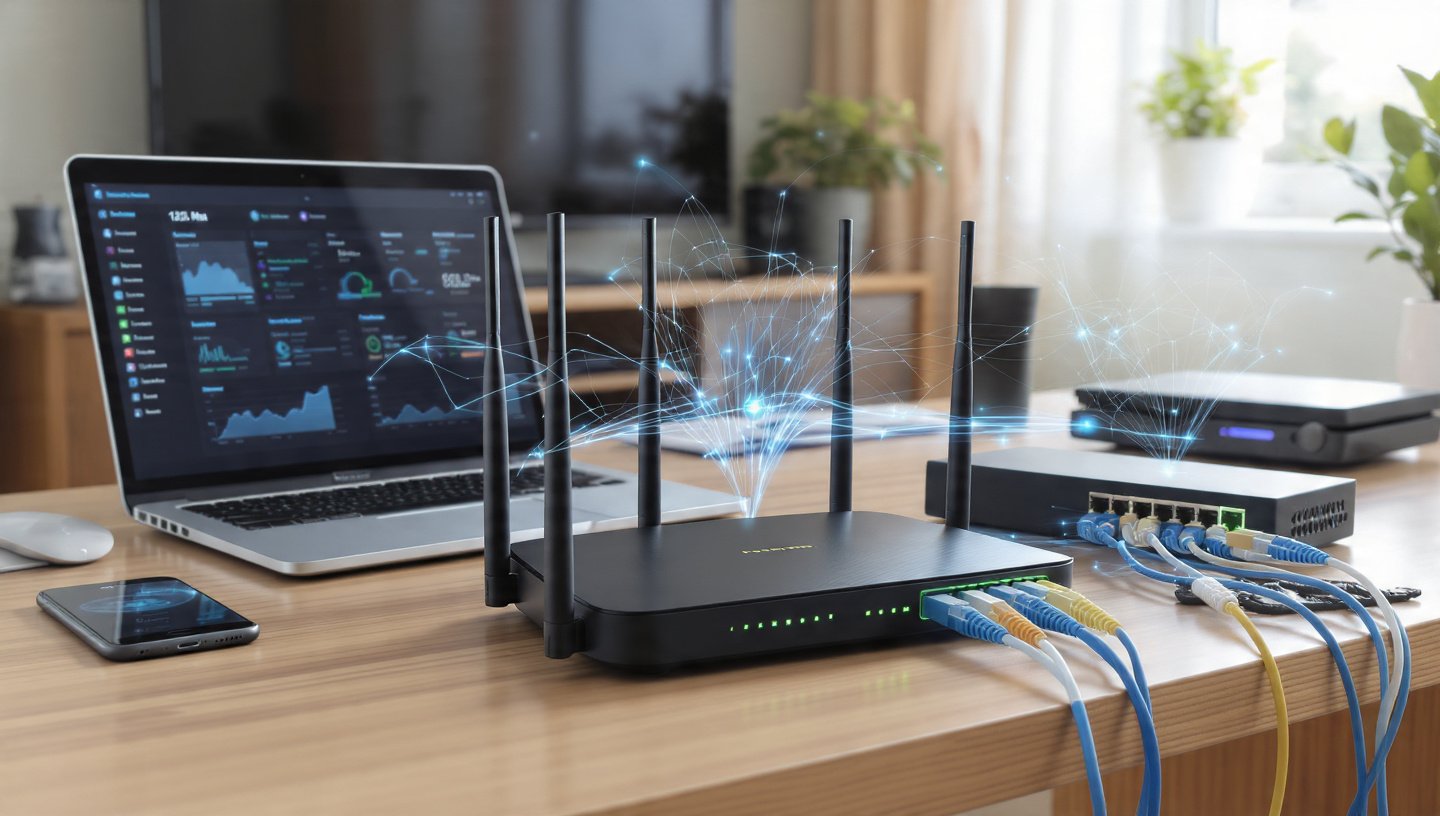
In the modern digital world, computer-to-computer and computer-to-device communication requires the use of a solid networking system. In homes, schools and big organizations, networks enable devices to communicate, access the internet and share data efficiently. A set of devices that control the flow of data between two points forms the foundation of any network.
These devices are critical to understanding networking and the workings of computer systems. This paper discusses routers, switches, hubs, modems and access points, how they operate and how they combine together to provide a smooth connectivity.
Indeed, becoming familiar with the essential networking hardware can enable you to further appreciate how contemporary communication systems work, and how to diagnose the most common network problems.
What are Networking Devices?
Networking devices are hardware elements that help to bridge the connections between computers and other devices in a network. They dictate the manner in which data is sent, received and handled.
These equipment guarantee that:
- The data is delivered to the right destination.
- Traffic over the network is efficiently managed.
- Devices are able to communicate in harmony.
- Internet sharing is done in an appropriate manner.
These devices have specialized purposes and when combined they constitute a whole system of networking.
Router: The Network Traffic Manager.
One of the most significant networking devices is a router. It links two or more networks, and routes data between them.
ROUTER: How It Works.
A router is used to direct data packets between networks, usually between a local network (LAN) and the internet.
How Routers Work
The routers look at the IP address of the destination of the incoming data and decide on the most appropriate route to take. This is referred to as routing.
Important Router Functions.
- Connects multiple networks
- Uses DHCP to assign IP addresses.
- Supplies the internet to various devices.
- Plays the role of a simple firewall in security.
Real-World Example
When you make use of Wi-Fi in your house, your router bridges your phone, laptop, and smart television to the internet and will handle traffic among them.
Switch: The Smart Data Distributor.
A network consists of a switch that is used to interconnect two or more devices and to selectively send data to the recipient.
SWITCH: What It Does.
A switch accepts data, and directs it to the appropriate device with MAC addresses.
How Switches Work
Switches keep a table of addressable devices and their MAC addresses. The switch then verifies the destination and only forwards the data to that device when received.
Important Use of a Switch.
- Ties devices in a LAN.
- Reduces unnecessary data traffic
- Improves network efficiency
- Supports high-speed communication
Switch vs Router
- A router connects different networks
- A switch is used to connect devices in the same network.
Hub: Basic Network Connector.
A hub is an easy networking equipment that links a number of devices, but it does not work like a switch.
HUB: What It Does
A hub sends information to all connected devices, irrespective of the destination.
How Hubs Work
A hub receives data and transmits this data to all the devices connected. All the devices then ensure that it is addressed to them.
Important Operations of a Hub.
- Connects two or more devices in a network.
- Sends data to all ports.
- Operates at a basic level (no filtering)
Weaknesses of a Hub.
- Causes network congestion
- Less secure than switches
- Slower performance
Important Note
Hubs are mostly outdated and have been replaced by switches due to their inefficiency.
Modem: Gateway to the Internet.
The device that links your network to your Internet Service Provider (ISP) is a modem.
MODEM: What It Does
Modem is a device which transforms the digital signals of your computer to analog signals to be sent over communication lines and vice versa.
How Modems Work
- Modulation: Analogs digital data and translates it into analog data.
- Demodulation: Transforms received analog signals into digital information.
The major roles of a Modem.
- Provides access to the internet
- Communicates with the ISP.
- Converts signal formats
Real-World Example
When you open a Web site, your modem requests your ISP with your request and gets the information back, and you can see the page.
Access Point: Wireless Extensions.
Access points (AP) are provided to devices to give them access to a wireless network.
ACCESS POINT: Its Work.
An access point is a device that enables wireless devices to be connected to a wired network via Wi-Fi.
The working principle of Access Points.
The access point is connected to a router or switch via a cable and broadcasts a wireless signal which can be connected to by devices.
The most important functions of an Access Point are as follows:
- Extends Wi-Fi coverage
- Connects wireless devices to a network.
- Allows multiple users at the same time.
Real-World Example
Access points are applied in schools, offices and even in large houses to provide good Wi-Fi signal in every corner.
The way These Devices Interoperate.
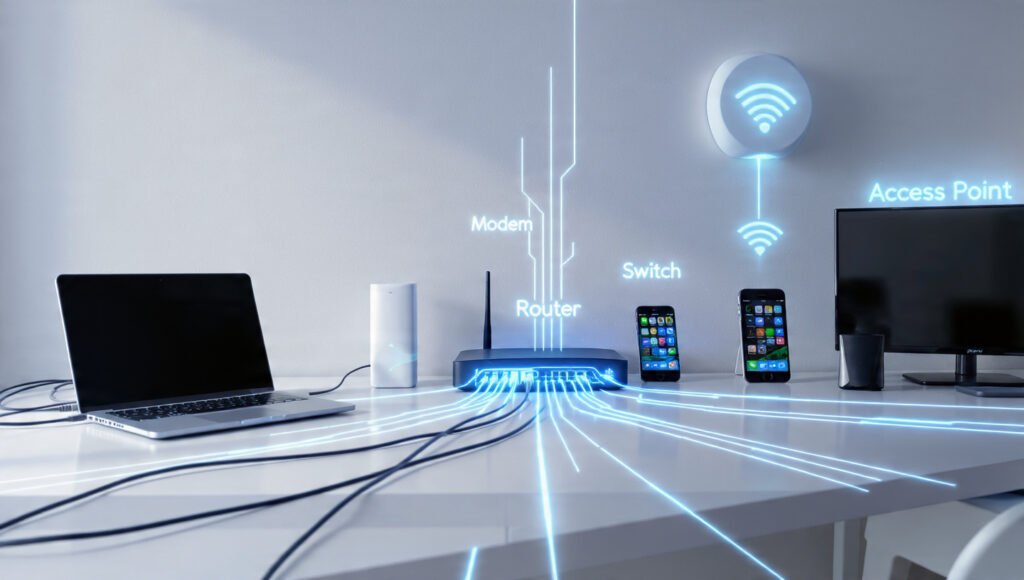
A network works effectively when all these devices work in a co-ordinated manner.
NETWORK FLOW: The movement of Data.
- A machine sends a request (e.g. opening a web site)
- The request goes through a switch or access point
- The request is sent to the modem by the router.
- The modem communicates with the ISP
- Information is relayed back to the device.
Sample Home Network.
- Modem is linked to ISP.
- Router distributes internet connection
- Switch Wired devices: Switch connects wired devices.
- Access Point offers Wi-Fi.
- Devices (phones, laptops) communicate and connect.
Such collaboration guarantees effective communication and transfer of data.
Distinctions among Important Networking Devices.
Knowing the differences allows avoiding confusion.
COMPARISON: Key Differences
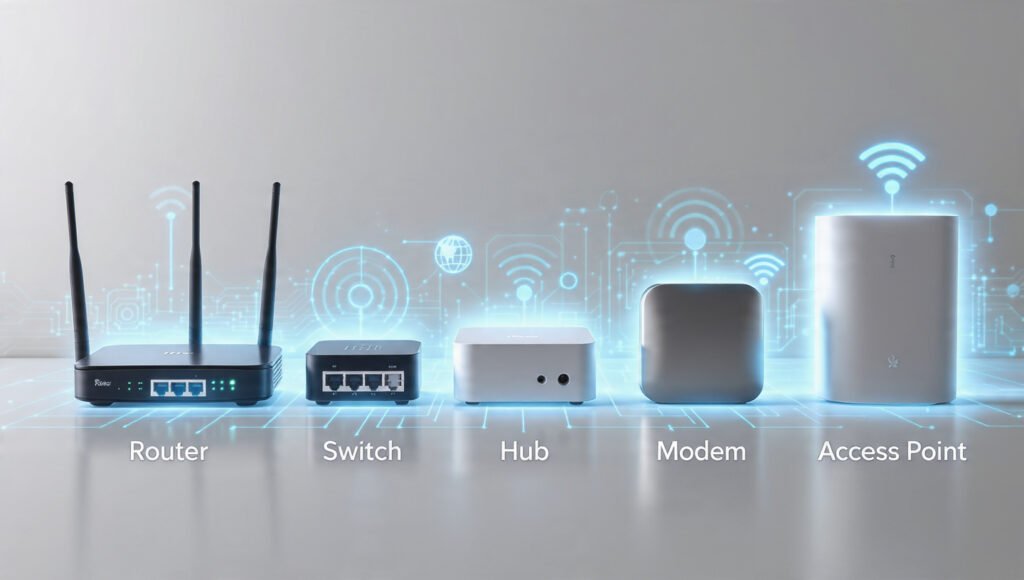
- ROUTER: bridges networks and routes.
- SWITCH: Intelligently connects devices used in a network.
- HUB: Links devices but transmits everyone.
- MODEM: Connects network to the internet
- ACCESS POINT: Wireless connection.
The importance of Networking Devices.
Modern communication and digital activities cannot take place without networking devices.
SIGNIFICANCE: Why They are Important.
- Enable internet access
- Support communication between devices
- Enhance data transmissions.
- Enhance network security
- Scalability – enable growing networks.
Digital communication would not be what it is without these devices.
Typical Networking Set-Up errors.
Even using the correct devices, incorrect configuration can lead to troubles.
MISTAKES: What Not to Do.
- Installing routers in inappropriate areas (weak signal)
- Replacement of switches with hubs.
- Not securing the network (no passwords)
- Overloading one access point.
- Ignoring firmware updates
Such mistakes can be avoided to guarantee a higher output and safety.
Future of Networking Devices
Networking technology is ever-changing.
TRENDS: What’s Changing
- Routers with Wi-Fi 6 and above are faster.
- Intelligent switches with hi-tech management.
- Cloud-managed networking
- More wireless systems.
- Smart home-integration.
These innovations target to enhance speed, reliability, and user-friendliness.
Conclusion
Any communication system is supported by networking devices. Starting with routers that direct traffic to switches that control local connections, every single device in a network performs a particular task that adds to the overall functionality of a network.
The study of the functionality of routers, switches, hubs, modems, and access points separately, and what is more crucial, the functionality of their combinations, is a good basis in networking. Whether you are establishing a home network or educating yourself on IT systems, understanding of these devices will assist you in creating efficient, secure and reliable networks.
These basics enable you to trouble shoot, performance optimization and to keep up with the emerging technologies in networking.


naturally like your web site however you need to take a look at the spelling on several of your posts. A number of them are rife with spelling problems and I find it very bothersome to tell the truth on the other hand I will surely come again again.