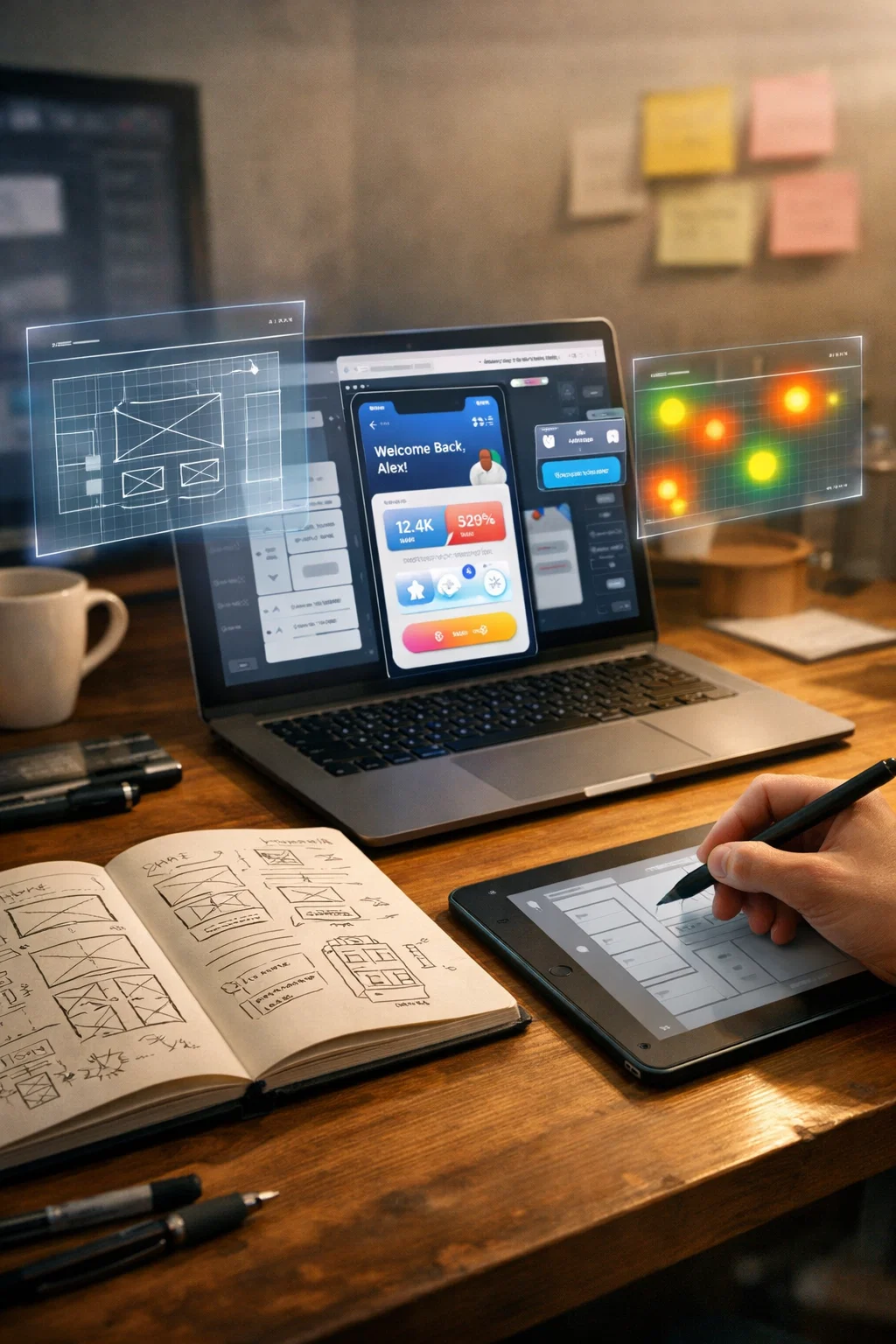
Designing appealing appearance is not the only solution to achieve successful digital experience. User experience (UX) design will make websites, applications, and other online resources user-friendly, effective, and pleasant. Knowledge of the typical UX approach process is vital particularly to beginners since they can have a systematic guideline on how to take an idea to a finished product. With this workflow, designers are able to make sound decisions, minimize mistakes and produce a product that actually addresses the problems of the users. The UX workflow can be described as a process through which a given design project is guided by the initial research conducted to an actual prototype that is tested and is ready to be developed. This is carried out with user-centered design, which guarantees that all decisions are made based on actual insights and not speculations. Here we are going to deconstruct the workflow into its fundamental phases, describe the purpose of each and how it is achieved and interrelates with the rest to create a consistent design strategy.
What is the UX Design Workflow?
The UX design process is simply a guide to designers. It assists in transforming the needs of the users into both functional and enjoyable digital products. Applying a workflow process enables designers to prioritize tasks, keep a team clear and work on real problems to the user.
The common UX process may consist of five stages:
– Research
– Ideation
– Wireframing
– Prototyping
– User Testing
The stages are sequential with each stage supporting the one before it, so that decisions of the design are justified and in line with the objectives of the user. The steps are described one after another; however, the process is carried out in a cyclical manner: the observations made during subsequent phases usually return to the initial phases to enhance them.
Stage 1: UX Research
The UX design is based on research. Even the most graphic design may not satisfy your users without knowing them. The UX research assists in determining the problems, behaviors and expectations of the users.
Why Research Matters
- Assures that design decisions are informed as opposed to being speculative.
- Helps focuses on features which address real user issues.
- Components of existing systems that generate pain and areas of friction are identified.
Types of UX Research
Qualitative Research
This includes personal engagement with the users to identify their motives, actions and emotions. Methods include:
- User Interviews: Interpret the user thoughts by asking open ended questions.
- Focus Groups: Obtain feedback of several users in a discussion type.
- Observational Studies: The watch users engage with a product in real situations.
Quantitative Research
Quantitative study offers an opportunity to obtain measurable data to determine trends. Methods include:
- Surveys and Questionnaires: Gather systematic feedbacks of a numerous population.
- Analytics Tracking: Keep track of the way users are moving around a site or application.
- A/B Testing: Compare several variants of a feature in order to determine which one works best.
Deliverables from Research
- User Personas: A fictional character of a major segment(s) of your audience.
- Empathy Maps: These are visual representations that assist designers in knowing what users think, feel, say, and do.
- User Journey Maps: Map out the process through which users complete a task as it is, showing areas of pain and opportunities.
The whole UX workflow consists of research findings. These insights must be used in every decision, layout to feature prioritization.
Stage 2: Ideation and Conceptualization
After the collection of research knowledge, the following step is ideation that is the idea generation and possible solutions to user issues.
Techniques for Ideation
- Brainstorming: Promote thinking and think broadly and freely.
- Sketching Concepts: Rapid prototyping is a method used by designers to visualize the possible layouts and interactions.
- Mind Mapping: Aids in structuring ideas, and in finding links between ideas.
- Storyboarding: Tells about how users interact with the product through time and makes the scenarios real.
Designing Personas and Scenarios
The personas are essential in ideation since they remind one of the actual users. As an example, a user type, such as Emma, a busy college student who has to keep her assignments, is required to have a fast and simple application, so the design choices are based on speed and simplicity, plus prioritization.
Scenario Scenarios are brief stories of the interactions of personas with the product. This assists the designers to envisage the product in action and expect difficulties.
Stage 3: Wireframing
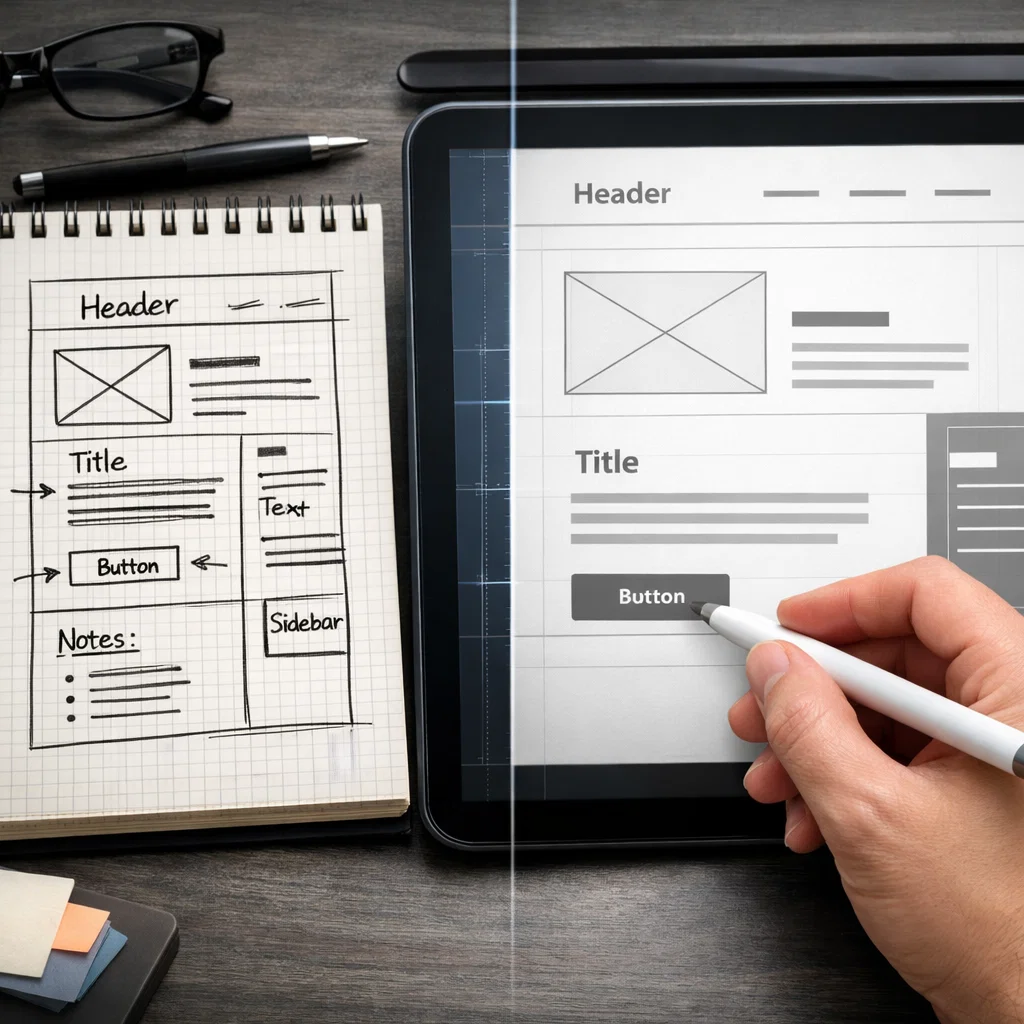
Wireframing is a concept that is translated into the form of structured layout, where the emphasis is on hierarchy, navigation and functionality and not on the aesthetics. Imagine that wireframes are the blueprint of a house, they describe the construction before a house is decorated.
Purpose of Wireframes
- Elaborate positioning and flow navigation.
- Enable that designers can early test functionality and user interactions.
- Offer a point of reference to designers, developers and the stakeholders.
Wireframe Types
Low-Fidelity Wireframes: Rudimentary drawings or simple computer layouts to hastily convey organization.
High-Fidelity Wireframes: More thorough, with specific positioning of objects, material and relations.
Wireframing Tools
Some popular tools include:
- Figma: A cloud-based, real-time collaborative design software.
- Sketch: Macos powerful and is a vector design tool.
- Adobe XD: Design and prototyping system.
- Balsamiq: Wireframing framework Simple and fast, low-fidel layout.
Wireframes are used to provide a transition between ideation and prototyping enabling a prototype to be tested of navigation and layout concepts.
Stage 4: Prototyping
Prototyping enables the conversion of a non-interactive wireframe into an interactive experience. The step is meant to aid the designers and other individuals involved in the project to feel how the completed product would look like before they make any investments into the product development.
The reasons why Prototyping is important
- Gives the product a realistic experience.
- Brings out usability problems that do not show in the wire frames.
- Early engagement and feedback of stakeholders and users.
Types of Prototypes
- Low-Fidelity Prototypes: Use clickable wireframes to test essential navigation and flow.
- High-Fidelity Prototypes: In-depth simulations, containing content, animations, as well as real interactions.
Popular Prototyping Tools
- InVision: Simple application of interactive prototypes.
- Figma: The tool supports interactive and design prototyping.
- Axure RP: Prototyping complex interaction.
Prototyping is the phase when designers confirm their ideas, working them out and then starting the development.
Stage 5: User Testing
The user testing will be used to confirm that a product is as per the expectations and needs of the actual users. It is the process of observing the interactions between the prototypes and users and getting the feedback to enhance the design.
Methods of User Testing
- Moderated Testing: Testing is facilitated by someone who asks questions to determine the pain points to the user.
- Unmoderated Testing: The users do so by doing tasks alone, and they usually do so through remote testing systems.
- A/B Testing: Compare two designs to each other in order to identify the one that works better.
Collecting Feedback
The designers seek user behavior patterns, frequent frustrations and issues with usage during testing. The insights collected are then applied in order to improve wireframes, prototypes and ultimately the finished product.
Introduction: The UX Design of Iteration
UX design is rarely linear. With user testing, the results on the findings usually result in refinements in ideation, wireframing, or prototyping. This cyclical approach is necessary in the provision of a product that is actually satisfactory to the user.
Benefits of Iteration
- Pre-development usability problems detected.
- Improves customer satisfaction through constantly upgrading the product.
- Saves on increased long term costs through early problem identification.
Iteration also states that the UX design is a process, and it is not a task.
The connection between the UX Workflow Stages
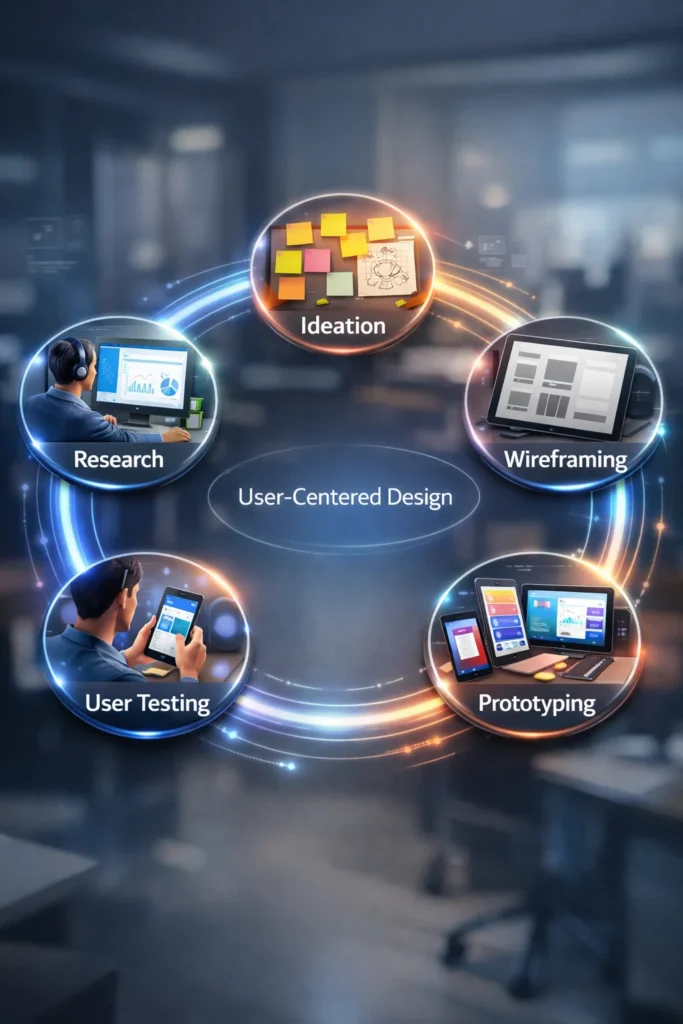
The UX workflow is strong because of the interaction of stages:
- Ideation is informed by research: Brainstorming can be effective only once you know users.
- Ideation assists with wireframes: It is layout and navigation by Sketches and scenario.
- Wireframes are brought into being prototypes: Interactive models disclose the usability problems.
- Native Interfaced User testing spurs iteration: The response to feedback at each phase creates improvements.
This interrelated, cyclical methodology makes designs user-centered and evidence-based. To take a comprehensive tour of the application of the standard UX workflow, refer to the Internet sources and case-studies to observe the practical application of the given process in real life.
Tips for Beginners
- Note Everything: Viable to have research notes, sketches, and iterations well organized.
- Work With developers and Stakeholders: Collaborate with developers and stake holders.
- Concentrate on Customers: Never forget to say, Does this solve a real problem?
- Test Often: Early and constant testing is a way out of expensive mistakes.
Conclusion
The UX design process, including research and ideation, wireframing, prototyping, and UX testing is critical in delivering digital products that will be loved by users. Knowing each step, the way it relates and the significance of iteration, novices will create valuable, user oriented experiences. The adherence to a defined workflow not only makes it more usable, but also more efficient and less costly to develop, eventually bringing products that are solutions to actual problems of users.