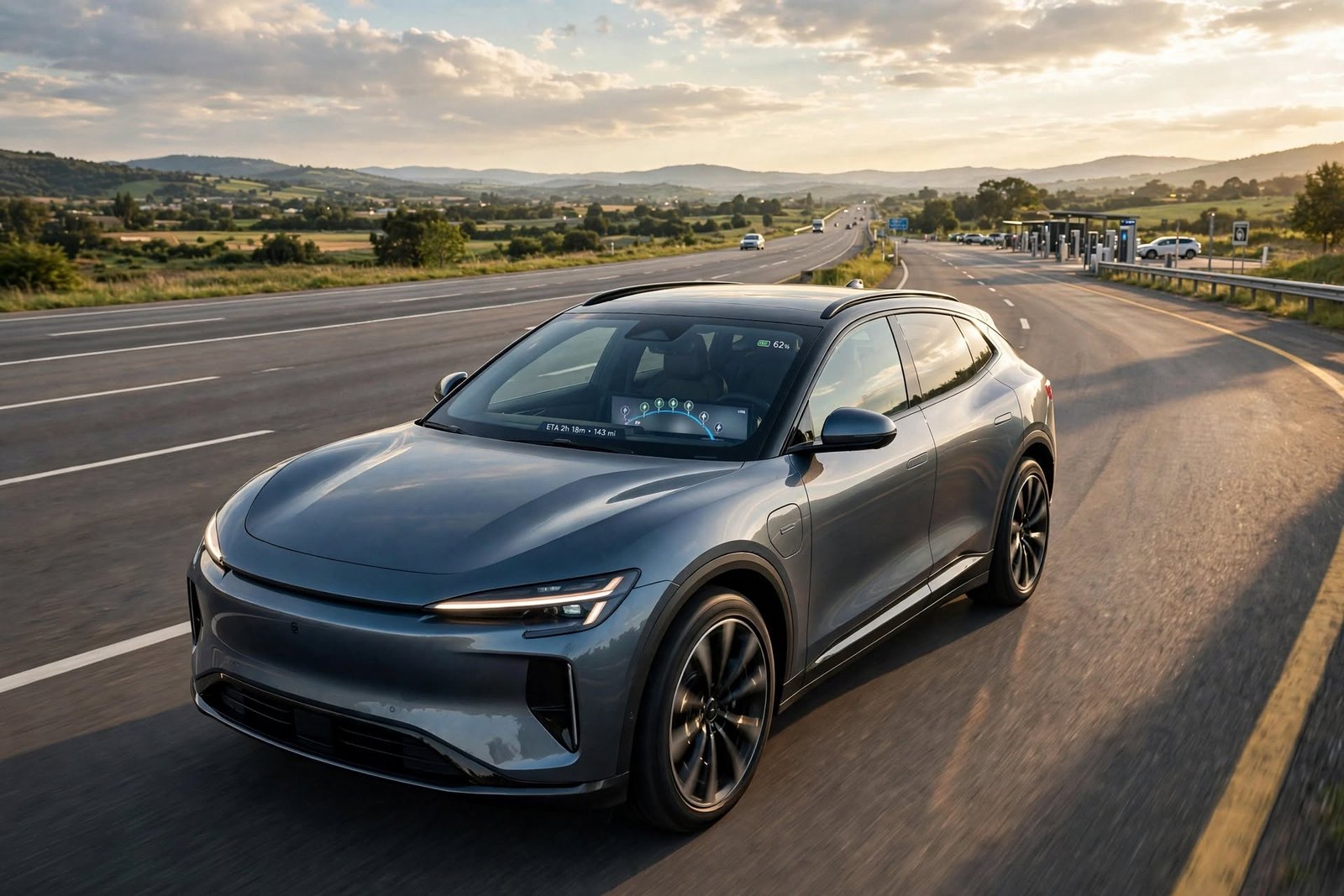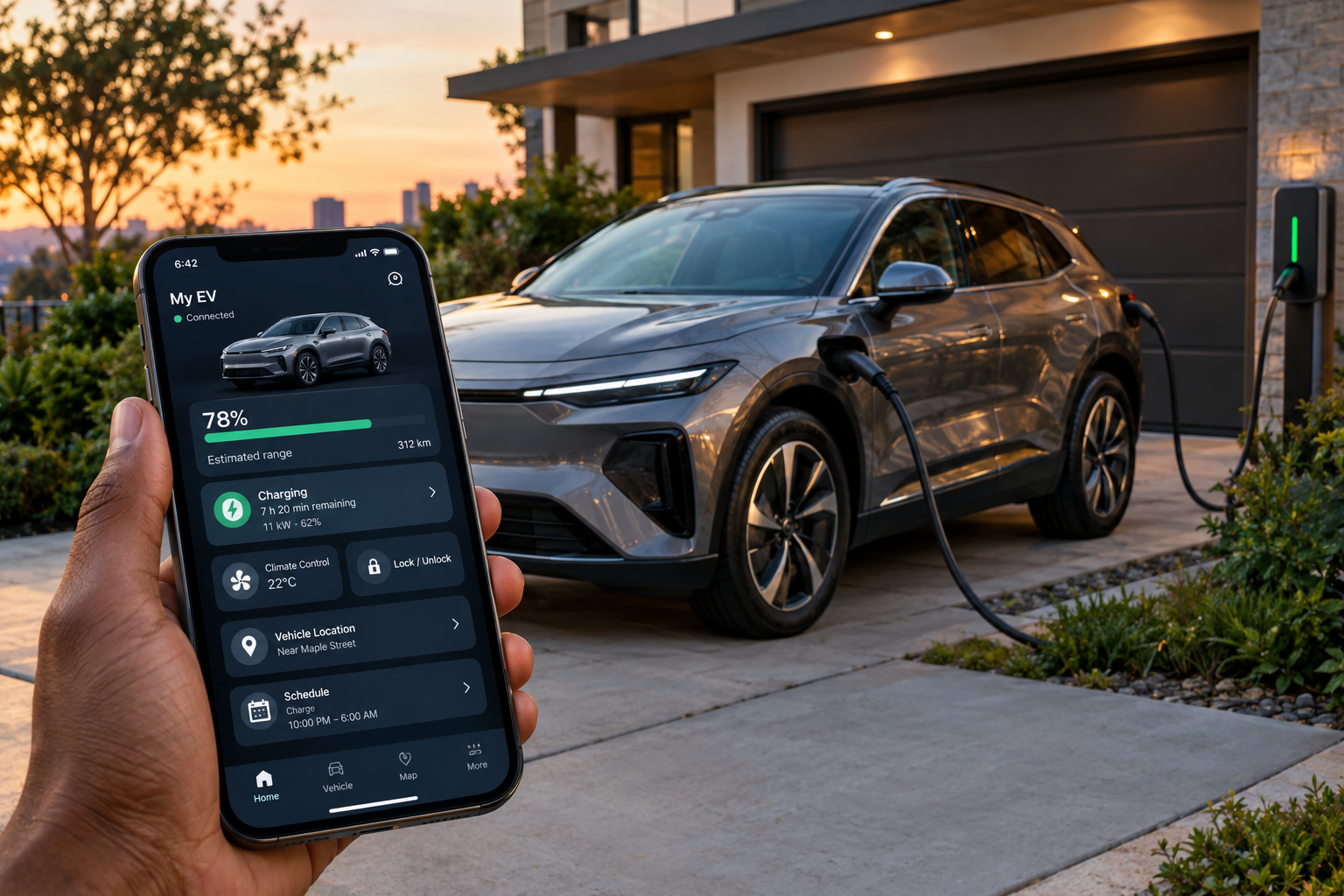
EV Apps for Electric Cars are becoming increasingly connected to smartphones, allowing owners to remotely interact with their vehicles. Depending on the make and model, these apps may display battery level and driving range, manage charging, pre-condition the climate control, locate the vehicle, provide maintenance information, send destinations to the car, and alert you to important notifications. The features available can also depend on the vehicle’s model year, trim level, software, region, or the connected-services subscription the owner has.
Tesla, Hyundai, Kia, Ford, BMW, Volkswagen, Mercedes-Benz, and Rivian all have official apps for their compatible vehicles. While the apps do basically the same things, each manufacturer has put their own spin on them, which includes charging, navigation, remote control, vehicle info, and software features. By learning what each app does, EV owners may get the most out of them.
What Can EV Apps for Electric Cars Do?
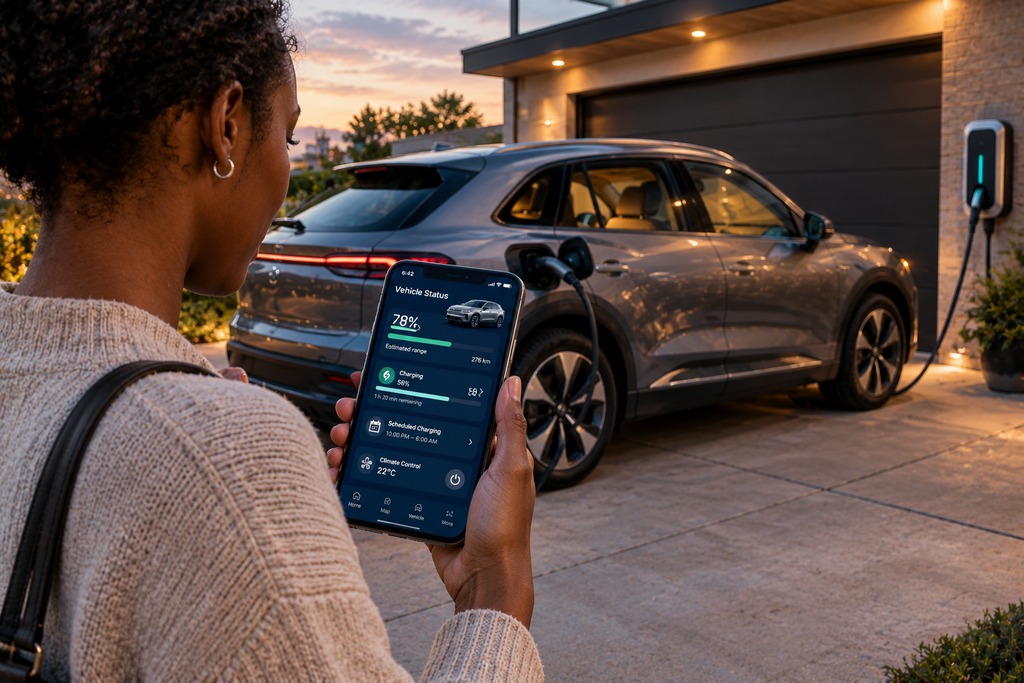
An EV maker’s app creates a digital interface between the driver and the vehicle. Features may include checking battery level, viewing estimated range, checking if the car is in the process of charging, locking or unlocking the doors, controlling the climate system, finding the car, and getting vehicle reports. Also, some apps may support navigation, charging timers, service reminders, vehicle health reports, and software-based features. These features are part of the broader EV technology used in electric cars, which continues to make vehicle ownership more connected and convenient.
Charging is a key aspect for electric vehicle users, which is why they have to pay attention to when and how their cars are being charged. Some applications enable owners to set charging limits, schedule charging, track the charging progress, and get notifications at the end of charge. These features are included in what we term broad-based charging management systems, which, however, do differ between manufacturers and models.
Tesla App
The Tesla app is a core component of Tesla’s vehicle and software ecosystem. What owners see in the app varies by model, but they may use it to check on the car’s status, access charging info, control some vehicle features, set climate settings, schedule service, and get info on software updates. Tesla has done an excellent job at integrating between their vehicles and smartphone apps, which in turn allows for many typical ownership tasks to be performed from within the app without being inside the car.
Charging is a big part of what Tesla is all about. We have owner access to tracking charge-up progress and info on which charging stations are compatible via Tesla’s network. Also, Tesla cars get over-the-air software updates, which bring in improvements and new features without the need to visit a brick-and-mortar dealership. The exact features may still play into your particular car’s software version.
Hyundai and Kia Apps
Hyundai’s MyHyundai app, which includes Bluelink, provides a wide range of connected services for compatible vehicles. For EV owners, we have that app, which does check battery charge and range, monitor charging, turn charging on or off, set charging timers, control cabin temperature, find out where your vehicle is, and also get maintenance or diagnostic info. Also, Hyundai provides features like pre-conditioning the battery and setting charging preferences for compatible EVs.
Kia has a suite of connected services made available through Kia Access and Kia Connect on eligible vehicles. What we see is that owners may lock or unlock the car, adjust climate settings, find the car, and get charge info remotely. While there is technology shared between Kia and Hyundai, the available app features still may not be the same for each vehicle, by model year, trim, market, and also which connected services package is installed.
Ford App
Ford’s app also provides a variety of remote services for compatible electric cars. Owners may check in on the vehicle’s charge level, see the charging status, lock or unlock the car, and pre-condition the cabin. Preconditioning is handy when the car is on the charger, as the cabin may be set to go before you even leave the garage, which in turn doesn’t use up as much of the battery while you are out.
Ford has also built public charging into its EV platform. The app includes reports on charging stations and also manages compatible charging sessions. Also, within Ford’s EV infrastructure is the use of info, which includes traffic, temp, and road conditions when we are to put together range estimates and route plans, which in turn makes the app useful for not only the day-to-day use of the vehicle but also in the planning of longer EV trips.
My BMW App
BMW’s My BMW App includes standard connected-car features as well as EV-specific info. What you get depends on what you drive, but you can check battery level, range, vehicle location, mileage, and status. Also, you can use the app for maintenance info, service scheduling, and other owner features. With some cars, you can get certain software features through BMW’s digital ecosystem.
For electric BMWs, what is very important is that the charging info is updated for you. The app reports the charge status, state of charge, charging target, and also estimates when charging will be complete. Also, it is a tool which helps to find charging stations and plan out destinations. Thus, BMW EV owners have a way to manage both their vehicle and charging via their smartphone.
Other EV Manufacturer Apps
Volkswagen’s myVW app reports that it has a number of features for electric car models, which include battery and range info, remote charging, charging profiles, charging timers, remote climate control, charging station info, and service functions. What is presented is a range of options which vary by make and model of car as well as the connected service plan, so users should check compatibility for their specific model.
Mercedes-Benz and Rivian present connected apps with EV-focused features. What Mercedes’ app does is give out info on the battery and charging, remote climate control, vehicle location, and the ability to remote lock or unlock on compatible cars. Also, Rivian’s app, which in turn puts owners in touch with charging info, climate controls, vehicle status, and other digital features. From these, it is seen that manufacturers tend to base their apps on the specific software which runs their vehicles.
EV Apps for Battery and Charging
Battery data is a primary feature in EV apps. In contrast to traditional petrol cars, which you just put in fuel, with an electric vehicle you have to pay attention to state of charge, estimated range, charging speed, and charging targets. While most manufacturers include at least basic battery info in their apps, more advanced systems may also provide charging schedules, limits, charging notifications, and other controls.
Charging management is a feature which does, in fact, see a great deal of use from people that charge at home often. Instead of just plugging in the car to charge, we see that drivers may also choose times at which charging will begin, set what the end battery level should be, or in some cases do this all remotely. These features, which in turn make it that much easier to fit charging around your daily schedule, although what is available to you in terms of control does indeed vary by EV manufacturer.
Navigation, Location, and Maintenance Features
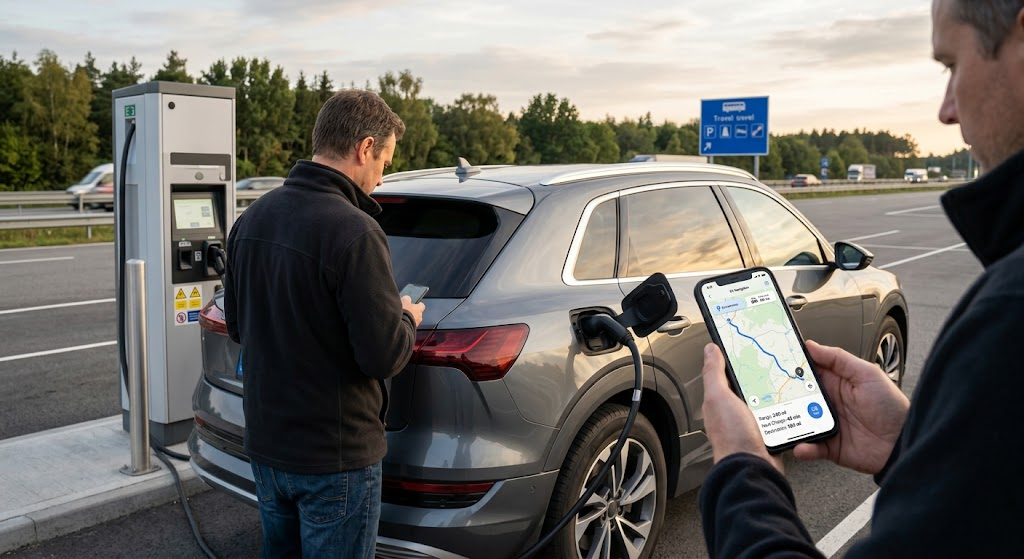
Some manufacturers have developed apps that go beyond charging and remote-control features. With GPS navigation for road trips, drivers can pre-program destinations and charging stations before setting off. BMW, Hyundai, Ford, and other manufacturers have introduced various forms of navigation and charging-location integration. Depending on the vehicle and connected system, a destination may also be sent directly to the car’s navigation system, making route planning more convenient. GPS navigation for road trips can also help drivers understand how navigation features support longer journeys.
The vehicle features which have the most use to owners are location and maintenance-related info. An app that has these features will allow a user to find their car in a large parking lot, check if the doors are locked, get maintenance alerts, or book in for a service. Also, some apps include health reports and diagnostics, which in turn gives the owner an easy way to see the EV’s health.
Why EV App Features Differ
One manufacturer’s app may present very different features from that of another, even if they are electric vehicles. Features may vary by model, trim level, model year, software version, connectivity hardware, country of manufacture, and subscription status. A feature present in a more recent EV may not be available in an older model from the same manufacturer.
Software updates also transform the experience as time goes on. Manufacturers put out new features, enhance present ones, or change how connected services work. That said, it is not enough to go by the general feature list which a manufacturer puts forth. What owners should do is check exactly what is included for their particular vehicle.
Picking the Right EV App
In terms of electric cars’ features, look to the smartphone app, which is a large part of the ownership experience. See what they have to offer in terms of the elements you care most about, like battery health reports, charging timers, remote climate control, finding your car, navigation, service reminders, and software updates. Also, see which of these features are standard and which require a connected service subscription.
The primary access platform for your vehicle’s features is the official manufacturer app. While third-party EV apps do present extra info or charging options at times, the manufacturer’s app is, in fact, the go-to source for all of your car’s connected services. Before you buy an EV, check out what the manufacturer has to offer—it may avoid post-purchase disappointments.
Conclusion
EV applications are a large part of electric car service. Tesla, Hyundai, Kia, Ford, BMW, Volkswagen, Mercedes-Benz, Rivian, and also other companies present apps which drivers use to access charging, battery info, remote control options, navigation, tracking of the vehicles’ location, maintenance, and software updates. Also, what that experience is like varies a lot between brands and different models.
There is no set-in-stone rule for what an EV app must include. Some apps do very well at charging info, others also throw in navigation and maintenance, and some put more into remote vehicle controls and software integration. Before you go to buy an electric vehicle, check out the app that comes with it and what it has to offer for your model. That can be just as telling as looking at range, charging speed, and other physical specs.