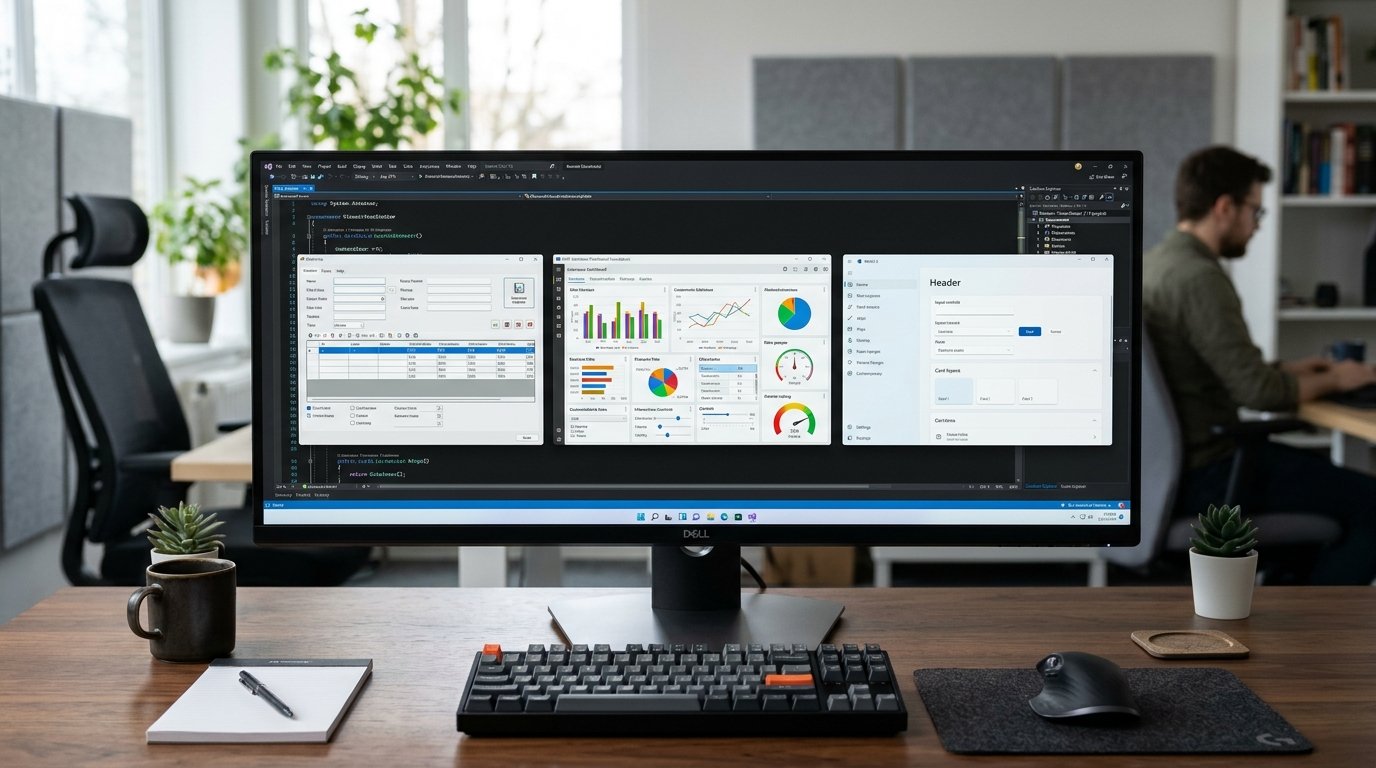
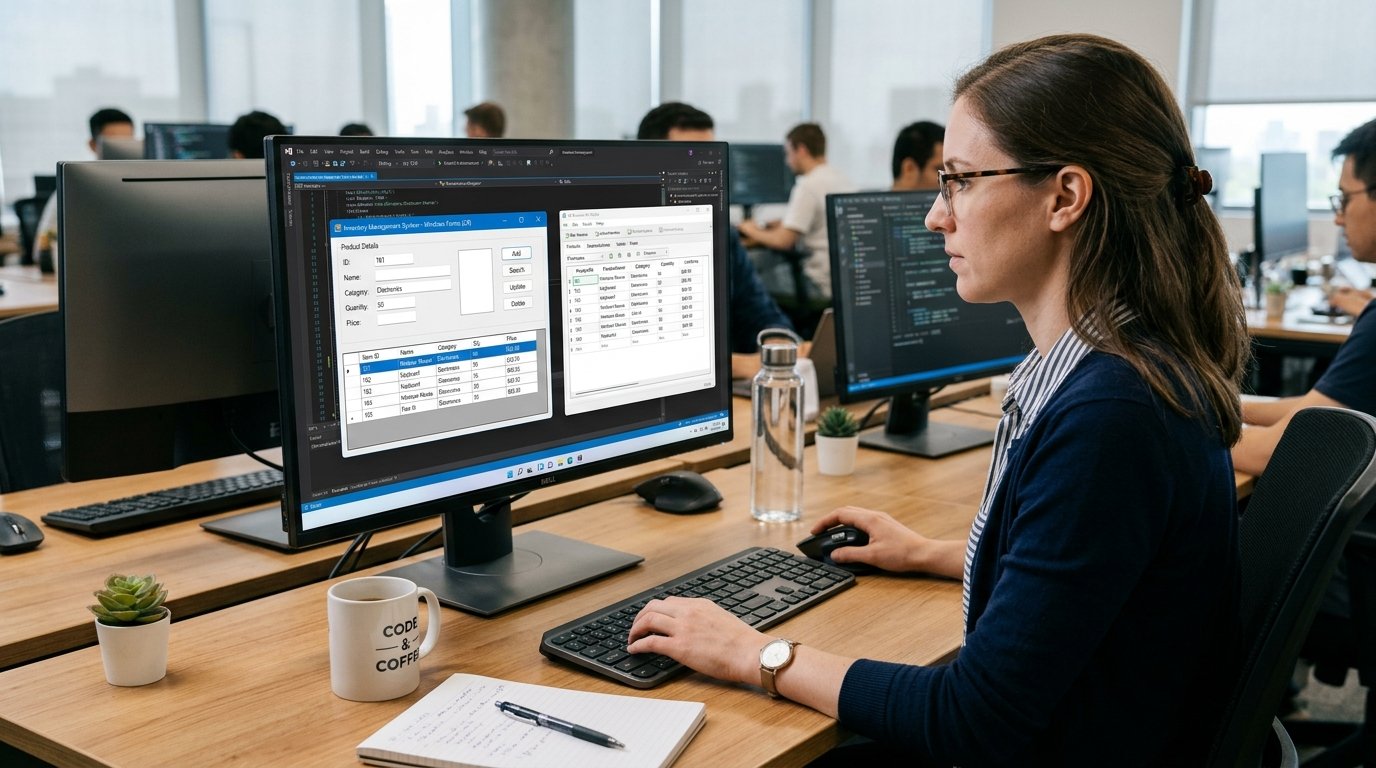
One of the core knowledge skills of digital technology that people use daily is computer programming. Programmers write programs which are used in websites, mobile apps, computer games, banking systems, business software, search engines and much more. In the simplest terms, programming is the art of giving the computer instructions. The instructions being written are written in the programming languages in which humans can give structured instructions that computers can execute.
When you start learning programming, it may sound like a complicated matter as you are facing new codes, but it has important concepts that you have to learn and practice so you can understand programming code. The core of learning programming is to understand how programs work, learn variables, functions, small programs, test the program, correct any errors, and gradually develop more useful programs.

What is Computer Programming?
Computer Programming is the design, coding, testing, debugging and maintenance of instructions that the computer can execute. Programming is an iterative process that begins with a problem or goal and then decomposes that problem into smaller, more manageable steps that can be implemented with code. For instance, in a simple calculator, the programmer has to decide on how the numbers are going to be entered into the program, how the operation that is desired by the user is going to be identified, how the operation is going to be carried out, and how the result is going to be displayed.
Programming languages like Python, JavaScript, Java, C++, and C all have their own methods of implementing these steps. The computer is not naturally able to understand the ordinary language of humans as they do; programming languages are structured rules that can be used to express instructions. Programming involves learning both a course of study and problem solving, since the computer is the tool by which the programmer is solving the problem, working out the logic appropriate to each task is essential.
How Computer Programs Work
A grasp of how computer programs work helps form a key foundation for any beginner programmer. A computer program is a collection of instructions and data which instruct the computer to carry out certain operations. The source code that the programmer writes has to be translated so that it can be read by the computer’s hardware. The source code can be compiled to machine code before execution, or interpreted during program execution, or processed by a combination of techniques, depending on the programming language in use.

The computer executes the instructions, carries out calculations, records and retrieves data from memory and when needed communicates with other parts or devices. For instance, a user may type in their name for an application, which can then store that name in a variable, process it as instructed and then output a response specific to that user. Knowing this general flow helps to connect concepts into programming.
Programming Fundamentals
Typically, the first step in writing a program is to define the problem and determine what the program needs to do. A programmer can then study the problem and divide it into smaller manageable problems. Algorithms are step-by-step procedures that can be used to represent these tasks in a systematic way to solve problems. Once designed, the programmer codes the instructions in a suitable programming language. The next step is to test the program and see if it acts as one would expect.
Any mistakes that are found in the testing process should be investigated and fixed by debugging. The program can then be retested with other inputs and conditions before it is ready to use. Programming is not just about writing code in an editor. It is cyclical and comprises planning, problem solving, implementation, testing, debugging and improvement. The process can be learned by beginners by beginning with very small programs and then moving up to larger programs.
Understanding Variables
Variables are one of the first programming concepts that anyone has to learn, as they make it easy to store information throughout the execution of a program. A variable is like a box that can hold a value, which a program can store information in and retrieve it later. A program might have a name variable, an age variable, and a score variable, for instance. Variable creation and usage is dependent on the programming language.
There are certain languages that will have to specify some of the information about a variable when it is created, whereas others will let the language decide what type the variable is. Variables can be used to hold information that can change during the execution of the program: for calculations; for counting; for user information; and for changing program states. After mastering variables, novices can start to write programs to manipulate information rather than just sending out a message.

Learning Data Types
Data types are used to specify the type of data a variable or value stores. These can be integers, floating point numbers, strings, boolean, lists, etc., depending on the programming language. A floating-point number can be used to store any number that has a decimal part, including 10.5, whereas an integer can be used to store any whole number, like 10.
A string is a text, like a person’s name or a sentence, and a Boolean is usually a logical value, like true or false. It is important to know what kind of data there is because the computer processes different types of data differently. For instance, when adding numbers, it is not the same as when adding text. Newbies need to feel at ease determining what kind of data their programs require as this will help to minimize errors in their programs and increase their understanding of the programs.
Using Operators
An operator is either a symbol or a keyword used by a program to operate on values and variables. Arithmetic operators perform arithmetic operations like adding, subtracting, multiplying, dividing and finding remainders. A program uses comparison operators to compare values, including whether a value is greater or less than another value or if two values are equal. Conditions can be linked together with logical operators and yield logical results.
The Assignment Operators used to assign values to variables or to change the value of a variable. Operators are particularly useful in programs that require calculations or decision making. For instance, a program which totals the cost of many items may employ arithmetic operators, and a program which determines whether a student has reached a desired mark may use comparison operators. Learning operators enable beginners to go beyond mere information storage to the act of processing information.
Using If…Then statements to make decisions.
A program may have to make a decision, based on information it receives. Conditional statements enable a computer to execute different instructions based on a condition that may be either true or false. One commonly used structure is an if statement that performs a sequence of instructions if a condition is true. There are also else and else-if sentences in many languages to deal with other possibilities. For instance, a program may determine if the user’s score is above a certain level and print out a message, depending on the result.
The reason conditions are important is that they enable programs to react in an intelligent manner according to the various situations rather than repeating the same sequence each time. The following is a set of simple conditions for beginners to practise: Programmers can develop programs which react to changes in information, once conditions become familiar.
Writing a Program to Repeat Tasks Using Loops.
Loops are used to execute program statements more than once without having to write them more than once. This can be especially helpful if a task is to be repeated a lot of times, or until a specific condition changes. There are a number of different types of loops available, such as for loops and while loops, although the exact names and forms can differ in different programming languages. Use a for loop if the programmer knows how many times to repeat an operation and use a while loop to repeat an operation as long as a certain condition is true.
For instance, a programme might loop through the elements of a collection, print out a series of numbers or prompt a user for valid input multiple times. Loops are essential to know since they make programs shorter, more efficient and easier to maintain. Beginners should begin with simple loops first, and follow the conditions that trigger the start and end of a loop.
Organizing Code With Functions.
A function is a specific segment of code that can be called again to use. A programmer may have to write a set of instructions more than once in a program, but writing the instructions in a function once and calling the function multiple times can save time. A function may receive input (also known as a parameter or an argument) and it might produce an output after executing its work. For instance, the function to compute a total cost could be one program, another one to verify user data, and a third to display a message.
The program is broken down to functions which make the code easier to understand, test, reuse and maintain. Another important problem solving technique is to break a large problem into smaller parts, which is achieved by using functions. Students at this level should be introduced to defining simple functions, designing and giving them inputs, returning helpful outputs, and knowing the difference between a function definition and a function call.
Debugging and Handling Errors.
Programming errors are common and understanding how to debug code is as much a part of coding as it is to program. A program can have a syntax error, which is an error that occurs when the program does not conform to the syntax rules of a programming language. It can also have logical errors that are present during the execution of the program, or runtime errors that occur during the program’s runtime. Debugging: To identify the source of a problem and fix it.
Common tools used by programmers to detect problems include error messages, print statements, debuggers, documentation and careful testing. Don’t give up if programs don’t work the first time around, as errors teach you what you need to fix. Useful debugging techniques are: reproduce the problem, determine where the problem is happening, verify assumptions, make a change at a time, re-run the program to see if the problem is gone after making the change.

Basic Development Tools
For beginners, there are a number of basic tools required to write, run and manage their programs. An IDE (integrated development environment) is a code editor that offers a workspace for writing and structuring source code. Some IDEs offer syntax highlighting, code completion, code debugging, project management, error detection, and more. A compiler or interpreter machine program that translates code to make it executable based on the instructions of the language.
It may also be useful to have a terminal or command line to launch programs, install packages, browse project folders, and other development related tasks. Programmers often use version control systems like Git to monitor changes to their code and to revert to previous versions if needed. You don’t have to learn all the development tools right away if you are a beginner. They may begin with a basic editor and language environment and progress to more advanced tools as needed for their projects.
Picking the Right First Programming Language.
There are numerous languages that are used for first programming, it can be confusing to choose the right one to write your first program. Python is a popular choice for beginners in programming because of its relatively easy-to-understand syntax and its applications in automation, web development, data analysis, artificial intelligence, and software development. JavaScript is one of the most significant languages for web development because it enables web pages and applications to have interactive behavior.
In software development, Java is very popular and can be used to introduce software and structured programming concepts to a beginner, as is C. C and C++ are useful in lower level programming and often used in such disciplines as embedded systems software and performance sensitive applications. The choice of the initial language is very much guided by the learner’s aims. It is not a good idea for a beginner to learn several languages. To learn a language, he or she should first learn the basics, then design small practical projects using that language.
Creating a Practical Learning Path
The progression of a practical programming course ought to be such that it gradually builds up to more complex tasks. For beginners, it is advisable to begin with the basics such as variables, data types, operators, conditions, loops, and functions. They will learn these concepts well and subsequently learn data structures, error handler, modules, file handling, and basic object-oriented programming as applicable. The next step should be using these skills in small projects and not spending 100% of the learning time reading explanations.
A novice might be able to develop a calculator, a number guessing game, a simple quiz, a unit conversion tool, a tool to track personal expenses, a text-based application, or a basic web page, depending on the language selected. Each project provides the opportunity to practice planning, coding, testing, debugging and refining an existing solution. It’s helpful to have a small project since they are easier to grasp and easier to find progress on. As learners practice throughout the year, they will be able to integrate multiple concepts to develop more comprehensive applications.

How to Practice Programming Effectively
Practice, practice, practice is better than getting the concepts all at once. Newbies should spend time on coding and not just watching the tutorials and copying the examples. Once they have learned a concept, they can modify an example and try out various input values in a deliberate way, testing out unusual situations, and see what happens. Learning other people’s code can also be beneficial for understanding as it will allow you to see other ways of tackling problems. In case of error, the first novice should read an error message, then dig for the problem and only then look for a complete solution.
It can also help if all notes of difficult ideas and frequent errors are kept, as this will make revision easier at a later stage. Most importantly, the difficulty level of the projects should be raised and raised throughout the learning process. Learning to program involves repeatedly trying to solve problems, experimenting, debugging, and reflecting on the process; making mistakes and correcting them is a normal and important aspect of learning to become a better programmer.
Conclusion
Computer programming is the process of developing instructions that a computer can follow to help it accomplish a task, to solve a problem, to process information, and to respond to a user. While it might seem daunting to program, the basic concepts can be picked up slowly over time. Variables hold information, data types define the nature of information, operators manipulate information, conditions enable programs to make decisions, loops execute sentences repeatedly and functions enable to group together sentences that can be reused. Debugging has been employed by programmers to locate and fix errors, and software development tools facilitate the writing, testing and management of software.
They can make good progress from choosing one appropriate programming language, understanding the basics of that language, practicing a lot and creating basic projects. New programmers should not attempt to learn every concept at once, but rather attempt to solve simple problems and then build more concepts. Programming is a practical skill that can be learned to develop software, and these are the technologies that make up the modern digital world, so with practice and inquisitiveness, programming can help to understand technology and software.