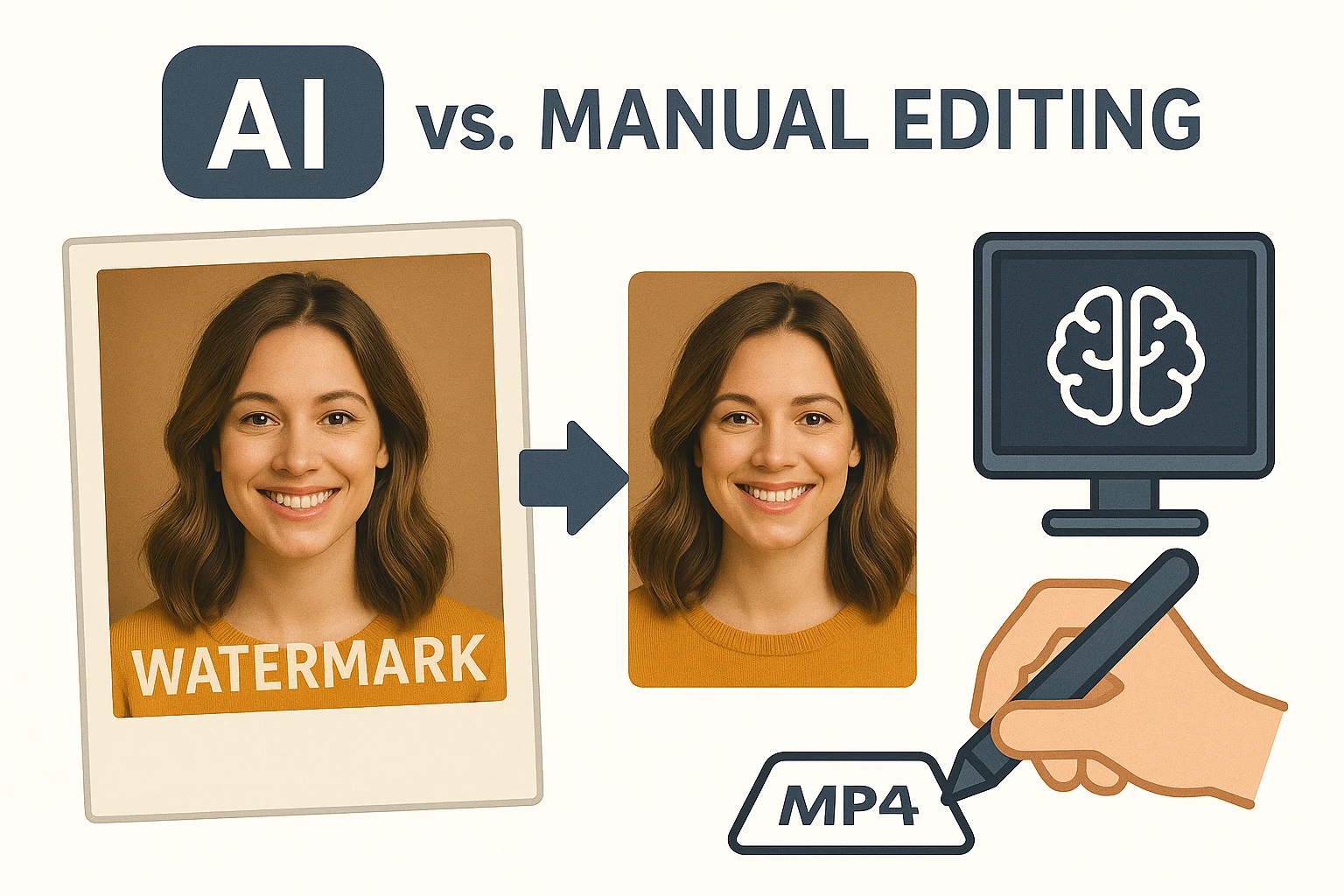
AI watermark removers use machine learning to spot overlaid text or logos on photos, then fill in the blank spaces with pixels that match the surroundings perfectly. This beats manual editing hands down because people spend ages cloning bits from elsewhere, often leaving weird edges or color mismatches. Photographers dealing with stock shots know the drill—hours vanish into thin air fixing one image.
Spotting the Watermark Automatically
These tools start by scanning the whole picture, picking out patterns that scream “watermark.” Algorithms trained on thousands of marked-up images recognize shapes, transparency levels, and even repeating logos that humans might miss at first glance. Take a product photo from an old client archive; the faint “sample” stamp across the middle gets flagged in seconds, while you’d squint and zoom manually forever.
The detection pulls from computer vision tricks, like edge detection and color segmentation, to map exactly where the intruder sits without touching the real subject. In a busy scene, say a crowded market stall with vendor text slapped over fruits, the AI isolates that diagonal overlay amid the chaos. Manual editors grab the lasso tool, trace it sloppily, and pray the selection doesn’t snag nearby details—frustrating when the light shifts oddly underneath.
Erasing and Rebuilding Without a Trace
Once spotted, the erasure kicks in with inpainting, a process where the AI guesses what belongs there by studying nearby pixels and textures. It generates new content on the fly, blending grass into a landscape or skin tones on a portrait seamlessly. Ecommerce sellers prepping listings for platforms like Etsy grab an image with a trial watermark; upload it, and out comes a clean version ready for thumbnails—no more deleting and reshooting.
This beats manual because hand-fixing demands layers of clone stamps and healing brushes, trial-and-error over every inch. Picture tweaking a family vacation snap with a site logo ghosted over the beach; you patch sand from the side, but waves don’t line up right, and shadows look off. AI handles the guesswork with generative models, pulling from vast datasets to mimic realism that feels organic.
Tools like https://phototune.ai/remove-watermarks shine here, processing batches overnight for designers churning social media graphics. They reconstruct complex areas—fur on a pet photo or fabric folds on clothing—without the blotchy artifacts from rushed human passes. One creator shared how a festival poster series got salvaged; manual would have taken a full day, but AI wrapped it before lunch.
Speed and Scale That Manual Can’t Touch
Processing a single image manually might eat 20 minutes if the watermark weaves through fine details, like hair strands or fabric weaves. Scale that to 50 shots for a Pinterest board, and you’re sunk for the weekend. AI chews through stacks in under a minute total, spotting multiples per file and erasing them uniformly—perfect for TikTok creators pulling clips from stock libraries.
Businesses running Instagram shops thrive on this; grab promo pics with agency marks, run the tool, and post live without delays. No more overtime hunched over a standard photo editor, eyeballing alignments. The consistency shines too—every output matches the original vibe, unlike manual where fatigue creeps in and errors multiply by image five.
Precision in Tough Cases
Heavy watermarks over patterns stump beginners wielding eraser tools; they smear or leave halos. AI dives deeper, using diffusion models to simulate missing parts based on context—like restoring brickwork under a bold logo by sampling nearby mortar lines. A real estate photographer faced arched text over a house facade; manual cloning warped the windows, but AI rebuilt the stucco flawlessly.
Even layered images with semi-transparent marks get handled, as the system layers its own analysis to peel back without ripple effects. Designers iterating logos for Facebook ads test variations overlaid temporarily; quick removal keeps workflows humming. This edge over manual grows obvious in high-volume gigs, where perfection per piece isn’t optional.
Everyday Wins for Creators and Sellers
Freelance photographers salvage client proofs marred by preview stamps, turning rejects into portfolio gold. Ecommerce folks strip supplier watermarks from bulk uploads, shaving prep time from days to moments. The rebuild quality holds up under zooms, vital for YouTube thumbnails where pixel peeks expose shoddy work.
One scenario: a blogger downloads a vintage texture with era-specific marks; AI cleans it for blog headers, preserving grain without the patchy manual fixes. Outputs dodge the common pitfalls of over-blurring or unnatural fills, delivering files that print sharp or scale for mobile. Over time, this reliability builds trust in your visuals, drawing eyes longer on crowded feeds.
If the image loses a bit of sharpness after editing, running it through a phototune image enhancer usually brings back the detail nicely.