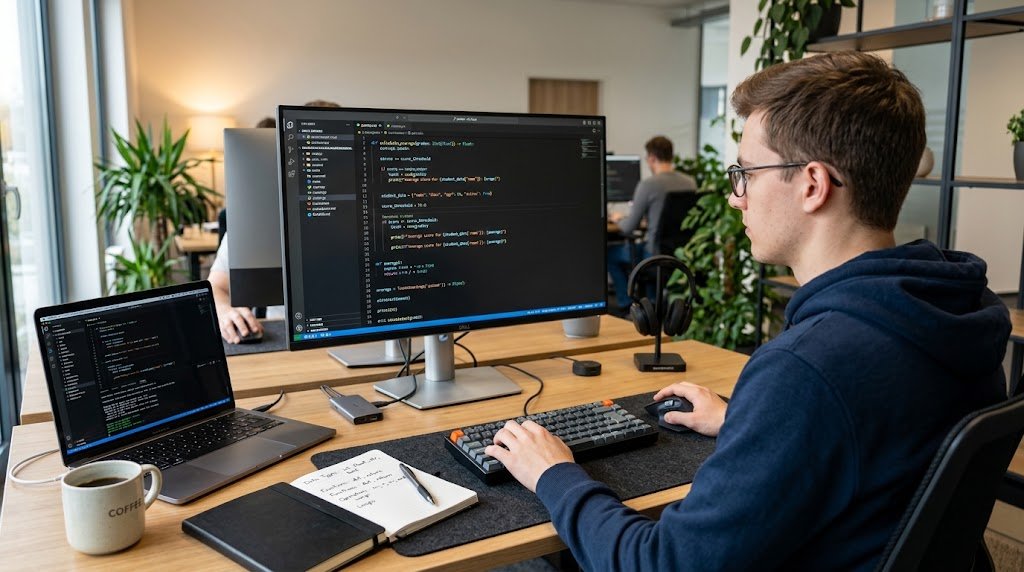
Programming is one of the most significant parts of technology that everyone uses on a daily basis. Computer programs are essential to websites, mobile apps, video games, banking systems, social media platforms, artificial intelligence tools, and a variety of other digital products. But programming is no longer a matter of simply entering complex commands into the computer. A method which is used for problem solving and provides a computer with accurate instructions that it can read and perform.
The beginning of programming for beginners is not to memorize commands of a certain language, but to grasp the concepts behind the code. This manual introduces the fundamentals of programming, the functioning of computer programs, the meaning of programming languages, source code, compilers, interpreters, and problem-solving skills. Once they understand these concepts, it is possible to have a foundation for anyone interested in programming for beginners, coding basics or how programming works.
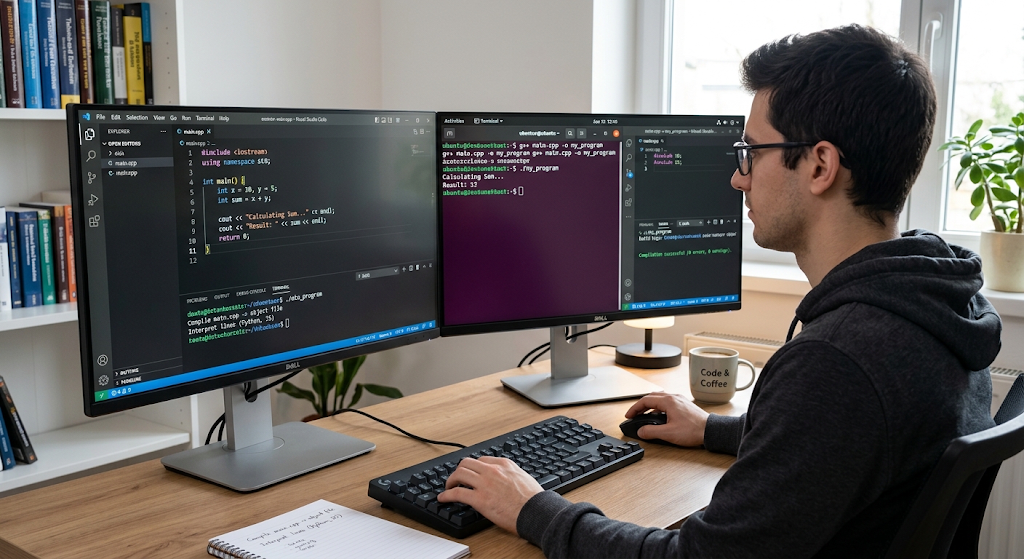
What Is Programming?
Programming is a method used to write instructions that instruct a computer to perform a specific task or solve a specific problem. These instructions are written in a programming language – a system of rules and keywords that enable humans to communicate with the computer in a logical way. A programmer can write instructions to perform tasks such as calculating the total cost of products, or even thousands of instructions that process millions of records for a large online service.
Computer instructions are usually very precise, as the computer is subject to rules being followed. An error can occur or an unexpected result can be obtained due to a minor error in one of the instructions. So, programming is not only about technical skills but also logical skills. Programming is essentially a process of dividing up a problem into manageable steps, and then translating those steps into a way that a computer can perform.
Programming as a Problem Solving Activity
The reason that programming is so closely related to problem solving is that a programmer typically writes a program with a certain purpose in mind, and not with a set of computer programs in mind. For instance, let’s say the program to find the average score of a student is written. To be able to write the syntax of a programming language, the programmer must first know what information is needed, how the scores should be handled, and what should be shown as a result.
The problem can then be broken down into smaller actions: get the scores, add them up, count the number of scores given, divide the total by the number of scores, and print out the answer. It can be applied to nearly all aspects of software development. Programming can be easier for the novice who thinks about the problem systematically; he or she knows what the computer should do before deciding on the specific commands.
How Computer Programs Work
Computer programs use a series of instructions written in a computer program that a computer processor and other parts of the computer can follow. When the user clicks on an application, the operating system loads the required information about the application into the memory, so that the computer can execute its instructions. These instructions might instruct the computer to accept data, calculate, make a decision, store data, communicate with another system, or show results as part of the program.

An easy example of this would be a calculator application. The program prompts the user for two numbers and for an operation to be performed, it takes the numbers and determines what operation is needed, carries it out, and displays the results. While many software packages are very sophisticated, many are structured out of the following activities: Receiving information, processing in accordance to rules, and producing useful output.
Input, Processing, and Output
The input-process-output model is one of the simplest methods of grasping the concepts of programming. Input is information provided to a program, such as the information that may be typed on a keyboard, moved by clicking a mouse button, uploaded to a web page, or sent from one program to another. Processing is the way in which the program uses that information. The computer may compute some number, compare two things, look things up in a database, or decide whether to take some action based on some conditions.
Output is anything that comes out of the system as a result of processing, e.g. information on the screen, a calculated value, a report, output sent to another system. A knowledge of this model provides a simple mental model for the novices to use when analysing many programs and determining what information is going in, what is happening to it, and what should be coming out.
Fundamental Concepts in Programming
For beginners, there are some concepts that are recurring over various programming environments, which should be understood before selecting a programming language. These include variables, data types, operators, conditional statements, loops, functions and basic data structures. By mastering these fundamental concepts of programming, one can more easily transfer their knowledge to other languages, as the same basic ideas are seen in various languages with different syntax.
A program may store information in a variable that it may need to use in the future, and a conditional statement lets a program select among alternative actions. Loops are used to repeat instructions and functions provide a structure for organizing reusable pieces of logic. These ideas are significant because the purpose of the programming language is not just to string together arbitrary instructions. It’s a process of using logical building blocks to develop programs that can react to information and do something useful.
Types of Variables and Data Types
A variable is a named location or reference in a program to store information that can be used during the execution of the program. For instance, a program may include a variable to hold a person’s name, age, examination score, or account balance. The data type of a variable is the type of information that the variable holds. Examples of common data types include integers (which represent whole numbers), floating-point numbers (which represent numbers with decimal points), strings (which are used for text), and Boolean values (which represent conditions of true and false).
Other programming languages offer more date, character, list, object and other data types. Variables and data types are crucial to understand because computers must know what to do with these data. For example, a program which uses text as a number might produce an error or unexpected result. Beginners are thus required to take into account not only the information that a program stores but also how it is represented and used.
Programming Languages
Programming Languages are the structured manner by which humans type instructions that may ultimately be run by computers. Each language has a different purpose, strength and programming style. There are numerous uses of Python, including for beginners, automation, data analysis, artificial intelligence, and more. JavaScript is important for creating interactive web applications, and is also used in web servers.
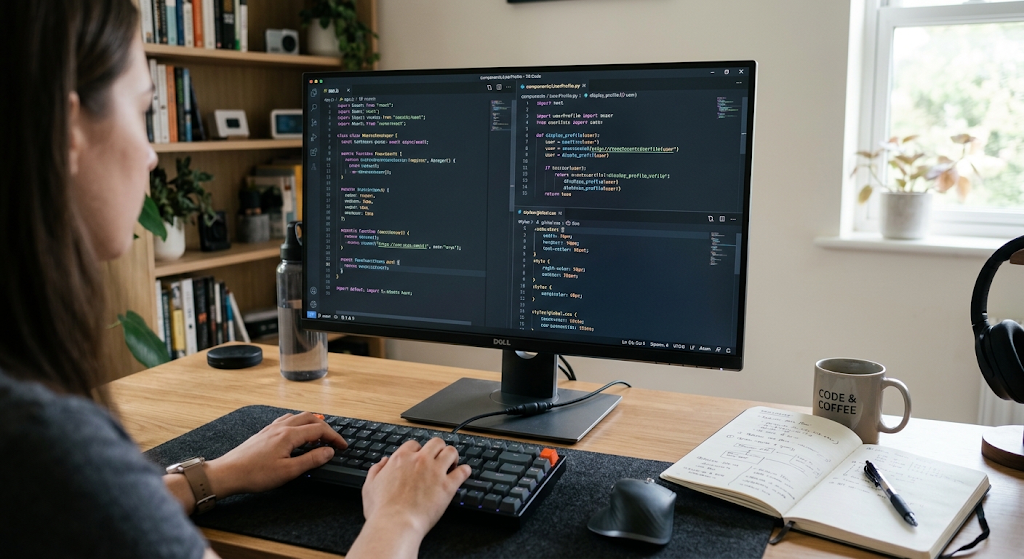
Java is often used in enterprise systems and other large-scale systems, and C and C++ are typically used in systems programming, performance-intensive applications, and software that tightly couples with computer hardware. There are other languages like C, Go, Rust, Swift, Kotlin, PHP and more. New programmers don’t have to learn all programming languages. Rather, they should know that languages are different means of expressing programming concepts and becoming familiar with one language can facilitate understanding of another language.
Selecting your First Programming Language
With there being so many programming languages, it can be challenging to pick a first language. In practice, it is better for novices to get a good basis in programming concepts than the time they spend trying to find the “ideal” language. The syntax of Python is relatively easy to read and it can be used to work on a range of projects which is why it is considered approachable. For those who are interested in websites and web applications, JavaScript is another great option as it is closely related to the web browser.
Other languages may be good languages to start from depending on the language goals of the learner, the school curriculum, or the learning resources available to the learner. Most important is that the language will give the learner the opportunity to practise problem solving regularly. The value gained to an absolute beginner who writes small programs, learns from the errors, tries out various solutions, and slowly creates more and more complicated projects, is likely greater than the value that someone gains who just keeps jumping from one language to another without learning the basic principles of programming.
Understanding Source Code
Source code is a sequence of instructions written by a programmer in a programming language that are readable by humans. It is the code that describes what the program should do. For instance, source code could be written to accept a user’s name, to determine if a password is correct, to sum a total, or to show a specific message. For program creation and modification, programmers use a text editor, or a specialized development environment called an integrated development environment (IDE).
Source code is important because it is the design and behaviour of a program that is accessible by the developers for inspection and modification. In general, however, computers are not designed to read and run source code that is read by humans. The source code needs to be translated in a manner which enables execution of instructions by the computer. The approach will vary depending on the programming language and on whether the language is compiled, interpreted, virtual machine or something else.
Compilers and Interpreters
A compiler is a program used to convert a source program into some other form that can be run on a computer or a runtime environment. In a traditionally-compiled language, source code is first compiled to machine code or another executable format, then run. This can ensure that the resulting program is executed efficiently as much of the translation work has already been done. In general, an interpreter processes and executes instructions during run time.
The exact behaviour will vary depending on programming language and compiler, and modern languages may implement both techniques. The fundamental concept is that computers must be able to convert or manipulate instructions in the program into actions that a computer can perform. This is also one of the reasons why sometimes programs have syntax errors before executing, and runtime errors during execution.
Syntax Errors and Runtime Errors
Programmers make mistakes – they are common and especially with a new learner. A syntax error is when code doesn’t follow the rules of the programming language. For instance, a programmer may forget to type a symbol, type a wrong keyword, or write an instruction incorrectly. Keeping it as a whole, the compiler or interpreter of the language may detect the problem, and disallow the program from being executed. A runtime error is not the same because the program may begin to run, but will have some issue while running.
This would occur when a program tries to perform an invalid operation, access information that is not available, or provide data that the program was not expecting. There are also errors of logic that occur when the logic of the program is incorrect and it will run without error but not give the correct answer. It is an important part of being a competent programmer to be able to recognize these kinds of errors.
Basic Problem-Solving Techniques in Programming
The key to good programming is to first understand what you are trying to solve. A good trick is to break down the problem into a simple problem before coding. The programmer should define the desired output, know the information that is available, and set any rules or restrictions that will impact the solution. Decomposition involves dividing up a problem or larger problem into smaller problems. For instance, a basic e-commerce application might have different functions such as product display, receiving customer data, computing prices, order processing, and providing confirmation messages.
The tasks can then be independently examined. This way, learners are not overwhelmed by large projects, and are able to test out single components of a solution. Good programmers do not solve all the problems they make, they slowly develop, test, improve and refine their solution.
Algorithms and Pseudocode
An algorithm is a sequence of instructions for solving a problem or performing a task. Algorithms play a critical role in programming, as they represent the logic a program must adhere to. A beginning programmer can define an algorithm in “real” language or pseudocode before writing the actual code. Pseudocode is a form of representation of programming logic which doesn’t necessarily follow the syntax of a specific programming language. For instance, a program that decides whether a person is able to access a service may be structured as follows: when the program is called, it takes in the age of the person, compares the age to the minimum age required, and presents a suitable message if the age is at or above the minimum age, or if it is below the minimum age.
Having this logic in place before coding can help you catch errors early on and make the programming task easier. Algorithms also make it necessary for the programmer to consider efficiency, accuracy and the variety of conditions under which a program might run.
Conditions, Loops, and Functions
Conditional statements make decisions in programs based on information. A program could determine if a passcode is correct, if a number is larger than another number, or if a user has taken a specific action. Depending on the condition, the program can (or cannot) execute one action or another. A loop is used to repeat the instruction without a lot of code repetition.
A loop can process all the items in a list, print a set of numbers, or prompt for information and then repeat until the user returns a valid answer. Functions are another crucial feature that allow instructions to be organized into repeatable units. A programmer can write a function and call it to perform the same set of instructions over and over instead of writing the same code each time. Conditions and loops can be used in combination with functions to create more powerful and organised programs.
Testing and Debugging
Writing programs is not all about writing code. Programmers also require them to test their programs to see if they act as they should. Testing is the process of giving inputs of various types and verifying the output is correct. A program that is effective with a standard input will not necessarily be effective with an atypical input, a partial input or an incomplete or unexpected input. Debugging is locating and correcting errors in a program.
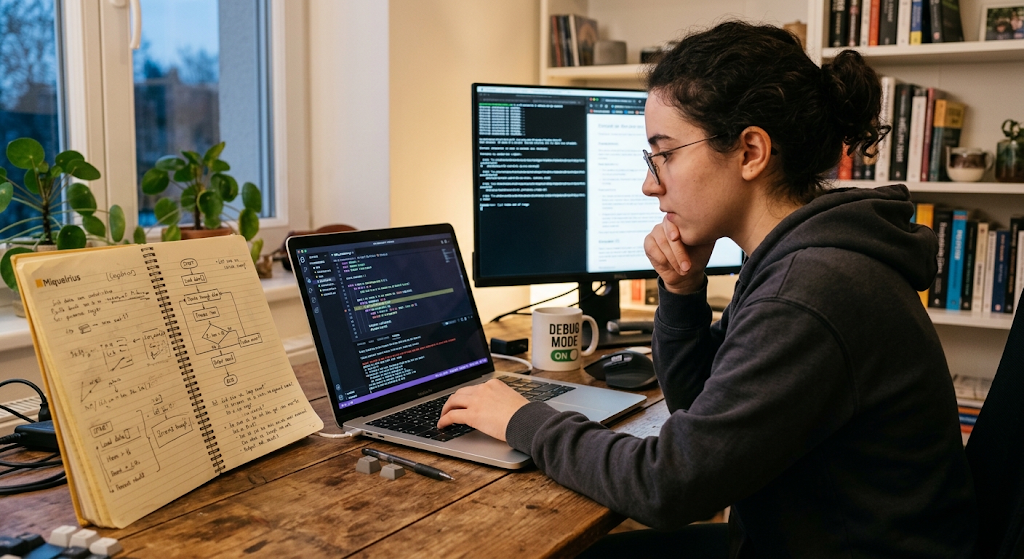
When debugging, it helps to try to reproduce the problem, find where the unexpected behaviour is happening, check a block of code and make a gradual change to it and test again. Don’t think that any errors you might get are a sign that you are not good at coding. Mistakes can be expected to happen during software development and can be a valuable clue to the behavior of a program. It is important, therefore, to learn to be patient and work through the bugs systematically as well as learn the programming syntax.
Why Programming Skills Matter
Applications of programming are found in so many industries as software is now a part of business, education, communication, entertainment, science, finance, healthcare, transportation and government services. A programmer can help build websites, mobile applications, databases, automated systems, data analysis projects, games, AI applications, and a myriad of other technological solutions. Anyone who will not become a professional software developer can gain benefits from learning a programming language, because it helps you to think logically, solve problems in a structured way, pay attention to detail and break down complex tasks into smaller steps.
Programming also allows individuals to learn about the technology in their environment instead of just using digital products without understanding how they work. These skills can be beneficial for computer science learning, information technology, software engineering, data science, cyber security, and other disciplines for students and beginners.
Teach Yourself Programming in a Few Easy Steps
A new programmer can learn to program by taking one accessible language and work on some programs rather than learning it all. The first should include the fundamentals of variables, data types, operators, conditions, loops, functions and simple data structures. After the ideas are established, the learner can design a small program to make a calculator, quiz application, guess number game, simple text based program, or a personal webpage.
The value of building projects is that it involves the learner in applying concepts, rather than merely reading about them. New programmers should also be encouraged to read error messages, look up explanations, try out different remedies, and read text created by other coders. Programming skills are developed through practice. It is not necessary to memorise all of the commands, rather it is important to understand the concepts of programming and how to apply the tools at hand to solve a problem.
Conclusion
Programming is a method of creating specific instructions that computers can use to solve problems and do useful things. While the syntax of each language varies, and the uses of each type differ, there are common concepts that exist with each language, such as variables, data types, conditions, loops, functions, algorithms, source code and debugging. By learning how programs are built and how they process data and output information, beginners will have a working knowledge of how software works. Detailed understanding of the compiler and interpreter helps to understand how human-readable source code is converted to instructions that can be executed.
Above all, programming is about problem solving, not memorising code. New learners should be taught to break down complex problems into smaller steps, to create algorithms, to test their programs, look for mistakes, and practice how to make their programs better. Having these elements at hand, anyone can feel confident to learn a programming language and start creating working software.