Introduction
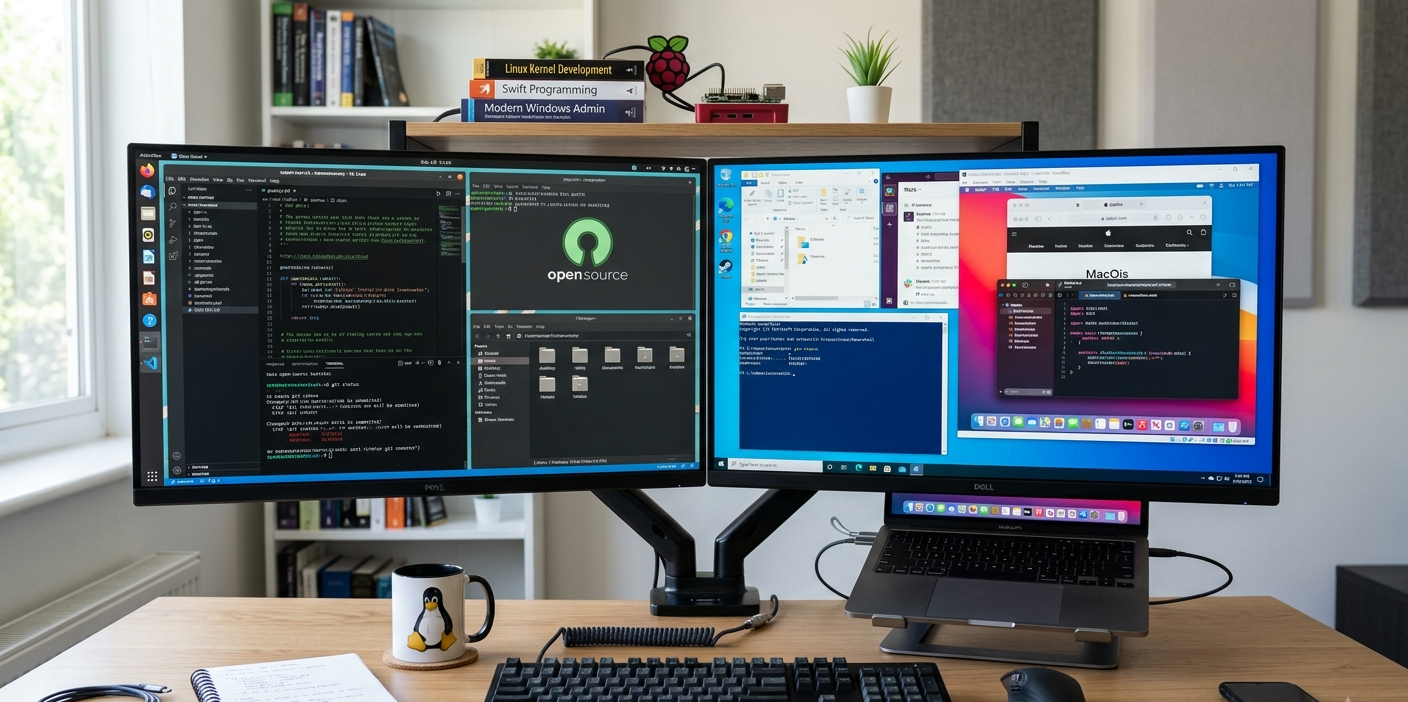
Modern computers are built on top of operating systems. They control hardware resources, execute applications, secure user data, and serve as the communication between user and computer and device. However, not all operating systems are created using the same philosophy. In the software industry, there are two main strategies: open source and closed source. These strategies impact software development, distribution, enhancement, and management by developers, companies, and users.
It’s been decades since the debates began between open-source and closed-source operating systems, due to the pros and cons of each. Open source systems are transparent and collaborative with a high degree of user freedom, whereas closed source systems have controlled development, commercial support and a stable user experience. Knowing these differences helps individuals, businesses, and organizations select one operating system for their technical capabilities, privacy requirements, budget and specific needs.
What Is an Open-Source Operating System?
An open source operating system is a type of software that has its source code available and shared with the public, which they are free to study, modify, and distribute freely under the terms of its license. Open-source projects tend to be developed and enhanced by communities of developers, organizations, and users who come together instead of having one organization control the entire development process.
The main idea behind open-source software is collaboration. The code can be viewed by developers from around the globe, bugs can be found, improvements can be recommended and new versions developed. This way, it’s more innovative, as people are not restricted to decision-making by any one company. Some of the more popular open source operating systems are the Linux distributions Ubuntu, Fedora, Debian, and Arch Linux.

Open-source operating systems are particularly favored by developers, cyber security experts, researchers and organizations wishing to exercise more control over the technology. Since the source code is included, users can modify the system to fit specific needs, such as making it lightweight for use on older machines, or creating a specialized platform for users in servers and computing environments.
What Is a Closed Source OS?
Closed Source Operating System: Software that is privately owned and privately controlled by the company or organization that created it. They can install and use the operating system, but they can normally not see or change the underlying code. The software owner will handle decisions on its development, security updates, and feature changes.
Closed-source operating systems are those in whose source code is not public and is controlled by the developer or company. By doing so, companies can continue to have tight quality control in software, brand, compatibility and user experience.
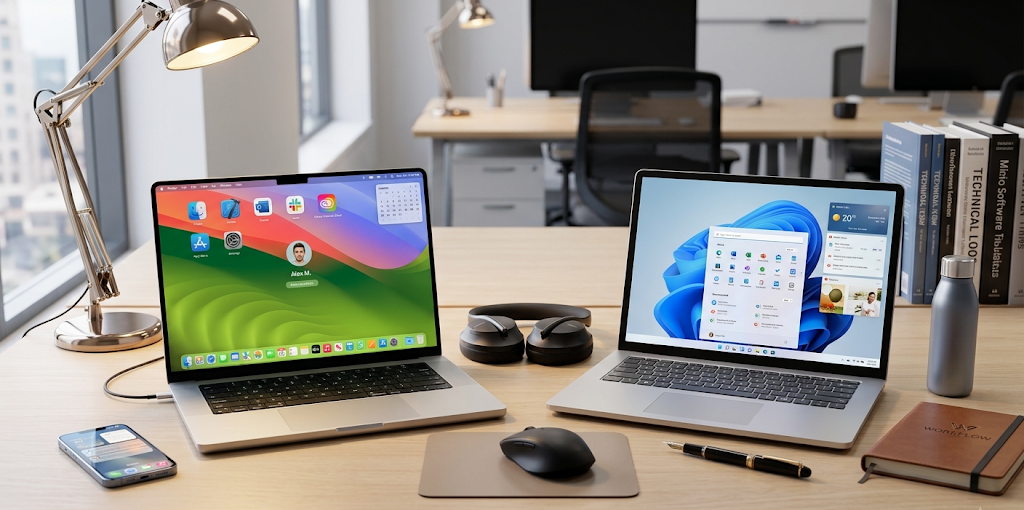
Closed-source operating systems examples include Apple macOS and Microsoft Windows. These platforms are meant to offer a professional user experience for businesses, creative professionals, and the average user. They are all developed by the same company, so they can have all the necessary changes standardized, customer support can be official, and strict hardware and software integration can be maintained.
Differences Between Open Source and Closed Source Licensing
There are differences between open source and closed source licensing. Open source and closed source licensing differ. One of the biggest differences between open-source and closed-source operating systems is licensing. Software licenses dictate a user’s rights and privileges over the software; that is, what they can and cannot do with the software.
Typically, Open source operating systems utilize licenses that allow users a lot of freedom. The GNU General Public License (GPL) is a common license used in Linux that enables users to use and modify the source code, with stipulations for distribution of modified versions. These licenses provide for cooperation and the enhancement of software over time in the communities.
Closed source operating systems are licensed privately. Usually these licenses enable users to install the software and run it, but they limit use to purposes of modification, reverse engineering, and redistribution. Some companies like Microsoft and Apple own their operating systems and determine how they change.
This difference in licensing is due to the different objectives of each model. Open-source licensing puts emphasis on freedom and community development, and closed-source licensing puts emphasis on ownership, control, and commercial protection.
Which Operating System is Cheaper?
Money is a very significant element in deciding on the operating system. Open-source operating systems are also thought to be cheaper as several Linux operating systems are offered at no cost. The users can download, install and use the Linux distribution without having to buy an expensive license. This could be a draw for students, developers, startups, schools, or organizations with a smaller budget.
Free Software isn’t necessarily free of cost, though. For Linux-based businesses, one may have to pay for professional support, specialized services, training and maintenance. Organizations might also require proficient administrators that know how to effectively configure and manage open-source systems.
Closed source operating systems typically involve fees for licenses or devices with the operating system. Microsoft Windows licenses are typically sold with a new computer or as an add-on, whereas macOS comes pre-installed on Apple’s computers. These systems might cost more up front, but they may offer more streamlined or professional support and regular updates.
Depending on the user’s priorities, the best option is to choose one of the following. If you’re seeking a free and flexible solution, you might want to consider Linux, but if you’re looking for convenience and official support, Windows or macOS could be the choice for you.
Open Source vs. Closed Source Systems Security Differences
One of the most talked about issues in the open-source vs closed-source debate is about security. The open-source advocates say transparency makes for a more secure program, since thousands of developers can look over the program and find potential loopholes. When there is a large community looking at the software, problems can be identified and resolved in a timely manner.
The reputation of Linux for security is well established, especially in servers, cloud computing and professional environments. Many cybersecurity experts prefer to use Linux based systems because they offer the advanced level of control over permissions, networking and system configurations.
Closed source operating systems also have robust security capabilities. Microsoft and Apple spend a lot of resources on security research, vulnerability testing and automated security systems. The security features in Windows are built-in, while the security features in macOS are security technologies that are designed to help keep users safe from unauthorized software and threats.
Closed-source software does have a drawback, however, since it prevents users from examining the source code. They have to rely on the company to detect and fix security problems. Open-source software offers transparency, but users may require a higher level of technical expertise to correctly set-up and maintain security policies.
However, security is not just about open source versus closed source software; it’s also about software updates, user behavior, system configuration, and responsible software management.
Model Which Gives Users More Control
More and more, privacy has emerged as a concern as many activities, both personal and professional, go online. Users that value privacy may prefer open-source operating systems since the code can be reviewed by independent developers. This clarity helps to identify any data collection or features that are not necessary.
Those who wish to have more control over their information often opt for Linux distros. Many Linux systems provide the user with the ability to select the services that are enabled, the software that is installed, and how the data is used.
Closed source operating systems may gather data to enhance service, for updates or features. The privacy policies of companies generally state what information they collect, and offer some control for consumers over data-sharing options. The source code is not available, however, so relying on the company’s statements and privacy practices are the only option as a user.
Open-source systems might be more attractive for those looking for the highest level of control and transparency. Closed-source platforms might be preferable for those who value convenience and integrated services.
Customization and Flexibility
Another significant variation between the two software philosophies is customization. Extensive customization options are offered by open source operating systems, since the users can change the system as per their requirement. The Linux Users can modify the Desktop Environment, install special tools, make changes to system behavior, and even create their own version of the operating system.
Such flexibility is what attracts programmers, researchers and tech enthusiasts to use Linux. It can be customized for personal computers, servers, smartphones, and other specialized devices.
Closed-source operating systems tend to be less customizable since the companies design the operating system. Themes, settings and applications are customizable with Windows, but deeper system changes cannot be done. MacOS offers a cohesive and thoughtfully engineered user experience while adhering to less user control over the operating system’s internal operations.
Open source is more liberating for users who like to experiment and have control over all aspects of their computer. Closed source might be preferable to users who require a stable and predictable experience.
Support and User Experience
Another area where closed-source systems may have a strength is support. The makers of Windows and macOS have official documentation, customer support, troubleshooting resources, and professional services. This is great for beginners and organizations that need reliable support.
Open source OSs are tremendously dependent on the support of the community. Help is available for users in forums, on-line documentation, developer communities, and discussion groups. These resources can be very helpful, but I would need more technical skill and patience.
There’s also a difference in the user experience of the two models. Windows and macOS are built with simplicity; their interfaces are carefully controlled and they are compatible. Although Linux is freer, it can be a bit more complicated to set up – particularly for a new user.
Popular Examples Include Linux, Windows and macOS
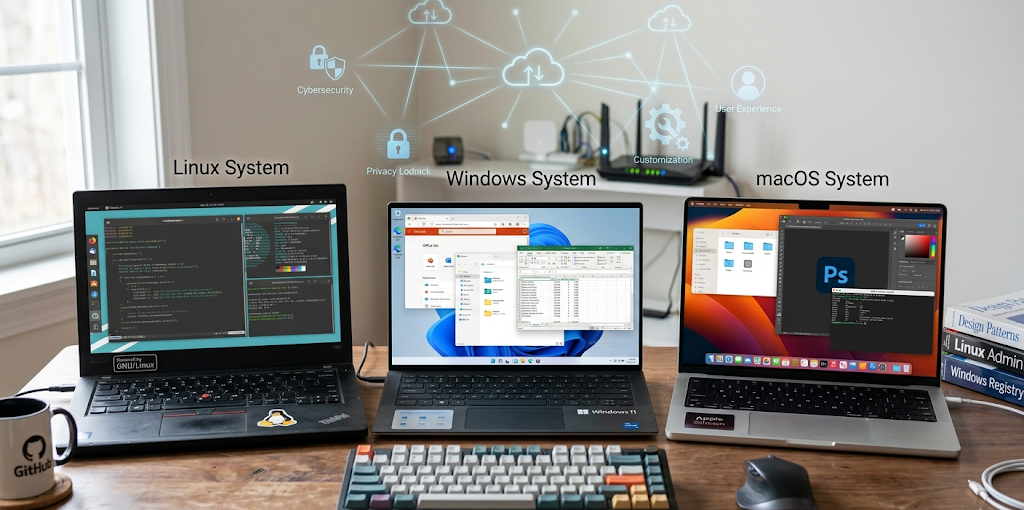
Some of the most common examples of Linux vs Windows vs macOS are discussed.
Popular examples include Linux, Windows and macOS.
Linux
The open source philosophy is represented by Linux. It comes in various forms known as distributions, tailored to various user groups. There are several Ubuntu-based distributions that are popular with new users who need an easy-to-use environment, and there are distributions for more advanced users that require full control, like Arch Linux.
The benefits of using the Linux platform are that:
- Free availability
- Strong customization options
- High transparency
- Good security reputation
- Very good performance across a variety of hardware.High performance across various hardware.
But, there are challenges to Linux, such as not being compatible with all commercial applications and the learning curve for new users.
Windows
Closed-source operating systems are one of the most popular ones in the world, and Windows is one of them. It has been developed by Microsoft and is widely used by home users, businesses, gamers and professionals.
The benefits of Windows are:
- Broad software compatibility
- Strong gaming support
- Easy setup process
- Professional customer support
- Large user community
Some disadvantages are the requirement to pay a license fee, less flexibility in customization options than Linux, and privacy and data collection issues.
macOS
macOS is an OS system by Apple for Mac computers, a closed-source OS system. It’s popular among creative professionals, and it’s easy to use and integrates well with Apple devices.
MacOS has the following benefits:
- Seamless hardware/software integration
- Strong security features
- Reliable performance
- High-quality user experience
Some of the drawbacks are the increased hardware expenses, lesser options of devices, and reduced customization options when compared to open-source options.
So What OS Do You Want to Use?
The choice of the best operating system among others depends on the individual needs, level of experience and priorities. Linux can be useful for students and developers who wish to learn to program, try technology, or do not need to pay licensing fees. Windows might be a better choice for users who require compatibility with well-known applications, gaming capabilities, and easy use. MacOS can be an option for creative professionals and those who appreciate a clean environment.
No one can say that any one OS is perfect for everyone. Both open-source and closed-source systems offer advantages: an open-source system allows freedom, transparency, and customization, while a closed-source system offers convenience, professional support, and controlled experiences. If users know what they are, they can think about selecting software that suits their needs rather than jumping on the bandwagon.
Conclusion
Open source vs closed source operating systems is the debate of two approaches in technology. Open source is about collaboration, transparency, and control by users, closed source is about ownership, consistency, and managed development. While Windows and macOS prove the benefits of professionally developed commercial software, Linux proves the power of community-driven software.
People need to take into account the cost of the operating system, its privacy features, security, ease of use, customization and support it offers when deciding on what operating system to use. For some, it’s Linux, for some it’s Windows, and for some it’s macOS; the correct choice is the one that suits their needs and use of technology.