The ability to start from an existing image and generate a transformed version has become a standard expectation in AI creative tools. Unlike text-to-image generation, which builds every element from scratch, image-to-image workflows preserve the original composition, subject position, and spatial relationships. This makes the process more predictable for tasks such as product background replacement, sketch refinement, style transfer, and asset extension. Below are seven free platforms that support image-to-image generation, listed with their observable characteristics and typical use cases.
1. ToImage AI
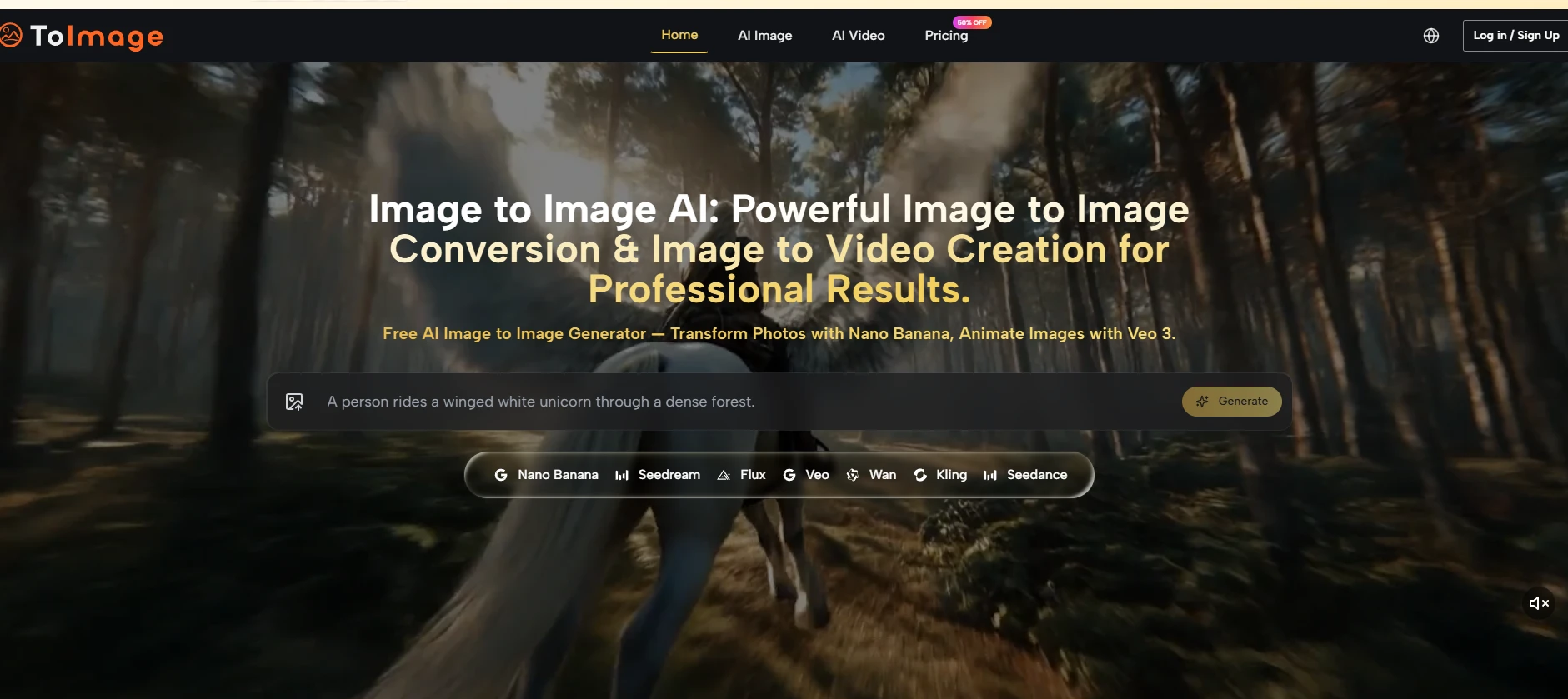
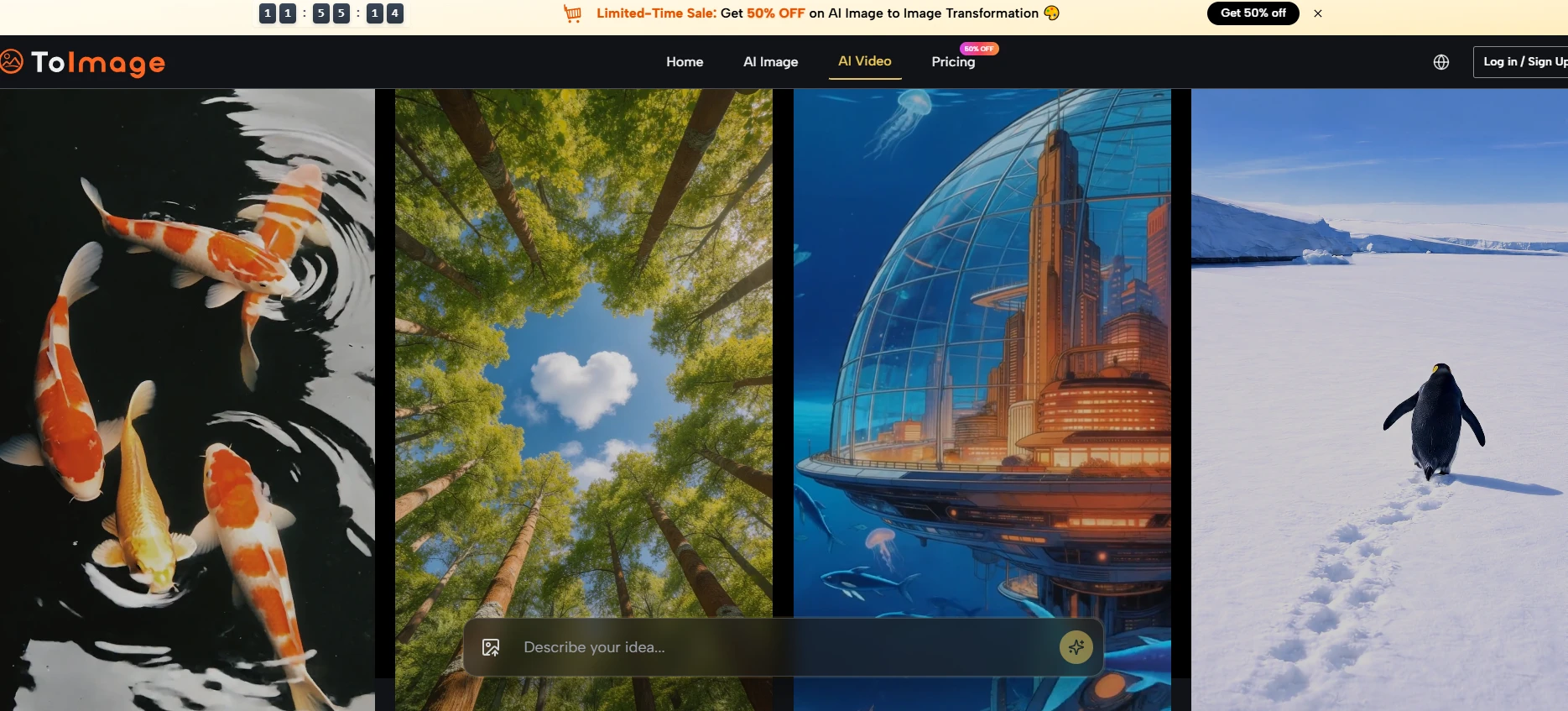
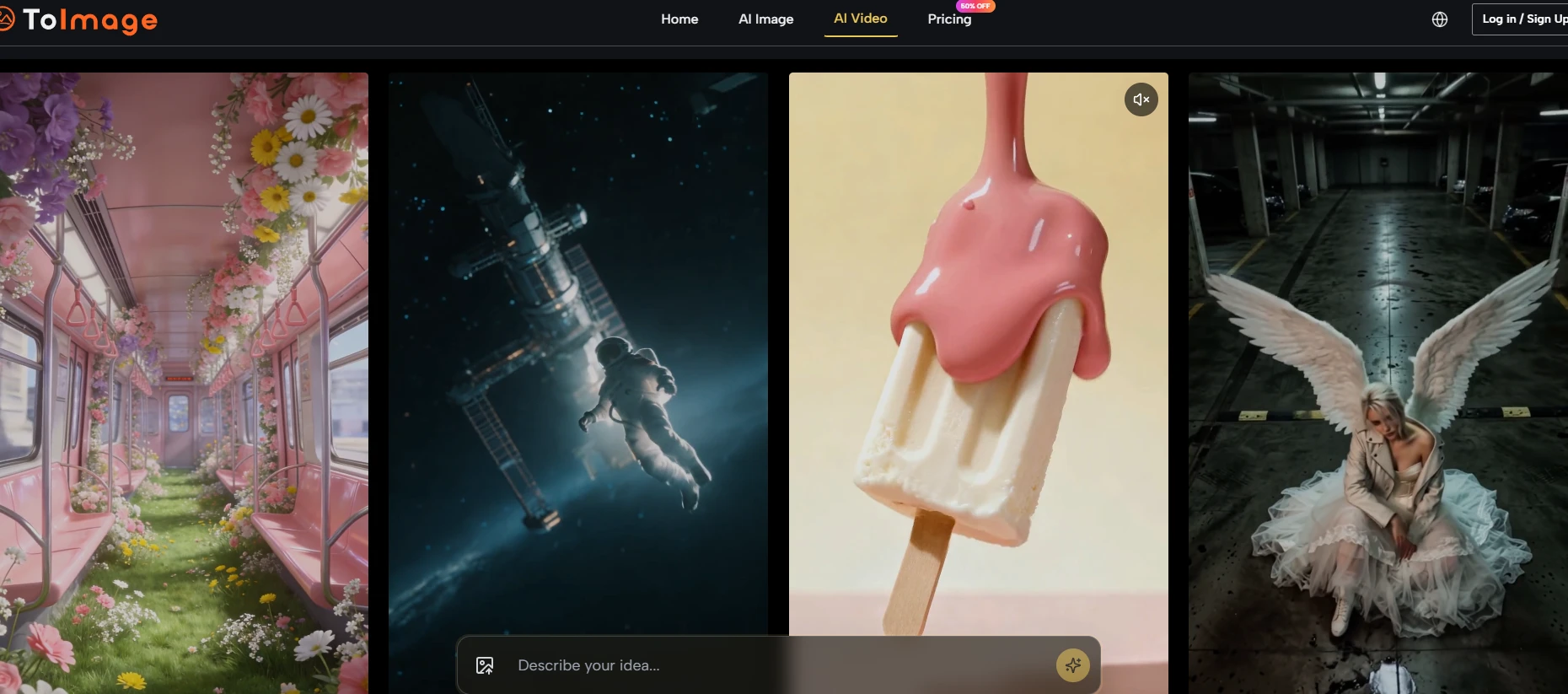
Image to Image is structured around image-to-image as the primary workflow rather than an add-on feature. The platform aggregates multiple specialized models within a single interface, including pathways for high‑fidelity transformation, fast iterative generation, precision editing, and still‑to‑video extension. The interface contains no visible third‑party advertisements, upgrade banners, or credit countdown displays during generation. The prompt panel retains previous text across model switches, and the source image remains visible as a persistent reference. This design supports extended iteration sessions without context loss.
Suitable for creators who start from existing visual assets and need access to multiple model tendencies without leaving one environment. The platform requires no account for basic use, and file uploads accept PNG, JPG, and GIF formats up to 10 MB.
2. Adobe Firefly
Adobe Firefly provides image-to-image capabilities integrated with Creative Cloud. Users can upload a source image and apply style references or structural guidance through Firefly’s web interface. Outputs typically show clean rendering with strong attention to lighting and material texture. Free tier access exists with daily generation limits.
Best for designers and commercial users already working within Adobe products who need consistent, polished outputs. The free experience is limited compared to paid subscriptions, and non‑Adobe users may find the ecosystem less accessible.
3. Canva AI
Canva’s AI image tools include an image-to-image feature accessible from the Canva editor. Users upload a photo or graphic, describe the desired transformation, and generate a new version without leaving the design workspace. Generated images can be dragged directly into presentations, social media templates, or print layouts.
Ideal for everyday content creators, small business owners, and educators who need quick AI edits alongside layout tools. The transformation depth is shallower than dedicated platforms, and advanced model controls are not exposed.
4. getimg.ai
getimg.ai offers a straightforward image-to-image mode. The user uploads a source picture, writes a prompt describing the intended change, and selects a strength parameter to control how closely the output stays to the original. Multiple variations generate from the same source and prompt combination. The free tier includes a monthly credit allowance.
Suitable for users who want a simple, direct transformation interface without extra features. The platform feels utilitarian and is less integrated into broader creative ecosystems.
5. OpenArt
OpenArt supports image-to-image generation with a strong emphasis on style exploration. The platform provides a library of preset artistic styles that can be applied to uploaded images, and the prompt field accepts natural language instructions. Free credits are available upon signup, with additional credits earned through referrals or daily logins.
Best for creators who want to test multiple artistic interpretations of one source image quickly. The free tier requires account creation, and credit consumption can limit sustained use.
6. Z-Image AI
Z-Image AI is a web platform offering access to four distinct image generation models: Z-Image Turbo, GPT Image 2, Nano Banana 2, and Seedream 4.5. New users receive 100 free credits to start. The image-to-image workflow requires uploading a source photo or sketch, writing a transformation prompt, and selecting one of the available models to generate.
Suitable for hobbyists, content creators, and marketers who want to compare outputs from different models side by side. The credit-based free tier provides a clear entry point, but each generation consumes credits, and the free allocation may deplete quickly with heavy use.
7. Leonardo AI
Leonardo AI includes an image-to-image feature accessed through its “Image Guidance” panel. Users upload a reference image, adjust a strength slider, and write a prompt to guide the transformation. The platform also offers a library of community-trained style models that can be applied to user images. Free tier users receive a daily allowance of generation tokens.
Best for intermediate creators who want a balance between ease of use and creative range. The free interface includes upgrade prompts that appear during extended sessions, which can interrupt workflow flow.
Comparison of Free Image to Image Platforms
| Platform | Free Tier Structure | Key Strength | Main Constraint |
| ToImage AI | No account required; no visible credits or ads | Persistent source image reference; multiple model pathways; prompt retention | Model choice may require user experimentation |
| Adobe Firefly | Daily free generations with Adobe account | High polish; strong material and lighting rendering | Free tier limited; requires Creative Cloud login |
| Canva AI | Free Canva account includes AI generations | Integrated with design workflow; immediate reuse of outputs | Less transformation depth than dedicated tools |
| getimg.ai | Monthly free credits | Simple interface; strength slider for control | Credit consumption limits monthly use |
| OpenArt | Free credits on signup plus daily or referral bonuses | Large style preset library; fast exploration | Account required; credits deplete with each generation |
| Z-Image AI | 100 free credits for new users | Access to four different models in one place | Credit-based; heavy users need paid top-ups |
| Leonardo AI | Daily free generation tokens | Community style models; active user community | Upgrade prompts can interrupt free sessions |
Practical Limitations Across Free Image to Image Platforms
Every free platform imposes certain constraints. The most common limitations include daily or monthly generation caps, account requirements, watermarked outputs, reduced resolution, slower queue times during peak usage, and limited access to premium models. No free platform guarantees consistent output quality across all source images and prompts. Results depend on the source image’s resolution, lighting, composition, and the clarity of the transformation instruction. Platforms that offer multiple models may produce different outcomes for the same source and prompt; users may need to test several generations to achieve a satisfactory result. Image to Image AI shares these general constraints but distinguishes itself through the absence of visible ads, credit meters, and upgrade interruptions, as well as the continuity of prompt and source image across model switches.
Which Platform Matches Your Workflow
The right choice depends on how you use image-to-image tools. For users who start from existing assets and need serious transformation range without constant distractions, ToImage AI provides a workflow-oriented environment. For designers already embedded in Adobe’s ecosystem, Firefly offers professional-grade polish within a familiar toolset. For content creators who live inside Canva daily, the built-in AI avoids context switching. For users who want the simplest possible interface, getimg.ai delivers clarity. For style exploration and creative play, OpenArt lowers the barrier. For those who want to compare multiple models directly, Z-Image AI structures the experience around model selection. For a balanced middle ground with community inspiration, Leonardo AI remains accessible.