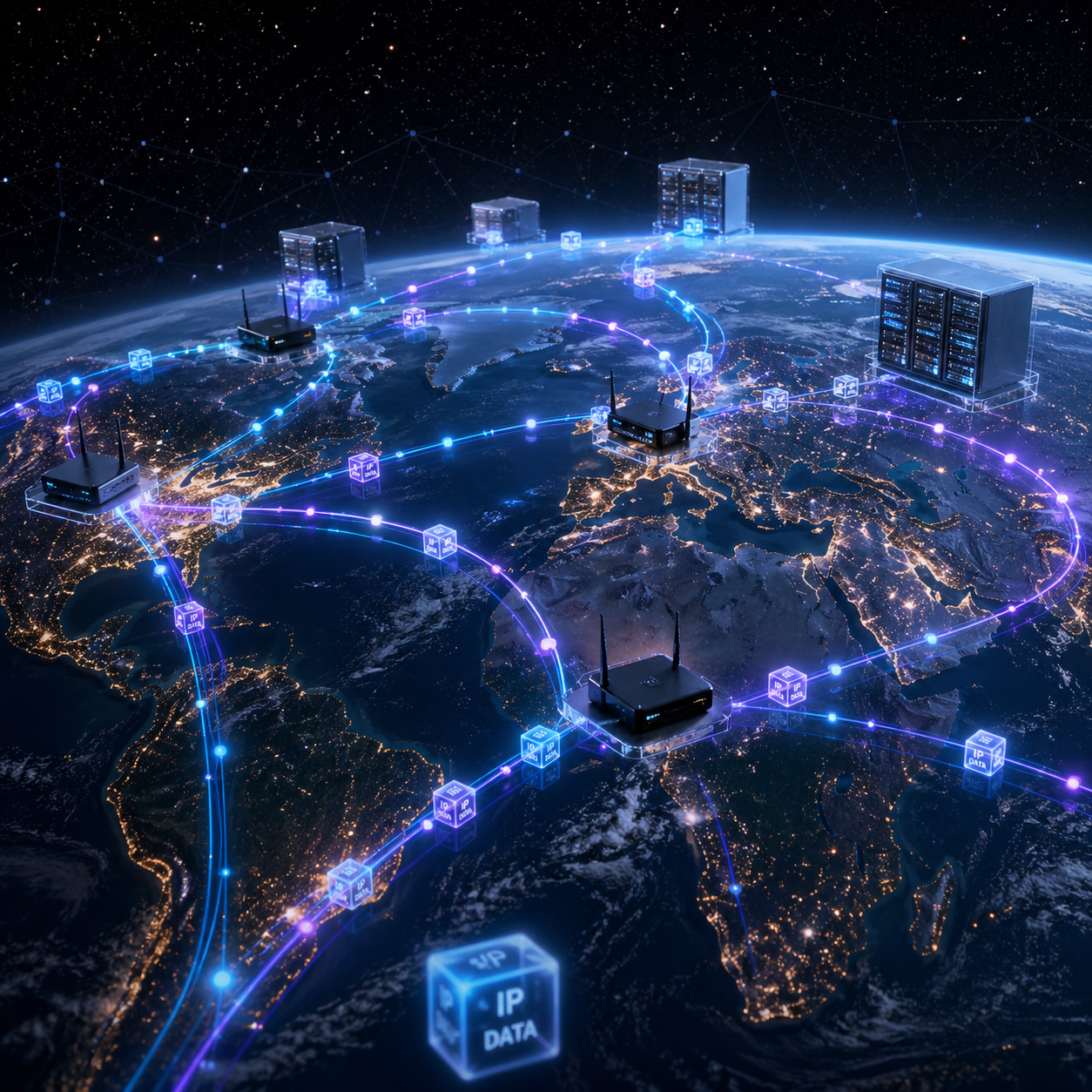
When you send a message, watch a video, or browse a webpage, an interesting but complicated thing happens. Your electronic device works with others on large networks, transferring information in small, structured chunks. While it might appear instantaneous, it takes a few steps, and they all work seamlessly.
Today, you’ll learn about how data gets from one place to another. We’ll explain terms such as packet switching, Internet Protocol (IP) and Media Access Control (MAC) addressing, and routing – but we will do it in a simple, straightforward and practical way.
What Is Data Transmission?
Data transmission simply means transmitting data between devices. For instance, when you press the send button on a message, your phone doesn’t transmit the entire message. Rather, it sends it in pieces, via a network.
But here’s a simple explanation. Let’s compare data transmission to the postal service. Rather than sending a large package, you send several smaller packages. This way, if one is lost, the rest will still make it.
Step 1: Produce the Data (Sender)
Data must first be created before it gets transmitted over a network. This occurs on the sending machine.
For example:
- Composing a message in WhatsApp
- Uploading a photo
- Clicking on a link in an internet browser
When you do something, your device turns it into binary (0s and 1s). These are the only words that computers can read. Then, the device prepares it to be sent. But it doesn’t transmit it right away, all at once.
Step 2: Packetize the Data
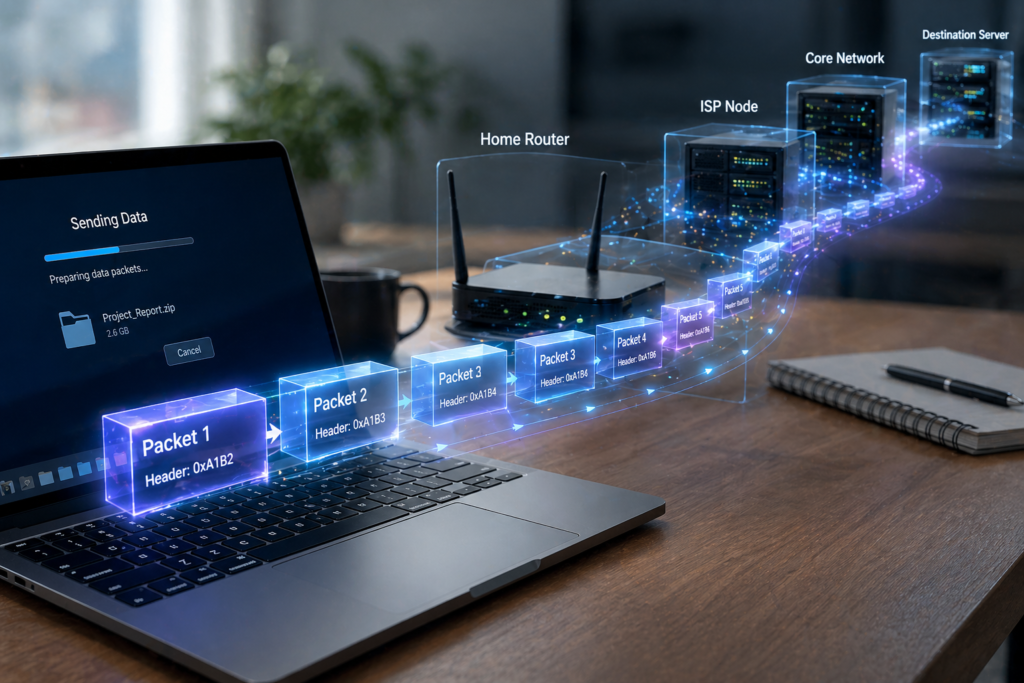
Rather than send large blocks of data, the network uses packet switching.
What Is Packet Switching?
Packet switching is where data is broken down into packets.
Each packet contains:
- Some of the original data
- Information about where it’s going
- Information about where it’s from
Suppose you send a long email message, the message may be broken down into hundreds of packets. This means, that the packets can travel separately.
Why Packet Switching Is Important
- Speed: Smaller packets travel faster
- Efficiency: Multiple connections are possible
- Reliable: Only bad packets are re-sent
And, when it comes to sending large amounts of data, packet switching prevents networks from getting congested.
Step 3: Addressing – Who is Who
With the data broken into packets, these packets need to know where they are going. Enter addressing. There are two types of addresses:
IP Address (Internet Protocol Address)
This is like an address that a device is given on a network.
For example:
- 192.168.1.1 (IPv4)
- Longer in IPv6
All computers connected to the internet have their own IP address. So, when you transmit data, your device provides:
- The IP address of the sender
- The receiver’s IP address
This allows the data to find its destination.
Media Access Control Address (MAC Address)
The IP address is a global address, whereas the MAC address is local.
This MAC address is unique to a device’s network card.
For example:
- A laptop
- A smartphone
- A router
Difference Between IP and MAC
- IP Address: Logical and can change
- MAC Address: Physical and fixed
Also, MAC addresses are used to communicate on the local network, whereas IP addresses are used on the internet.
Step 4: Packets on the Network
With the addresses, packets are ready to be sent. But they don’t go in a straight line. Rather, they are relayed via several devices, such as:
- Routers
- Switches
- Servers
Both of these are involved in moving the packets towards the destination.
Step 5: Routing – Which Way to Go
Routing is the process of determining the path that the packets will take.
What Is a Router?
A router is a piece of equipment that forwards packets. It looks at the destination IP address and routes the packet on to its next destination.
How Routing Works
When a packet reaches a router:
- The router reads its destination
- It checks available paths
- It sends the packet the best way
But, best may not be the shortest. It may mean:
- Less congested
- Faster
- More reliable
Dynamic Paths
Surprisingly, packets from the same message may be routed differently.
For example:
- Packet A goes through Route 1
- Packet B goes through Route 2
So, the order of the packets may be disrupted. But this is OK, as we will see later.
Step 6: How Media Transmits Packets
Packets travel over something. They are put onto media.
Types of Transmission Media
- Wired Connections
- Ethernet cables
- Fiber optics
- Wireless Connections
- Wi-Fi
- Mobile networks
For example in the case of fiber optics we use light for high speed data transfer. Also in the case of wireless communications we use microwaves. According to your network data is transmitted differentely.
Step 7: Fault Checking and Reliability
In the transmission of data errors may also be present.
For instance:
- Signal interference
- Network congestion
- Packet loss
In order to do so networks use methods which check for errors.
How Errors Are Managed
- Packets contain error-checking information
- At the receiver we check for data integrity
- Receives lost packets
Thus you have all the right information which may include some missing parts.
Step 8: Combining the Elements (Receiver)
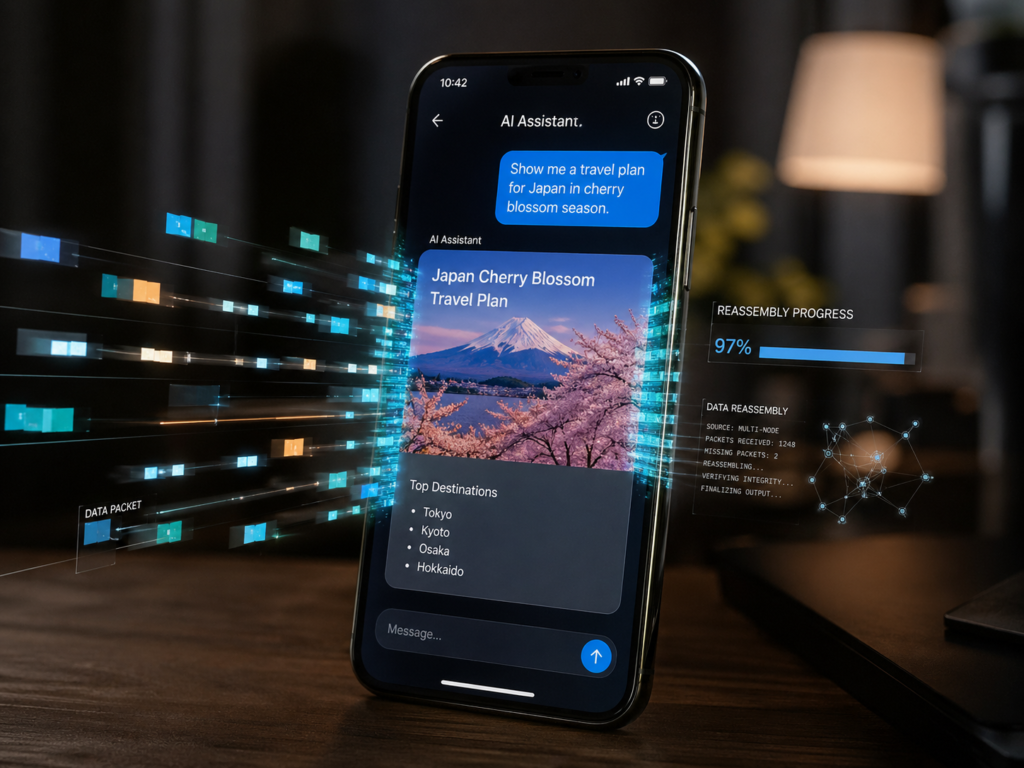
Upon my arrival the device started to reassemble.
What Happens Next?
- Packets are in the right order
- Packets are re-requested
- The original data is rebuilt
For example:
- Packets arrive out of order
- The device reorders them
- The video plays correctly
Thus the separate elements combine to present a whole.
Step 9: Data for your application
The data is directed to the proper application.
For example:
- You get a message on WhatsApp
- You go to a web page in your browser
- A video plays on YouTube
This final step allows customers to use data.
An Example: Bringing it all to you
Let’s look at an example.
Sending a Message
- You write “Hello” and click “send”
- Your phone translates it to binary
- The message is split into packets
- Packets have IP and MAC addresses
- Packets travel through routers
- They take different paths
- They arrive at the receiver
- The receiver reassembles them
- The message appears instantly
In some cases very quickly we see many actions take place.
Why This Process Matters
Learning what data does in the world improves your appreciation of tech.
Benefits of This System
- Speed: Quick data delivery
- Efficiency: Networks process for millions of users
- Reliability: Faults are corrected automatically
- Scalability: The internet is ever growing
Also we have instant global communication.
Common Misconceptions
- Data is sent through single files at a time
- Not correct. It is in packets
- “Packets always take the same path”
- Incorrect. They don’t go the same way
- “The internet is a single system”
- That is, a network of networks
Conclusion
Data transfer is out of sight, but it is the base of what we do online. We see in to packet switching, addressing and routing which are the elements that put info from point A to point B. When you go online or use the web your data doesn’t go to some far away location. Instead it is broken into packets, given addresses, routed to where it needs to go and then reassembled.
In fact what we see as instantaneous is the result of a complex series of events which transpire in the blink of an eye. This also includes growth in your knowledge which in turn improves your appreciation of the tech you use.