In the modern era of gaming, hardware requirements are skyrocketing. With the release of heavy hitters requiring high-end GPUs and massive amounts of RAM, many users with older laptops or basic office computers feel left behind. However, the beauty of PC gaming lies in its vast history and the incredible optimization of certain titles. You don’t need a $2,000 rig to have an amazing gaming experience. In fact, some of the most addictive and competitive games ever made were designed to run on hardware that is now considered “ancient.”
Whether you are using a five-year-old business laptop, a budget-friendly Chromebook, or a decade-old desktop, there is a world of entertainment waiting for you. This list focuses on titles that prioritize gameplay and optimization over hardware-crushing visuals, ensuring a smooth frame rate even on integrated graphics.
Counter-Strike 1.6: The Undisputed King of Low-Spec Gaming
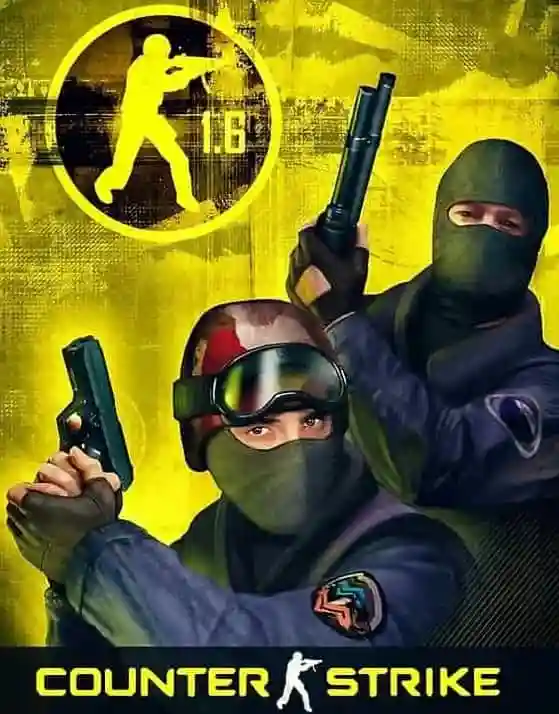
If there is one game that defines the “low-spec” category, it is Counter-Strike 1.6. Released originally as a mod for Half-Life, it evolved into a global phenomenon that laid the foundation for the modern esports industry. Even decades later, the game maintains a massive, active player base. Why? Because the mechanics are perfect, and the accessibility is unmatched.
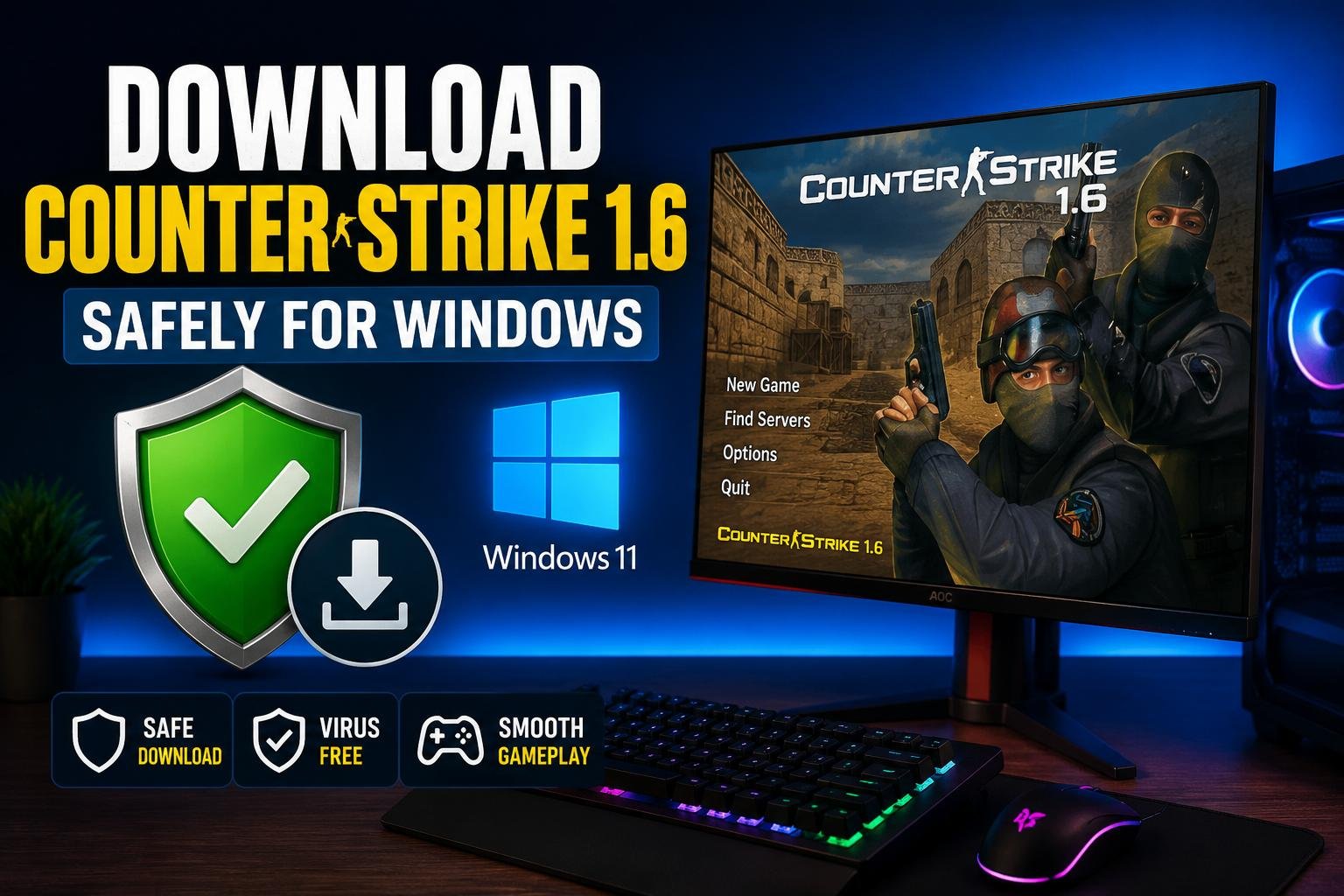
For many players, finding a version that works perfectly on modern Windows operating systems while maintaining that classic feel is a priority. If you are looking for a reliable Counter-Strike 1.6 download, you are looking for a game that provides the ultimate tactical FPS experience without requiring a dedicated graphics card. Because the GoldSrc engine is so well-optimized, you can achieve 100 FPS on almost any machine built in the last 15 years.
You can download CS 1.6 for PC to see how easy it is to get started with a version that is clean, fast, and ready for online battle.
The gameplay of CS 1.6 is pure. There are no “hero” abilities, no complicated leveling systems, and no “pay-to-win” mechanics. It is a game of pure skill, reaction time, and map knowledge. Whether you are holding “A Long” on de_dust2 or rushing “Banana” on de_inferno, the tension is real. For office workers looking for a quick break or students with old laptops, CS 1.6 remains the number one choice globally.
Half-Life: A Narrative Masterpiece
Since Counter-Strike 1.6 was built on the Half-Life engine, it only makes sense that the original game also runs flawlessly on low-end hardware. Half-Life revolutionized the first-person shooter genre by integrating storytelling directly into the gameplay. You play as Gordon Freeman, a physicist who must fight his way out of the Black Mesa Research Facility after a teleportation experiment goes horribly wrong.
The game’s atmosphere is still palpable today. The “Resonance Cascade” sequence is one of the most iconic openings in gaming history. Because the game relies on older polygonal models and baked lighting, it requires very little video memory. It’s a perfect example of a game where the art style and pacing overcome technical limitations. If your office PC can handle a web browser, it can handle Half-Life.
Stardew Valley: The Ultimate Chill Experience
Moving away from shooters, Stardew Valley is a testament to the power of indie development. Created almost entirely by a single developer (ConcernedApe), this farming simulator is inspired by Harvest Moon but improves upon it in every conceivable way. You inherit your grandfather’s old farm plot and must learn to live off the land, make friends in Pelican Town, and uncover the mysteries of the local mines.
The pixel art style is beautiful, vibrant, and, most importantly, incredibly light on system resources. Stardew Valley can run on practically anything with a screen. It’s the perfect game for an old laptop during a long flight or a quiet evening. Beyond farming, the game features RPG elements, combat, fishing, and deep social mechanics. It is a “one more day” type of game that can easily consume hundreds of hours of your time without ever making your laptop’s fan spin loudly.
Portal: Physics-Based Brilliance
Valve is known for making games that are incredibly well-optimized, and Portal is no exception. Running on the Source Engine, Portal is a puzzle game where you use a “Portal Gun” to create interconnected doorways in space. The mechanics are simple to learn but become increasingly complex as you progress through the Aperture Science Enrichment Center.
The environments in Portal are intentionally clinical and minimalist, which helps the game run smoothly on older hardware. While the textures and lighting were impressive for their time, they are very manageable for modern integrated GPUs (like Intel HD Graphics). Portal is a short but perfect experience, featuring one of the best antagonists in gaming—GLaDOS. If you’ve never played it, your old PC is the perfect place to start.
Terraria: A World of Infinite Possibilities
Often described as “2D Minecraft,” Terraria is so much more than that. It is an action-adventure sandbox game that focuses heavily on progression, boss fights, and exploration. You start with basic tools and must dig, fight, and build your way to becoming a literal god of your world.
Because Terraria is a 2D sprite-based game, the CPU and GPU requirements are very low. However, the depth of content is staggering. With thousands of items, dozens of bosses, and multiple “world phases” (like Hardmode), it offers some of the best value-for-money in gaming history. It also supports multiplayer, so you and your friends can explore the underground together even if you are all using old office laptops.
Fallout: New Vegas – The RPG King
While modern RPGs like Starfield or Cyberpunk 2077 require massive amounts of VRAM, the classics of the genre are still accessible. Fallout: New Vegas is widely considered the best of the 3D Fallout games due to its incredible writing, branching storylines, and player agency. Set in the Mojave Wasteland, you play as a Courier who was left for dead and must find the person who shot them.
The Gamebryo engine used for New Vegas is old, which is a benefit for low-spec users. While it might require a few community patches to run perfectly on modern Windows, the hardware demands are quite low. You can explore the vast desert, join different factions (like the NCR or Caesar’s Legion), and make choices that genuinely impact the ending of the game, all on a basic office computer. It is a deep, philosophical, and gritty experience that proves graphics aren’t everything.
Age of Empires II: Definitive Edition (or HD)
Real-time strategy (RTS) games are perfect for older systems, and Age of Empires II is the gold standard. Whether you play the 2013 HD Edition or the more recent Definitive Edition (which has a “Low Graphics” mode), this game is a masterpiece of strategy. You lead a civilization through the ages, building towns, gathering resources, and commanding armies.
The 2D isometric view is very easy for older processors to handle. The tactical depth of AoE2 is legendary, with a competitive scene that is still thriving today. It’s a great way to exercise your brain and learn a bit of history while you’re at it.
Why Optimization Matters for Old Hardware
When we talk about games running on “any” old laptop, we are focusing on several key technical factors:
- Low RAM Usage: Older systems often have 4GB or 8GB of RAM. Games like CS 1.6 or Terraria use very little memory, leaving plenty for the operating system.
- Integrated Graphics Compatibility: Most office PCs do not have a dedicated NVIDIA or AMD graphics card. They rely on the CPU’s integrated graphics. The games on this list were either made before dedicated GPUs were mandatory or were designed with low-power chips in mind.
- Low Disk Space: SSDs and HDDs on older machines can be small. Most of these titles are under 5GB, with CS 1.6 being exceptionally small, making it easy to install and keep on your drive.
- Heat Management: Old laptops often struggle with cooling. Playing a heavy game can cause “thermal throttling,” where the PC slows down to prevent damage. Lightweight games keep the temperature low, ensuring consistent performance.
The Importance of a Clean Installation
For games like Counter-Strike 1.6, the source of your download matters. Since it is an older game, many versions found online are cluttered with unnecessary mods, slow-loading skins, or even malicious files. This is why using a trusted source is vital. A clean version ensures that you get the original Steam-like experience, which is the most stable and provides the highest FPS. This version is optimized for modern hardware while maintaining the 2003-era performance that makes it so perfect for office PCs.
Maximizing Performance on Your Office PC
If you find that even these games are stuttering slightly, there are a few tricks to boost your performance:
- Update Your Drivers: Even if you have an old Intel HD graphics chip, ensure you have the latest drivers from Intel’s website.
- Set Power Options to “High Performance”: Windows often limits the CPU speed on laptops to save battery. Switch this to High Performance in the Control Panel.
- Lower the Resolution: If a game is lagging at 1080p, dropping it to 720p (1280×720) can often double your frame rate.
- Close Background Apps: Chrome is a notorious memory hog. Close all browser tabs and background applications like Discord or Slack before launching your game.
PC gaming is for everyone, regardless of their budget or the age of their hardware. By choosing well-optimized titles and classics like Counter-Strike 1.6, you can turn any boring office machine into a gateway for adventure and competition. These seven games are just the beginning, but they represent the very best of what “low-spec” gaming has to offer.