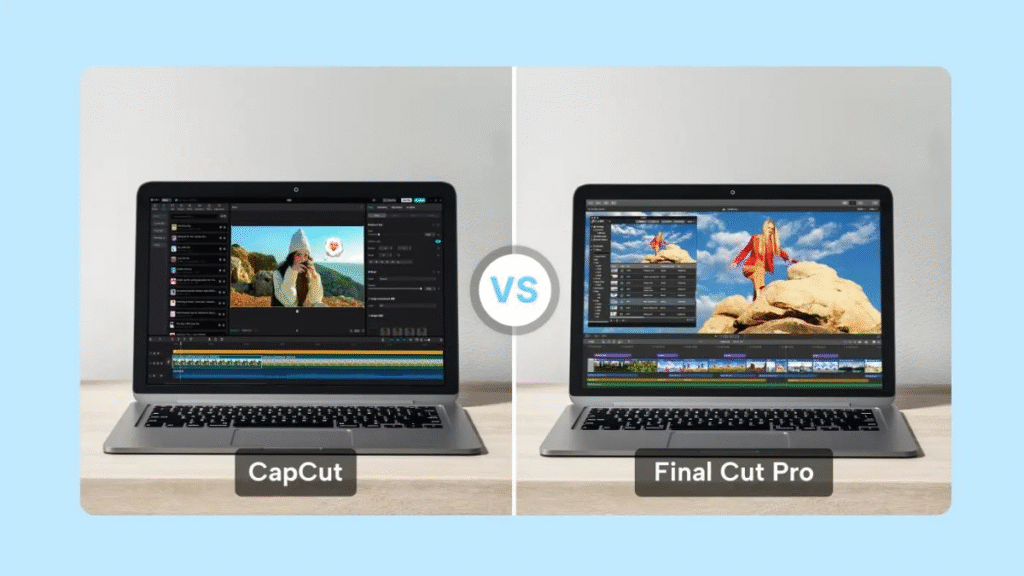
When people talk about modern video editing, Apple’s Final Cut Pro and CapCut Pro for desktop are two names that always pop up. Whether you’re a content creator, a YouTuber, or just someone who occasionally edits clips for fun, knowing how these two tools differ can help you choose the right one for your workflow. Below is a fresh, easy-to-understand breakdown comparing both apps—from performance and design to pricing and overall usability.
1. A Quick Look at Final Cut Pro and CapCut
1.1. Final Cut Pro
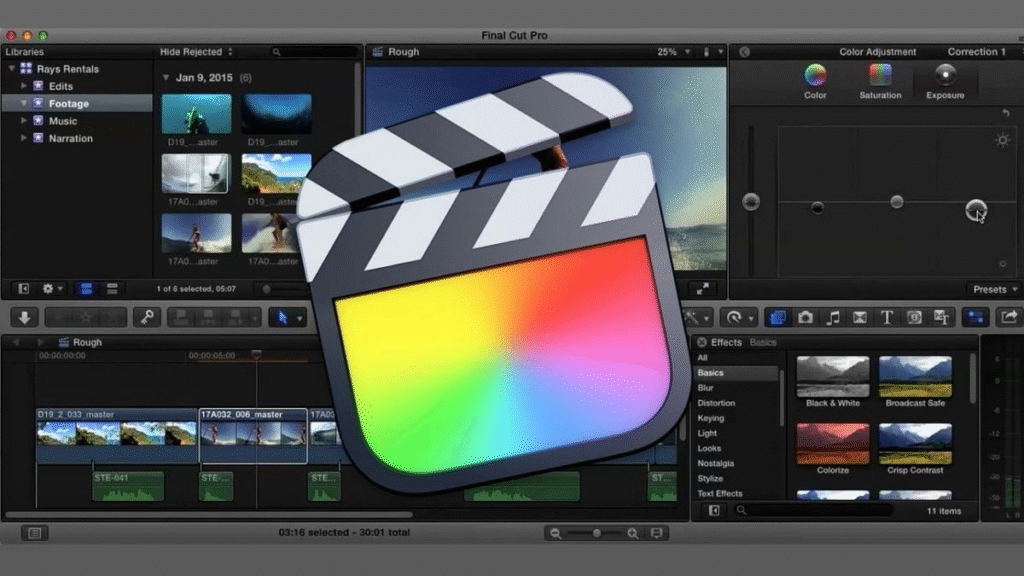
Apple’s Final Cut Pro is a professional-grade editing program built exclusively for macOS. It’s powerful, fast, and packed with advanced tools that filmmakers, editors, and long-time Apple users absolutely love.
Key details:
- Supported platform: macOS only (MacBook, iMac)
- App size: ~3GB
- Software type: Professional video editor
- Price: $299.99 one-time purchase
1.2. CapCut Pro
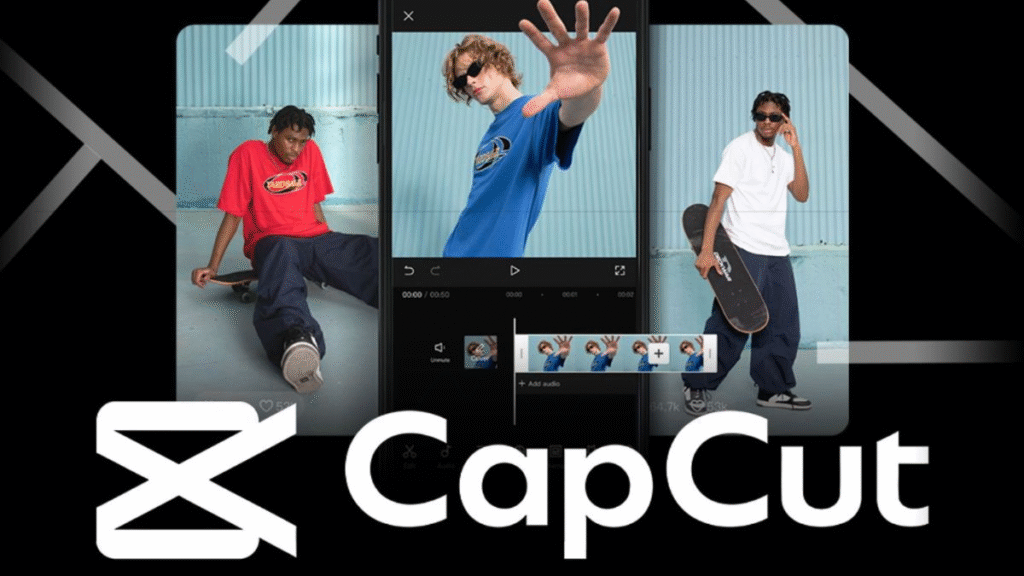
Meanwhile, CapCut—developed by ByteDance—is known for being easy to use, lightweight, and optimized for today’s short-form content creators. It offers modern effects, smart AI tools, and a very beginner-friendly interface.
Key details:
- Supported platforms: iOS, Android, Windows, macOS & Web
- App size: ~500MB
- Software type: Simple, social-media-oriented editor
- Price: Free basic version; CapCut Pro starts from $9.99/month
- Official download links:
- Desktop/Web: Get your CapCut Pro here!
- Android: Google Play
- iOS: App Store
- Desktop/Web: Get your CapCut Pro here!
If you plan to edit videos smoothly on either app, you’ll want a laptop with decent performance and graphics power to avoid lag during rendering or exporting.
2. Strengths & Weaknesses of Final Cut Pro and CapCut
Here’s a simplified overview of what each app does well—and where they fall short:
2.1. Final Cut Pro
Final Cut Pro – Pros
- Advanced, industry-level features
- Extremely fast video rendering
- Highly optimized for Mac hardware
- Professional magnetic timeline design
Final Cut Pro – Cons
- macOS-only
- Higher upfront cost
- Requires strong hardware
2.2. CapCut Pro
CapCut – Pros
- Completely free to start
- Very easy to learn
- Cross-platform support
- Trendy effects great for social media clips
CapCut – Cons
- Basic free version has feature limitations
- CapCut Pro requires monthly fees
- Fewer customization options for professional work
Overall, both apps serve different audiences. Final Cut Pro leans toward professional creators, while CapCut is built for speed, simplicity, and social content.
3. Final Cut Pro vs. CapCut: Detailed Comparison
| Criteria | Final Cut Pro | CapCut |
| Ideal for | Professional editors, filmmakers, serious YouTubers | Beginners, social media creators |
| Cost | One-time payment (~$300) | Free; Pro starts at $9.99/month |
| Platform | macOS only | Windows, macOS, iOS, Android, Web |
| Difficulty level | Intermediate to advanced | Very easy |
| Performance | Super fast on Mac, excellent render speeds | Stable, but slower export |
| Key features | Magnetic timeline, multicam, HDR, LUTs, 360° video | Filters, auto captions, AI cutout, auto beat sync |
| Professional use | High-end editing for films & YouTube | Mid-level; best for TikTok, Reels, Shorts |
This comparison makes one thing clear: Final Cut Pro is about depth and power, while CapCut focuses on convenience and creativity for fast content production.
4. So… Which Video Editor Should You Choose?
Your choice really depends on what kind of videos you want to make:
Choose CapCut Pro if:
- You create TikTok / Instagram Reels / Shorts
- You want something quick, simple, and mobile-friendly
- You don’t want to spend much on editing tools
- You prefer having built-in templates, filters, and AI effects
Choose Final Cut Pro if:
- You want a full professional editing suite
- You edit long-form YouTube videos or films
- You already use a Mac and need top-tier performance
- You want a one-time purchase rather than a subscription
A major deciding factor is your device. If you don’t own a Mac, Final Cut Pro isn’t an option—CapCut becomes the natural go-to.
In short, neither app is “better” universally—they simply excel in different scenarios. Understanding your editing goals will help you unlock the real potential of whichever tool you pick.
5. FAQ
Is CapCut Pro better than Final Cut Pro?
CapCut Pro is fantastic if you want fast editing, auto-generated captions, templates, and AI tools for social media content. But for deep, technical editing or cinema-level control, Final Cut Pro is far superior.
Which one is better for beginners?
CapCut is definitely the friendlier choice for newcomers. Its interface is simple, intuitive, and requires almost no learning curve. Additionally, with the help of CapCut Pro, things are even easier than ever. Once you gain experience, you can move to Final Cut Pro or other pro-grade editors later.