Introduction
Tesla Software Updates are a game changer in how we think of car ownership which is through the integration of software into the core product. We see with traditional cars that require you to take your car to the dealer for many updates that Tesla is able to do many of these via remote over the air (OTA) technology. Through this feature which includes but is not limited to improving present features, adding new ones, enhancing touch screen performance and also fixing software issues the owner does not have to bring their car into a service center at all.
For Tesla owners which means your car will continue to evolve past the point of purchase. Also not all Teslas will get the same updates or features as availability depends on the model, hardware, config, region, and connectivity. By getting to know how Tesla’s over the air software updates work you can better do it yourself and thus fully profit from the new features.
How Tesla’s OTA Software Updates Work
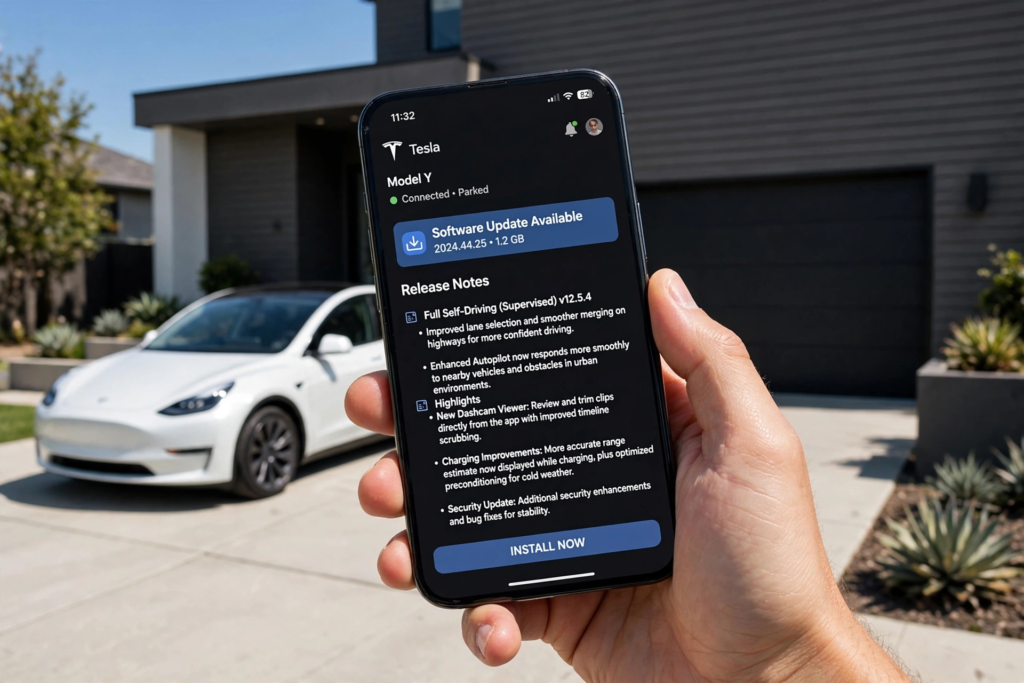
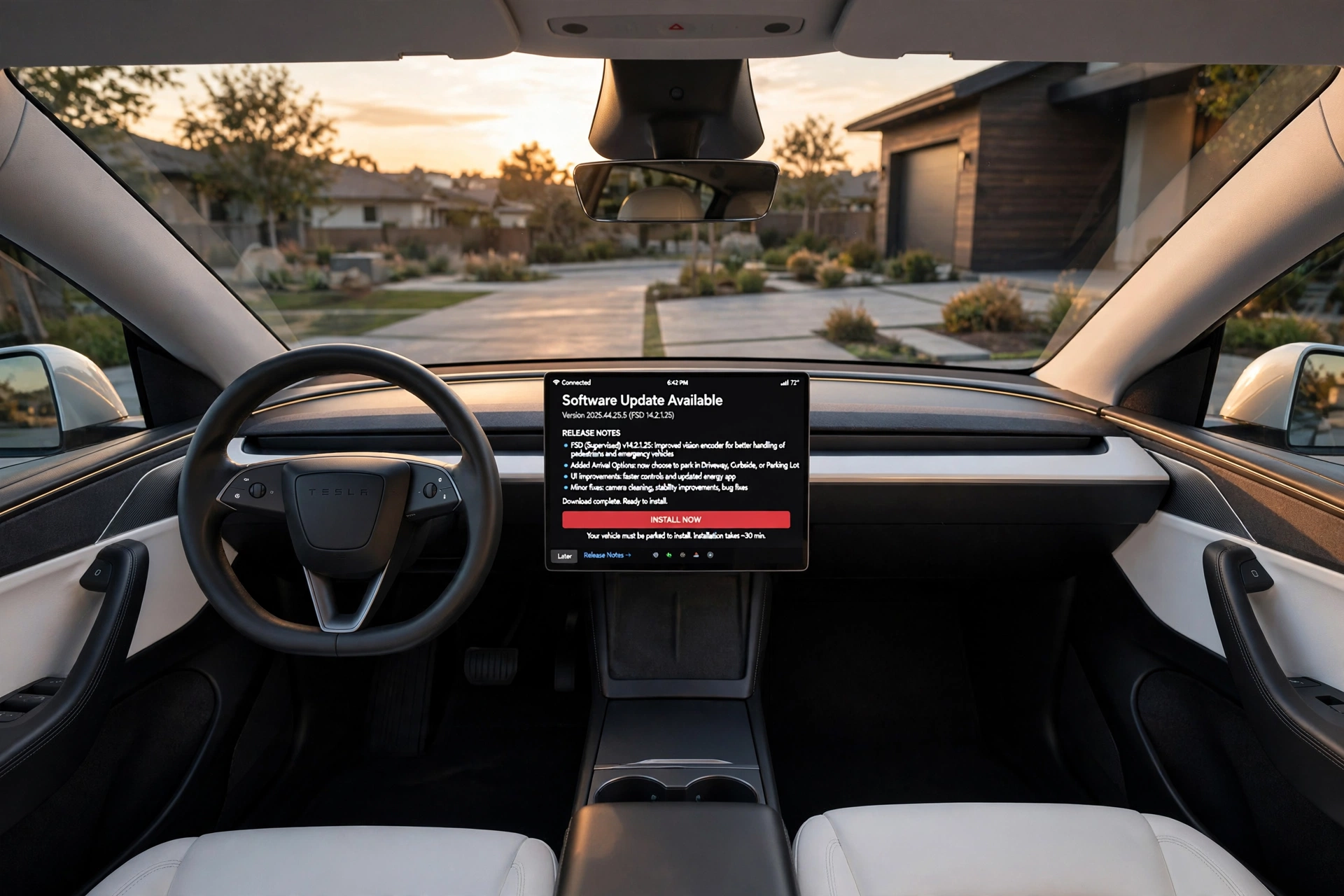
Tesla issues software updates mainly through Wi-Fi. When a notice of an update is sent out, owners get a message on the car’s touch screen or Tesla app. Usually the update may be downloaded when the car is parked which Tesla reports to be a more reliable method of delivery. Once the install process starts you will not be able to drive the vehicle until it is fully updated.
Owners may elect to do an update right away or put it off till a more convenient time. In the Software section of the touch screen also is presented info on what version of software is currently in the vehicle and we also have access to release notes. This puts Tesla’s update process in a similar style to that of a smart phone or computer update which they may do in the background. Also during installation the car has to be parked.
Why Tesla Uses OTA Updates
Tesla’s software oriented strategy which improves compatible vehicles post delivery. We see that they are able to update existing features, improve the touch screen interface, add in new entertainment elements, and at times fix software based safety issues. This also reduces the need for customers to bring their cars in for each software change.
Also, it is true that OTA updates do not fix all hardware issues. For instance a new feature may require cameras, processors, sensors or other equipment which may not be present in an older Tesla. Also it is up to the owner to check the release notes and Tesla’s official documentation to see what features are compatible with their particular vehicle.
How to do a Tesla software update.
Installing updates is very easy. When there is an update available the owner goes to the Software section on the touch screen and chooses to install it. Also the Tesla app will alert you of available updates. Before you start the installation process note that you won’t be able to drive during installation which may last for some time.
Owners also are able to set update times. For best results we recommend a stable Wi-Fi connection for the download and that the car be parked during installation. Once the update is complete owners should check the Software menu and look over the release notes which detail what has changed.
What Features Can Tesla Updates Add?
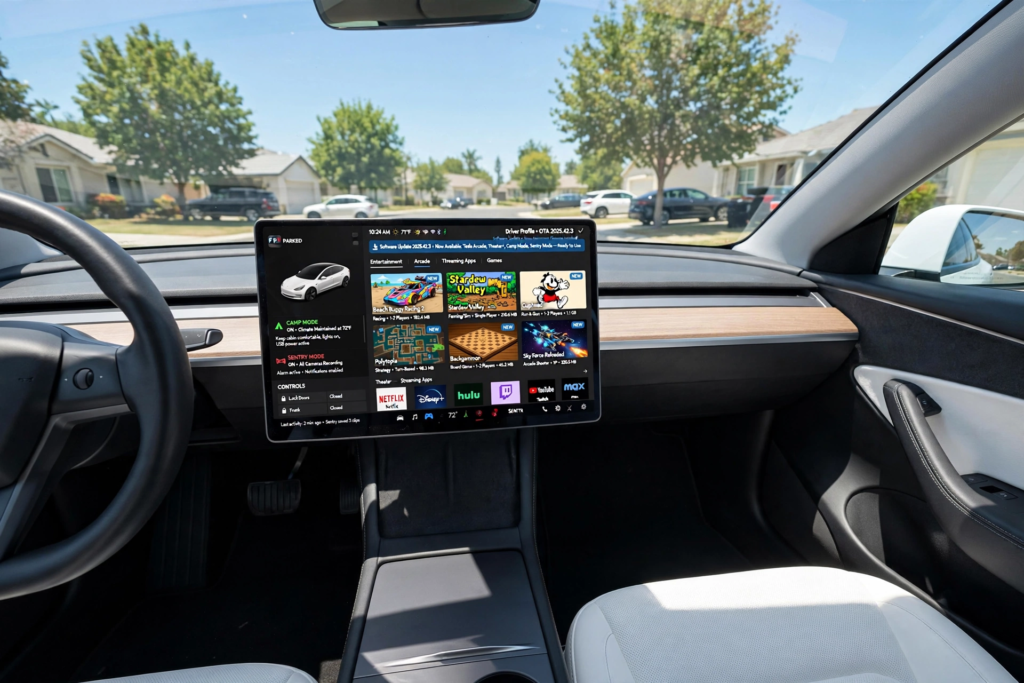
Tesla has rolled out a wide set of features via software updates. What we see in terms of improvements varies by car but we do see in them which include navigation, entertainment, touchscreen improvements, security, climate control functions, connectivity, and driver assist systems. Also we have Tesla’s Sentry Mode, Camp Mode, Pet Mode, Tesla Arcade, Tesla Theater, and Toybox which show how software is able to extend what you can do with the base hardware of the car.
Feature range is very different between Tesla models and configurations. Some functions do require certain hardware or connectivity services which in turn may vary by region also. Thus what is updated for one Tesla may not at all be present in another.
Safety and Driver-Assistance Improvements
Software updates also play a role in safety and driver assistance features. Tesla uses software enhancements which in turn may see compatible systems performance tuned or issue of software which is poorly addressed. In some cases the company has used over the air software to remediate from vehicle recalls which meant affected users could get the software fixed at home.
This is a great benefit of what we see in OTA technology. Instead of having thousands of car owners bring their vehicles into the shop for the same software issues, the manufacturer is able to push out the right fix remote. At the same time though users should still follow Tesla’s advice which is to say that software updates are not a substitute for responsible driving or required maintenance.
What do you do when a Tesla update fails?
If a software update does not go through, owners first check the vehicle’s software screen and see that the car has a good Wi-Fi connection. Some issues may be of a connectivity or download nature. Owners should keep the vehicle connected and parked instead of repeatedly interrupting an in progress installation.
If at which point the issue is still not resolved it is at that time that Tesla’s support should be contacted for more help. Also note the software revision date, what the error was which caused the issue, and when did the problem present itself. Should remote resolution not be possible Tesla may put you in to see a technician. We should take serious issues with the car’s primary functions very seriously and address them as per Tesla’s safety instructions.
What Tesla’s OTA system does for you.
Tesla’s greatest asset in their OTA (Over The Air) model is that you may continue to get software updates after you buy the car. Instead of a trip to the dealership for each software change, with some issues sorted out, remote Tesla cars will see many changes over the air. Also this may make ownership a more convenient experience for the consumer which in turn allows Tesla to improve the software aspect of the product over time.
The system has its issues which are a result of hardware which in turn determines what features a car can have. That said, Tesla’s software approach does what no other automotive company has done; it allows for remote introduction of improvements, new entertainment options, interface changes, and certain fixes which in the past had to be done at the factory.
Tips to Maximize Tesla Updates.
Tesla owners are to keep their cars on the grid as much as possible and also to check the Software section out for what is available. Also read the press notes which at times do not immediately at installation make new features known. With the notes owners are to see what changes an update brought about.
Also it is true that features are not the same between all Tesla models. Owners do well to check in at the company’s docs instead of thinking that a feature present in a different model’s specs will be present on their own. Also by keeping up with the latest software versions and which features are available in which cars, owners can get the most out of Tesla’s OTA updates.
Conclusion
Tesla is known for their over the air software updates which have become a company hallmark. They enable compatible vehicles to receive software improvements, new features, interface changes and some fixes without in person service visits. Updates which include all of the above can be sent out via Wi-Fi and either installed immediately or put on a schedule for a time that is convenient for the consumer.
For the best experience, owners should have their Tesla on and pay attention to software notifications, also they should read the release notes and see what features their car does in fact have. Also when an update fails try first to check the connection and software status before reaching out to Tesla support. In general with Over The Air updates Tesla does its best to present a product which feels like it is still in the works and is a car that will continue to grow after you buy it.