Have you ever captured a beautifully arranged room only to find that the photo doesn’t quite capture its true allure? You might end up disappointed when instead of showcasing the inviting space that you have visualized, the image appears cluttered or crowded.
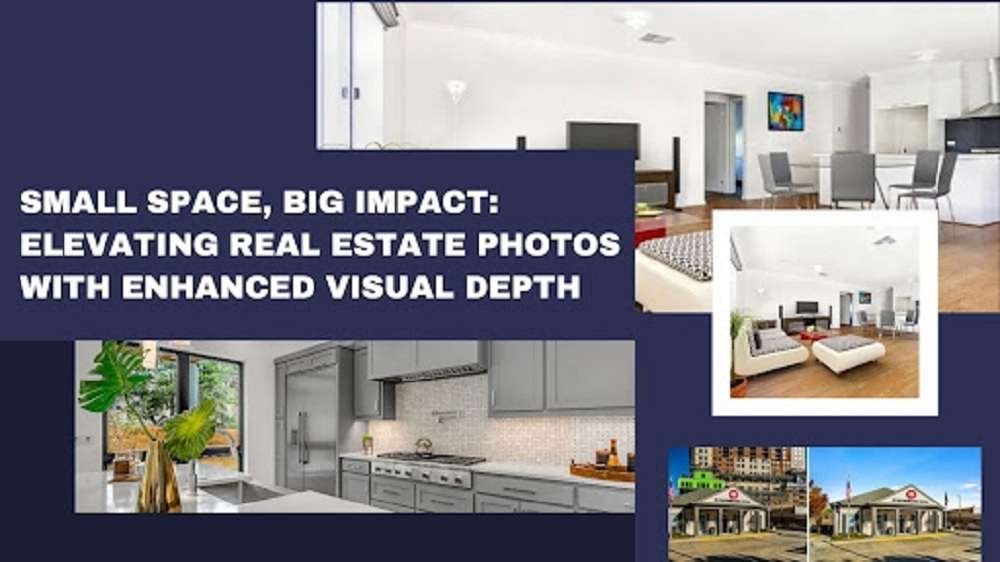
When it comes to real estate photography, the art of capturing a small space is a challenge in itself, as these confined dimensions often fail to translate into captivating images. Yet, with the right post-processing techniques, photographers and editors can transform these cramped corners into visually compelling and spacious properties, engaging potential buyers and maximizing the appeal of even the coziest spaces.
In this post, we will provide a roadmap for enhancing the visual depth of small spaces in real estate photos, helping you discover how you can make a room look more expansive.
However, before we proceed, let’s take a quick look at the concept of space (for added clarity).
Understanding the concept of small spaces in real estate
Small spaces typically refer to properties with limited square footage, whether apartments, condos, or compact homes. These spaces may have one or more rooms but lack the expansive square footage commonly found in larger properties. The definition of small spaces can vary depending on the region and market, but generally, properties with floor areas below a certain threshold (e.g., 500-800 square feet) are considered small spaces.
Common issues faced by photographers in capturing small spaces
· Limited space to maneuver
Small spaces make it challenging for photographers to properly position themselves and their equipment. This limited space can restrict the angles from which they can capture shots.
· Lack of natural light
Small spaces often have fewer windows and limited access to natural light, making it difficult to achieve well-lit and appealing photographs.
· Distorted perspective
Using wide-angle lenses to capture small spaces can sometimes lead to distorted perspectives, making rooms appear unnaturally elongated or widened.
· Cluttered appearance
If not staged and photographed correctly, small spaces can easily look cluttered. Also, furniture or personal belongings may obscure the visual appeal.
Why enhancing visual depth in real estate photos is crucial for small spaces
· Creating a sense of spaciousness
Small spaces can appear cramped and uninviting in images. Once the visual depth is enhanced, rooms appear more extensive and open, giving potential buyers a better sense of the space’s true potential.
· Attracting buyer interest
Engaging and visually appealing photos can significantly impact a property’s marketability. Images with enhanced depth are more likely to capture the attention of potential buyers and motivate them to explore the listing further.
· Highlighting key features
By enhancing the visual depth, you can draw attention to essential features of a property, such as unique architectural elements, well-designed layouts, or high-quality finishes.
· Boosting perceived value
A well-presented small space can convey a sense of luxury and exclusivity, increasing the property’s perceived value in the eyes of potential buyers.
· Setting apart from the competition
In a competitive real estate market, properties with striking photos that effectively portray their potential tend to stand out from the crowd and attract more interest from buyers.
Key techniques to enhance visual depth in real estate images
By strategically applying a set of techniques, you can make small spaces appear more spacious and captivating. Here are some of the proven ones:
1. Highlight with vignette
Vignetting involves subtly darkening the peripheral edges of the image, directing the viewer’s attention toward the center. By applying a gentle vignette, you can draw focus to the core features of the room and create a sense of depth by framing the central area.
2. Adjust the clarity and contrast of background elements
Selectively adjust the background elements’ clarity and contrast to extend the image’s perceived depth. Softening the background slightly will create separation between the foreground and background, enhancing the three-dimensional feel of the picture.
3. Use radial filters and gradients
Gradually darken background regions using radial filters or gradients. By darkening the areas farther away from the central focus, you can simulate depth and create a more immersive visual experience.
4. Add subtle grain or noise layers
Introducing subtle grain or noise layers to the image can make distant surfaces appear more textured. This technique helps add depth to flat and featureless backgrounds, making the overall scene look more realistic.
5. Carefully blur or soften background elements
Softening hard edges and lines in the background can further emphasize the central subject and make the image feel more layered. It reduces distractions and guides the viewer’s eyes toward the main focal point.
6. Apply virtual staging methods
Virtual staging involves digitally adding furniture, decorations, and other elements to the images, giving potential buyers a better sense of how the space can be utilized.
7. Correct perspective distortion issues
Perspective distortion, like converging verticals, can make a small space look cluttered and messy. Correcting it during image post-processing will result in a more natural and balanced representation of the space’s dimensions.
8. Remove distracting foreground objects
Cluttered or distracting foreground objects can obstruct the perception of depth in a photograph. Removing or de-emphasizing such objects allows the viewers to focus on the essential elements that convey the property’s spaciousness.
9. Compositing to extend space
In some cases, compositing can be used to extend the perceived space beyond existing structures. This can create the illusion of a more extensive area, especially when there are limitations in the physical space being photographed.
10) Stitch panoramas for a wider field of view
Stitching multiple frames together to create panoramas can significantly widen the field of view, providing a more expansive look to the room’s layout and architecture.
11) Use distance haze for atmospheric perspective
Simulate atmospheric perspective by adding distance haze to the background. This effect mimics the way objects appear lighter and less detailed as they recede into the distance, adding depth to the composition.
12) Creatively apply tilt-shift effects
Tilt-shift effects can mimic miniaturization, making a space appear like a model or a diorama. This creative approach can be used to emphasize specific elements and give the impression of depth.
Remember, enhancing visual depth in real estate photos should be done subtly and professionally. Overprocessing can lead to unrealistic representations, which may mislead potential buyers. While the techniques mentioned above can significantly elevate the quality of your photographs, achieving flawless results may be challenging.
Here’s how you can do it to achieve optimal outcomes
To ensure that your real estate photos exude professionalism and accurately represent the space’s potential, consider seeking expert assistance. Professional real estate photo enhancement service providers and post-processing specialists possess the knowledge and experience needed to implement these techniques. Here’s why leveraging their assistance can be a game-changer:
Expertise and skillset
Image enhancement service providers employ professionals skilled in various photo editing techniques, ensuring that your real estate photos are enhanced with precision. They have a profound understanding of lighting, color correction, perspective adjustment, and other aspects that contribute to creating images with enhanced visual depth.
Time savings
Post-processing real estate photos can be time-consuming, especially if you have bulk images or lack the necessary skills. Leveraging professional photo editing services frees up your time to focus on other aspects of your business, such as client interactions, marketing, or property listings.
Access to advanced tools and software
Image enhancement services use industry-standard photo editing software and tools that might be expensive or complex for you to access and use effectively. Specialists are well-versed with the required tools and employ them (in multiple ways) to create desired outcomes.
Quick turnaround
Professional editors offer quick turnaround times, allowing you to get your enhanced photos promptly. This is particularly important in the fast-paced real estate market, where timely listings can make a difference.
Cost-effectiveness
While there is a cost associated with availing of architectural photo editing services, it can still be economical in the long run. You can save the costs of buying editing software or training in-house staff. Additionally, professionally enhanced images can lead to quicker sales or rentals, offsetting the cost.
Are you ready to take the leap?
Amidst the unique challenges posed by limited spaces, take a moment to envision the possibilities to maximize your images’ visual impact – in an effective and efficient way. Reflect upon the advantages that lie ahead and how you could reshape your real estate journey.
Author Bio
Kathy Butters is a content strategist currently working at PhotozWorld, a leading photo editing company providing dependable and affordable services. As a creative writer and a photography enthusiast for more than 10 years, she loves to share her passion for image editing with other professionals. Her write-ups usually cover topics surrounding tips or best practices for image editing, photo retouching, portrait editing, photo correction, and more.
Facebook Profile: https://www.facebook.com/photozworld/