Introduction
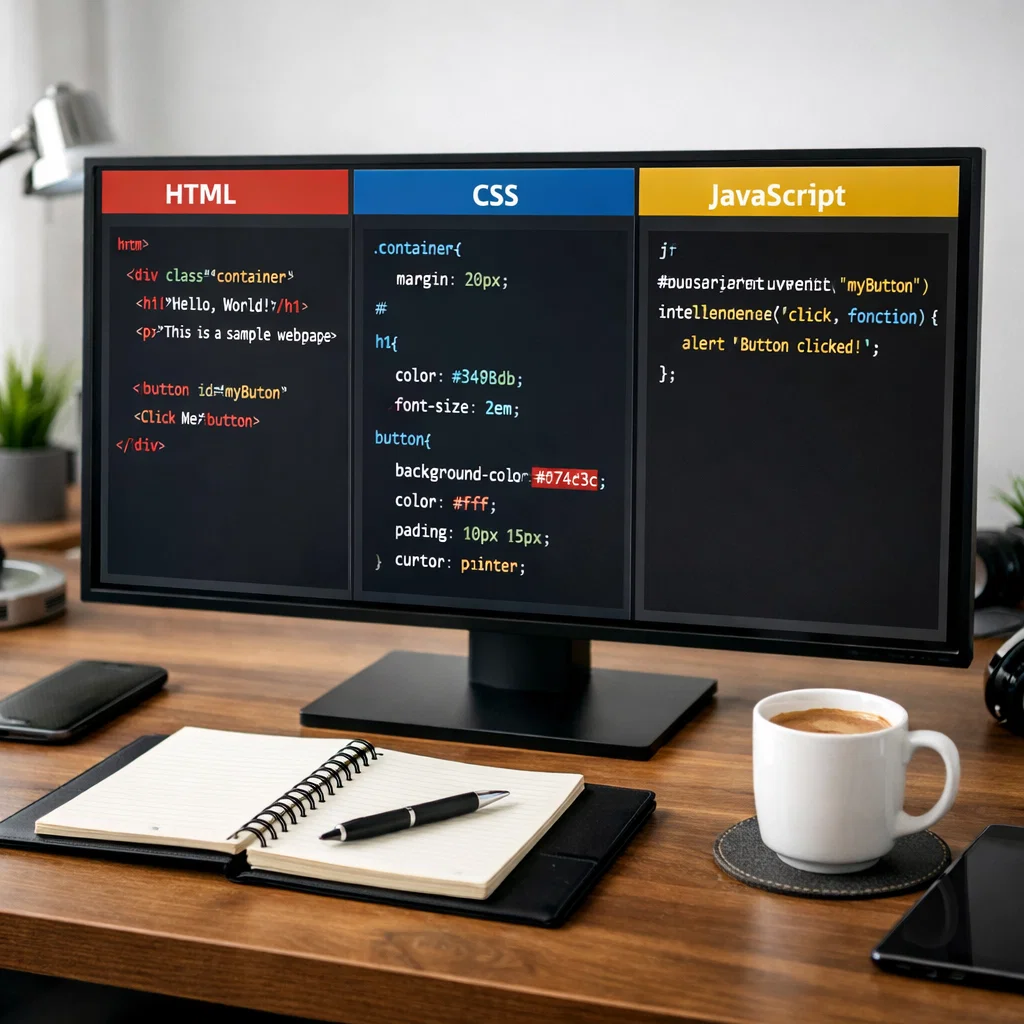
HTML, which is paired with CSS and JavaScript. These three technologies weave together to bring a site to life by adding structure, style, and interactivity to one platform. This paper looks at the fundamental elements of web development and how they work together and why they are so important in the development of today’s websites. We have set out to provide you with a practical guide which will clarify each component for the beginner or for the expert looking to refresh on the basics.
What do we have as basic elements in Web Development?
In web development, the basic elements are the technologies which we use for the development and design of websites. They include:
- HTML (Hypertext Structuring Language), which is used to present info on a web page.
- CSS (Cascading Style Sheets) for design and layout.
- Incorporate interactivity with JavaScript.
In that they are a part of the web development process, each of them plays a different role. We will go into detail on each to see how they contribute to what a site does and looks like.
HTML: The Structure of the Web
In terms of any website, the first and most important element is HTML. It is the base markup language which structures the content of the page. In fact, HTML is the framework which all other elements revolve around.
What does HTML stand for?
HTML is a language which marks up to define the structure of a web page and the content. It is a series of elements or tags which tell the browser how to present the content. This includes headers, paragraphs, images, links, tables, and forms, to name a few. HTML is known to be the backbone of a web page, which it does so by determining the arrangement of elements on the page. Without HTML, there wouldn’t be anything to display on a site.
Basic HTML Structure
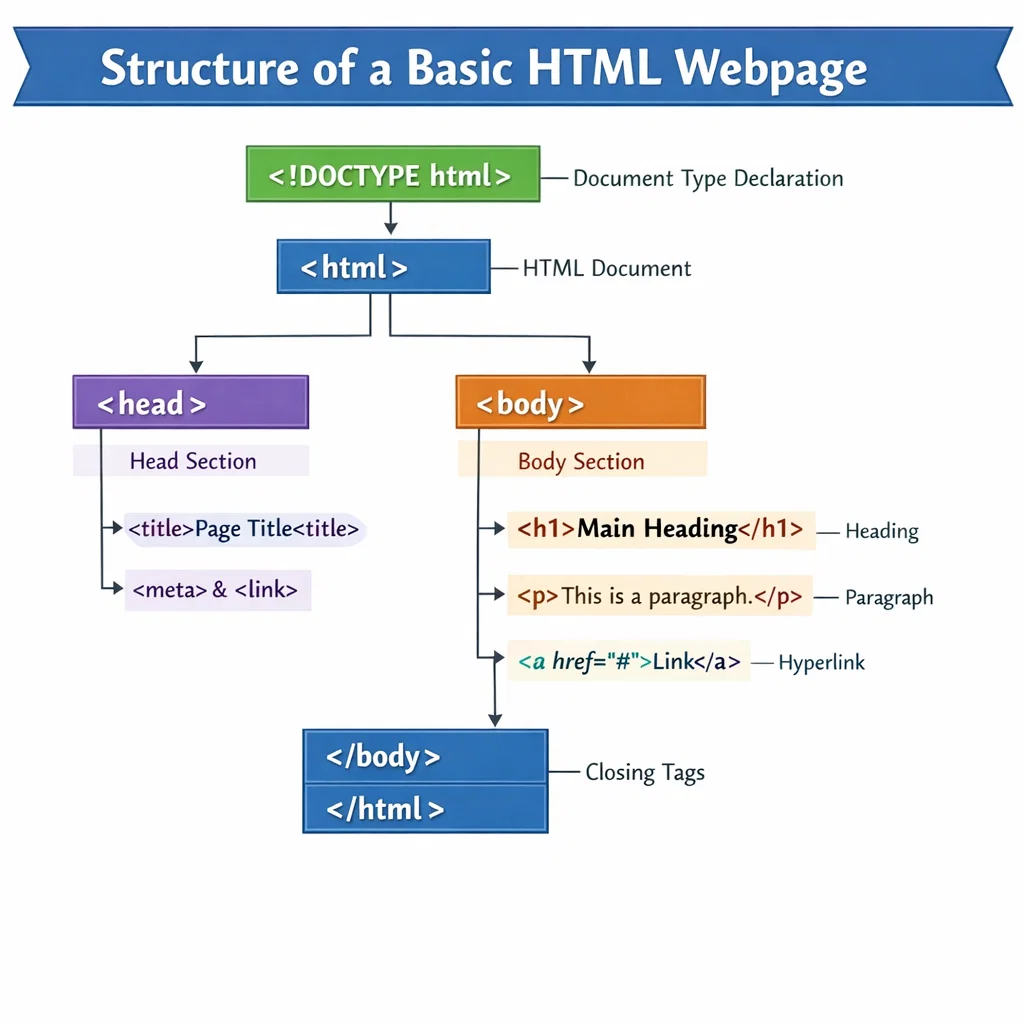
An HTML document is made up of tags which also contain other tags. Here is a basic look at how an HTML page is structured:
<!DOCTYPE html>
<html lang=”en”>
<head>
<meta charset=”UTF-8″>
<meta name=”viewport” content=”width=device-width, initial-scale=1.0″>
<title>Basic HTML Page</title>
</head>
<body>
Hello to My Web Site.
<p>This is a simple webpage.</p>
<a href=”https://example.com”>Visit Example</a>
</body>
</html>
- The DOCTYPE html tag specifies the document type and version of HTML.
- The full page is in the <html> tag.
- The head component includes page info like the title and character set.
- The body of the text is what gets put out on the page and includes headers, paragraphs, and links.
In addition to HTML, there are CSS and JavaScript.
CSS: Styling Language
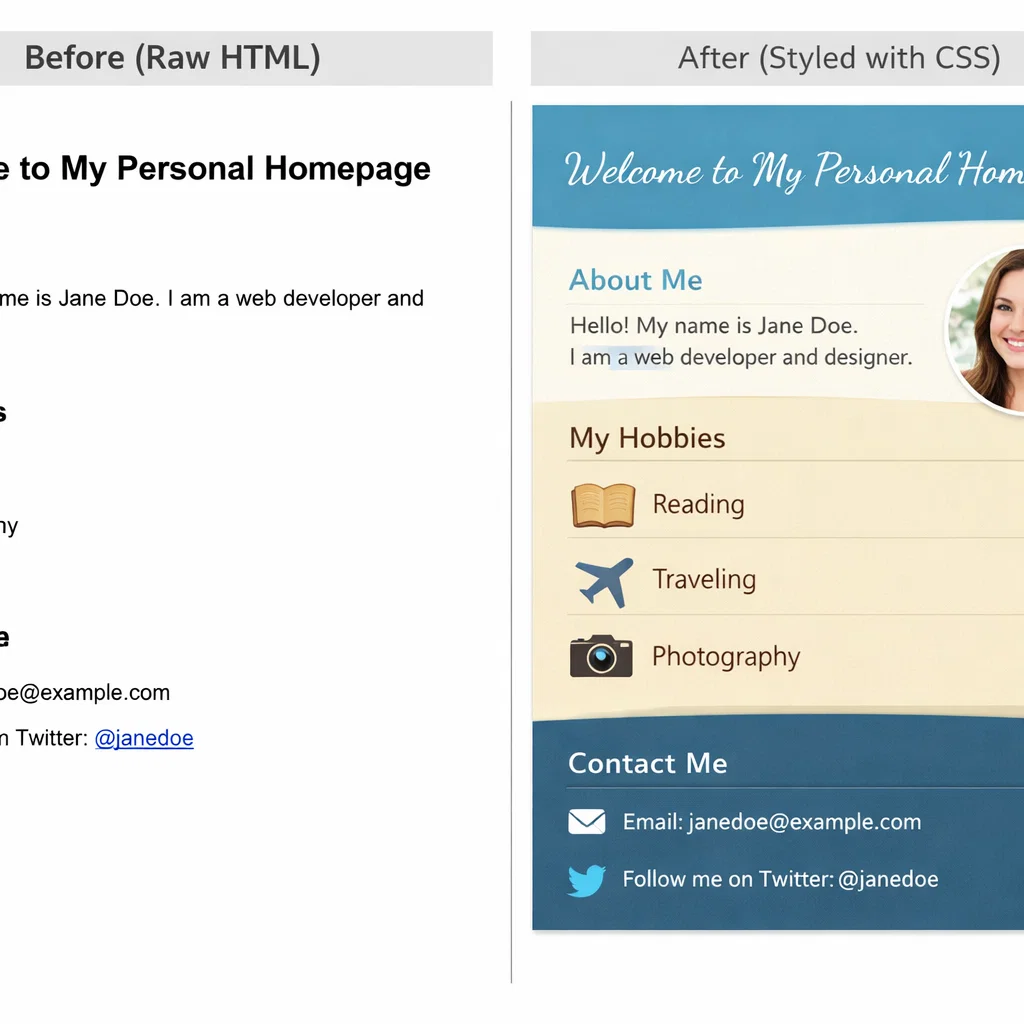
CSS is a language which we use to give a web page its look. Also, while HTML gives the site its structure, with CSS you design the appearance of that structure. It also allows you to set out layout, color, font, and other visual elements of the site.
What does CSS stand for?
CSS is a short term for Cascading Style Sheets, which is a style sheet programming language we use to control the look of HTML content. It enables you to separate content (HTML) from the design (CSS), which in turn makes it easy to maintain and change the appearance of your site.
In three ways, CSS can be used to:
- Inline CSS: In the HTML elements’ style attribute.
- Internal CSS: In the head section of the HTML document within a style tag.
- External CSS: This is a CSS file which we have put into a separate file that is linked to the HTML file.
Basics of CSS Structure
Here is a very simple example of CSS that we use to style an HTML page:
body {
font-family: Arial, helvetica, sans-serif;
background-color: #FFFFFF;
color: #333;
}
h1 {
color: #3498db;
}
a {
color: #702968;
text-decoration: none;
}
- The body tag sets the stage for how a web page looks, including background color, text color, and font.
- The h1 tag is for the main heading, and its color is defined.
- The tags used for changing color and removing the underline are also defined.
CSS is for creating beautiful and consistent designs across pages easily. CSS allows you to regulate the appearance of a page from colors to borders, fonts, and even animations.
JavaScript: Interaction Layer
JavaScript brings interactivity to a website. It allows for dynamic interaction between the HTML structure and CSS styling in response to user events such as clicks, form submissions, and scrolling. Also, JavaScript works with APIs, in loading new content, and in creating animations.
What do you know about JavaScript?
JavaScript is an out-of-the-box language which brings dynamics to web pages. While HTML provides the structure and CSS the style, it is JavaScript which puts the interactivity in a site. It can be used to:
- Validate forms
- Handle user input
- Create animations
- Access remote servers (AJAX)
- Update content dynamically (DOM manipulation)
JavaScript is at the core of what makes for a great user experience. Without JavaScript, our websites would have been very basic and static, and today’s dynamic web, which we have come to expect, would not be a reality.
Fundamentals of JavaScript
Here is a simple example of JavaScript in a webpage:
<!DOCTYPE html>
<html lang=”en”>
<head>
<meta charset=”UTF-8″>
<meta name=”viewport” content=”width=device-width, initial-scale=1.0″>
<title>Interactive Page</title>
<script>
function changeColor() {
document.body.style.backgroundColor = ‘lightblue’;
}
</script>
</head>
<body>
<p>Click on the button to change background color.</p>
<button onclick=”changeColor()”>Change Color</button>
</body>
</html>
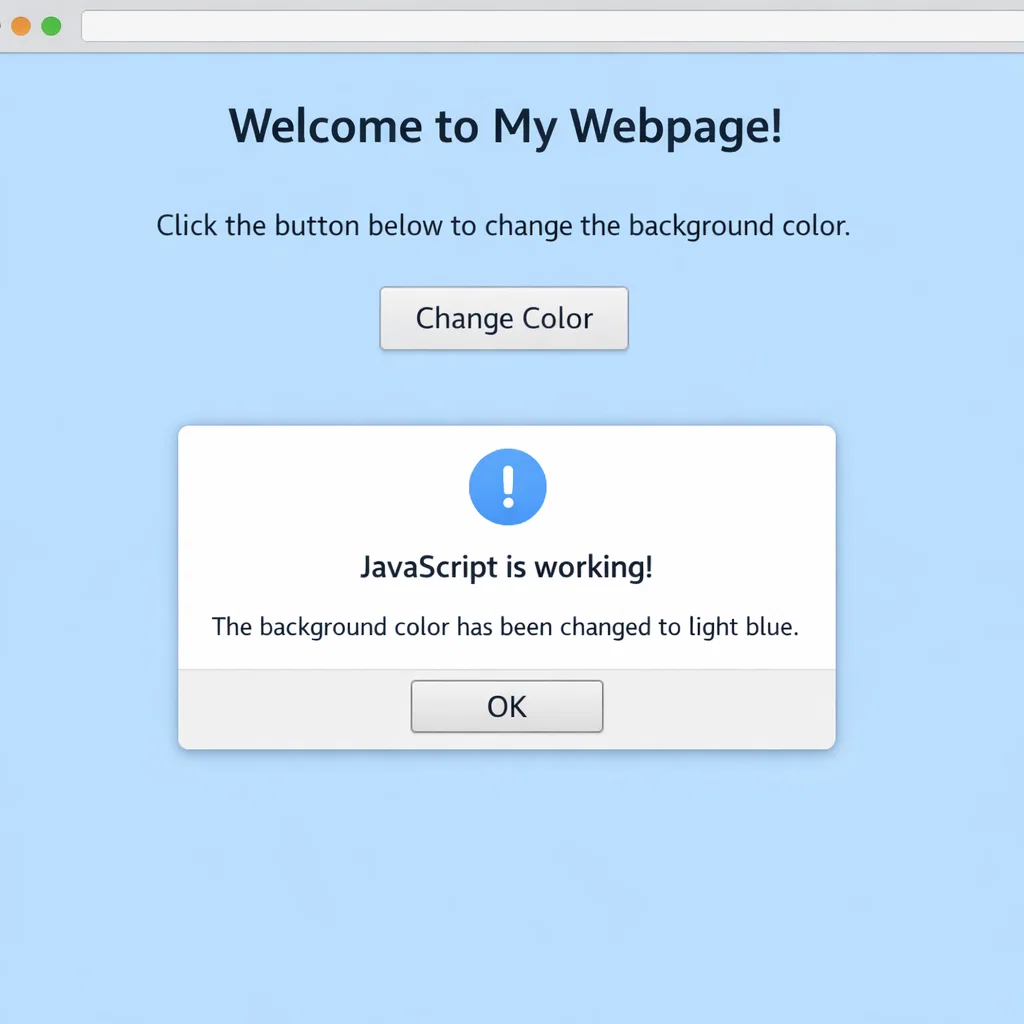
In this case, the changeColor() JavaScript function is used, which in turn changes the background color of the page when the user clicks the button. The JavaScript function is invoked when the button tag is clicked.
JavaScript makes static content dynamic and thus is a key element of today’s web development.
The Relationship Between HTML, CSS, and JavaScript
All of these technologies—HTML, CSS, and JavaScript—have a different role, yet they are put together to create a full and interactive web experience.
- HTML provides the content and structure.
- CSS styles the text out and in.
- JavaScript makes the page interactive and dynamic.
To that effect, HTML is the base, CSS the style, and JavaScript the function. They together create a rich and engaging user experience.
Conclusion
In web development, it is very important that you familiarize yourself with HTML, CSS, and JavaScript, which are the base of all the applications out there. From a simple blog to a complex web app, what you see is built off these 3 technologies. In which we present info in a structured way is HTML, that which does the structuring of the look of the content is the role of CSS, and JavaScript which brings the design to life by making it interactive.
Along with HTML, CSS, and JavaScript, if you are developing a large or a small-scale web application that is very simple in structure or very interactive, this knowledge will help you bring your concepts to reality. These are the fundamental elements of web development and will be of great value as the field of web development grows.