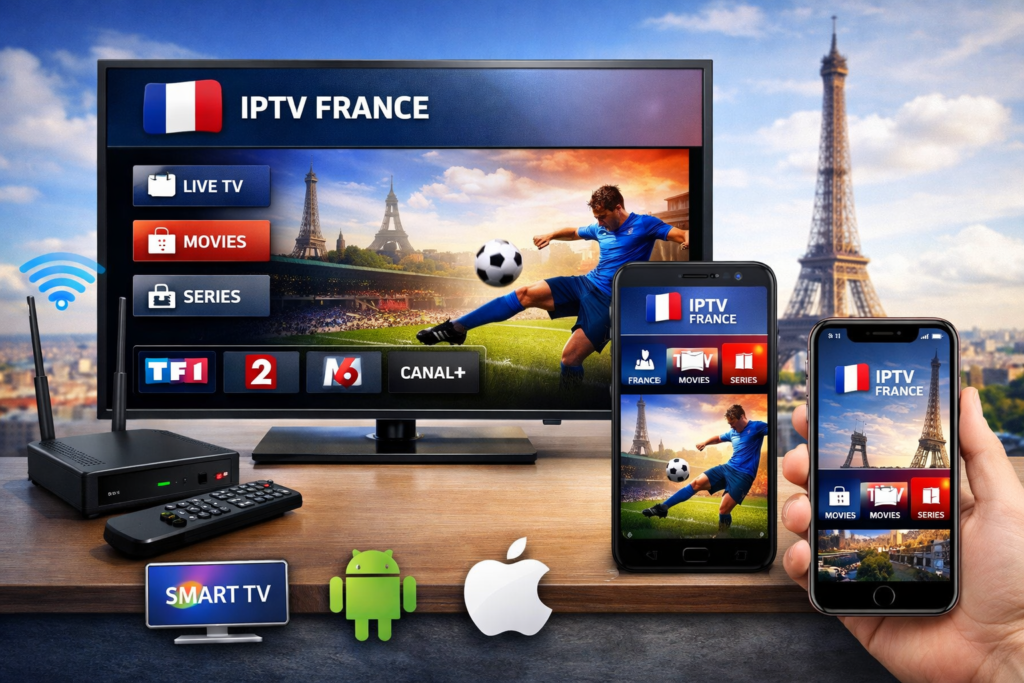
The rise of IPTV services has transformed the way we consume television, offering an impressive array of channels and on-demand content directly over the internet. Among these, IPTV Premium and IPTV FRANCE stand out for their extensive French channel offerings and premium features. If you want to enjoy IPTV France on your Smart TV, Android device, or iOS phone, this step-by-step guide will walk you through the process, making it easy and straightforward to get started.
Understanding IPTV Premium and IPTV France
Before diving into setup instructions, it’s essential to know what IPTV Premium and IPTV FRANCE offer. IPTV Premium provides high-quality streaming with a wide selection of French channels, including sports, movies, news, and entertainment. IPTV FRANCE, on the other hand, is focused exclusively on French television content, catering to viewers who want authentic French programming from home or abroad.
Both services require a reliable internet connection and compatible devices, such as Smart TVs, Android smartphones, tablets, or iOS devices like iPhones and iPads. The setup varies slightly depending on your device, but the overall process remains user-friendly.
Preparing Your Devices for IPTV France
Before starting the installation, ensure your device meets the following:
- A stable internet connection with sufficient bandwidth (at least 10 Mbps recommended).
- A compatible media player or IPTV app.
- An active IPTV Premium or IPTV FRANCE subscription with login credentials or an M3U playlist URL.
Many IPTV providers offer a downloadable playlist file or a username and password for their service, which you will need during setup.
Setting Up IPTV France on Smart TV
Smart TVs have become the go-to entertainment hubs in most homes. Here’s how you can set up IPTV Premium or IPTV FRANCE on your Smart TV.
- Choose the Right IPTV App
Most Smart TVs, especially those running Android TV or Tizen OS (Samsung) or webOS (LG), support IPTV apps available through their respective app stores. Popular apps include:
- Smart IPTV
- IPTV Smarters Pro
- TiviMate
- SS IPTV
- Install the IPTV App
Navigate to your TV’s app store, search for the IPTV app you prefer, and install it. Some apps may require a small fee, but many offer free versions with basic features.
- Add Your IPTV Premium or IPTV FRANCE Subscription
Once the app is installed, open it and look for options like “Add Playlist” or “Login.” You will typically need to:
- Enter the M3U playlist URL provided by your IPTV Premium or IPTV FRANCE service.
- Or, log in with your username and password if the service requires it.
- Customize and Start Watching
After loading the playlist, the app will display all available channels and on-demand content. You can organize channels, create favorites, and adjust settings for the best viewing experience.
Troubleshooting Tips for Smart TV
- Ensure your Smart TV firmware is up to date for app compatibility.
- If channels don’t load, double-check the M3U URL or your subscription status.
- Restart the app or your TV if you encounter buffering or freezing.
Installing IPTV France on Android Devices
Android smartphones and tablets offer a flexible platform for streaming IPTV France, especially with many dedicated IPTV apps available on the Google Play Store.
- Select and Download an IPTV Player
Popular IPTV apps for Android include:
- IPTV Smarters Pro
- Perfect Player IPTV
- GSE Smart IPTV
- TiviMate
These apps are user-friendly and support various IPTV formats, including M3U playlists.
- Open the App and Add IPTV France Content
- Launch your chosen app.
- Select “Add Playlist” or “Load URL.”
- Enter your IPTV Premium or IPTV FRANCE M3U playlist URL or login credentials.
- Explore the Features
Once your playlist is loaded, you can:
- Browse live TV channels.
- Access video-on-demand content.
- Use Electronic Program Guide (EPG) features if provided.
- Customize channel lists or favorites.
- Optimize Streaming Quality
For the best experience on Android devices:
- Use a Wi-Fi connection instead of mobile data.
- Adjust video quality in app settings if buffering occurs.
- Close other apps running in the background.
Setting Up IPTV France on iOS Devices
For iPhone and iPad users, IPTV setup is just as simple, although the selection of apps is a bit narrower compared to Android.
- Download a Compatible IPTV App
You can find these IPTV apps on the App Store:
- GSE SMART IPTV
- IPTV Player
- iPlayTV
- VLC for Mobile (for manual playlist loading)
- Load IPTV Premium or IPTV FRANCE Playlist
After installing the app:
- Open it and find the option to add a playlist.
- Enter the M3U URL or login credentials provided by your IPTV provider.
- Navigate and Watch
Once the playlist is loaded, enjoy browsing French channels, movies, and shows. You can create playlists, use EPG guides, and bookmark your favorites.
- Keep Your App Updated
App updates often include performance improvements and bug fixes, so regularly check the App Store for updates to your IPTV app.
Tips for a Smooth IPTV France Experience
To make the most out of IPTV Premium and IPTV FRANCE on any device, keep these recommendations in mind:
- Use a reliable internet connection with good speed to avoid buffering.
- Choose an IPTV app that supports EPG for easy program navigation.
- Keep your device’s software updated for compatibility.
- Protect your privacy by using a VPN if streaming from outside France.
- Regularly check your IPTV subscription to ensure uninterrupted service.
Exploring IPTV France Benefits
Using IPTV Premium and IPTV FRANCE unlocks many advantages compared to traditional cable or satellite TV. These services provide:
- Access to a broad range of French TV channels and on-demand content.
- Flexibility to watch content on multiple devices.
- High-definition streaming quality with minimal interruptions.
- Cost-effective subscription plans.
- The convenience of watching live TV and recorded shows anytime.
Because IPTV FRANCE is tailored for French content lovers, it offers authentic access to news, entertainment, sports, and cultural programming that’s often hard to get abroad.
Enhancing Your Viewing Setup
For an even better IPTV France experience, consider the following:
- Use a dedicated IPTV box like Amazon Fire Stick or Android TV box if your Smart TV app is limited.
- Connect your device to a wired Ethernet connection when possible for stable streaming.
- Use quality headphones or speakers for improved audio.
- Explore parental controls within IPTV apps if you want to manage content access.
Start Your IPTV France Journey Today
Setting up IPTV France on your Smart TV, Android device, or iOS phone can be quick and hassle-free with the right steps. Whether you prefer the comprehensive channel selection of IPTV Premium or the focused French content from IPTV FRANCE, both options deliver excellent streaming quality and flexibility.
By following this guide, you can enjoy a rich viewing experience filled with French culture, entertainment, and live events—all from the comfort of your favorite devices. Dive into the world of IPTV France and transform how you watch TV today.